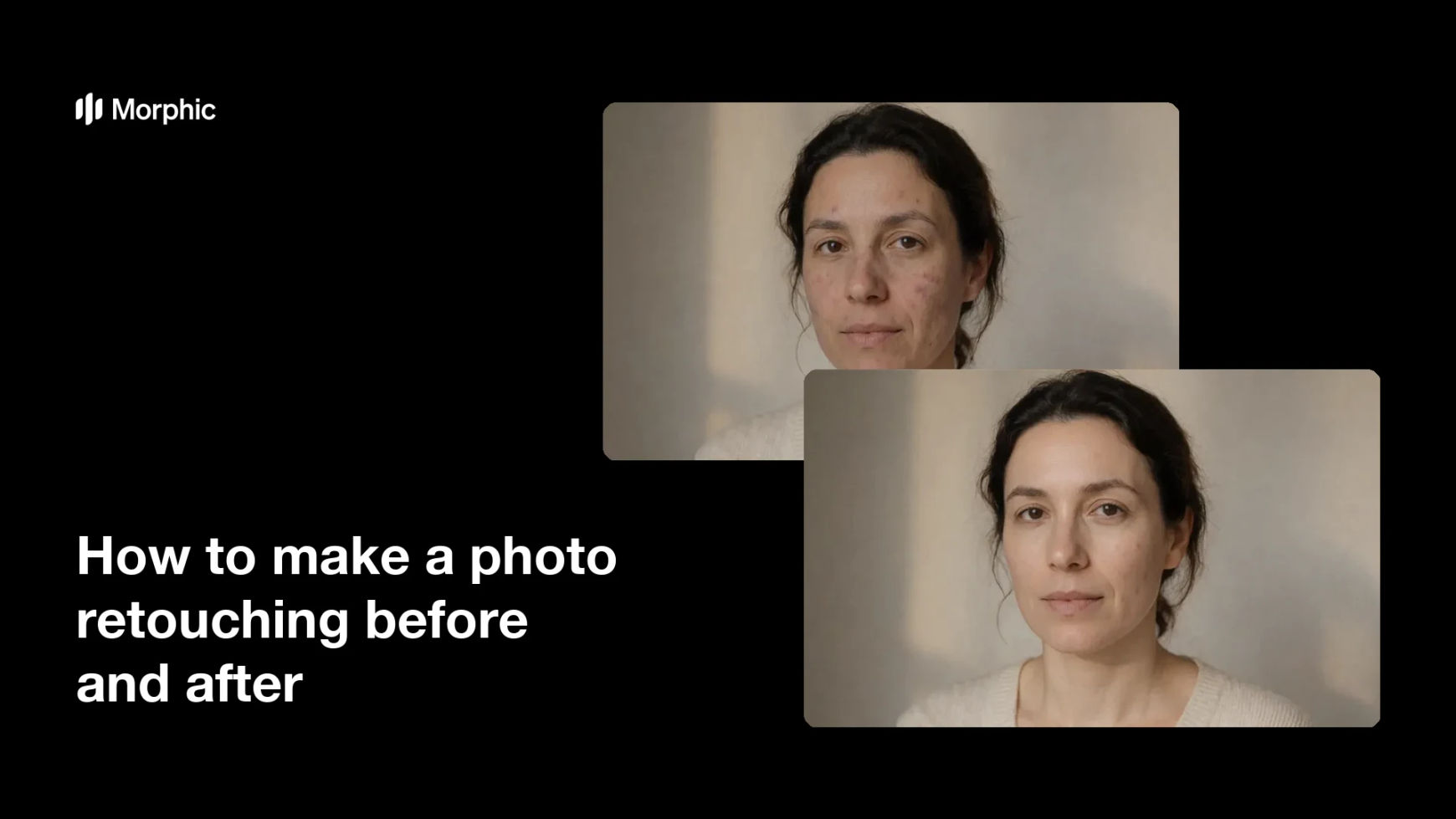
What is a photo retouching before and after?
A photo retouching before and after is a paired comparison that shows an original frame next to the same frame after clean-up. Retouchers use it to prove what changed, whether that is skin work on a portrait, colour correction, or removing distractions from a background. Clients read it faster than any description, which is why it appears in portfolios, pitch decks, and service pages.
With Morphic you produce both frames from a text prompt in your browser. Describe the retouching you want applied, keep the framing identical, then compare and download in HD. The comparison stays honest because only the stated change differs between the two frames.
Pick a shot worth comparing
Choose an image where the retouching will be visible without being exaggerated, such as uneven skin, flat colour, or a cluttered background. A subtle fix on an already clean frame gives you nothing to show.
Name the changes precisely
Open Morphic and describe exactly what should change, for example even the skin tone, lift the shadows, and remove the object behind the shoulder. Listing the changes keeps the retouch controlled instead of a wholesale restyle.
Hold the framing steady
Ask for the same crop, camera angle, and pose in both frames so only the retouching differs. If the composition shifts, the pair stops being a comparison and starts being two different photos.
Check what actually changed
View the two frames at full size and confirm the retouch did what you asked and nothing more. Regenerate if features have drifted or the skin has been smoothed past the point of looking real.
Export the pair
Download both frames in HD at matching dimensions. Present them side by side or as a slider, and label which frame is the original so the comparison stays clear.
The same portrait shown twice: the original frame, and the same frame after retouching.
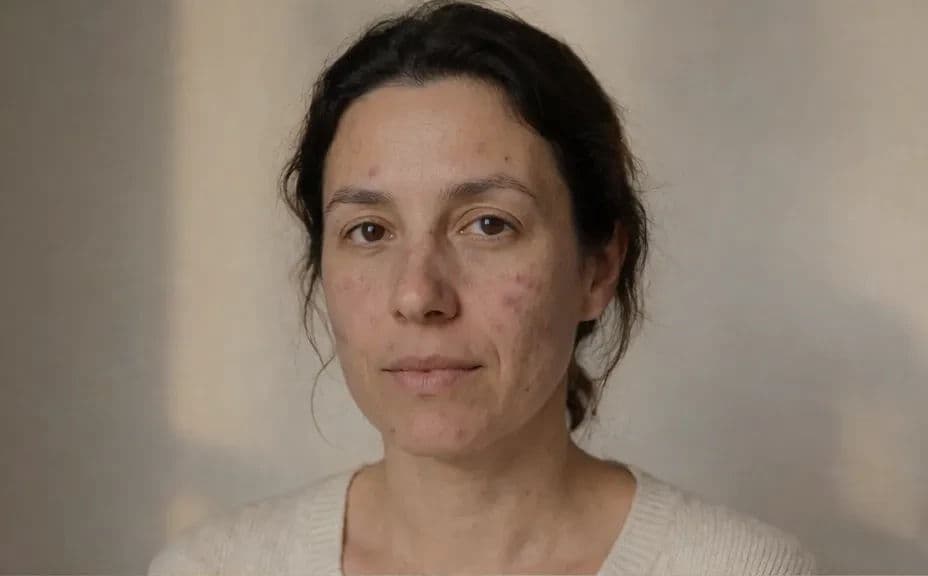
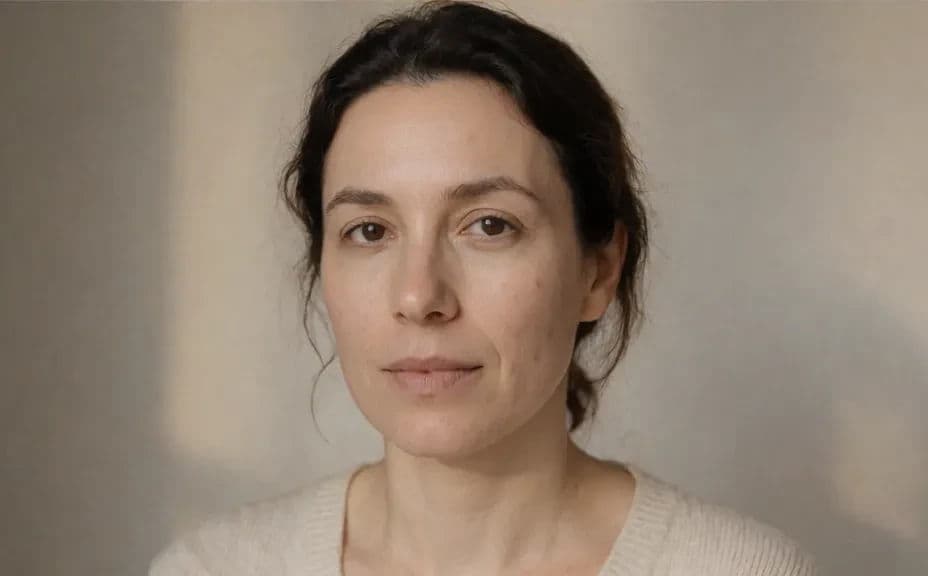
What makes a good retouching before and after
| Quality | What it means | Why it matters |
|---|---|---|
| Identical framing | Same crop, angle, and pose | Any shift makes the comparison unreadable |
| Honest change | Only the stated retouch differs | Overstating the work damages trust |
| Natural skin | Texture survives the clean-up | Over-smoothed skin reads as fake |
| Matching exposure | Both frames sit at the same brightness | A brighter frame fakes an improvement |
Morphic vs the traditional way
| Morphic | Manual retouching software | |
|---|---|---|
| Cost | Available on Morphic | Editing software subscription or retoucher fee |
| Time | A finished pair in minutes | An hour or more per frame |
| Skill needed | Describe it in plain language | Masking, frequency separation, and colour work |
| Consistency | Repeat the same retouch across shots | Results vary between images and sessions |
FAQs
They will if you ask for the same crop, angle, and pose in both and only name the retouching that should differ. Check at full size and regenerate if anything else has moved.
Yes. Describe the strength you want, such as a light clean-up that keeps skin texture, and regenerate if the result goes further than intended.
Yes. Name the distraction you want removed or the background tone you want evened out, and keep the subject unchanged.
Side by side or as a slider, with the original clearly labelled. Keep both frames at the same size and brightness so the change is the only difference.
Yes. Describe the same list of changes for each frame so a gallery of retouched shots stays consistent.
Yes. Images you generate with Morphic are cleared for commercial use in portfolios, service pages, and client pitches.