What is a photo studio backdrop?
A photo studio backdrop is the surface behind a subject that sets the colour, texture, and mood of a shot. It can be a seamless paper sweep, a painted canvas with mottled tone, or a plain wall lit to fall off into shadow. Portrait, product, and e-commerce photographers rely on it because the background decides how a subject reads before any retouching happens.
With Morphic you generate a backdrop from a text prompt in your browser. Describe the colour, the texture, and how the light should fall, compare a few looks, then download in HD. You get a usable background without buying rolls of paper or booking studio time.
Decide the look you need
Choose the colour family, texture, and mood before you start, such as a warm mottled canvas or a cool seamless grey. Knowing the subject that will sit in front of it keeps the choice practical rather than decorative.
Describe the backdrop
Open Morphic and describe the surface in plain language, including colour, texture, and how much it should fall off toward the edges. Mention that it should stay empty and even so a subject can be placed in front of it.
Set the lighting
Describe where the light comes from and how soft it is, such as a broad soft source from the left with a gentle gradient. Lighting is what separates a flat colour field from a backdrop that looks like a real studio.
Compare and refine
Generate a couple of options and compare them at full size for banding, blotching, or distracting texture. Adjust the description and regenerate until the surface stays clean where your subject will sit.
Export and shoot against it
Download the backdrop in HD at the aspect ratio you need. Use it as a composited background or as a reference for lighting when you set up the real thing.
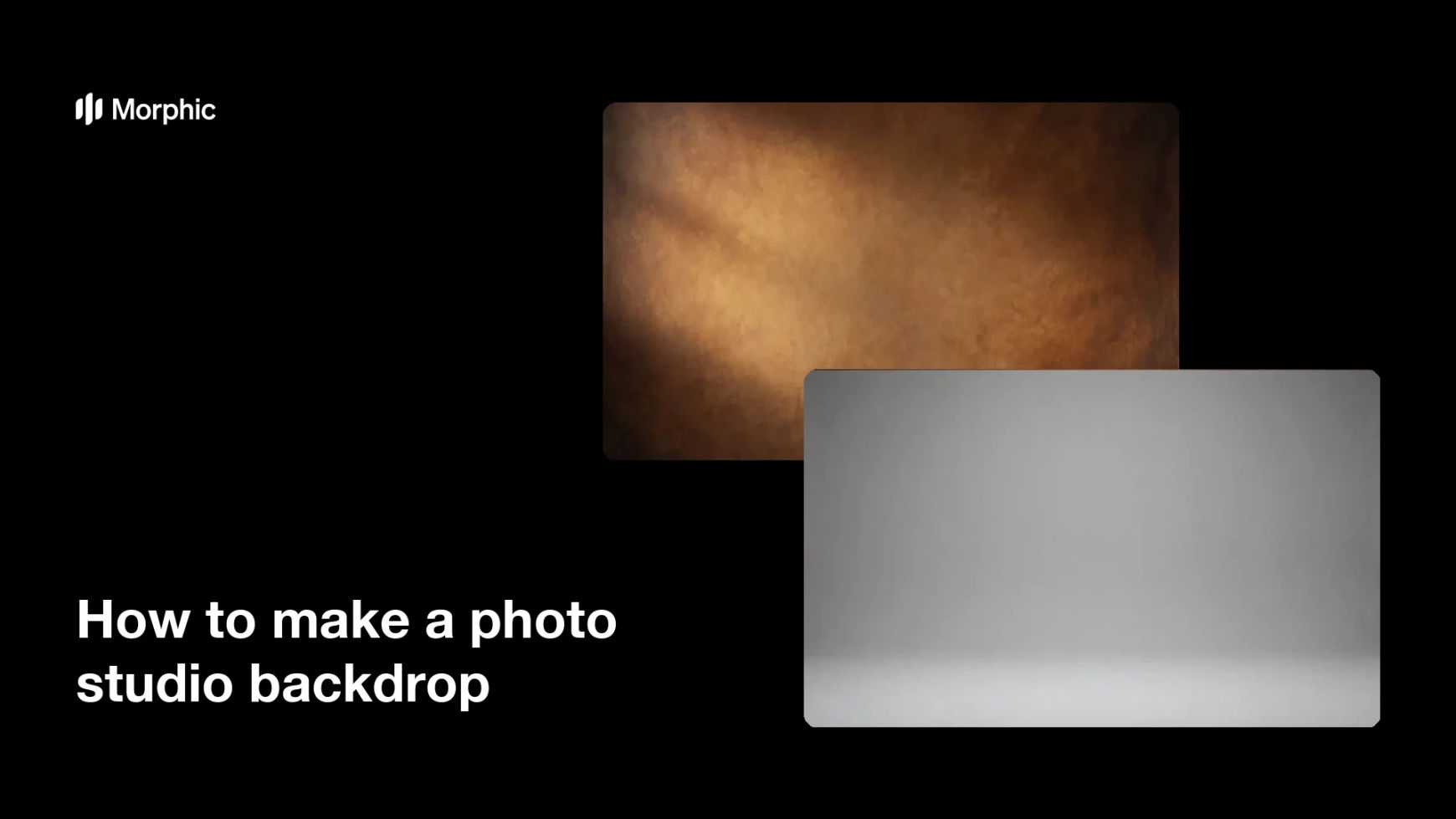
Two backdrop options generated for the same studio setup, with different colour and texture.


What makes a good photo studio backdrop
| Quality | What it means | Why it matters |
|---|---|---|
| Clean surface | No banding, blotches, or noise | Flaws show up the moment a subject is added |
| Even falloff | Light shifts smoothly across the frame | The background reads as depth, not a flat fill |
| Right colour | The tone flatters the subject | Skin and product colour depend on what sits behind |
| Empty centre | Space is left for the subject | You can drop a person or product straight in |
Morphic vs the traditional way
| Morphic | Paper rolls and studio hire | |
|---|---|---|
| Cost | Available on Morphic | Backdrop stock, stands, and studio hire |
| Time | A usable backdrop in minutes | Ordering, setup, and lighting time |
| Skill needed | Describe it in plain language | Lighting and studio setup experience |
| Consistency | Regenerate the same look on demand | Creases, wear, and lighting drift between shoots |
FAQs
Yes. Name the colour and how deep or muted it should be, then compare the results and refine until the tone is right for your subject.
Yes. Describe the texture you want, such as mottled canvas, painted plaster, or smooth seamless paper, and generate a few versions to compare.
Yes. Describe the direction and softness of the light and how far it should fall off toward the edges. That is what makes it read as a real studio surface.
Yes. Ask for the centre to stay clean and empty, then place your cut-out subject in front of it and match the lighting direction.
Yes. Specify the shape you need, such as a wide frame for group shots or a tall frame for portraits, and download in HD.
Yes. Backdrops you generate with Morphic are cleared for commercial use in client shoots and product photography.