What is podcast cover art?
Podcast cover art is the square image that represents your show across Apple Podcasts, Spotify, and every other app. It carries the show title and often the host name, paired with artwork that hints at the topic, so listeners recognize it in a crowded feed. Hosts use it as the face of the show, the first thing a new listener judges.
With Morphic you make this cover from a text prompt in your browser. Describe the style, the show title, the host name, and your colors, then refine the wording and download in HD. You get a clean, legible cover without opening design software.
Define the show's vibe
Decide the tone and topic of your podcast, whether it is conversational, investigative, or comedic. Knowing the vibe first keeps the artwork and type in line with what listeners expect.
Describe the cover layout
Open Morphic and describe a square cover: the show title as the main line, the host name beneath it, and artwork that fits the topic. Ask for a couple of designs so you can compare where the title and name sit.
Add the title, host, and colors
Ask for the show title and host name in a bold, readable style and the palette you want. Keep strong contrast so the title stays crisp against the artwork.
Check readability at thumbnail size
Podcast covers appear tiny in app feeds, so shrink the design and confirm the title still reads. Regenerate any cover where the type looks cramped or a character is off.
Export and publish it
Preview the cover at the square size the directories require so nothing is cut. Download in HD, then upload it with your show details.
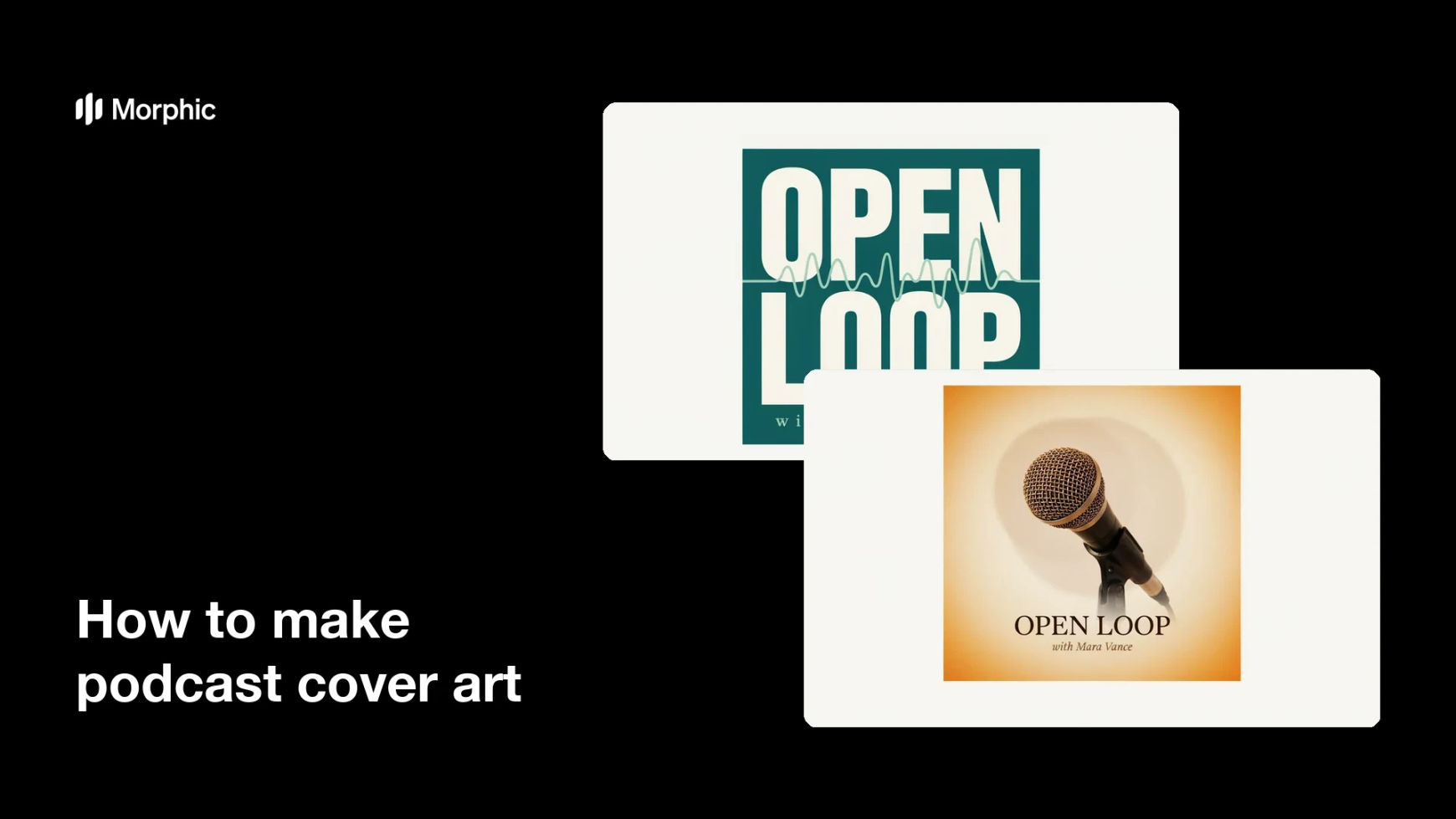
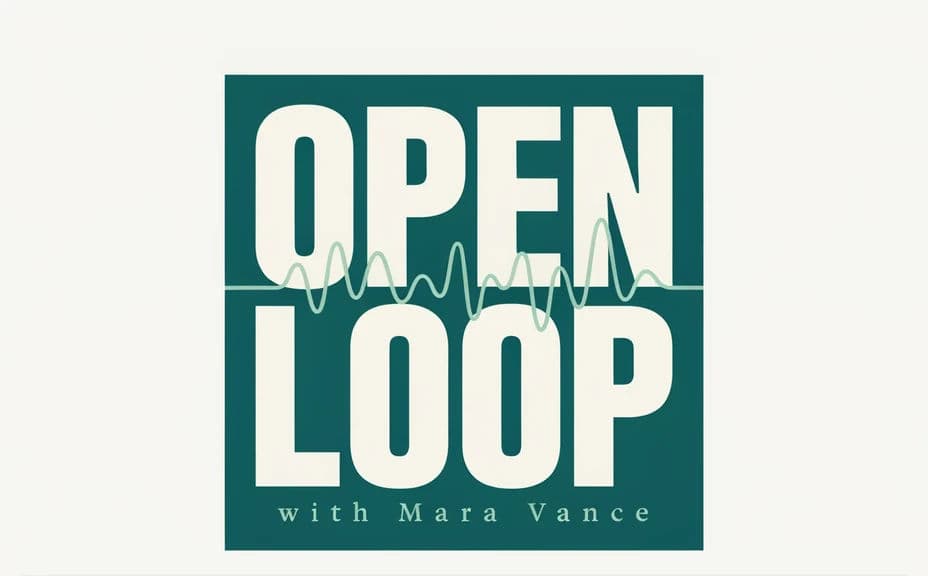
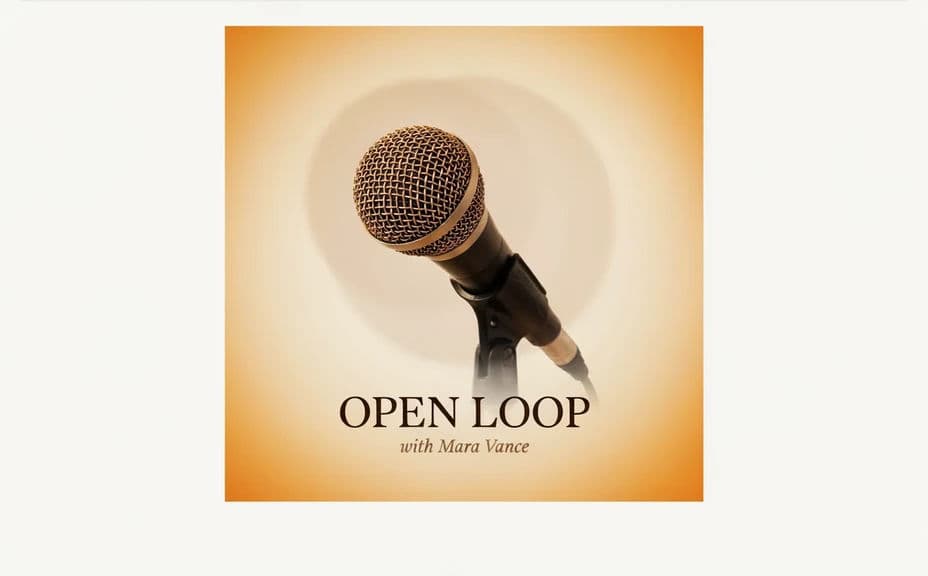
Two cover designs for the same podcast, each carrying the show title and host name text.
What makes great podcast cover art
| Quality | What it means | Why it matters |
|---|---|---|
| Clear show title | The title is the focal point | Listeners recognize the show at a glance |
| Readable host name | The host name is easy to read | Fans of the host find the show faster |
| Thumbnail legibility | The title holds up when small | The cover works in crowded app feeds |
| On-topic artwork | The art hints at the subject | New listeners sense the show's tone |
Morphic vs the traditional way
| Morphic | Design software or a designer | |
|---|---|---|
| Cost | Available on Morphic | Software subscription or design fee |
| Time | A finished cover in minutes | Hours of layout and revision |
| Skill needed | Describe it in plain language | Layout and typography skills |
| Consistency | Regenerate a matching set | Manual rework for every variant |
FAQs
Yes. Provide the title and host name in your prompt, then check the rendered text and regenerate if any wording looks off.
Yes, if you prioritize legibility. Shrink the design, keep high contrast, and regenerate any cover where the title feels cramped.
Yes. Describe your colors, accent, and font style, and generate the cover to match your podcast's tone.
Yes. Ask for a couple of designs at once, see where the title and name sit, and pick the one that reads best.
Describe the change, such as a new season label or color, and regenerate. There is no manual redraw, so updates take moments.
Yes. Graphics you generate with Morphic are cleared for commercial use across your show and its promotion.