What is a product unboxing video?
A product unboxing video walks a viewer through opening a product, the reveal of the packaging, the first look at the item, and the small details that make a purchase feel special. It is one of the most-watched formats in ecommerce because it mirrors the real moment a customer receives an order, building desire and trust before they buy.
With Morphic you make this video from a text prompt in your browser. Describe the product, the packaging, and the reveal, then adjust and download in HD. You get a polished unboxing clip for ads and social without a camera, a set, or editing software.
Plan the unboxing beats
Sketch the moments you want, the sealed package, the lid lifting, the item revealed, a close-up of a detail. A short sequence of beats keeps the clip focused and satisfying.
Describe the opening scene
Open Morphic and describe the packaging on a clean surface with inviting lighting, the sealed box or pouch as it arrives. This first frame sets the anticipation.
Show the reveal
Prompt for the reveal motion, the lid opening or wrapping parting to show the product nestled inside. Keep the product accurate and the motion smooth so the moment lands.
Highlight the details
Describe close-up shots of the finish, the accessories, or the thoughtful packaging touches that make the product feel premium. These details are what viewers remember.
Export for social and ads
Generate the aspect ratios your channels need, tall for stories and reels, square for feeds, and download each in HD so the unboxing looks crisp everywhere.
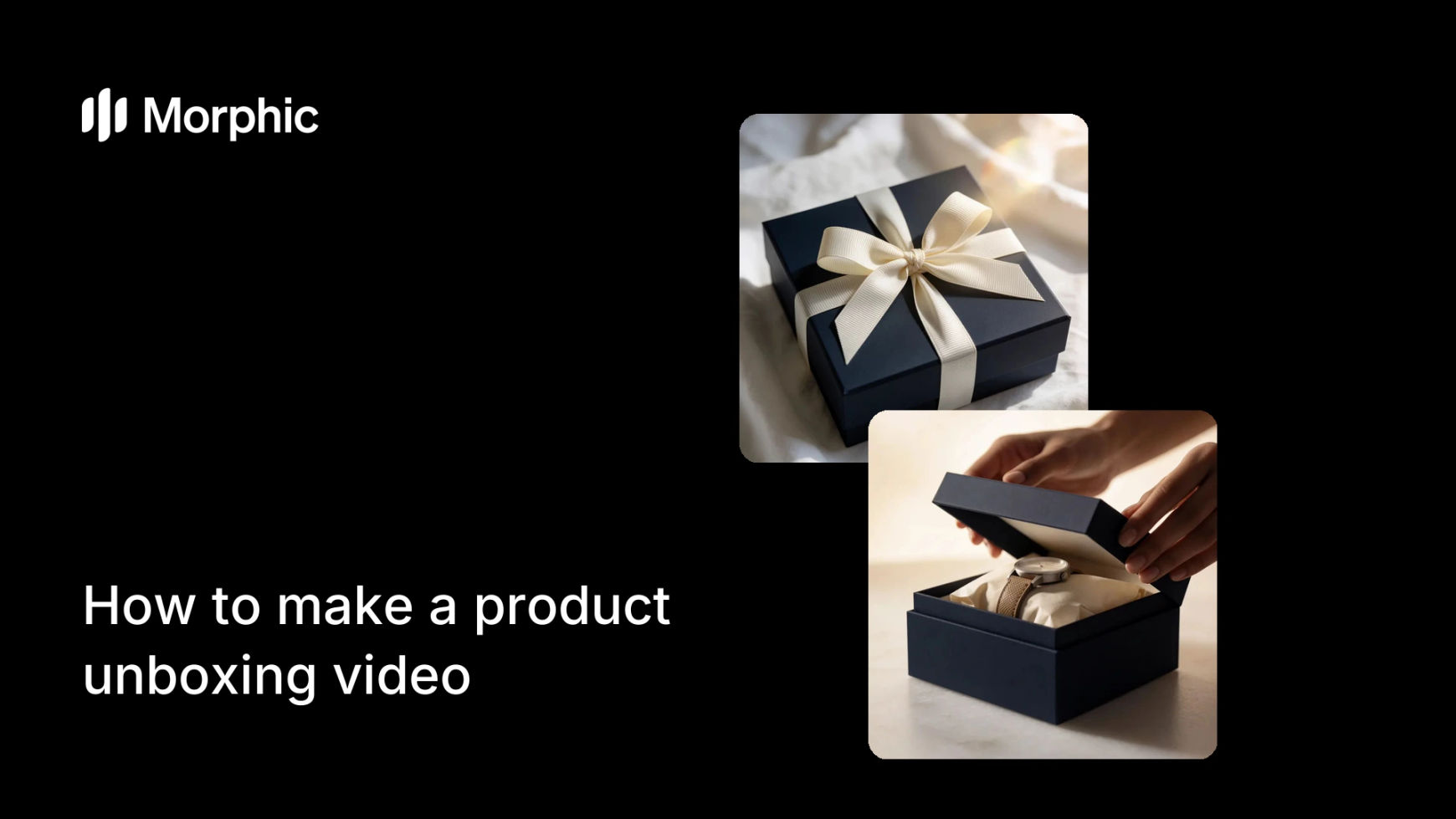
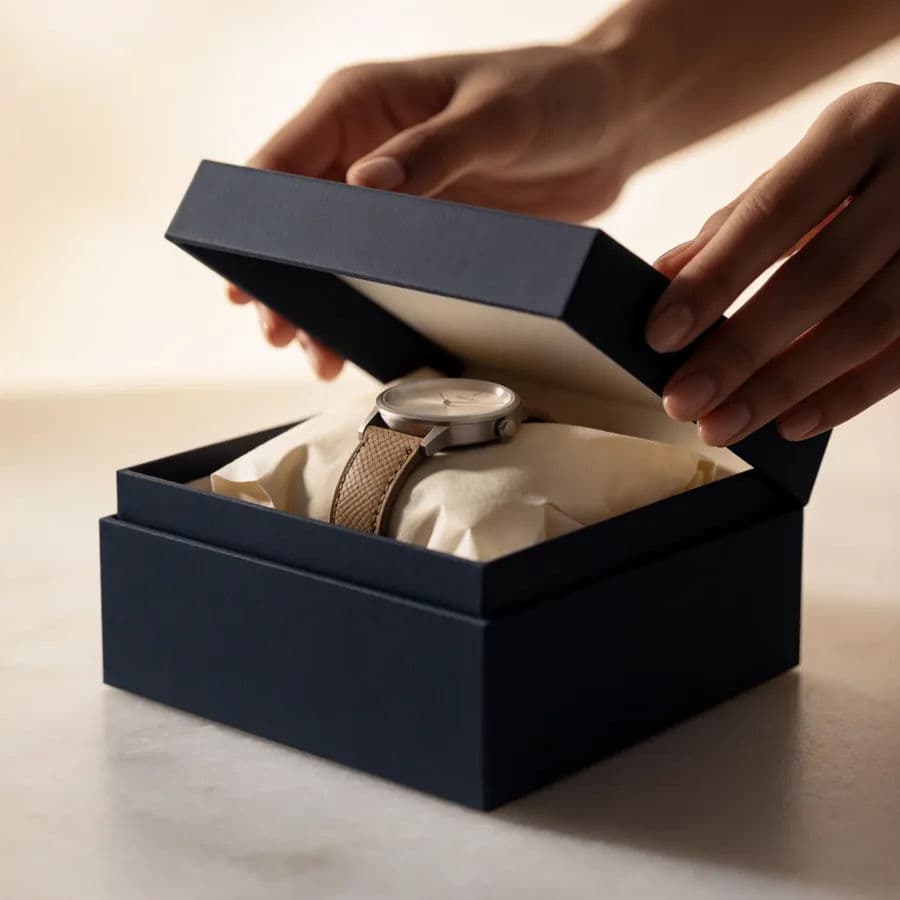
Two beats of the unboxing: the sealed package and the moment of reveal.

What makes a great unboxing video
| Quality | What it means | Why it matters |
|---|---|---|
| Satisfying reveal | The opening moment feels rewarding | Viewers watch to the product and feel desire |
| Accurate product | The item looks like the real thing | The video builds trust, not disappointment |
| Premium detail | Close-ups of finish and touches | The product feels worth buying |
| Channel-ready sizes | Tall and square aspect ratios | The clip fits every social placement |
Morphic vs the traditional route
| Morphic | Filmed unboxing plus editing | |
|---|---|---|
| Cost | Available on Morphic | Camera, product samples, and editing |
| Time | A clip in minutes | A shoot and edit session |
| Skill needed | Describe the reveal in words | Filming and video editing |
| Iterations | Regenerate to adjust | Reshoot or re-edit each change |
FAQs
Plan a short sequence of beats, the sealed package, the lid lifting, the product revealed, and prompt for smooth motion. A clear, rewarding reveal is what keeps viewers watching.
Yes. Describe the product and packaging accurately, or work from a reference, so the video reflects the real item and builds trust.
Yes. Generate tall clips for stories and reels and square clips for feeds, then download each in HD for the right placement.
No. Describe the scene and the reveal, and generate the clip in the browser, no filming, set, or editing software required.
Short and focused works best for social, just the sealed package, the reveal, and a detail or two. Keep it tight so viewers stay to the end.
Yes. Videos you generate with Morphic are cleared for commercial use in ads, social, and on your store.