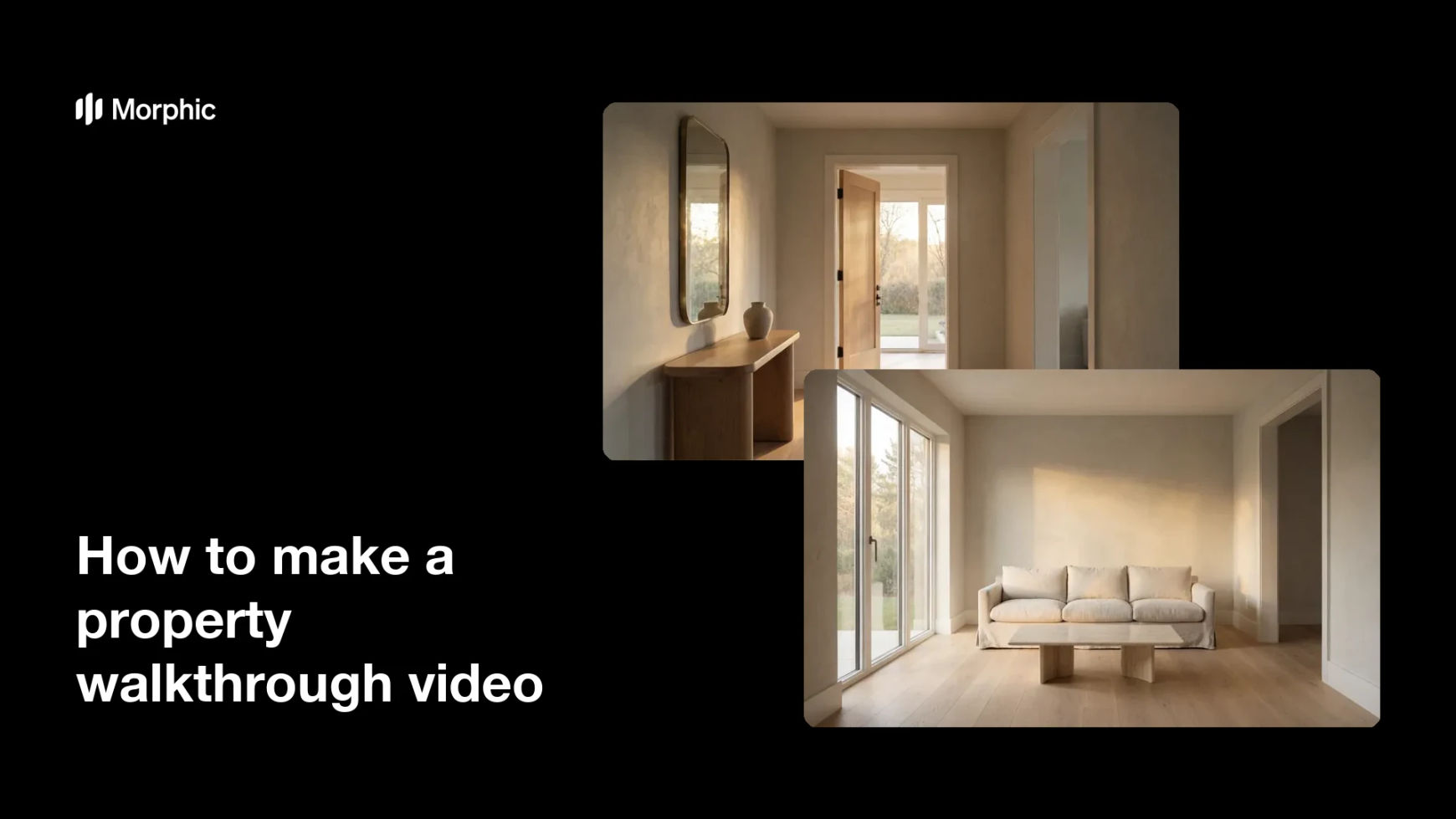
What is a property walkthrough video?
A property walkthrough video is a moving tour that carries the viewer through a home, room by room. It shows the entry, living spaces, and flow of the property so buyers get a feel for the layout without visiting in person. Agents and listing teams rely on it because a smooth video holds attention and drives more inquiries than photos alone.
With Morphic you make this video from a text prompt in your browser. Describe each room and the way the camera moves, then adjust and download in HD. You get a polished walkthrough without hiring a videographer or learning editing software.
Plan the route
Decide the order of the tour, such as entry hall, living room, kitchen, and bedrooms. A clear path keeps the walkthrough easy to follow and shows the home's flow.
Describe each room
Open Morphic and describe the first space, its light, finishes, and mood, then the next room in the route. Detail helps each frame feel like the same home moving forward.
Set the camera movement
Ask for a smooth, steady move through each space, such as a slow glide forward or a gentle pan. Even motion keeps the tour calm and professional rather than shaky.
Keep the home consistent
Ask to carry the same style, palette, and light between rooms so the tour reads as one property. This keeps the entry and living spaces feeling connected.
Export and share
Review the walkthrough, confirm the motion is smooth and the rooms flow, and refine any clip that feels off. Download in HD, then post it to your listing and social channels.
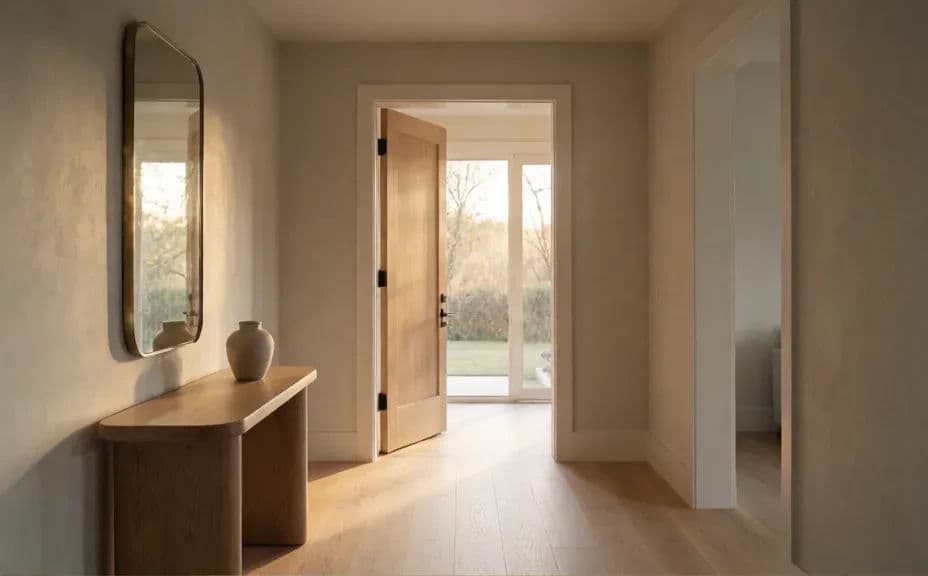
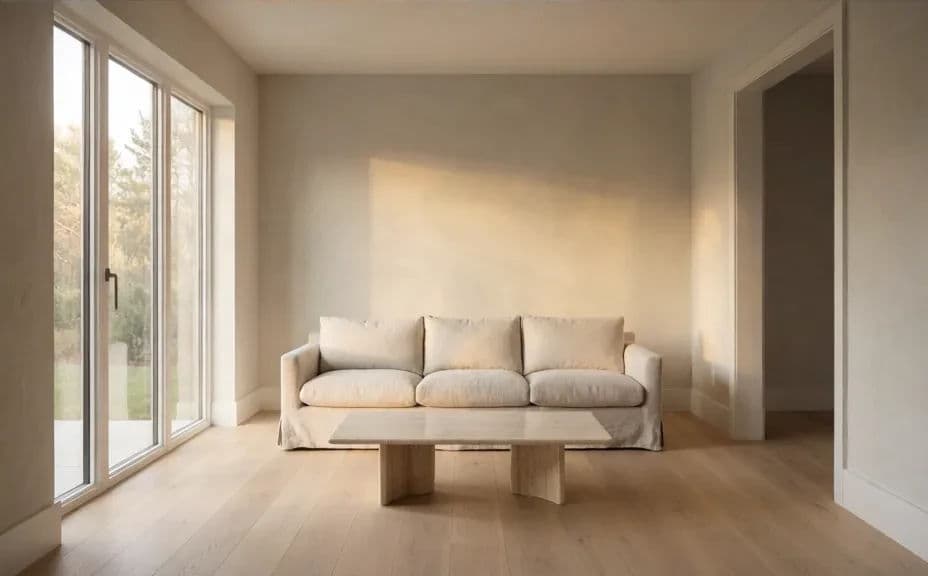
Two frames from one walkthrough of the same home, moving from the entry into the living room.
What makes a good property walkthrough video
| Quality | What it means | Why it matters |
|---|---|---|
| Clear route | Rooms follow a logical path | Viewers understand the home's flow |
| Smooth motion | The camera moves steadily | The tour feels calm and professional |
| Consistent home | Style and light carry between rooms | The video reads as one property |
| Good lighting | Each space looks bright and clear | Rooms feel open and inviting on screen |
Morphic vs the traditional way
| Morphic | A videographer or editing suite | |
|---|---|---|
| Cost | Available on Morphic | Crew day rate or editing software |
| Time | A finished walkthrough in minutes | A shoot day plus hours of editing |
| Skill needed | Describe it in plain language | Filming and editing skills |
| Consistency | Regenerate rooms in the same style | Reshoots and manual color matching |
FAQs
Yes. Plan the route in your prompt, such as entry hall then living room, and the walkthrough follows that path. You can reorder the rooms and regenerate any time.
Yes. Describe a smooth, steady move for each space, such as a slow glide or a gentle pan, and the motion follows your direction.
Yes, if you carry the same style, palette, and light between spaces. This keeps the entry and living rooms feeling connected in one tour.
You control the pacing by how many rooms and moves you describe. Keep it tight so the tour holds attention on your listing.
No. Morphic builds the walkthrough from your description in the browser, so you do not need a camera or crew.
Yes. Videos you create with Morphic are cleared for commercial use across your listings and social channels.