What is a Reels cover image?
A Reels cover image is the still frame that represents your reel in the feed and on your profile grid. It usually carries a short hook title over an eye-catching background, so people decide to tap and watch before the video even plays. Creators use it to raise views and to keep their profile grid looking clean and consistent.
With Morphic you make this cover from a text prompt in your browser. Describe the vertical layout, the hook title, and your brand colors, then refine the wording and download in HD. You get a clean, legible cover without opening design software.
Write the hook title
Decide on a short, punchy hook that tells people what the reel delivers. A tight title keeps the cover clear and easy to read at a glance.
Describe the cover layout
Open Morphic and describe a vertical cover: the hook title as the main line over a background that fits your reel. Ask for a couple of designs so you can compare where the title sits.
Add your colors and style
Ask for your brand palette, a matching accent behind the title, and a font style that stays crisp on mobile. Keep strong contrast so the hook reads clearly over the background.
Mind the grid crop
Instagram crops the vertical cover to a square on your profile grid, so keep the title centered. Regenerate any design where the hook drifts toward the edges or looks cramped.
Export and set it as the cover
Preview the cover in both the vertical feed and the square grid so nothing important is cut. Download in HD, then set it as your reel's cover on upload.
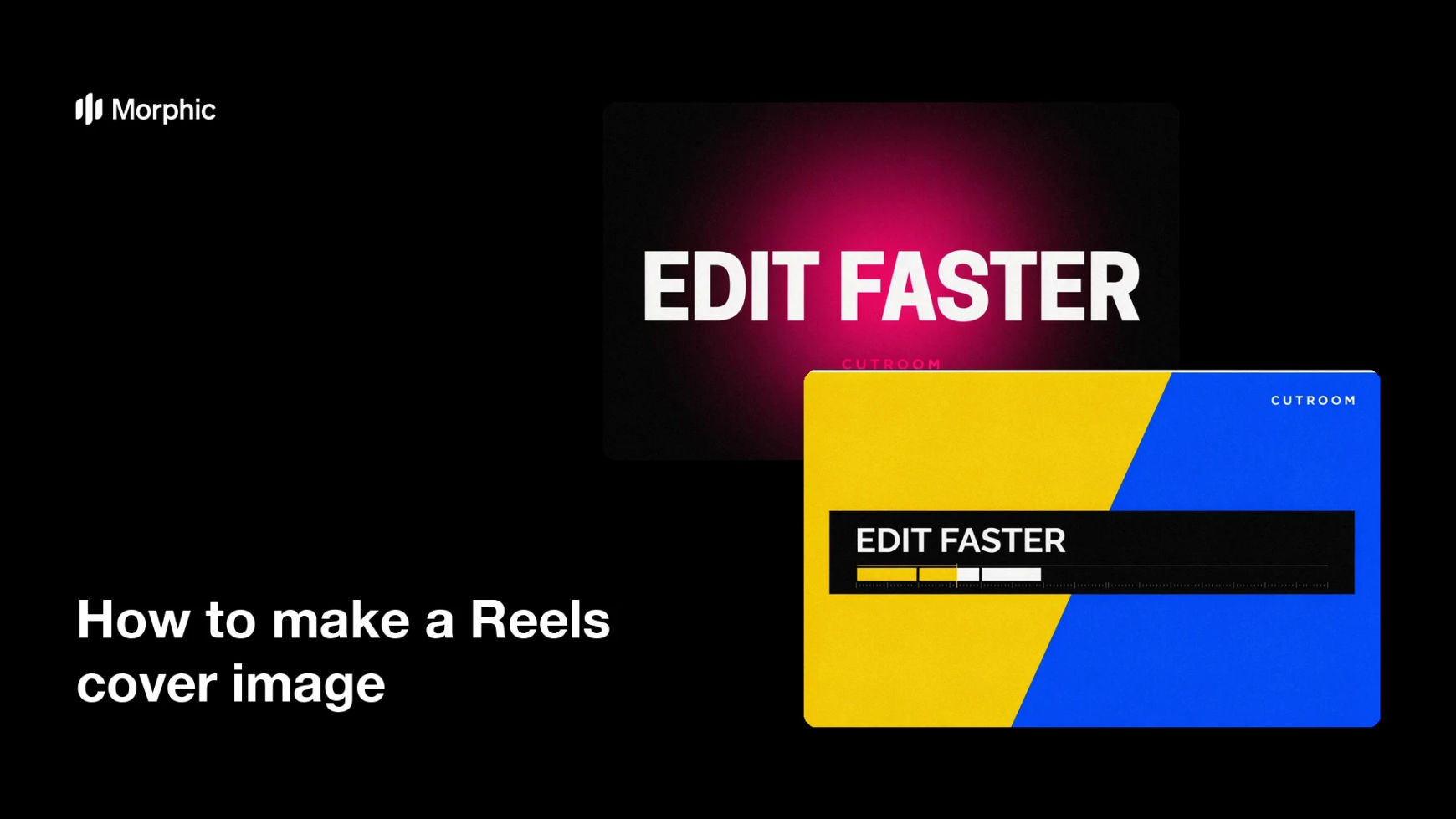
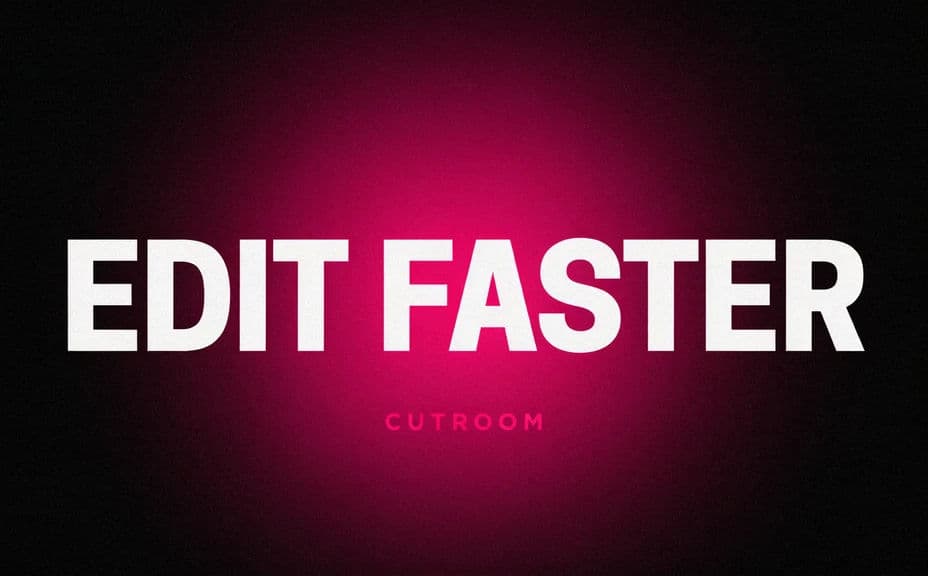
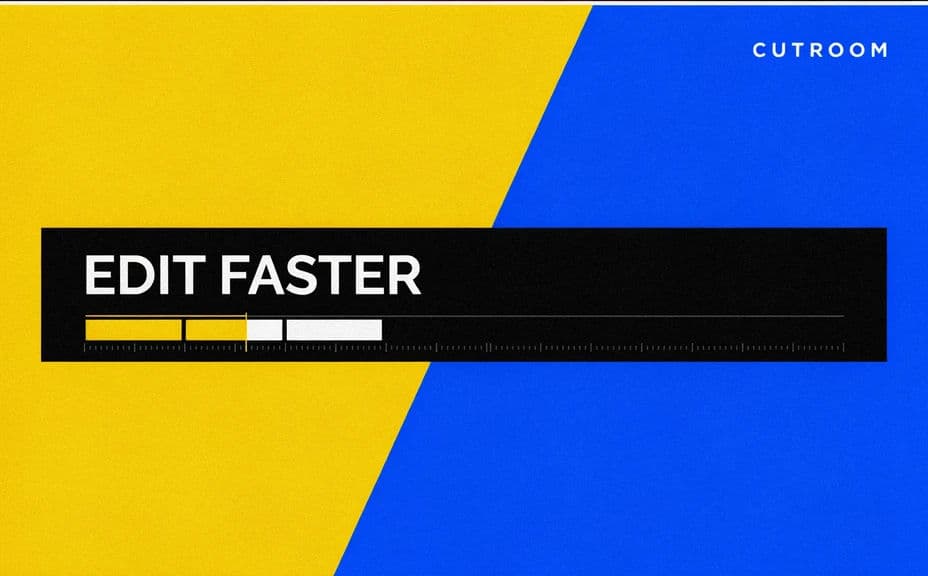
Two cover designs for the same reel, each carrying the hook title text.
What makes a great Reels cover
| Quality | What it means | Why it matters |
|---|---|---|
| Clear hook title | The title states the payoff | People decide to tap and watch |
| Grid-safe framing | Key text sits in the center | Nothing is cut when the grid crops to square |
| Strong contrast | Text reads over the background | The hook stays legible on any feed |
| On-brand style | Colors and type match your profile | The grid looks consistent and intentional |
Morphic vs the traditional way
| Morphic | Design software or a designer | |
|---|---|---|
| Cost | Available on Morphic | Software subscription or design fee |
| Time | A finished cover in minutes | Hours of layout and revision |
| Skill needed | Describe it in plain language | Layout and typography skills |
| Consistency | Regenerate a matching set | Manual rework for every cover |
FAQs
Yes. Include the hook title in your prompt, then check the rendered text and regenerate if any wording looks off.
Yes, if you keep the title centered. Instagram crops the vertical cover to a square on your grid, so the safe zone keeps the hook visible.
Yes. Describe your colors, accent, and font style, and generate the cover to match the rest of your grid.
Yes. Ask for a couple of designs at once, see where the hook sits, and pick the one that reads best.
Reuse the same layout and colors for each reel cover and regenerate with new hooks. The shared style keeps the grid cohesive.
Yes. Graphics you generate with Morphic are cleared for commercial use across your content and marketing.