What is a resort promotional video?
A resort promotional video is a short cinematic clip that shows what a stay actually feels like, the arrival, the water, the light at the end of the day. Resorts, hotel groups, and travel marketers run it on their homepage, on social, and in paid campaigns, where a moving shot converts far better than a still. Thirty seconds of good footage can do the work of a full gallery.
With Morphic you make that clip from a text prompt in your browser. Describe the location, the time of day, the camera move, and the mood, then refine the shots and download in HD. There is no location shoot, no crew day, and no drone permit to arrange.
Decide the story the clip tells
Pick the two or three moments you want a guest to picture, an arrival at the entrance, a slow pan across the pool, a table at sunset. A short list keeps the video focused instead of a montage of unrelated views.
Describe each shot
Open Morphic and describe one shot at a time: the setting, the time of day, the camera move, and the lens feel. Naming the move, a slow push in or a gentle drift, gives you footage that feels shot rather than generated.
Set a consistent look
Use the same palette, light quality, and grade language across every shot so the clips read as one property. Warm evening light in one shot and flat midday in the next will break the illusion immediately.
Review the motion
Watch each clip full screen and check that water, foliage, and any people move naturally. Regenerate any shot where the motion drifts or the camera move fights the composition.
Assemble and export
Order the shots so the clip opens wide, moves in close, and ends on the strongest frame. Download in HD, then cut them together and publish to your channels.
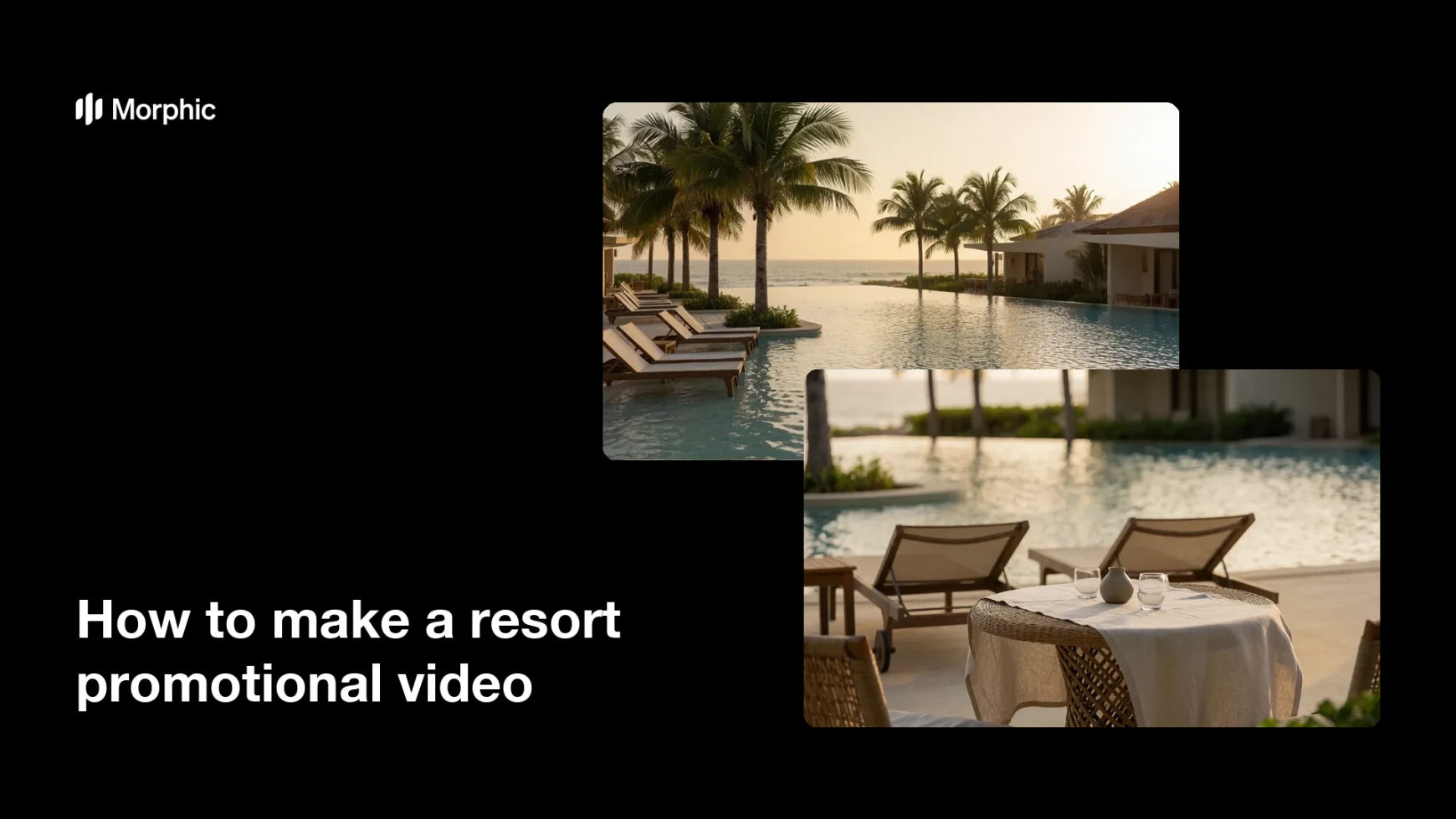
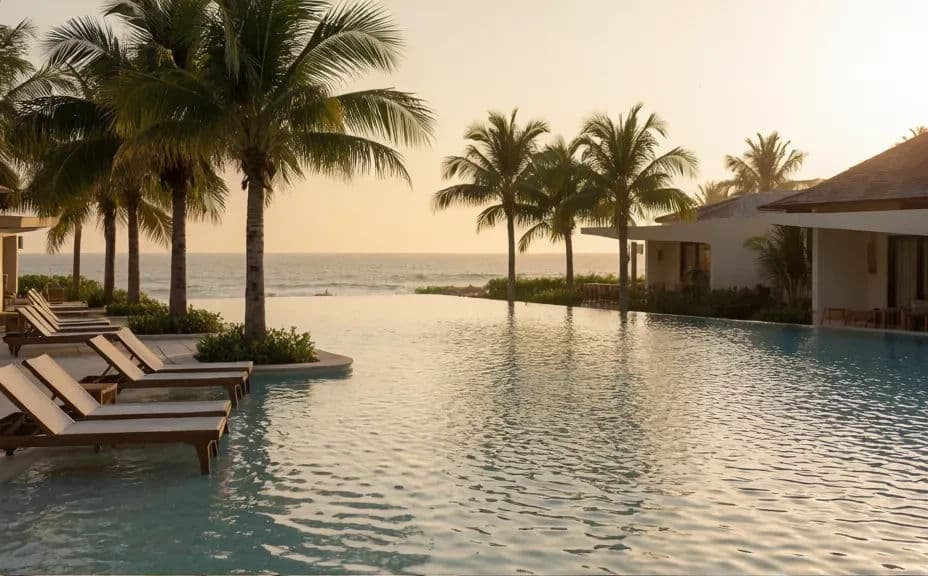
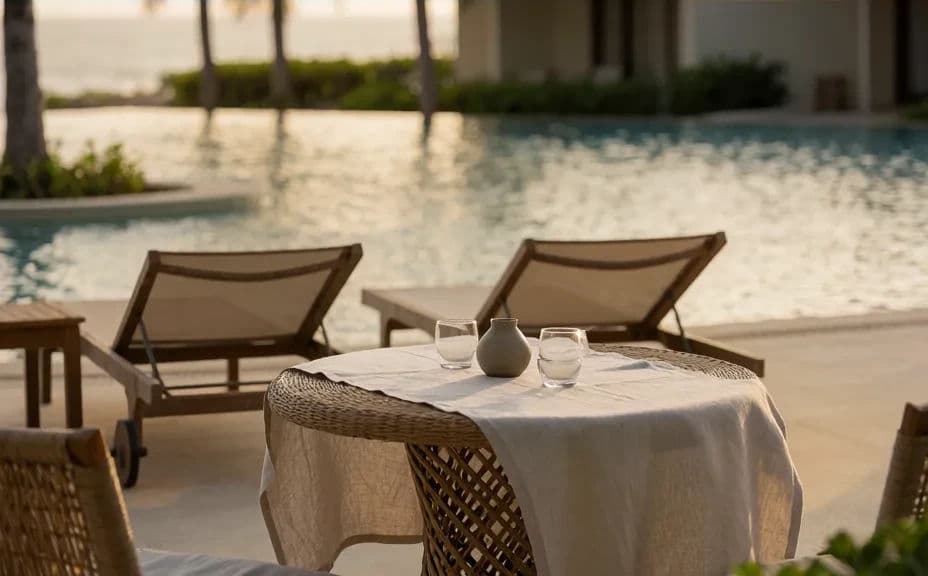
Two shots from the same resort promo, showing how the look holds across scenes.
What makes a good resort promotional video
| Quality | What it means | Why it matters |
|---|---|---|
| Believable light | One time of day carried across shots | The property reads as a real place, not a mood board |
| Purposeful camera moves | Each move reveals something | Motion holds attention past the first second |
| Consistent grade | Colour and contrast match shot to shot | The clips cut together without jarring the viewer |
| A clear best frame | One shot you would freeze as a poster | It becomes the thumbnail and the ad still |
Morphic vs the traditional way
| Morphic | A location shoot | |
|---|---|---|
| Cost | Available on Morphic | Crew, travel, and equipment day rates |
| Time | Finished shots in minutes | Weeks of scheduling, shooting, and editing |
| Skill needed | Describe it in plain language | Cinematography and grading experience |
| Consistency | Regenerate shots that match the look | Reshoots when weather or light changes |
FAQs
Short. Fifteen to thirty seconds holds attention on social, and you can cut a longer version for your homepage from the same shots.
Yes. Describe the same time of day, palette, and light quality in each prompt, and regenerate any shot that drifts from the others.
Yes. Describe guests in the scene and what they are doing. Keep them mid-distance so the focus stays on the property rather than on faces.
Match the placement. Generate vertical for stories and reels, and a widescreen version for your homepage hero and paid placements.
Yes. Download the clips in HD and layer your soundtrack and captions in any editor. The footage arrives clean, with no watermark.
Yes. Clips you generate with Morphic are cleared for commercial use across your campaigns and channels.