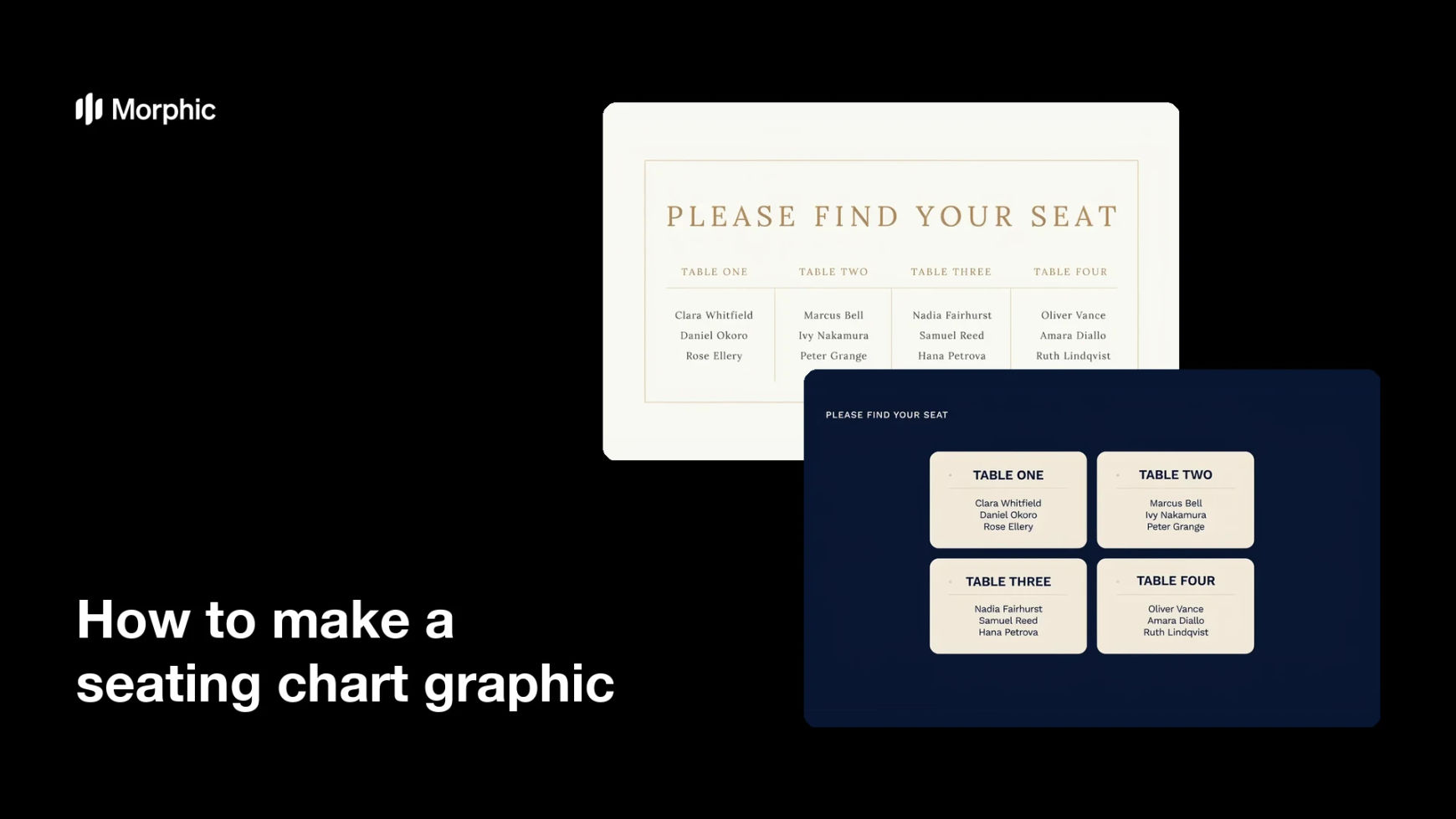
What is a seating chart graphic?
A seating chart graphic is the display board or digital sign that tells guests which table they are on as they walk into a reception or dinner. It groups guest names under table numbers or table names, usually with a heading, arranged so a queue of people can find themselves without crowding. Wedding planners, event hosts, and venue teams rely on it because a readable chart clears the entrance quickly and keeps service on schedule.
With Morphic you make this chart from a text prompt in your browser. Describe the table names, the guest lists, and the style you want, then adjust the arrangement and download in HD. You get a display-ready chart without opening design software or handing the job to a calligrapher.
Finalise the seating
Lock your table names or numbers and the guests assigned to each one before you start designing. A chart built on a settled list saves you regenerating it after every change.
Describe the chart
Open Morphic and describe a seating chart with a heading, table names as column or block headers, and guest names listed beneath each. Specify the aspect ratio to match your board, such as a tall portrait sign or a wide landscape panel.
Set the style
Ask for the palette and typography that match the event, and request generous spacing between the table blocks. Keep contrast high and the name text large so guests can read it from a step or two back.
Generate layouts to compare
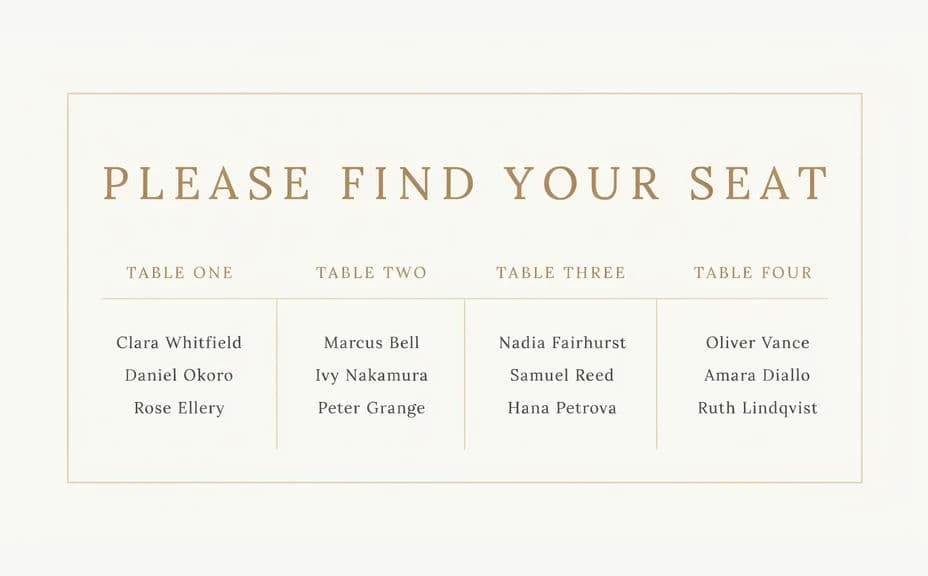
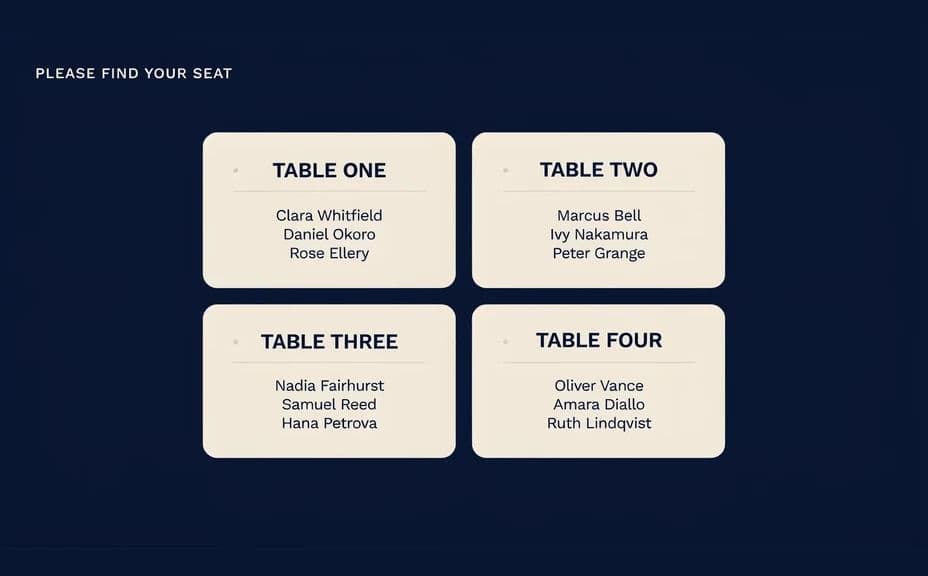
Produce two versions, for example one arranged in columns and one in a grid of table cards, and see which scans faster. Comparing arrangements is the quickest way to find the one that keeps a queue moving.
Proof and print
Read every name at full display size and confirm each guest appears once, under the right table. Download in HD, then send it to your large-format printer or load it onto a screen at the entrance.
Two layouts of the same seating chart, each listing the same table names and guests.
What makes a good seating chart graphic
| Quality | What it means | Why it matters |
|---|---|---|
| Readable from a distance | Names are large and high in contrast | Guests find themselves without leaning in |
| Predictable ordering | Tables and names follow a clear order | Nobody has to scan the whole board |
| Generous spacing | Table blocks are clearly separated | The entrance queue keeps moving |
| Accurate list | Each guest appears once, at one table | Seating runs without awkward corrections |
Morphic vs the traditional way
| Morphic | A calligrapher or design software | |
|---|---|---|
| Cost | Available on Morphic | Calligraphy fees or a software subscription |
| Time | A finished chart in minutes | Days of setting names by hand |
| Skill needed | Describe it in plain language | Layout, typography, or lettering skills |
| Consistency | Regenerate after every list change | Rewriting the board for each late change |
FAQs
Yes. Provide the tables and their guests in your prompt and the chart renders around them. You can regenerate whenever the seating changes.
Yes. Ask for an alphabetical list of guests with the table number beside each name, which is often faster for a large reception.
Any display format. Specify the aspect ratio, such as a tall portrait board or a wide landscape panel, and the layout adapts to fit.
Yes. Describe the same palette and typography you used on the invitation suite so the chart looks part of the same event.
Yes, if you proof it first. Preview at display size, confirm every name is spelled correctly, and regenerate if any block looks crowded before exporting in HD.
Yes. Charts you generate with Morphic are cleared for commercial use, including events you run for paying clients.