What is a student workbook cover?
A student workbook cover is the front page of a printed or digital exercise book, carrying the subject, the workbook title, the grade or year level, and often a name line. It tells a student at a glance which book to pick up and gives a series of workbooks a recognisable identity across a term. Teachers, tutors, and curriculum publishers use it to make self-produced material feel as finished as a bought textbook.
With Morphic you design that cover from a text prompt in your browser. Describe the title, the grade level, and the artwork you want, compare a couple of designs, then download in HD ready to print. The result slots straight in as page one of the workbook.
Set the title and level
Write the subject, the workbook title, and the grade or year level exactly as they should appear. Deciding this first keeps the rendered text correct and consistent across the series.
Describe the cover
Open Morphic and describe a portrait cover with the title, the level, artwork that suits the subject, and space for a student name line. Ask for a couple of designs so you can compare the balance of text and illustration.
Choose an age-appropriate style
Ask for colours and an illustration style that match the year group and the rest of your materials. Keep the area behind the title clean so the wording stays easy to read.
Proof the text
Read the title, subject, and level on each option and confirm the spelling and order are right. Regenerate anything where text sits too close to the edges or overlaps the artwork.
Export and print
Download the chosen design in HD at a portrait page ratio. Print a test copy to check the colours and margins before running the full class set.
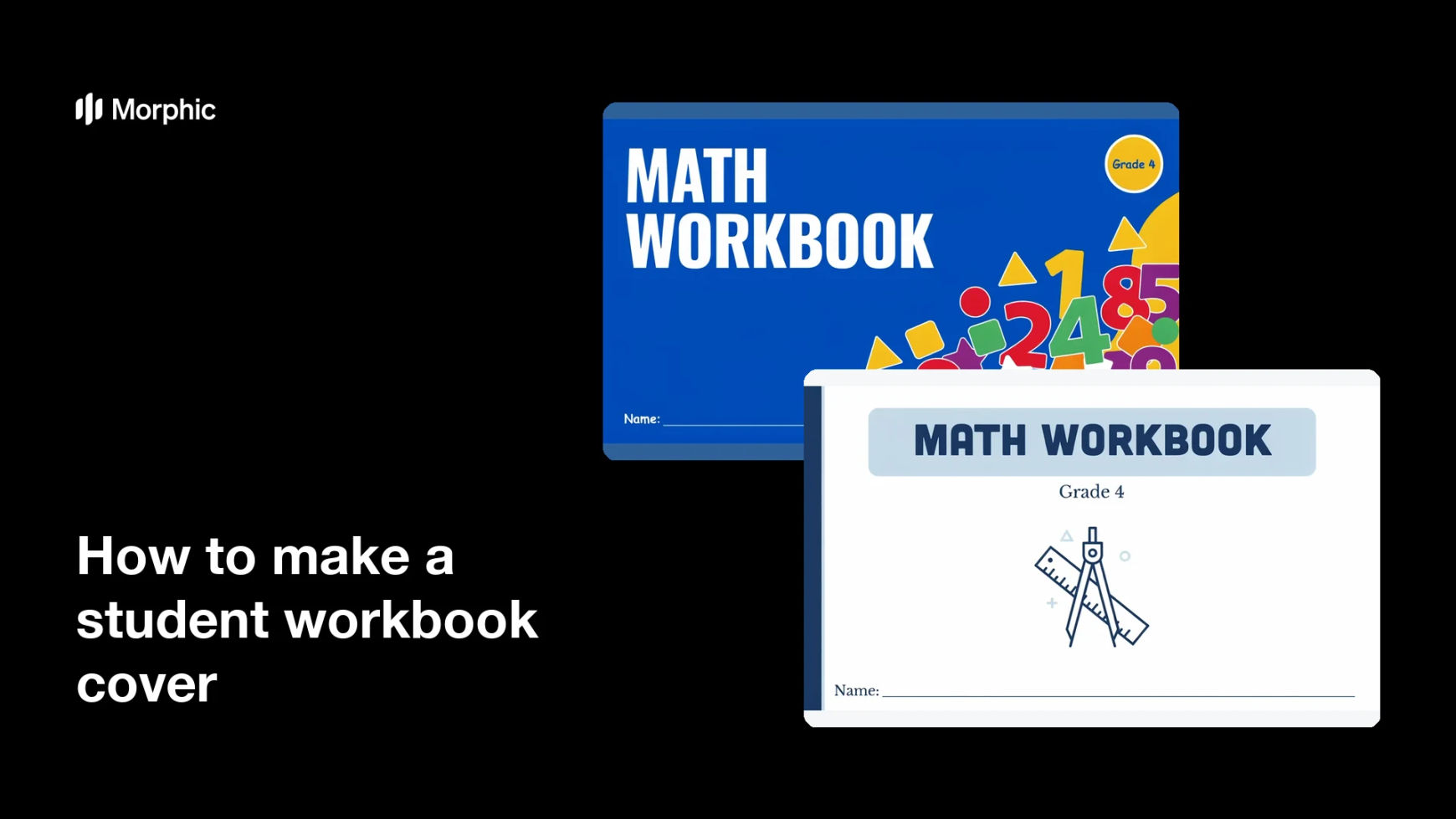
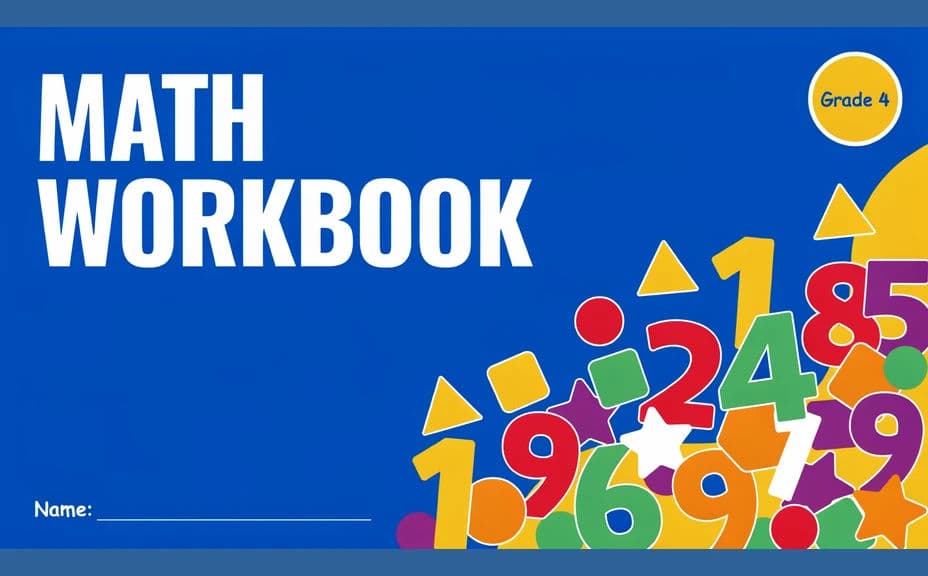
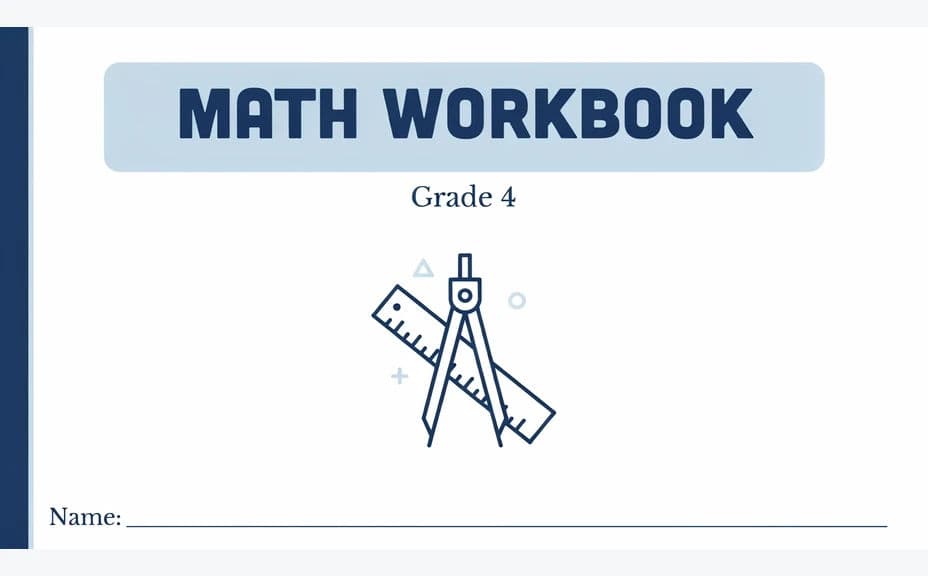
Two design options for the same student workbook cover, each carrying the same title and grade level.
What makes a good student workbook cover
| Quality | What it means | Why it matters |
|---|---|---|
| Clear title and level | Subject and grade read instantly | Students grab the right book without asking |
| Age-appropriate art | Style matches the year group | The workbook feels made for them |
| Space for a name | A clear line or panel for the student | Books get back to their owners |
| Print-ready quality | Sharp with safe margins | The class set looks professionally produced |
Morphic vs the traditional way
| Morphic | Templates or a designer | |
|---|---|---|
| Cost | Available on Morphic | Template packs or a design fee |
| Time | A print-ready cover in minutes | Hours of layout and revision |
| Skill needed | Describe it in plain language | Layout and illustration skills |
| Consistency | Regenerate a matching cover per subject | Manual rework for every workbook |
FAQs
Yes. Give the title, subject, and level in your prompt, then proof the rendered text and regenerate anything that came out wrong.
Yes. Keep the described layout and style fixed and change only the subject, title, and artwork so the series looks like one family.
Generate at a portrait page ratio and download in HD, then print a test copy to check margins before the full run.
Yes. Ask for a clear name line or panel near the bottom, and confirm there is enough space for handwriting.
Yes. Say the year group in your prompt and ask for a more restrained style, with plainer type and simpler artwork.
Yes. Designs you generate with Morphic are cleared for commercial use, including workbooks you publish or sell.