What is a testimonial graphic?
A testimonial graphic is a shareable image that pairs a customer quote with your branding, so social proof travels well on social feeds, landing pages, and sales decks. Marketing teams, founders, and agencies lean on them because a real quote in a clean layout converts far better than the same words buried in body text.
With Morphic you describe the look you want in plain language and generate the graphic in your browser. Set the tone, drop in the quote and attribution, and produce a set of on-brand variations in seconds, then adjust colors or layout and download in HD.
Gather the quote and attribution
Start with the exact words from your customer, plus their name, title, and company. Keep the quote short and specific, one or two sentences that name a concrete result. Having the final copy ready before you generate keeps every variation consistent.
Describe the graphic you want
Open Morphic and describe the layout in plain language: the quote text, the mood (clean corporate, bold, warm), your brand colors, and where the attribution sits. Mention if you want a headshot placeholder, quotation marks, or a star rating so the composition includes them.
Generate on-brand variations
Produce several versions at once so you can compare layouts side by side. Ask for the same quote in a light and a dark treatment, or in square and landscape framing, so you have options for different placements without rewriting the prompt each time.
Refine the layout and colors
Pick the strongest option and adjust it: nudge the color to match your palette exactly, resize the quote, or swap the background. Small text-prompted tweaks are faster than rebuilding the graphic, and they keep the type readable.
Export for every placement
Download the graphic in HD, then generate the sizes you actually post: square for Instagram, landscape for LinkedIn, and a tall version for stories. One quote becomes a full set ready for commercial use.
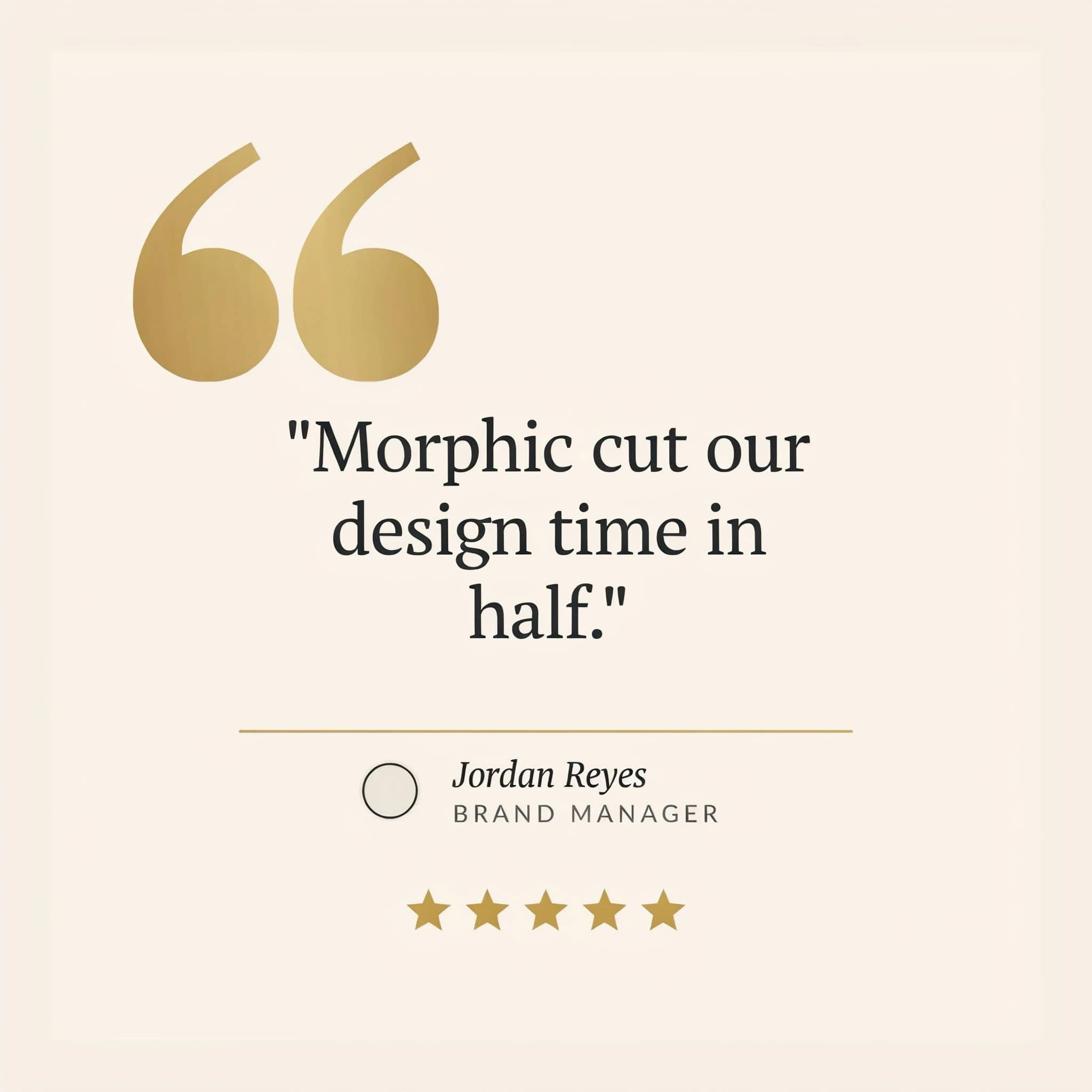
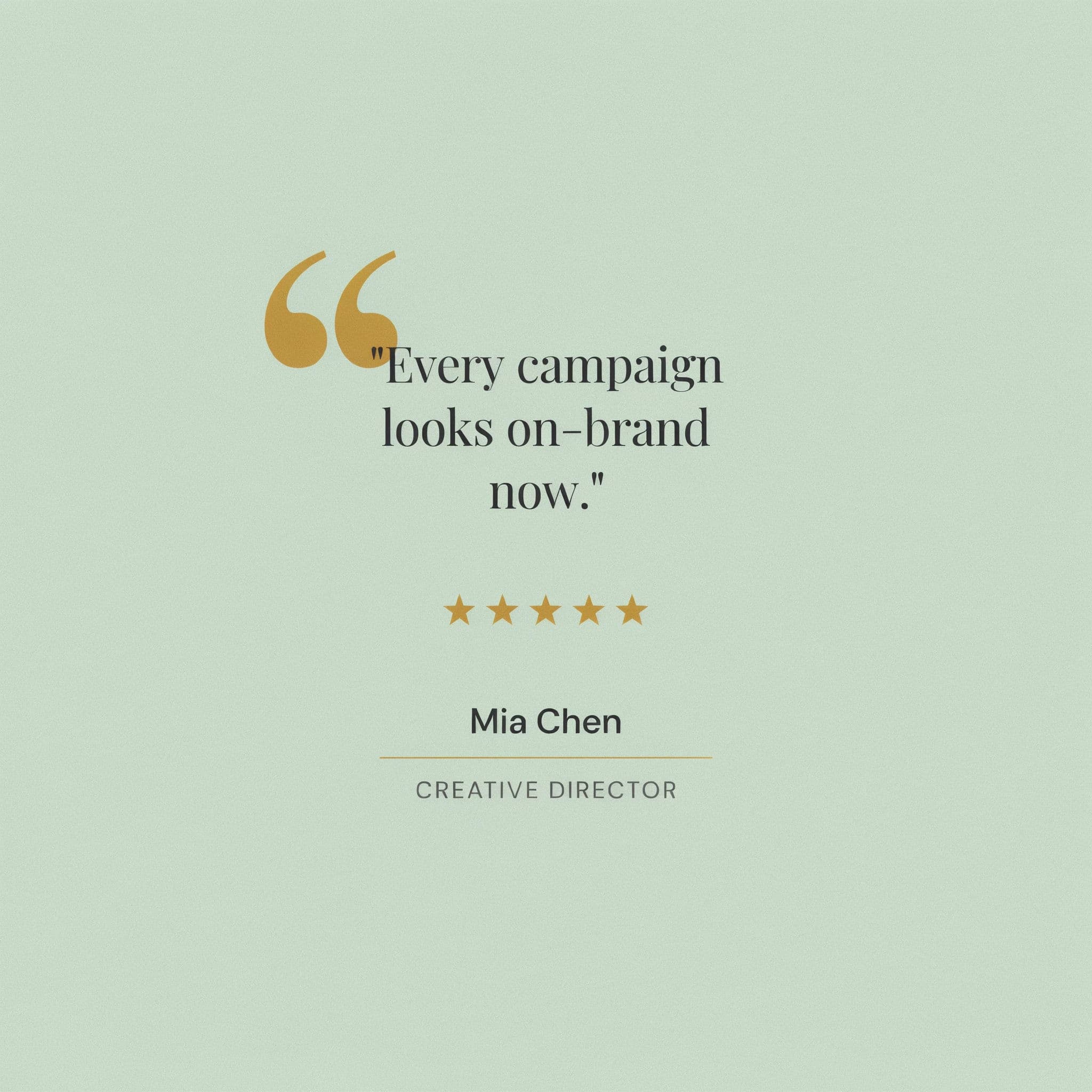
Two testimonial cards in one brand style.
What makes a great testimonial graphic
| Quality | What it means | Why it matters |
|---|---|---|
| Readable quote | The words are large and uncluttered | Viewers grasp the proof in a single glance while scrolling |
| Clear attribution | Name, title, and company are visible | A named source is far more credible than an anonymous quote |
| On-brand styling | Colors and type match your identity | The graphic looks owned, not like a generic template |
| Right framing | Sized correctly for the placement | The quote is not cropped or shrunk on the feed you post to |
Morphic vs the traditional way
| Morphic | Design software or an agency | |
|---|---|---|
| Cost | Available on Morphic | Software subscription or per-graphic agency fees |
| Time | A finished graphic in seconds | Hours of layout work or days of back and forth |
| Skill needed | Describe it in plain language | Design tool proficiency or a briefed designer |
| Consistency | Same styling across every variation | Manual matching each time a quote changes |
FAQs
No. You describe the quote, the layout, and your brand colors in plain language, and Morphic generates the graphic. There is no layer, canvas, or type tool to learn.
Yes. Name your brand colors and the overall style in the prompt, then fine-tune the result until it matches. You can generate a light and dark treatment from the same quote.
Yes. Generate multiple variations in a single run to compare layouts, or produce different placements, such as square and landscape, from the same quote and attribution.
Export the sizes for where you will post: square for Instagram, landscape for LinkedIn and Facebook, and a tall vertical for stories and reels. Download each in HD.
Yes. Graphics you generate are cleared for commercial use, so you can put them on ads, landing pages, decks, and social without a watermark.
Keep it short and concrete. A one or two sentence quote that names a real result reads better than a long paragraph, and it leaves room for clean, legible type.