What is a TikTok video cover?
A TikTok video cover is the still frame with text that represents your video on your profile grid and in search. It usually carries a short hook caption so a viewer knows what the video is about before they tap. Creators and brands rely on covers because a clear, on-brand design makes a profile look consistent and pulls more views from browsers.
With Morphic you create a cover from a text prompt in your browser. Describe the video topic, the hook caption, and your brand look, then adjust and download in HD. You get a polished, correctly sized cover without opening design software or waiting on a designer.
Pick the video and the hook
Decide which video the cover represents and the short hook caption you want on it. Write the caption before you generate so the cover has a clear, tappable message.
Describe the layout
Open Morphic and describe a tall cover with a strong background and the hook caption placed where the grid will not crop it. Ask for a 9:16 vertical ratio so it matches the TikTok frame.
Apply your brand look
Ask for your brand colors, a bold font style, and a panel or outline behind the caption for contrast. Keep the text large and clear of the corners where TikTok places its interface.
Generate versions to choose from
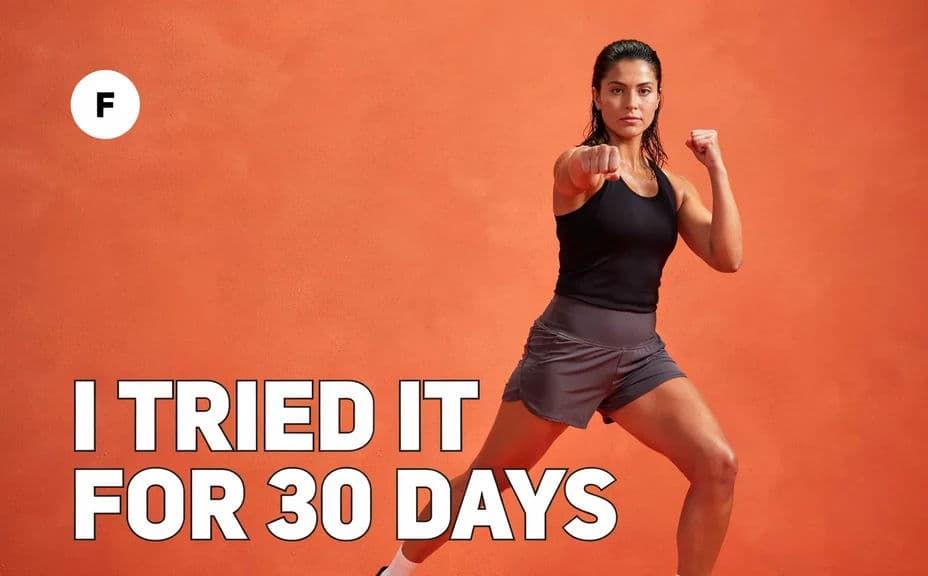
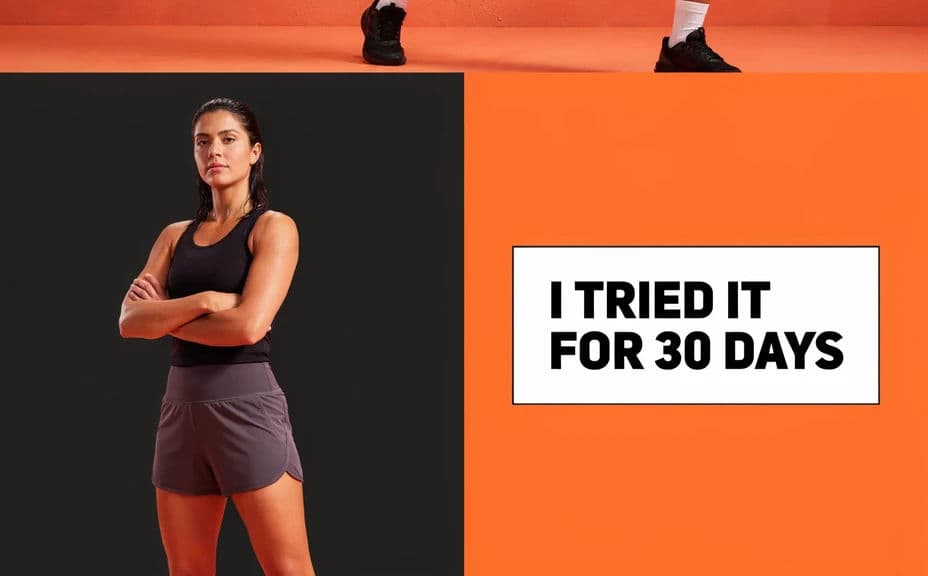
Produce two cover designs for the same video with different layouts or emphasis so you can pick the one that reads best. A quick comparison often reveals which version makes the hook stand out on the grid.
Check legibility and export
Preview each cover at grid-thumbnail size and confirm the caption stays sharp and easy to read. Download in HD, then set it as your cover when you post the video.
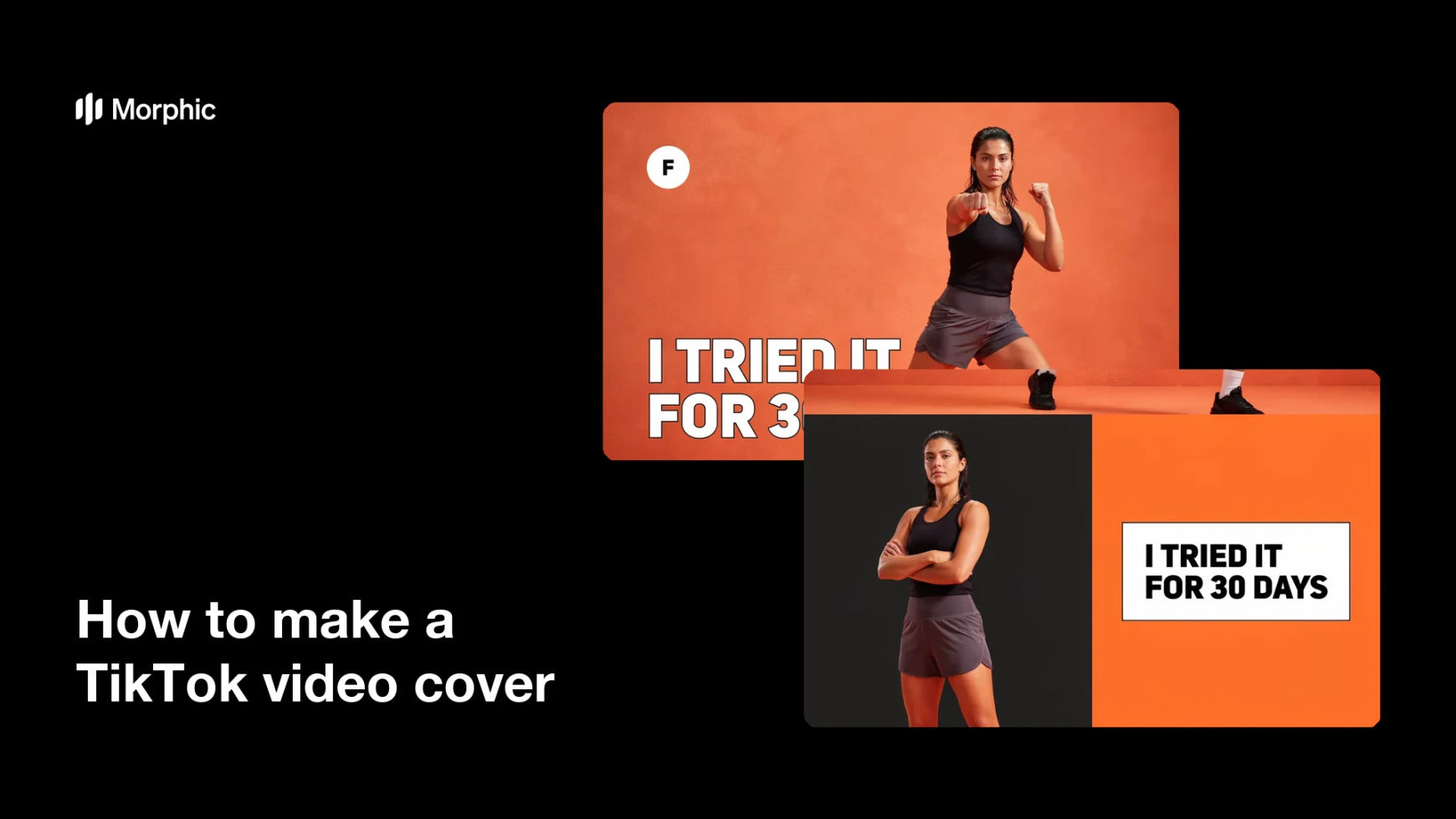
Two cover designs for the same video, each with the hook caption text.
What makes a good TikTok video cover
| Quality | What it means | Why it matters |
|---|---|---|
| Vertical format | A 9:16 shape | The cover fits the frame and the grid |
| Clear hook | The caption reads at a glance | Viewers know the topic before they tap |
| Safe placement | Text clears the interface corners | Nothing important gets cropped or hidden |
| On-brand styling | Colors and type match your identity | Your profile grid looks consistent |
Morphic vs the traditional way
| Morphic | Design software or a designer | |
|---|---|---|
| Cost | Available on Morphic | Software subscription or design fee |
| Time | A finished cover in minutes | Hours of layout and revision |
| Skill needed | Describe it in plain language | Layout and typography skills |
| Consistency | Regenerate versions on brand | Manual rework for every video |
FAQs
Yes. Specify the exact caption text in your prompt, and the cover renders around it. You can regenerate with new wording any time.
A 9:16 vertical ratio works best. Ask for that shape and the cover matches the TikTok frame and profile grid.
Ask for the caption to sit clear of the corners where TikTok places its interface. Preview at grid size to confirm nothing important is hidden.
Yes. Describe your brand colors and font style, and the cover renders to match so your grid stays consistent.
Yes. Generate two cover designs for the same video with different layouts so you can pick the one that reads best before you post.
Yes. Covers you generate with Morphic are cleared for commercial use across your TikTok account and marketing channels.