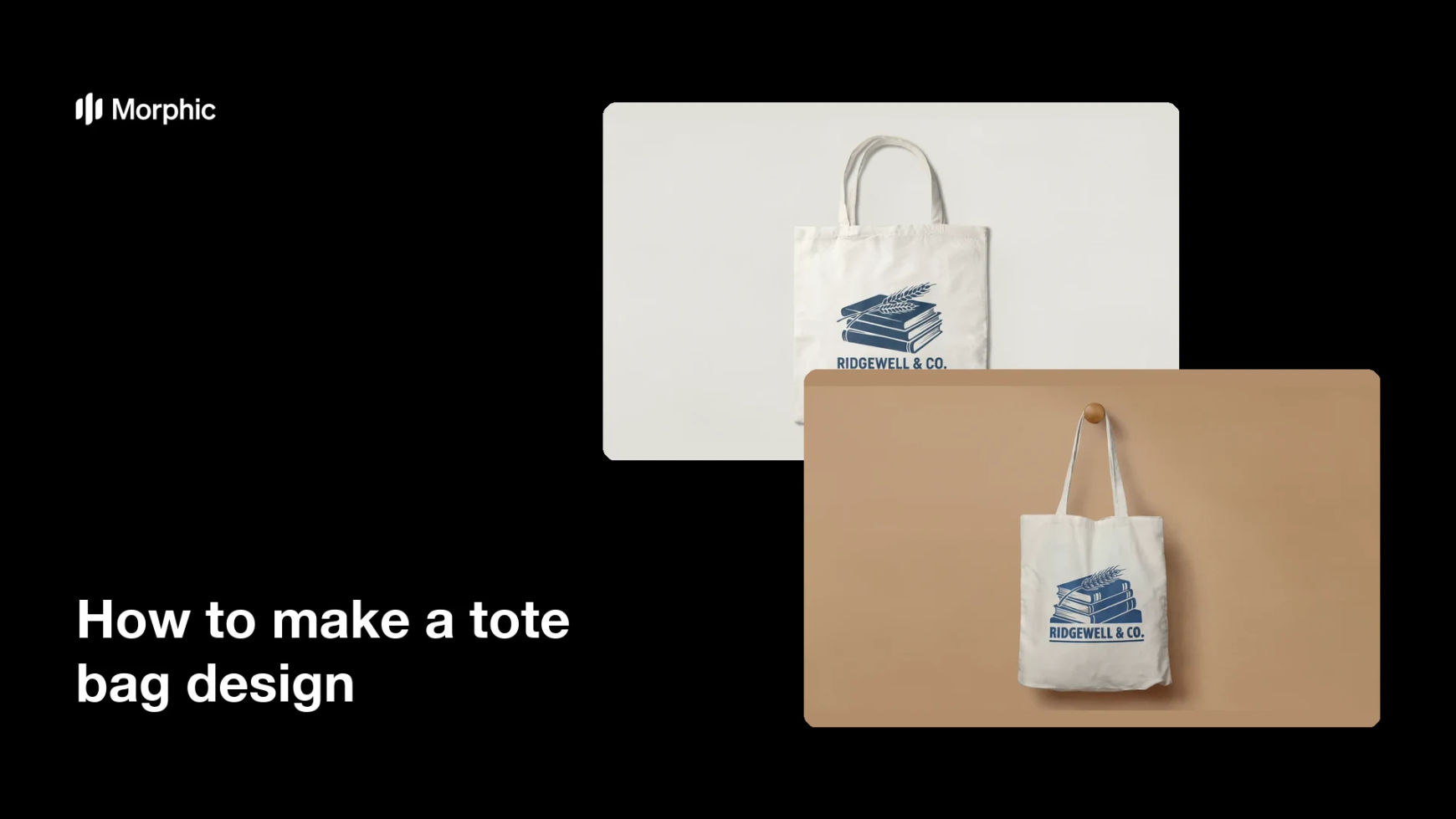
What is a tote bag design?
A tote bag design is the artwork printed on a canvas bag, usually a single panel combining a graphic with a short wordmark or phrase. Shops, festivals, bookstores, and studios use totes as merchandise that keeps a name in circulation long after the event. Because the print sits on textured natural canvas, the artwork needs bold shapes, strong contrast, and type large enough to survive the weave.
With Morphic you make that artwork from a text prompt in your browser. Describe the graphic, the wording, and the print area, compare a few layouts, then download in HD. You get a commercial-ready design without setting up artboards in design software.
Fix the wording and the print area
Write the exact phrase or wordmark and decide how large the printed panel will be. Settling both first stops the layout from being redrawn once the printer confirms their template.
Describe the layout in Morphic
Open Morphic and describe the graphic, the wording, and how the two should sit together on a single panel. Ask for a couple of layouts so you can compare a type-led design against a graphic-led one.
Design for canvas
Ask for bold shapes, high contrast, and a limited palette that will hold on natural canvas. Avoid hairline detail and soft gradients, which lose definition in the weave of the fabric.
Check the type and the margins
Read the wording on each option and confirm the spelling, then check nothing crowds the edges of the print area. Regenerate any layout where the text feels tight or the graphic runs past the safe margin.
Export and send it to print
Download in HD at the resolution your supplier asks for, with a transparent background if they need one. Order a single sample bag to confirm the scale and the ink coverage before a full run.
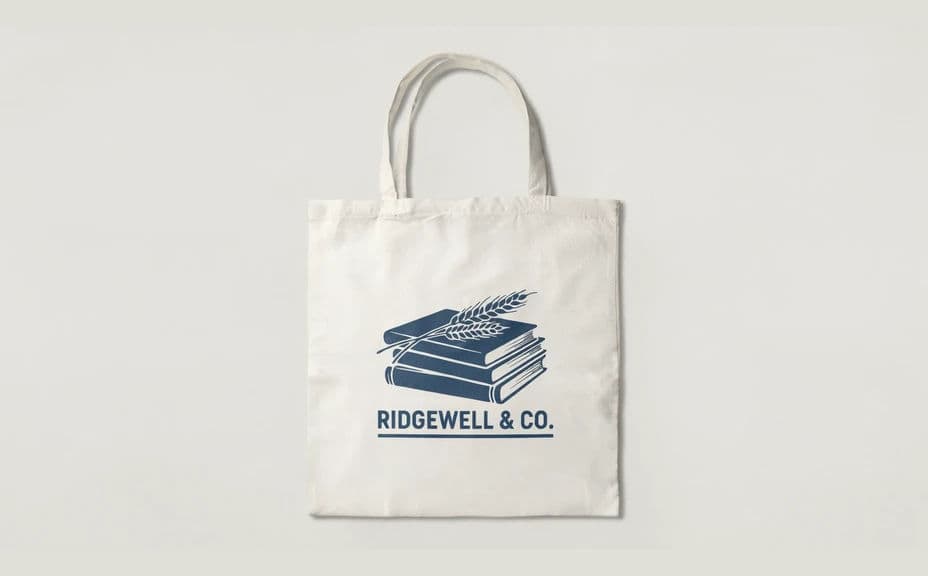
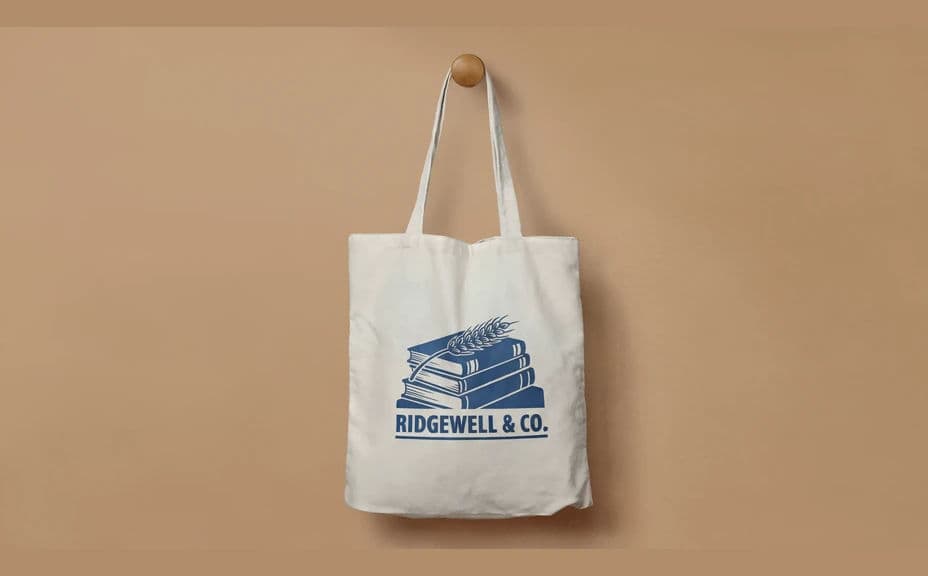
Two mockup options for the same tote bag design, shot flat and hanging.
What makes a good tote bag design
| Quality | What it means | Why it matters |
|---|---|---|
| Bold shapes | Strong forms instead of fine detail | The print holds up on textured canvas |
| Legible wordmark | Type large enough to read in passing | A tote is seen on the move, not up close |
| Safe margins | Artwork stays inside the print area | Nothing gets clipped at the seams |
| Print resolution | Sharp at the supplier's panel size | The design stays crisp at full scale |
Morphic vs the traditional way
| Morphic | Design software or a designer | |
|---|---|---|
| Cost | Available on Morphic | Software subscription or design fee |
| Time | A finished layout in minutes | Hours of layout and revision |
| Skill needed | Describe it in plain language | Layout and typography skills |
| Consistency | Regenerate matching designs for a range | Manual rework for each variant |
FAQs
Yes. Ask for a transparent background so the same file prints cleanly on natural, black, or coloured canvas.
Use the panel size your supplier specifies, then generate at high resolution so the artwork stays sharp at that width.
Yes. Give the exact wording in your prompt, then read the rendered text and regenerate if any letter or space looks wrong.
Bold shapes, flat colour, and heavy type reproduce most reliably. Fine hatching and soft gradients tend to lose definition.
Yes. Describe the same palette and style across prompts so several designs read as one collection.
Yes. Designs you generate with Morphic are cleared for commercial use, including merchandise and retail products.