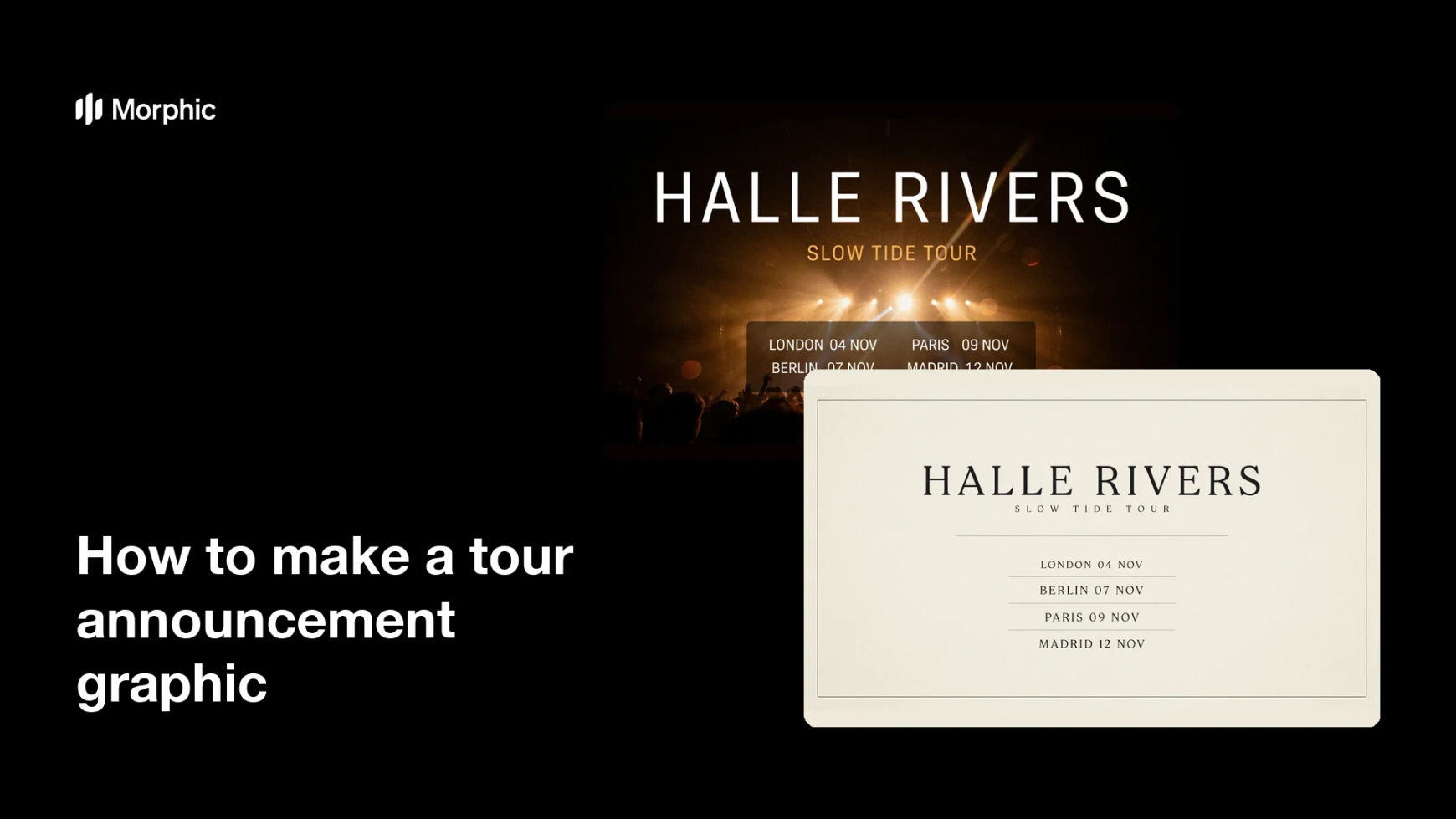
What is a tour announcement graphic?
A tour announcement graphic is the image that reveals a run of live dates: the artist name, the tour title, and a list of cities with their dates. Artists, managers, and promoters post it the moment tickets go on sale, so it doubles as both an announcement and a reference people screenshot. Unlike most music artwork, it has to carry a lot of small text and still look like a poster.
With Morphic you build that graphic from a text prompt in your browser. Describe the tour's look, paste in the routing, and ask for layouts that keep the date list readable, then download in HD. You get a shareable announcement without laying out a date list by hand.
Assemble the routing
Write out the tour name and every city and date in the order they should appear. A clean, final list is what keeps the graphic accurate, since dates are the part fans read most closely.
Set the visual direction
Open Morphic and describe the tour's look: the era of the record, the mood of the live show, and the colours you want to own. Keeping the direction tied to the album art makes the tour feel like part of the same campaign.
Ask for a readable date block
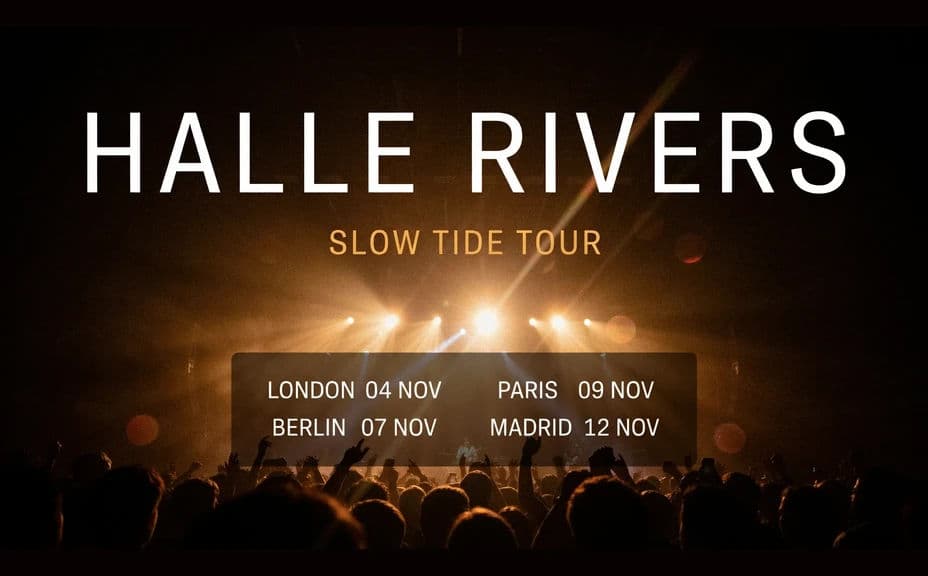
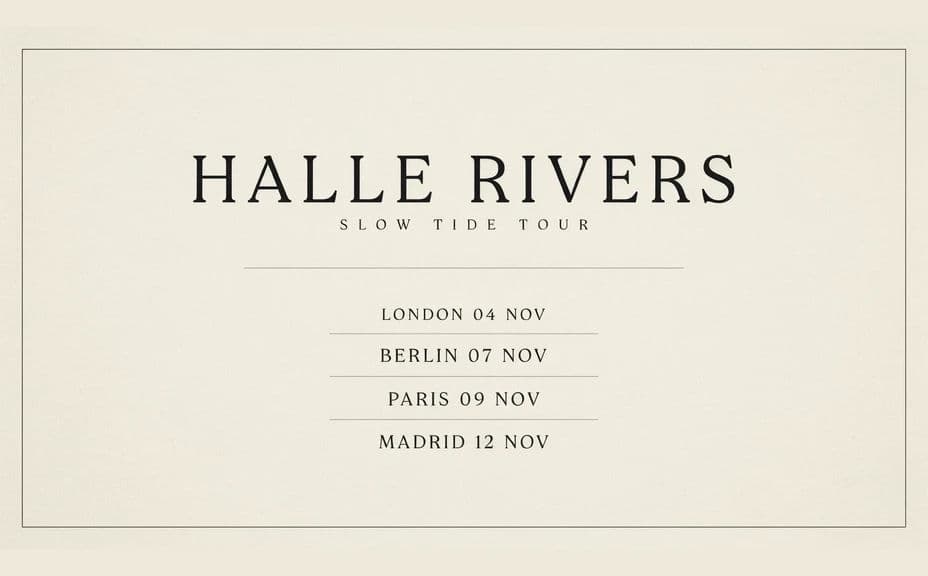
Request a layout where the artist name and tour title sit at the top and the city and date list runs in an evenly spaced column below. Ask for two or three arrangements so you can compare how each one handles a long list.
Proof every city and date
Read each line against your routing and confirm the cities, dates, and spellings are right. Regenerate any version where lines are crowded, uneven, or hard to read on a phone.
Export and announce
Preview the graphic at full size and as a feed post to confirm the smallest text still holds. Download in HD, then share it across your channels and send it to promoters.
Two announcement layouts for the same tour, each listing the same cities and dates.
What makes a good tour announcement graphic
| Quality | What it means | Why it matters |
|---|---|---|
| Accurate routing | Every city and date is correct | Fans plan travel and tickets from this image |
| Readable date list | Small text stays legible | The list is the reason people save the post |
| Strong headline | Artist and tour name lead | It has to register in a fast-moving feed |
| Campaign consistency | It matches the record's look | The tour reads as part of one release story |
Morphic vs the traditional way
| Morphic | A designer or design software | |
|---|---|---|
| Cost | Available on Morphic | Design fee or software subscription |
| Time | A finished announcement in minutes | Days of layout and approvals |
| Skill needed | Describe it in plain language | Layout and typesetting skills |
| Consistency | Regenerate matching versions for added dates | Manual rework every time routing changes |
FAQs
Yes. Give the cities and dates in your prompt, then proof the rendered list against your routing and regenerate if any line is wrong.
Describe the updated list and regenerate in the same style. Adding a leg takes minutes rather than a new design round.
Yes. Describe the colours, textures, and type feel of the record, and generate the announcement to sit alongside it.
Yes, if you prioritise it. Preview the graphic at feed size and regenerate any layout where the date list becomes hard to read.
Yes. Describe a vertical story crop or a print-sized poster of the same design and generate each version you need.
Yes. Designs you generate with Morphic are cleared for commercial use across your announcements and ticketing.