What is a travel itinerary graphic?
A travel itinerary graphic turns a trip plan into one readable panel of days, stops, and times. Instead of a document a traveller has to scroll, it gives the whole route at a glance. Tour operators, travel agents, hotels, and creators use it for client handovers, booking confirmations, and social posts.
With Morphic you make a travel itinerary graphic from a text prompt in your browser. Give the days and stops, describe the layout and style, then refine the type and download in HD. You get a clear, share-ready panel without building the layout by hand in design software.
Write out the trip
Open Morphic and list the days and the one or two stops that matter on each one. Keeping each entry to a few words is what lets the whole trip fit in a single panel.
Choose the layout
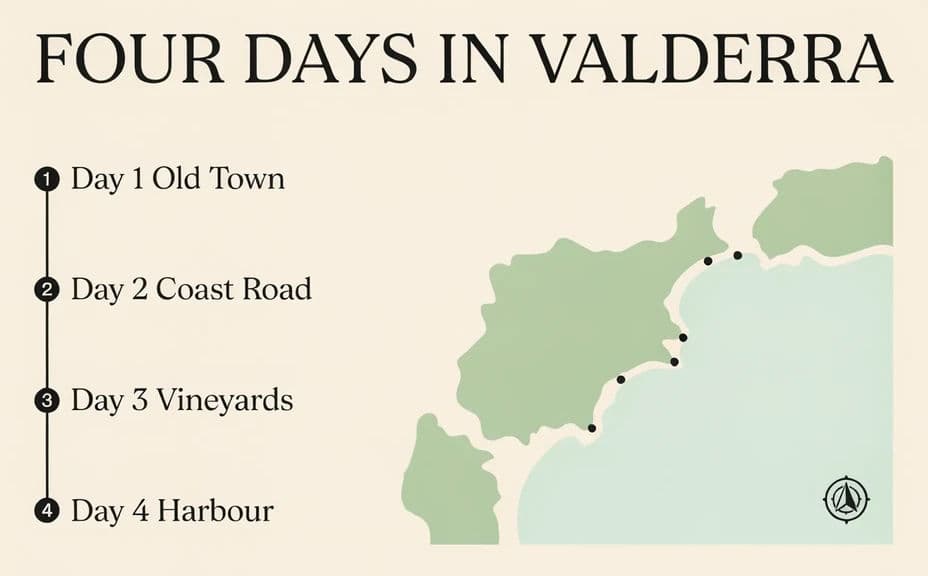
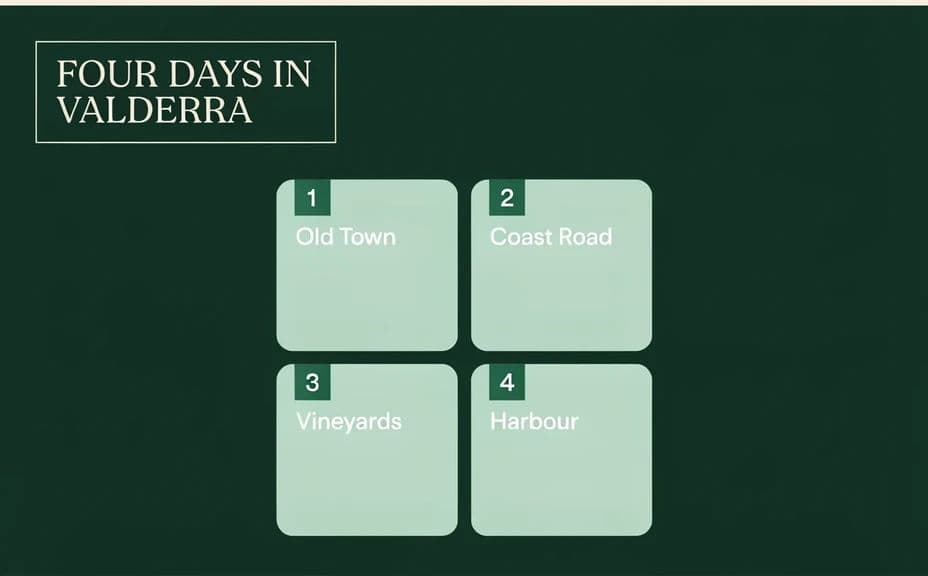
Describe how the days should run, such as a vertical timeline with numbered markers or stacked cards down the panel. A consistent structure makes the sequence obvious without explanation.
Set the visual style
Ask for your palette, simple icons for each stop type, and a clean typeface with clear hierarchy. Restraint here keeps the focus on the plan rather than the decoration.
Check the type
Ask for crisp, correctly spelled labels and review every day, place, and time at full size. Shorten any entry that wraps or crowds its neighbour.
Export and share
Confirm the spacing is even and nothing sits too close to the edges. Download in HD, then send it to clients or post it alongside your trip listings.
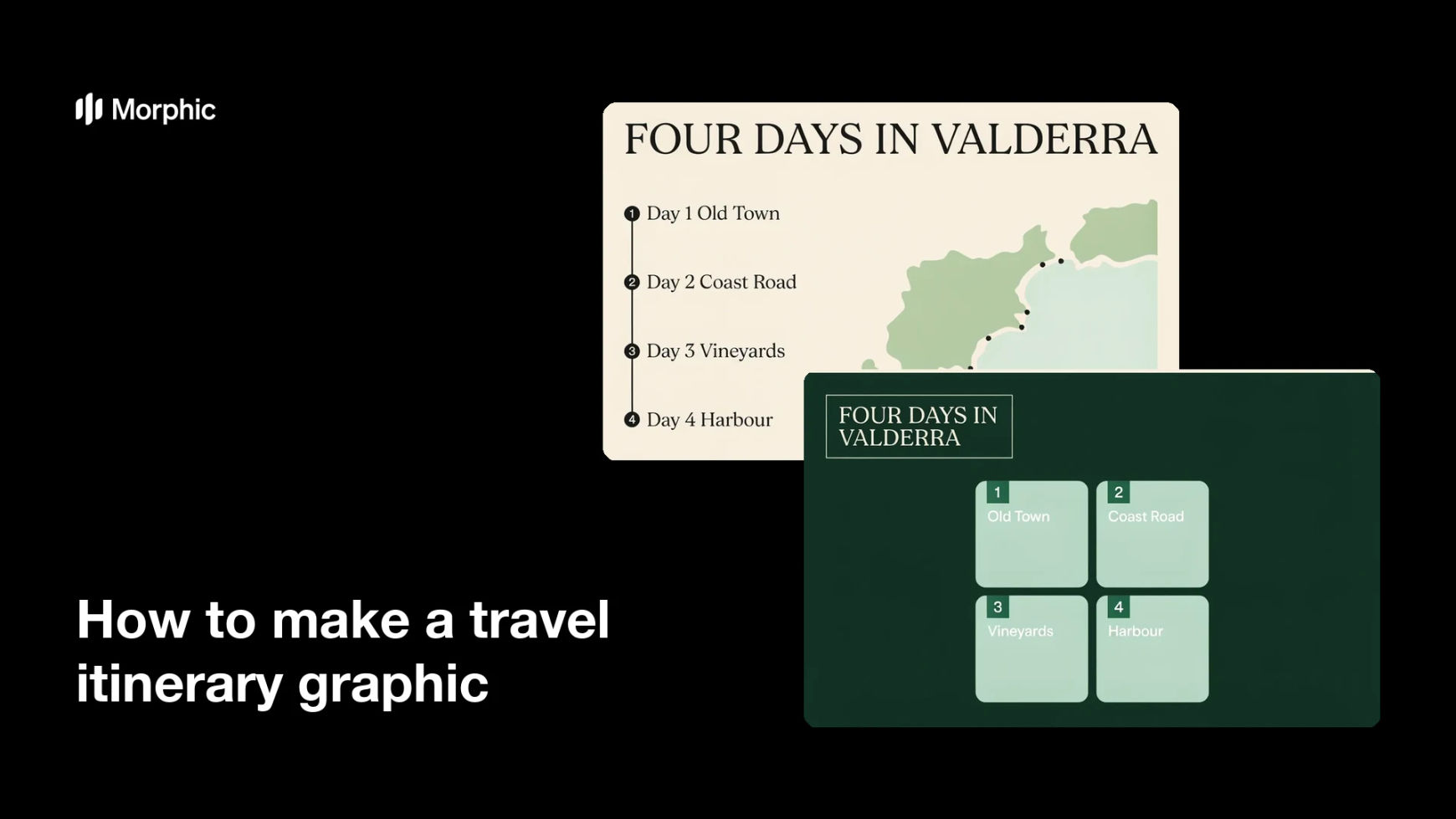
Two itinerary designs for the same trip, using different layouts and colour treatments.
What makes a good travel itinerary graphic
| Quality | What it means | Why it matters |
|---|---|---|
| Clear sequence | Days run in an obvious order | The traveller follows the trip without explanation |
| Short entries | A few words per stop | The whole plan fits in one readable panel |
| Clear hierarchy | Days, places, and times differ in weight | The eye finds the right level instantly |
| Even spacing | Equal gaps between days and edges | The panel stays legible on a phone screen |
Morphic vs the traditional way
| Morphic | Templates and manual design | |
|---|---|---|
| Cost | Available on Morphic | Template licences plus design time |
| Time | A finished itinerary in minutes | Hours of laying out and aligning each trip |
| Skill needed | Describe it in plain language | Layout and typography skills |
| Consistency | Regenerate a matching panel for every trip | Styles drift between itineraries |
FAQs
Five to seven days usually fit comfortably with short entries. For longer trips, split the itinerary across two matching panels rather than shrinking the type.
Yes. Give the exact strings in your prompt and ask for clear hierarchy so times sit under place names rather than competing with them.
Yes. Describe your palette and typographic tone, and the panel is designed to sit with the rest of your client materials.
Yes, if you keep entries short and spacing even. Preview at a small size and simplify any day that feels crowded before you download.
Regenerate with the exact wording repeated in the prompt and ask for crisp, correctly spelled text. Shorter labels give more reliable results.
Yes. Designs you create with Morphic are cleared for commercial use across client handovers, listings, and social posts.