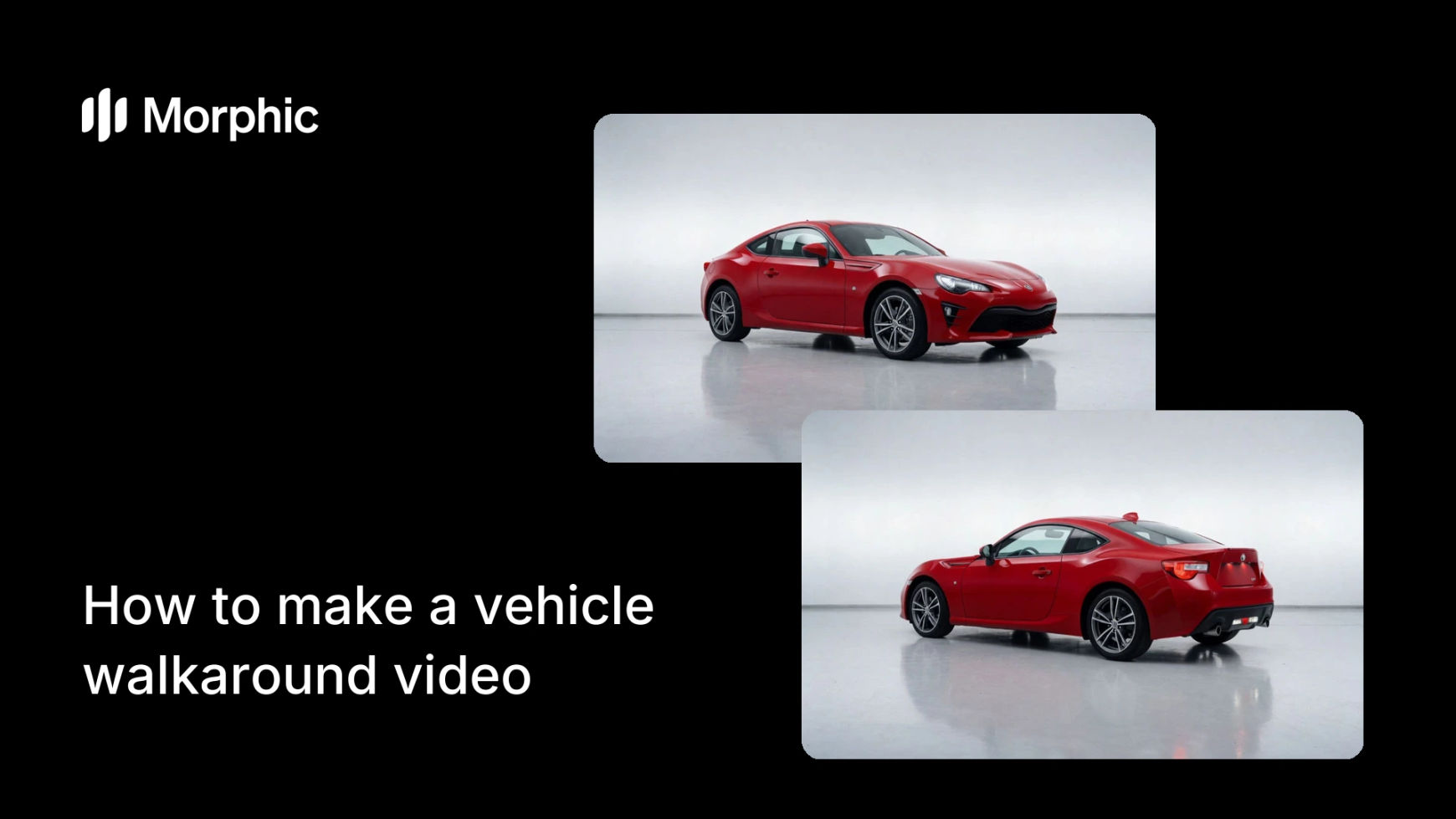
What is a vehicle walkaround video?
A vehicle walkaround video circles the car to show every angle, then moves inside to reveal the cabin and features, the closest thing to being on the lot. Dealers and sellers use it because a full walkaround answers a buyer's questions up front and builds the trust that a single photo cannot.
With Morphic you describe the walkaround and generate it in your browser. Move around the exterior, cut to the interior, and spotlight the features that matter, then set the pacing and download a smooth clip in HD.
Map the walkaround path
Plan the route around the vehicle: start at the three-quarter front, move along the side, around the rear, then into the cabin. A logical path makes the walkaround easy to follow and covers every angle a buyer wants to check.
Describe the exterior circle
Open Morphic and describe a smooth orbit around the car: a steady, level move that shows the front, profile, rear, and wheels. Name a clean setting so the vehicle stays the focus throughout the circle.
Move to the interior
Ask for interior views once the exterior is covered: the dashboard, seats, and controls. The transition from outside to inside mirrors how a buyer inspects a car in person, which keeps the video intuitive.
Highlight the key features
Call out the selling points with focused shots: the infotainment screen, wheels, trim, or cargo space. A few deliberate feature moments turn a plain orbit into a persuasive tour.
Export for listings and social
Download the walkaround in HD, sized for the platform: landscape for a listing page, vertical for social. The finished clip is cleared for commercial use and ready to publish.
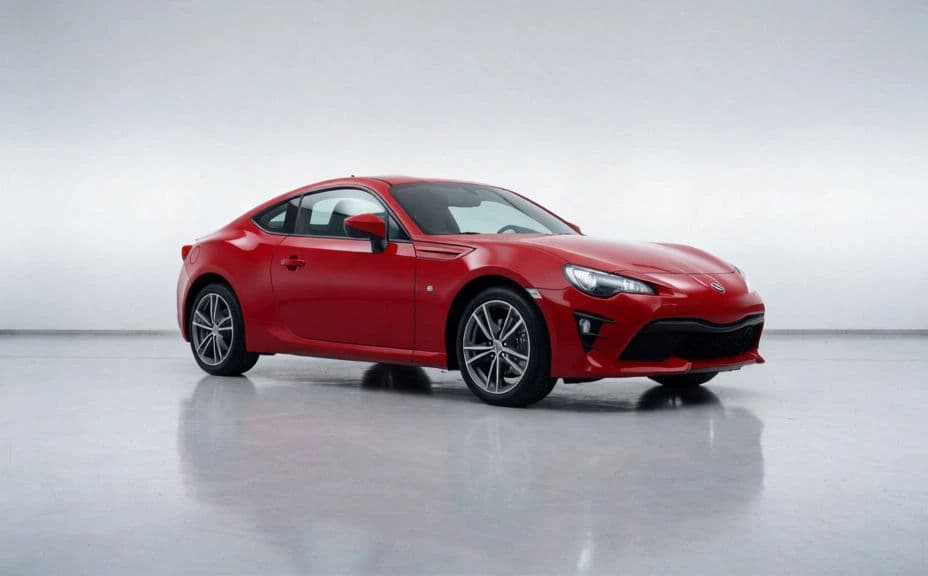
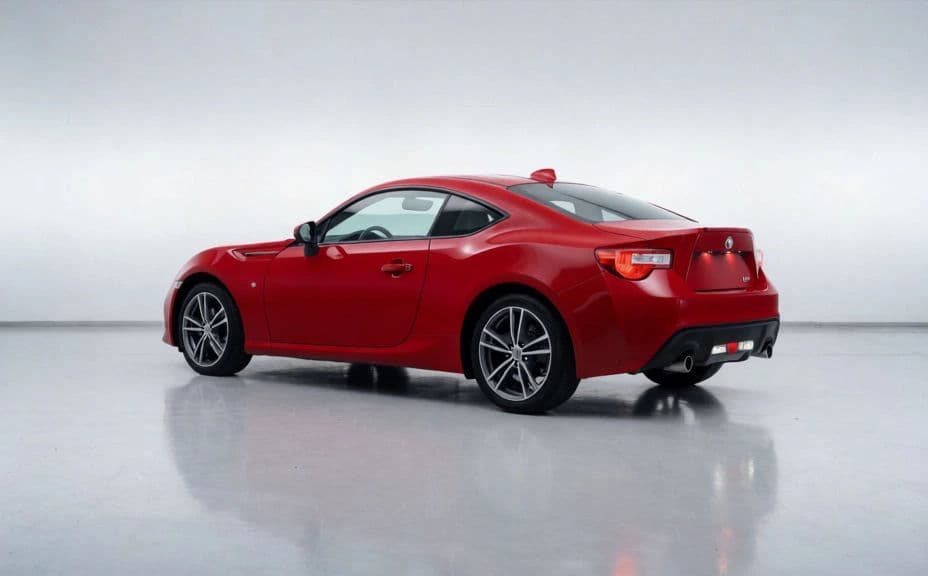
The same vehicle from front and rear.
What makes a complete walkaround
| Quality | What it means | Why it matters |
|---|---|---|
| Full exterior | Front, sides, rear, and wheels are covered | Buyers see the whole car, not just a flattering angle |
| Smooth motion | The camera move is steady and level | A smooth orbit looks professional, not shaky |
| Interior reveal | The cabin and controls get screen time | Buyers judge comfort and condition inside |
| Feature focus | Key selling points are highlighted | The tour persuades, it does not just document |
Morphic vs the traditional way
| Morphic | Filming a walkaround by hand | |
|---|---|---|
| Cost | Available on Morphic | Camera gear or a videographer |
| Time | A smooth clip in minutes | Filming, steadying, and editing footage |
| Skill needed | Describe it in plain language | Steady camera work and editing |
| Consistency | Repeatable across vehicles | Depends on the shooter each time |
FAQs
Circle the full exterior, front, sides, rear, and wheels, then move inside to the cabin and controls, and highlight a few key features. That order mirrors how a buyer inspects a car in person.
Yes. Describe a steady, level move around the vehicle so the camera glides through every angle, giving the professional orbit buyers expect from a good listing.
A walkaround inspects the parked car from every angle and inside, while a test drive video shows it in motion. Many sellers use both, one to inspect and one to sell the feel.
Yes. Ask for focused shots of selling points like the infotainment screen, wheels, or cargo space, so the tour persuades rather than just documenting the vehicle.
Use landscape for a listing page and vertical for social feeds and stories. Download each in HD so the detail stays sharp.
Yes. The clip downloads without a watermark and is cleared for commercial use, so it is ready for listings, social, and dealership marketing.