What is a wedding photo album cover?
A wedding photo album cover is the front of the printed book or digital gallery that holds the wedding photographs. It typically carries both names and the wedding date, set over a photograph, a texture, or a plain field of color, and it is the piece people see every time the album comes off the shelf. Couples and wedding photographers care about it because it frames how the whole collection is remembered.
With Morphic you make this cover from a text prompt in your browser. Describe the names, the date, the mood, and how much of the cover the imagery should fill, then refine and download in HD. You get a finished cover design without opening design software or commissioning one.
Decide the cover text
Settle on the wording, which is usually both names and the wedding date and nothing else. Restraint reads better on a cover than a full paragraph of detail.
Describe the cover
Open Morphic and describe the album cover you want, saying where the names and date sit and how the imagery behind them behaves. Specify the aspect ratio to match the album, such as a square book or a portrait format.
Choose the treatment
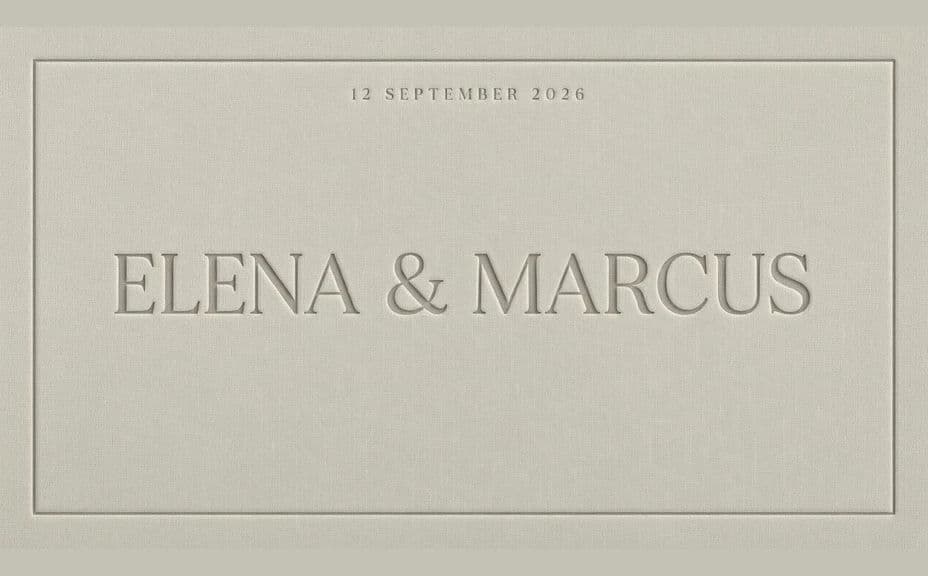
Ask for the palette, the typography, and the finish you have in mind, whether that is embossed type on linen, gold on deep ink, or a soft photographic wash. Keep the names in high contrast against whatever sits behind them.
Generate covers to compare
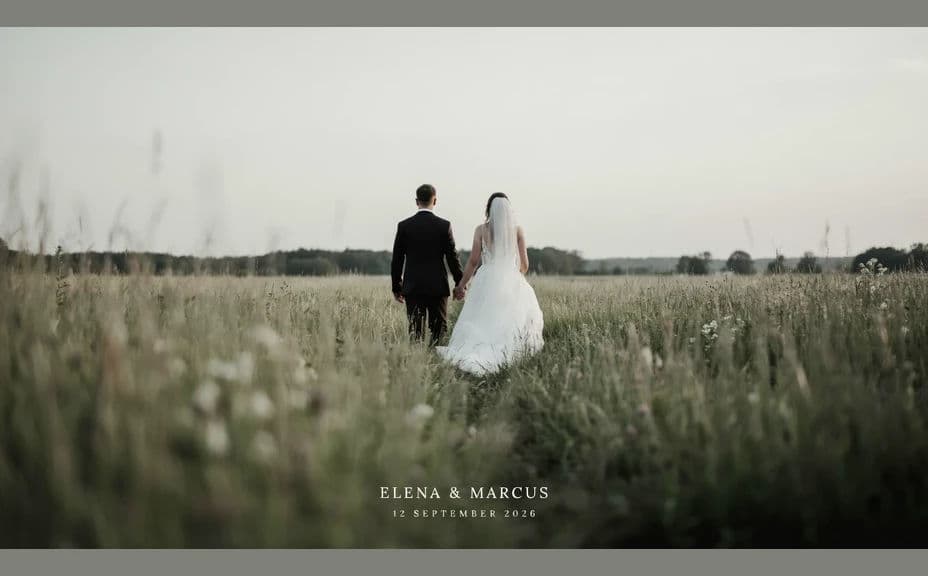
Produce two covers with different compositions, one photo-led and one type-led, so you can see which suits the album. Judging them together makes the choice quicker than reworking a single design.
Proof and export
View the cover at album size and confirm the names and date are correct and comfortably clear of the trim edge. Download in HD and send it to your print supplier or use it as the gallery cover.
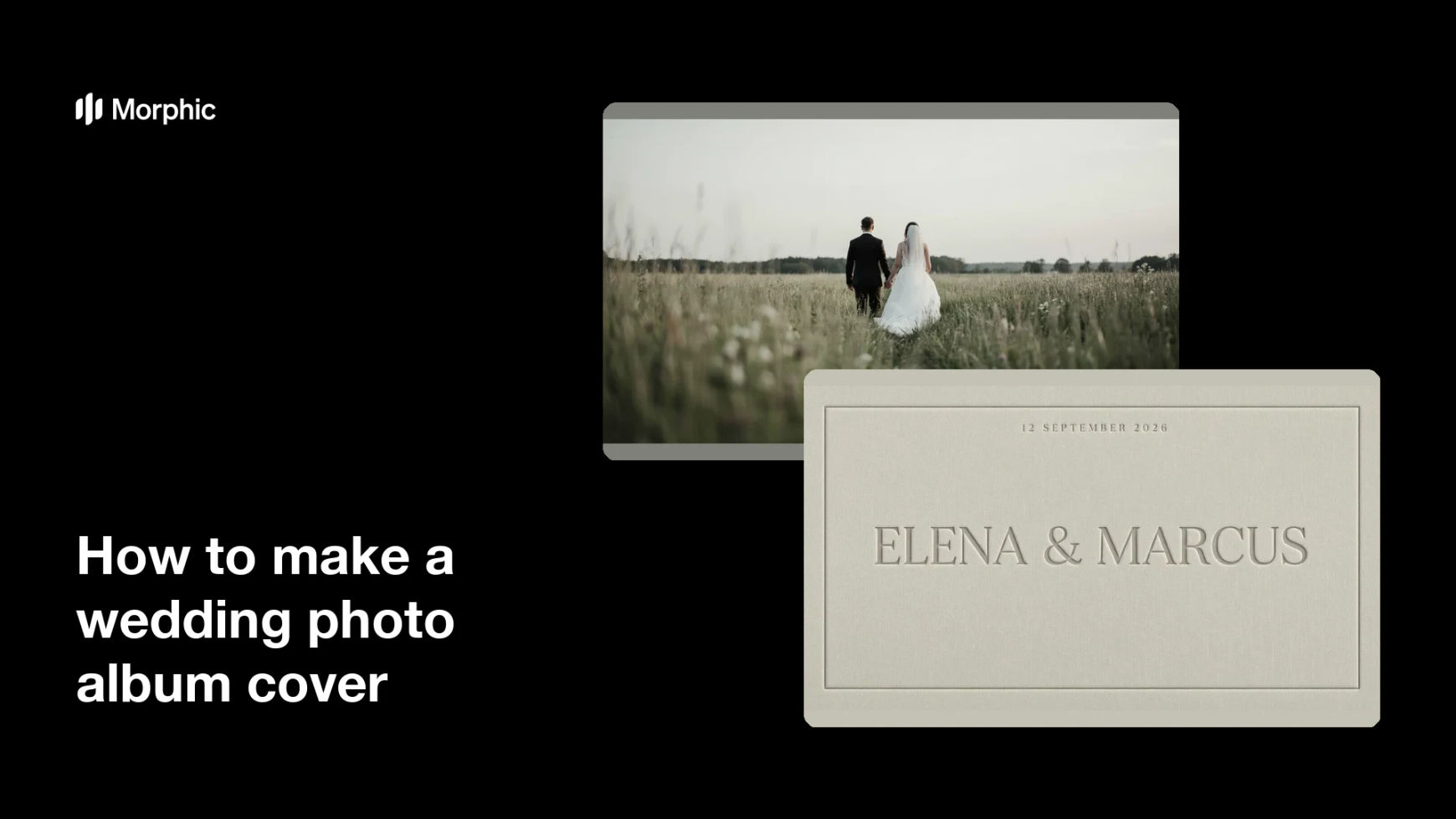
Two covers for the same wedding album, each carrying the same names and date.
What makes a good wedding photo album cover
| Quality | What it means | Why it matters |
|---|---|---|
| Restrained text | Only the names and the date appear | The cover stays calm and timeless |
| Strong focal point | One image or one type block leads | The eye settles instead of wandering |
| Safe margins | Text sits clear of the trim edge | Nothing important is lost in binding |
| Print-ready quality | Detail holds at full album size | The finished book feels premium |
Morphic vs the traditional way
| Morphic | A designer or design software | |
|---|---|---|
| Cost | Available on Morphic | Design fees or a software subscription |
| Time | A finished cover in minutes | Days of drafts and revisions |
| Skill needed | Describe it in plain language | Layout and typography skills |
| Consistency | Regenerate covers on one style | Manual rework for every album variant |
FAQs
Yes. Give the exact wording in your prompt and the cover renders around it. You can regenerate with different wording at any time.
Yes. Describe a photographic cover and say where the names and date should sit, keeping them over a calm area so they stay readable.
Any album format. Specify the aspect ratio, such as a square book or a portrait album, and the layout adapts to fit.
Yes. Describe the same palette and typography for the other panels so the finished book reads as one piece.
Yes, if you proof it first. Preview at album size, keep the text clear of the trim edge, and regenerate if anything looks tight before exporting in HD.
Yes. Covers you generate with Morphic are cleared for commercial use, including albums you deliver to photography clients.