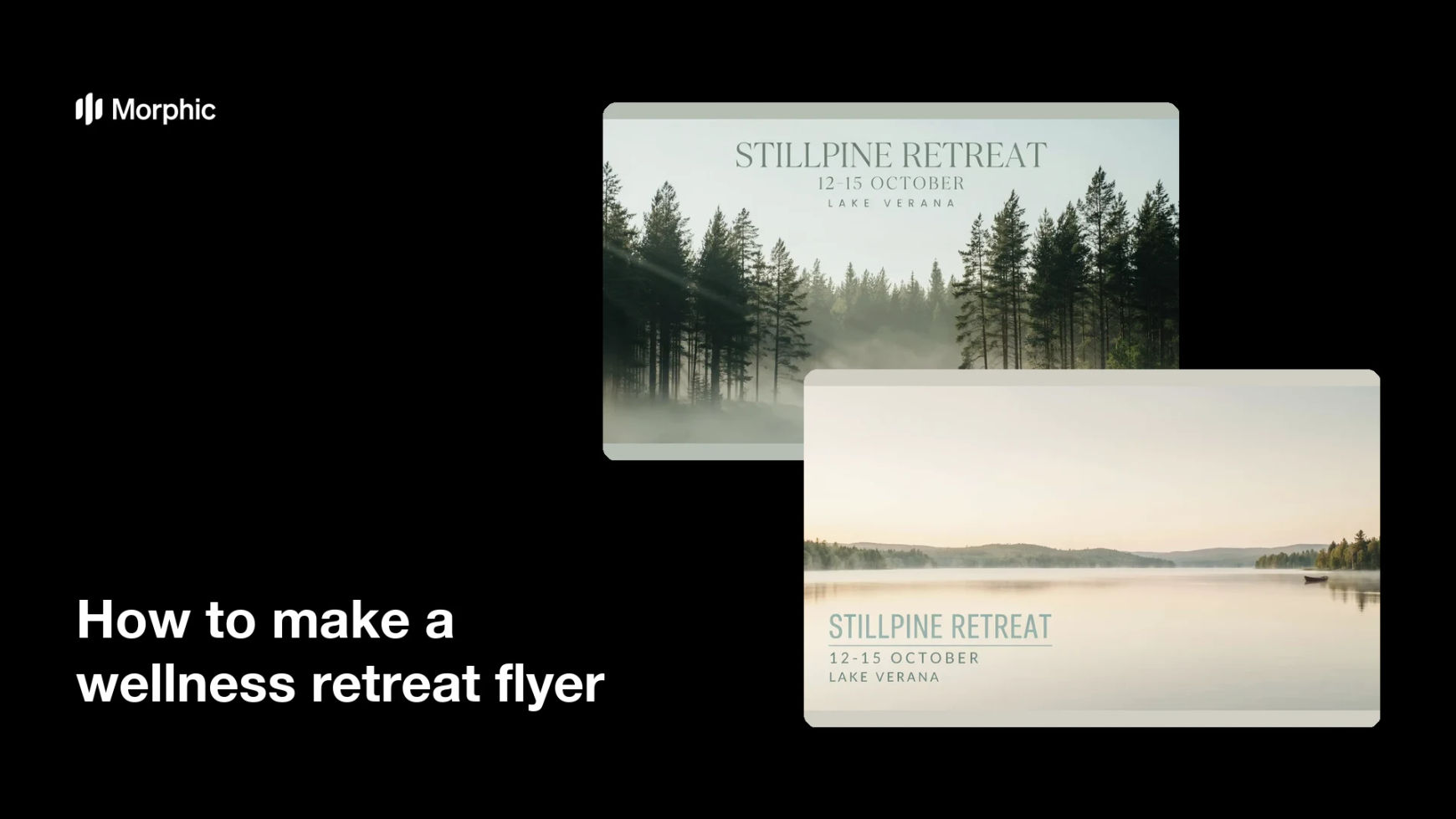
What is a wellness retreat flyer?
A wellness retreat flyer is the single page you use to announce a yoga, meditation, or health retreat. It carries the retreat name, the dates, the location, and a mood that tells people how the weekend will feel. Retreat hosts, studios, and independent instructors use it to fill places through social posts, email, and printed handouts.
With Morphic you make this flyer from a text prompt in your browser. Describe the setting, the layout, the retreat name, and the dates, then adjust the wording and download in HD. You get a calm, on-brand flyer without opening design software or booking a photo shoot.
Fix the details you must show
Write down the retreat name, the exact dates, the location, and the one line that sums up the experience. Locking these before you generate keeps the text on the flyer accurate and saves you a round of edits.
Describe the mood and setting
Open Morphic and describe the atmosphere you want, a misty forest, a coastal deck at sunrise, or a quiet studio with soft light. The setting does most of the persuading, so pick one that matches what guests will actually experience.
Ask for two layout options
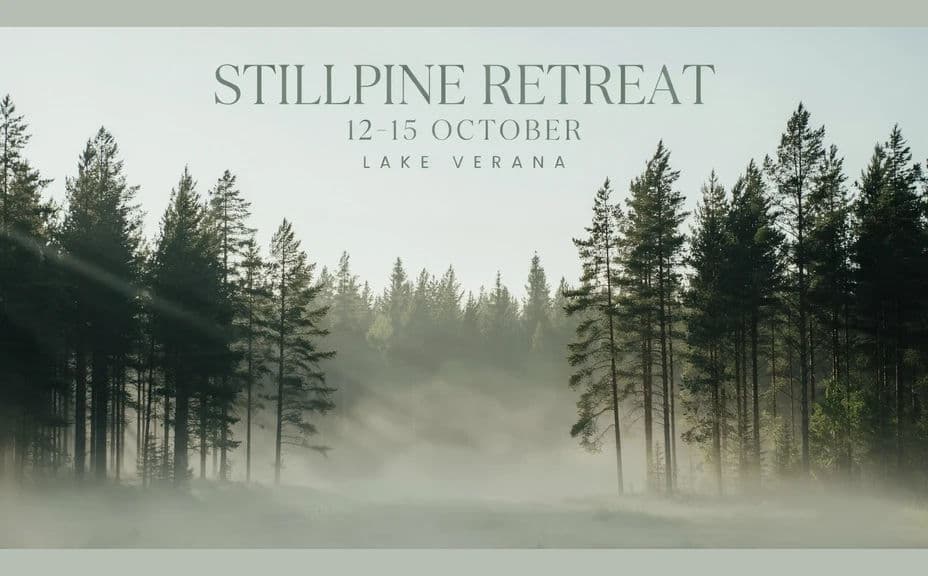
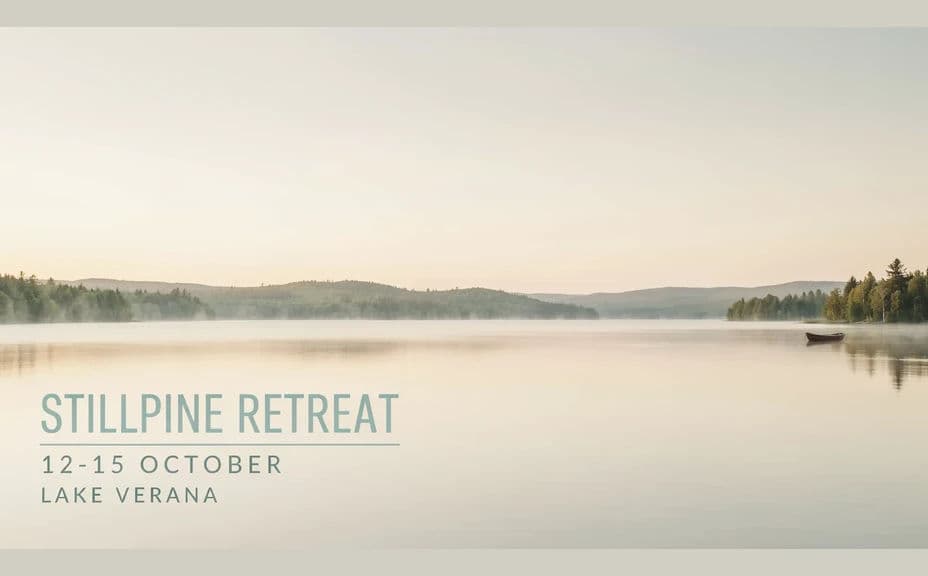
Request one flyer with the retreat name across the top and one with it set low over open space. Comparing two arrangements is faster than nudging a single layout until it feels right.
Check every word on the flyer
Read the retreat name, dates, and location on the image and confirm the spelling and formatting are correct. Regenerate any version where the type looks cramped or a character is off.
Export and share it
Preview the flyer at the sizes you will use, a social post, an email image, and a printed handout. Download in HD, then send it out.
Two layout options for the same wellness retreat, each carrying the retreat name and dates.
What makes a good wellness retreat flyer
| Quality | What it means | Why it matters |
|---|---|---|
| Calm imagery | The scene feels restful, not busy | The mood is what sells a retreat |
| Clear dates | Dates and location read instantly | People can check availability without asking |
| Simple hierarchy | Name first, details second | The flyer works at a glance in a feed |
| Consistent styling | Colors and type match your brand | Repeat guests recognise you immediately |
Morphic vs the traditional way
| Morphic | Stock photos and design software | |
|---|---|---|
| Cost | Available on Morphic | Stock licences plus a design subscription |
| Time | A finished flyer in minutes | Hours of sourcing and layout work |
| Skill needed | Describe it in plain language | Layout and typography skills |
| Consistency | Regenerate variations that match | Manual rework for each version |
FAQs
Yes. Give the name, dates, and location in your prompt, then read the rendered text and regenerate if any wording looks off before you publish.
Yes. Describe your colors, accent, and font style, and generate the flyer to match. Keep contrast high so the details stay readable over imagery.
Yes. Describe each placement and generate a version framed for it. The layout adapts to the shape you ask for.
Describe the setting you are booking, a coastal deck or a forest cabin, and generate an image that conveys it. Swap in real photos once you have them.
Describe the new dates and regenerate. There is no manual redraw, so keeping the flyer current takes moments.
Yes. Images you generate with Morphic are cleared for commercial use across your marketing and printed materials.