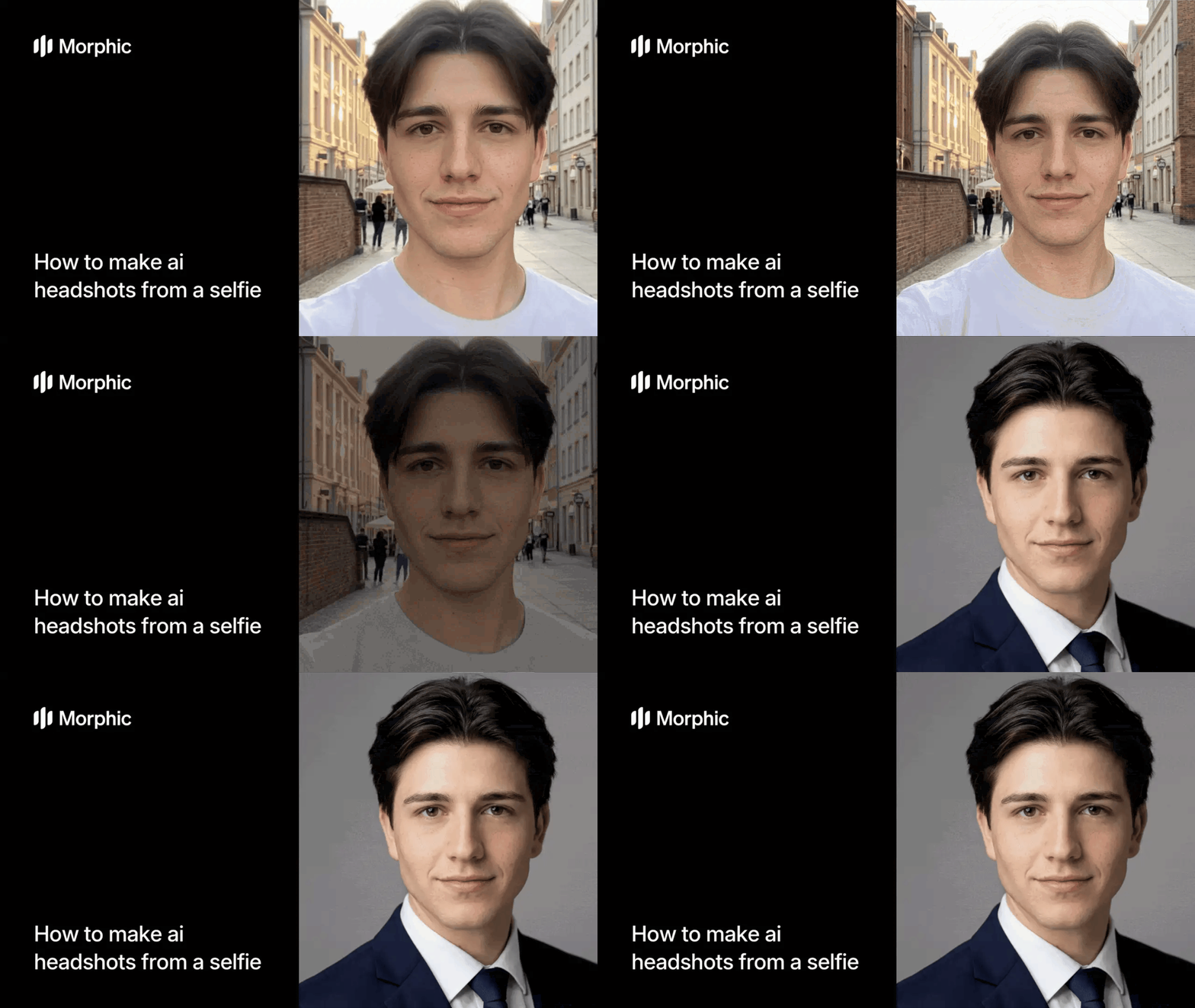
What is a professional headshot generator?
A professional headshot is a high-quality portrait photograph used for professional profiles, business websites, casting calls, or corporate directories. Headshots show the subject from shoulders up, with professional lighting, neutral background, and polished styling. They project competence, approachability, and professionalism.
Morphic's AI headshot studio skips the photographer and studio entirely. You upload a selfie and the template analyzes your face, lighting, and features. It then generates multiple professional-grade headshots in different styles, backdrops, and lighting scenarios. Each output is a full studio headshot ready for LinkedIn, your website, or any professional context.
Upload your selfie
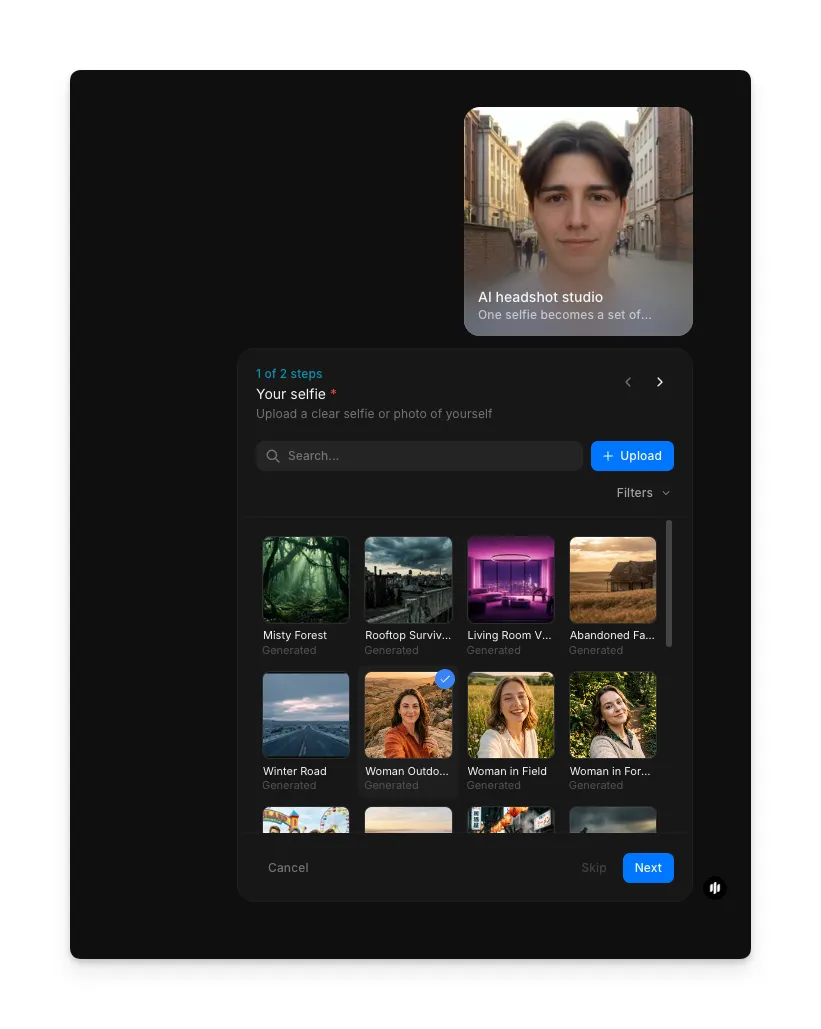
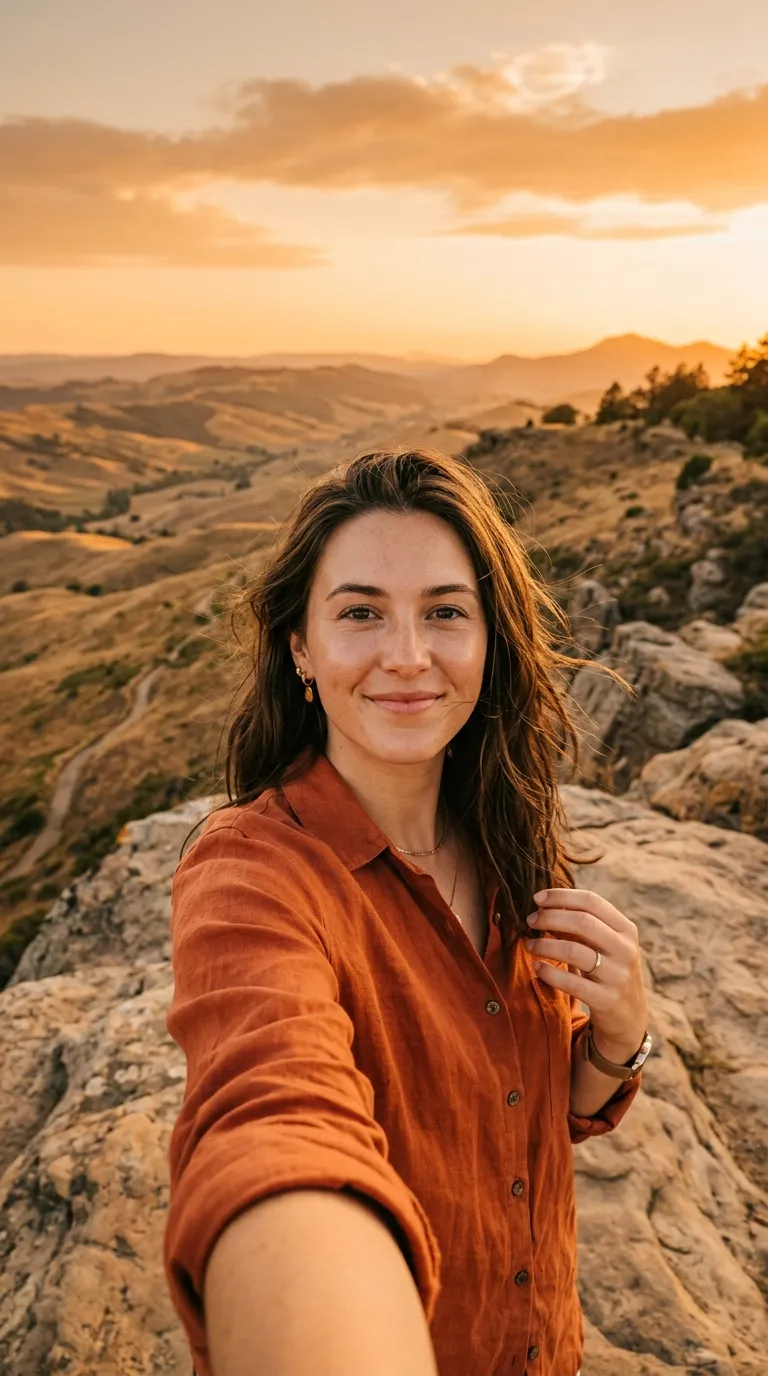
Open the "AI headshot studio" workflow. In the "Your selfie" step, browse the gallery or upload a clear selfie or photo of yourself. Natural lighting works best, and your phone camera is sufficient. Make sure your face takes up most of the frame and you're looking directly at the camera.
Choose your headshot style
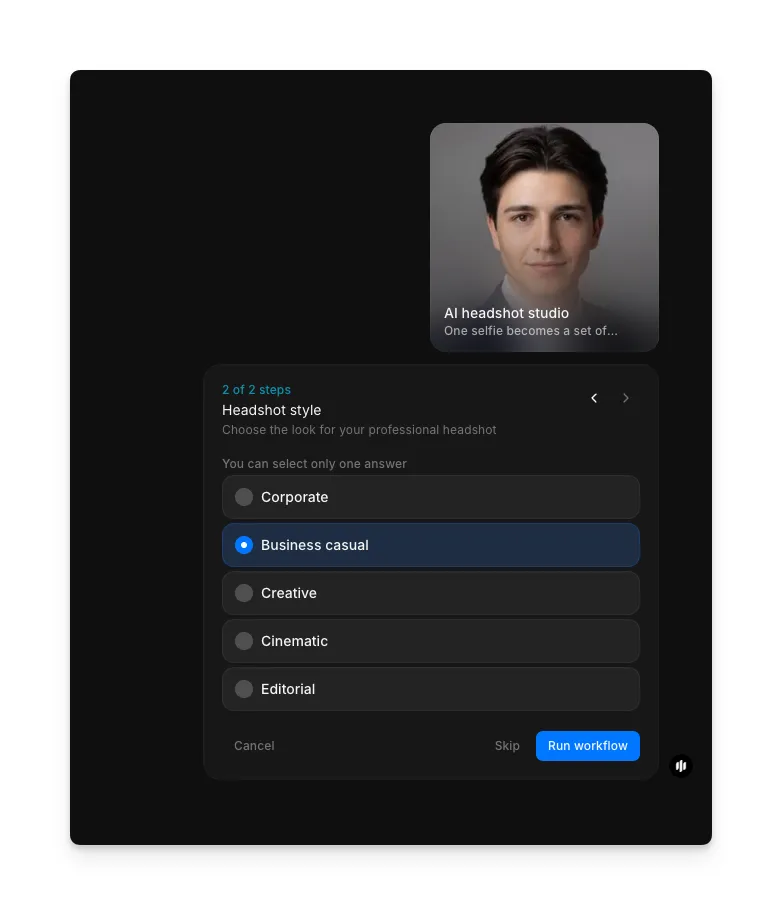
Pick the style that fits your goal. The interface presents five options: Corporate, Business casual, Creative, Cinematic, and Editorial. Select one and click "Run workflow" to generate your headshots.
| Style | Best for | Look and feel |
|---|---|---|
| Corporate | Finance, consulting, law, executive roles | Clean, formal, polished |
| Business casual | Tech, marketing, general business | Approachable, professional |
| Creative | Designers, writers, creative professionals | Expressive, distinctive |
| Cinematic | Personal branding, standout profiles | Dramatic lighting, depth |
| Editorial | Thought leaders, public-facing profiles | Magazine-quality feel |
The workflow analyzes your selfie and generates a polished, studio-quality headshot with professional lighting, a neutral background, and refined styling.
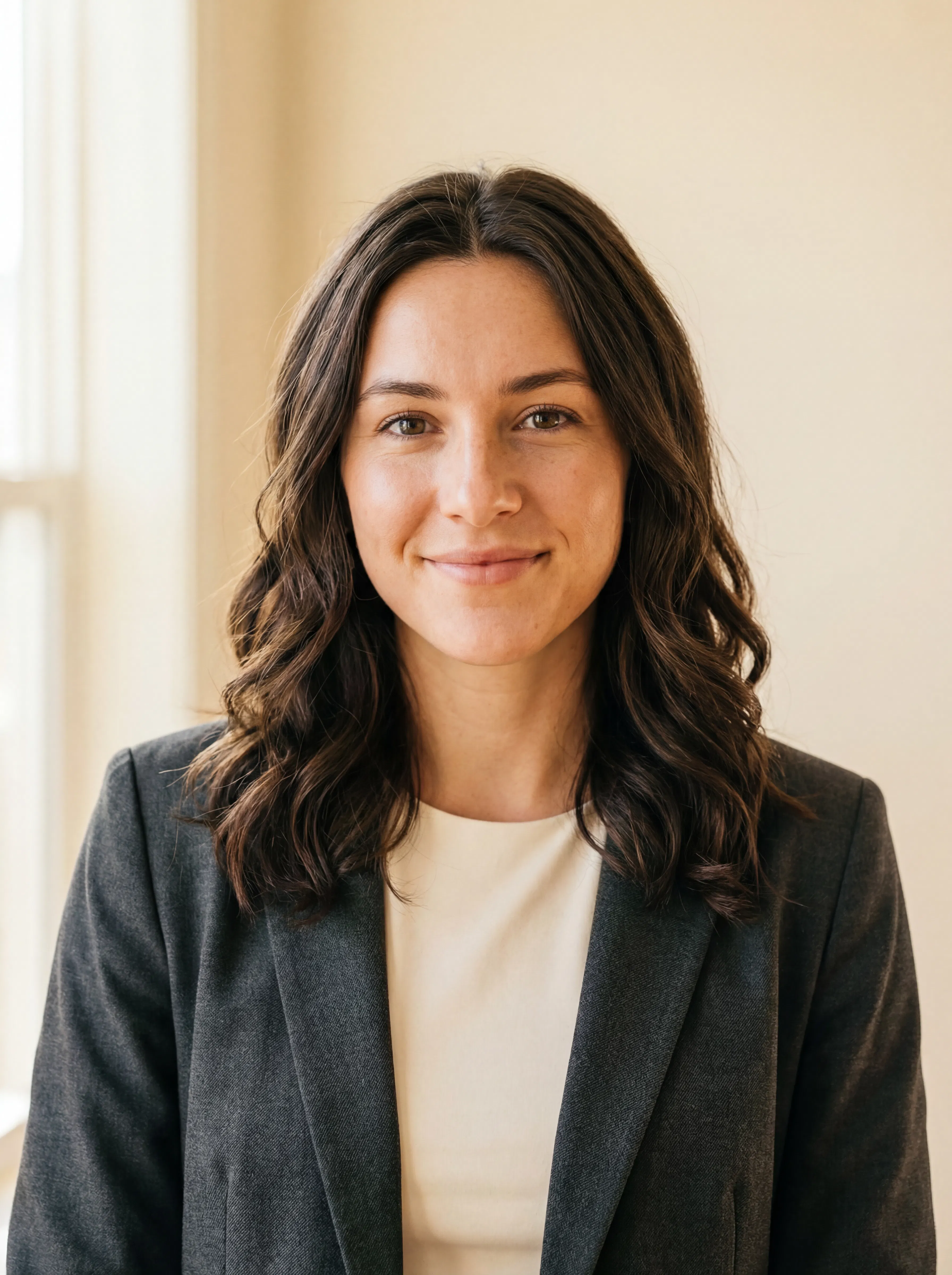
What makes a great professional headshot
| Quality | What it means | Why it matters |
|---|---|---|
| Proper framing | Head and shoulders visible, centered, with space around the face | Looks natural at any crop size across platforms |
| Neutral background | Solid or softly blurred backdrop | Keeps the focus on you, not distractions behind you |
| Consistent lighting | Even, flattering light without harsh shadows | This is where most selfies fall short, and where AI makes the biggest difference |
| Natural expression | A slight, genuine smile rather than a stiff pose | The best headshots look like you, just polished |
The AI handles framing, background, and lighting automatically, so the only thing you need to bring is your face and a decent selfie.
AI headshot studio vs. booking a professional photographer
| Morphic's AI headshot studio | Professional headshot session | |
|---|---|---|
| Cost | Available on Morphic | Professional rates |
| Time to get results | Significantly faster | Days to weeks |
| Setup required | None, just a selfie | Studio booking, travel, scheduling |
| Style options | 5 styles, switch instantly | Limited to one session look |
| Retakes | Run the workflow again | Additional cost per session |
| Quality | Studio-grade AI processing | Depends on photographer |
FAQs
Yes, absolutely. The workflow generates studio-quality headshots intended for professional use. They work for LinkedIn, company websites, author bios, casting platforms, or any context requiring a professional portrait.
It depends on your industry. Corporate works best for finance, consulting, and law. Business casual is the most versatile choice and fits the majority of LinkedIn profiles. Morphic offers both of these plus creative, cinematic, and editorial styles so you can match your professional context.
Yes. LinkedIn profiles with professional headshots get significantly more profile views and connection requests. What matters is how polished and authentic the final image looks, not how it was produced. AI-generated headshots from tools like Morphic are designed to look natural and professional.
Use a front-facing photo with even lighting. Standing near a window works well. Avoid heavy filters, sunglasses, or group shots. The clearer your face is in the original photo, the better the AI can process it. The workflow is optimized to work with standard smartphone selfies.
Professional headshot sessions can be expensive and take days to deliver. Morphic's headshot workflow is available on Morphic and delivers results significantly faster than a traditional photoshoot.