What is an abandoned cart email image?
An abandoned cart email image is the visual inside a reminder email that nudges a shopper back to a purchase they left behind. It reminds them what they were about to buy, rekindles the desire, and often carries a gentle incentive, so it needs to look inviting, on brand, and clearly tied to the product in the cart.
With Morphic you make this image from a text prompt in your browser. Describe the product, the mood, and any offer, then adjust and download in HD. You get a warm, click-worthy email visual without opening design software.
Center the image on the product
The shopper already wanted this item, so lead with it. Open Morphic and describe your product presented cleanly and attractively, the hero of the image, so the reminder is instantly recognizable.
Set an inviting, on-brand mood
Prompt for lighting and a background that feel warm and premium while matching your brand. A friendly, polished tone works better than a pushy one for winning a shopper back.
Add a gentle incentive if you have one
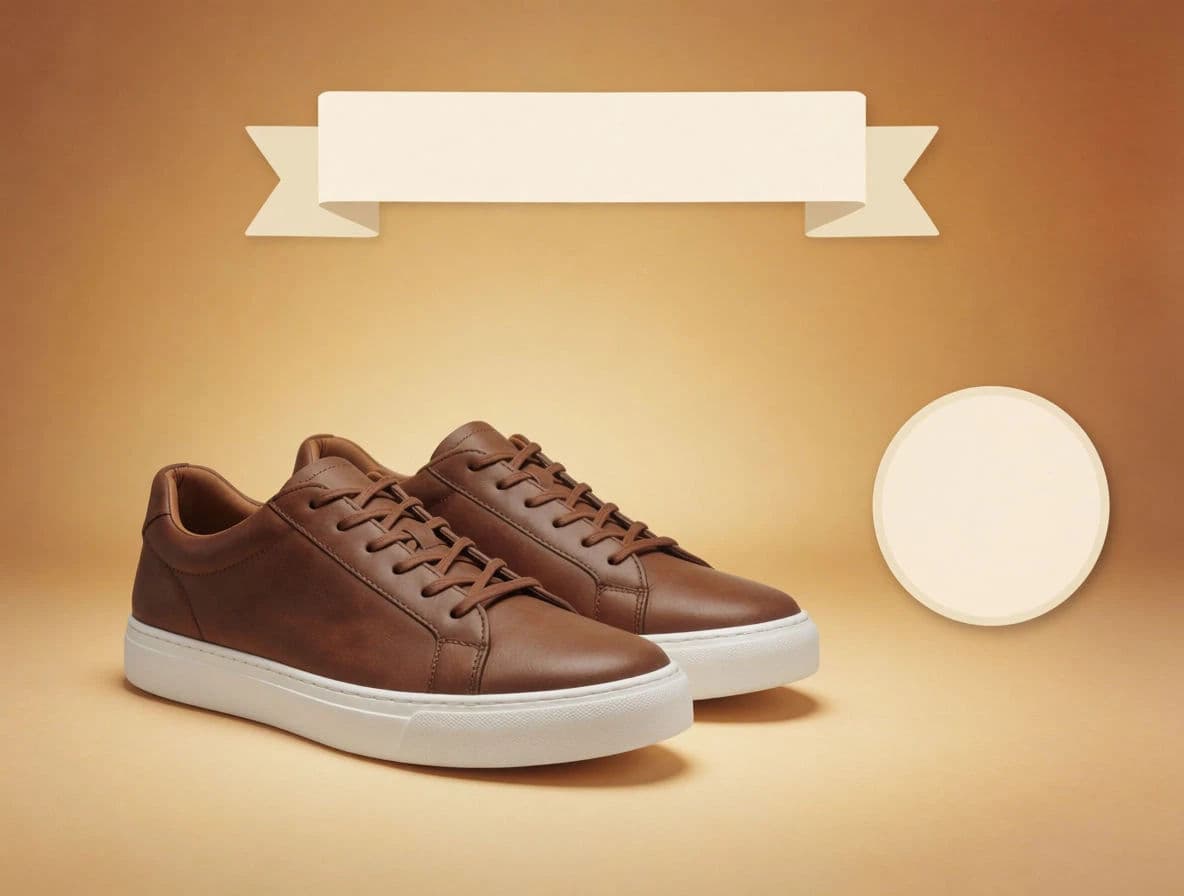
If the email offers free shipping or a small discount, prompt for tasteful space to feature it, a subtle badge or callout, without overwhelming the product.
Leave room for headline and button
Include negative space where your reminder copy and a Return to Cart button will sit, so the image works with the email layout rather than fighting it.
Export for email
Download the image in HD and at a size that loads fast in an inbox, then drop it into your abandoned cart email template.
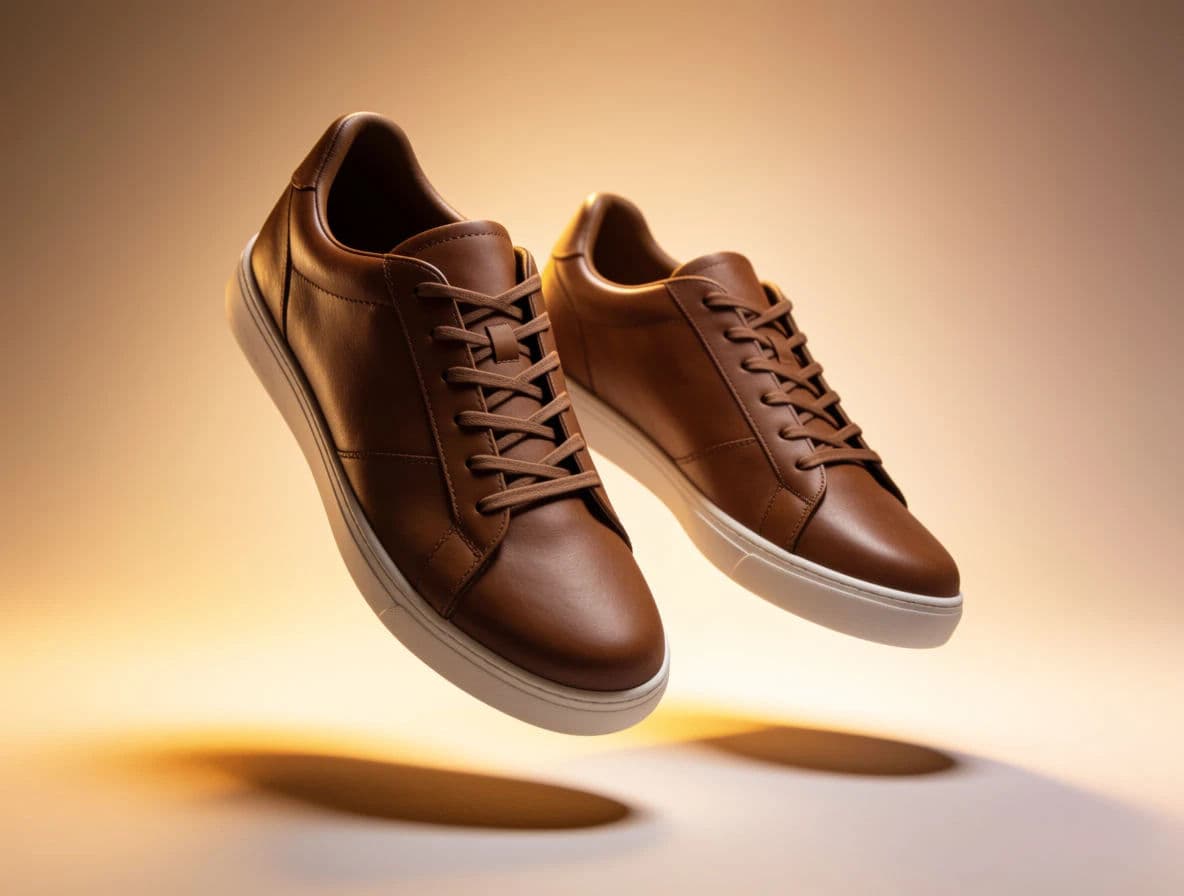
Two cart-recovery layouts: a clean product hero and an incentive-forward version.
What makes a great cart-recovery image
| Quality | What it means | Why it matters |
|---|---|---|
| Product front and center | The left-behind item leads | The shopper instantly remembers the cart |
| Inviting mood | Warm, premium, on-brand styling | The email feels friendly, not pushy |
| Clear incentive | Any offer is tastefully featured | A small nudge tips the shopper to return |
| Copy-ready space | Room for headline and button | The image fits the email layout cleanly |
Morphic vs the traditional route
| Morphic | Design software or a designer | |
|---|---|---|
| Cost | Available on Morphic | Software subscription or design fee |
| Time | A finished image in minutes | Hours of layout and revision |
| Skill needed | Describe the image in words | Layout and photo editing skills |
| Variations | Regenerate to test versions | Rebuild each version by hand |
FAQs
Lead with the product so the reminder is instantly recognizable. Describe your item as the hero, or work from a reference, so the shopper remembers what they left behind.
Set a warm, premium, on-brand mood rather than a hard-sell one. A friendly tone tends to win shoppers back more effectively than pressure.
Yes. Prompt for a subtle badge or callout for the offer so it is visible without overwhelming the product image.
Yes. Include negative space where your headline and Return to Cart button will sit so the image works with the email layout.
Yes. Download in HD at a size that stays inbox-friendly so the email loads fast without losing quality.
Yes. Images you generate with Morphic are cleared for commercial use in your email campaigns and marketing.