What is an anniversary celebration graphic?
An anniversary celebration graphic marks a milestone, a company's tenth year, a couple's twenty-fifth, or a product's first birthday. It usually leads with a large numeral and a short line of copy, and it gets used across social posts, email headers, and printed signage. Marketing teams, internal comms leads, and families making a party announcement all reach for one.
With Morphic you make that graphic from a text prompt in your browser. Describe the milestone, the wording, and the styling, then compare a couple of treatments and download in HD. You get a finished graphic without design software or an agency brief.
Decide the milestone and the copy
Fix the numeral, the name it belongs to, and the short line beneath it. A milestone graphic works best with very little text, so cut anything that is not essential.
Describe the graphic in Morphic
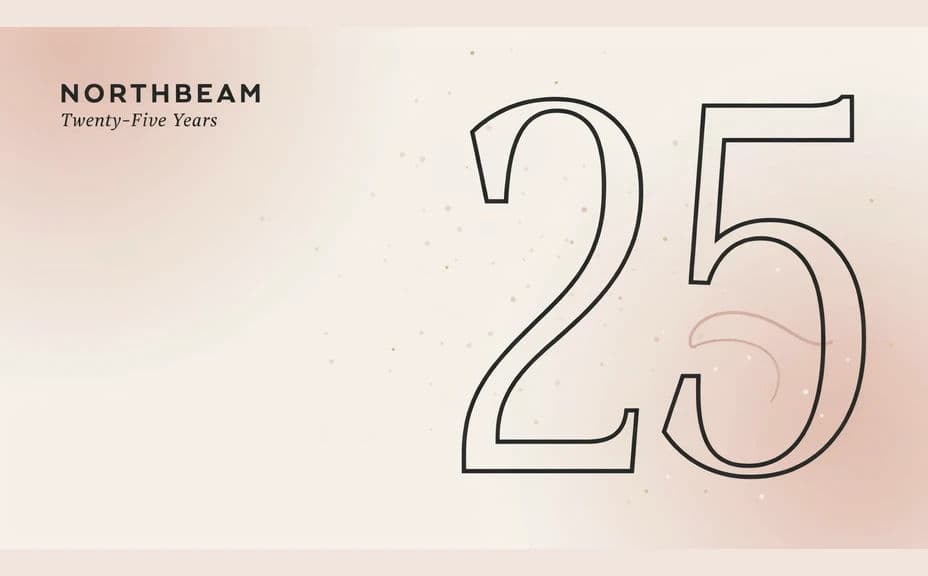
Open Morphic and describe the composition, a large numeral leading with the name and line of copy beneath. Ask for a couple of treatments so you can compare a bold numeral against a more decorative one.
Set the palette and mood
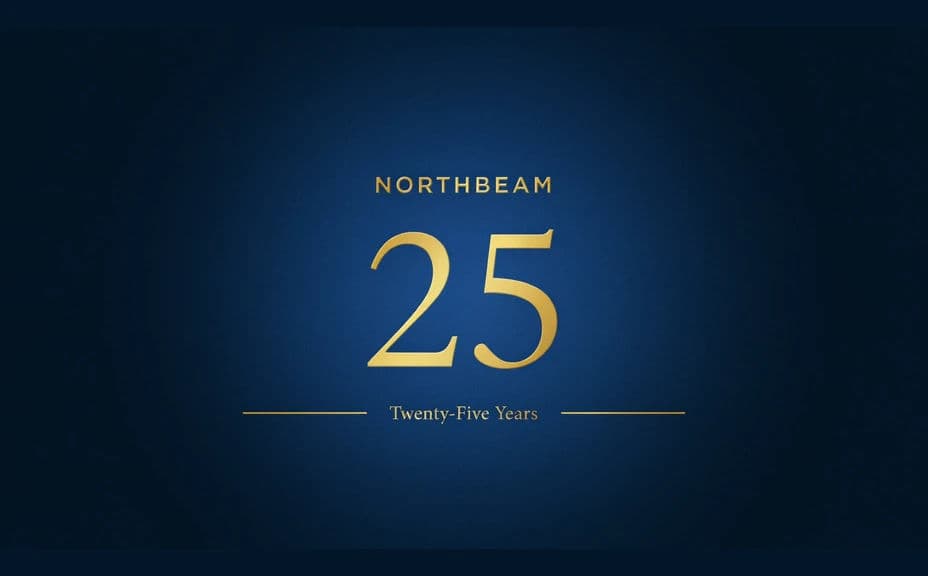
Name the colours and the celebratory treatment you want, metallic on deep tone, soft confetti, or clean brand colours with a single accent. The mood should match whether this is a corporate milestone or a personal one.
Check the numeral and wording
Read the numeral, the name, and the line of copy straight off the graphic and confirm each is correct. Regenerate any version where the digits are malformed or the copy crowds the numeral.
Export for every placement
Generate the crops you need, a square for social, a wide header for email, and a larger version for print. Download each in HD and drop them straight into your channels.
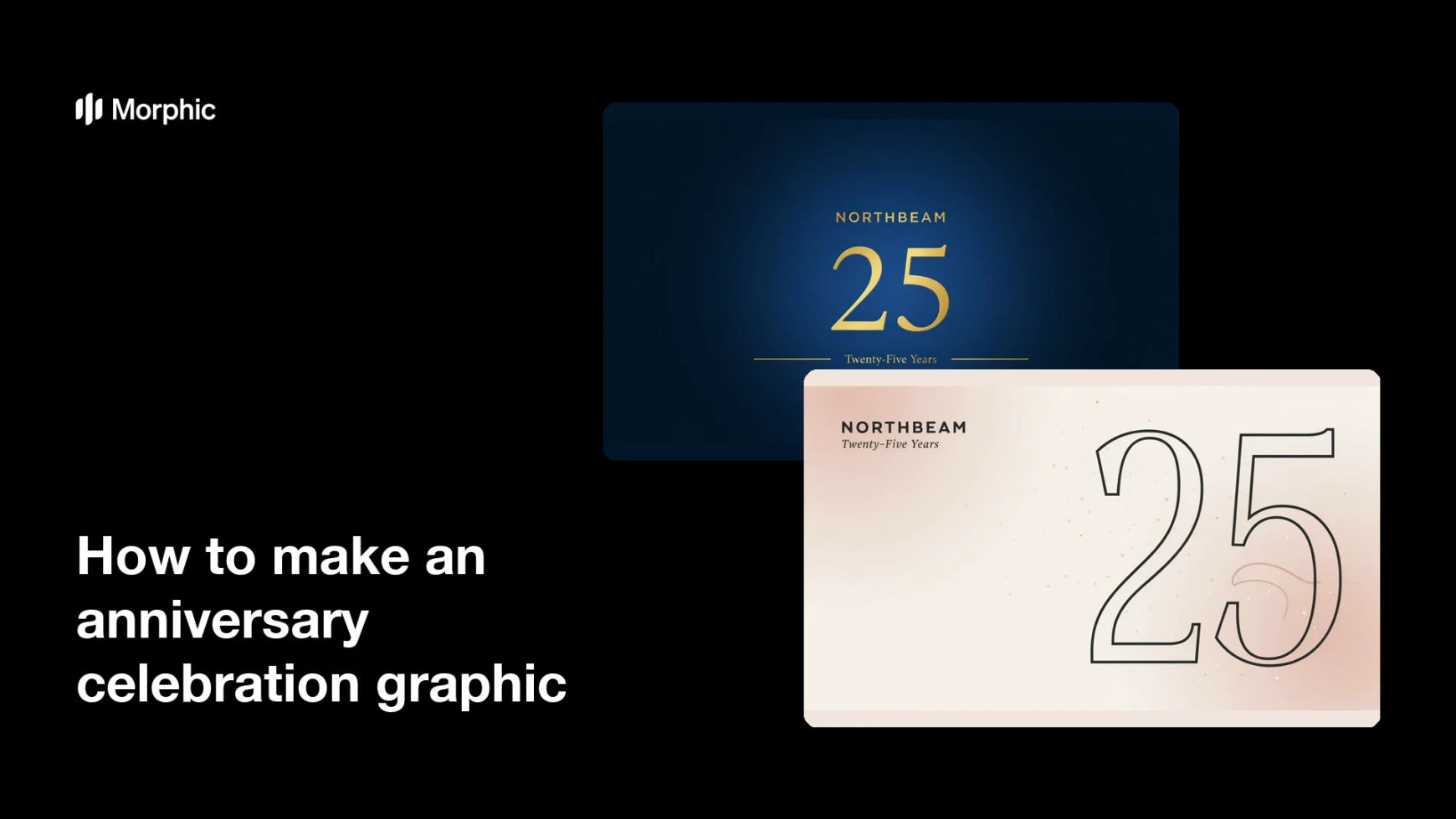
Two design options for the same anniversary milestone, each carrying the same numeral and name.
What makes a good anniversary celebration graphic
| Quality | What it means | Why it matters |
|---|---|---|
| A dominant numeral | The milestone is the largest element | The message lands before anyone reads the copy |
| Very little text | A name and one short line | The graphic still works at thumbnail size |
| Tone that fits the milestone | Corporate restraint or personal warmth | The graphic does not feel borrowed from elsewhere |
| Crops for each placement | Square, wide, and print versions | Nothing important is cut off by a feed crop |
Morphic vs the traditional way
| Morphic | Design agency or template editor | |
|---|---|---|
| Cost | Available on Morphic | Agency fee or template subscription |
| Time | A finished graphic in minutes | Days of drafts and approval rounds |
| Skill needed | Describe it in plain language | Layout and typography skills |
| Consistency | Regenerate every crop from one description | Manual rework for each placement |
FAQs
Yes. Give the numeral and wording in your prompt, then proof the rendered text and regenerate if anything reads wrong.
Yes. Name your palette, accent, and type style in the prompt. Keep contrast high so the numeral holds up in a busy feed.
Yes. Describe each crop you need and generate it, keeping the same styling so every placement matches.
Yes. Describe the couple's names, the year, and a warmer palette, and the same process produces a personal milestone graphic.
Describe the motion you want, such as a slow shimmer across the numeral, and generate a short clip alongside the still.
Yes. Images you generate with Morphic are cleared for commercial use across your campaigns and printed materials.