What is an employee onboarding video?
An employee onboarding video is a short film that welcomes new hires and orients them to the company, its people, and its ways of working. It typically opens with a warm welcome title, then moves through the workplace, the team, and the first steps a new hire should take. HR and people teams use it to make day one feel consistent and calm, and to save the same introduction being repeated in person.
With Morphic you build this video from a text prompt in your browser. Describe the welcome scene, the walkthrough, the tone, and your brand look, then adjust and download in HD. You get warm, on-brand footage without a film crew or an editing suite.
Outline the moments to cover
List the beats a new hire needs on day one, such as a welcome, a look around the workplace, and a note on where to start. A short outline keeps the video focused and easy to follow.
Describe the welcome scene
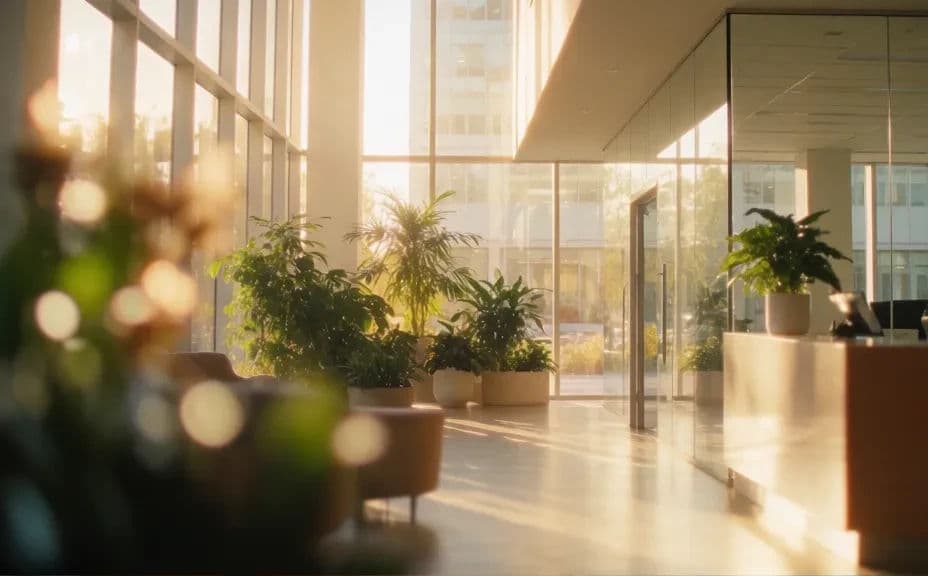
Open Morphic and describe the opening frame: a warm welcome title over a bright, modern workplace that reflects your culture. Set the mood you want, whether that is friendly and calm or energetic and upbeat.
Describe the workplace walkthrough
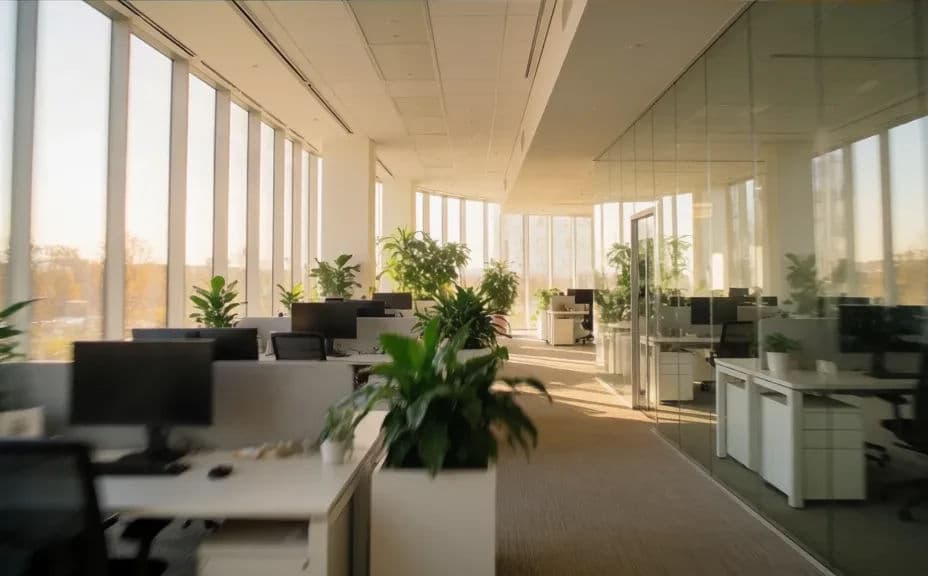
Prompt for a walkthrough scene that moves through the office or workspace so new hires can picture where they will be. Keep the same lighting and style as the welcome frame so the video feels like one piece.
Apply your brand look
Ask for your brand colors and a consistent visual style across every scene. A steady look and tone makes the onboarding feel considered and reassuring rather than pieced together.
Review the flow and export
Watch the scenes in order and confirm the welcome leads naturally into the walkthrough. Download in HD, then share it in your onboarding portal or first-day email.
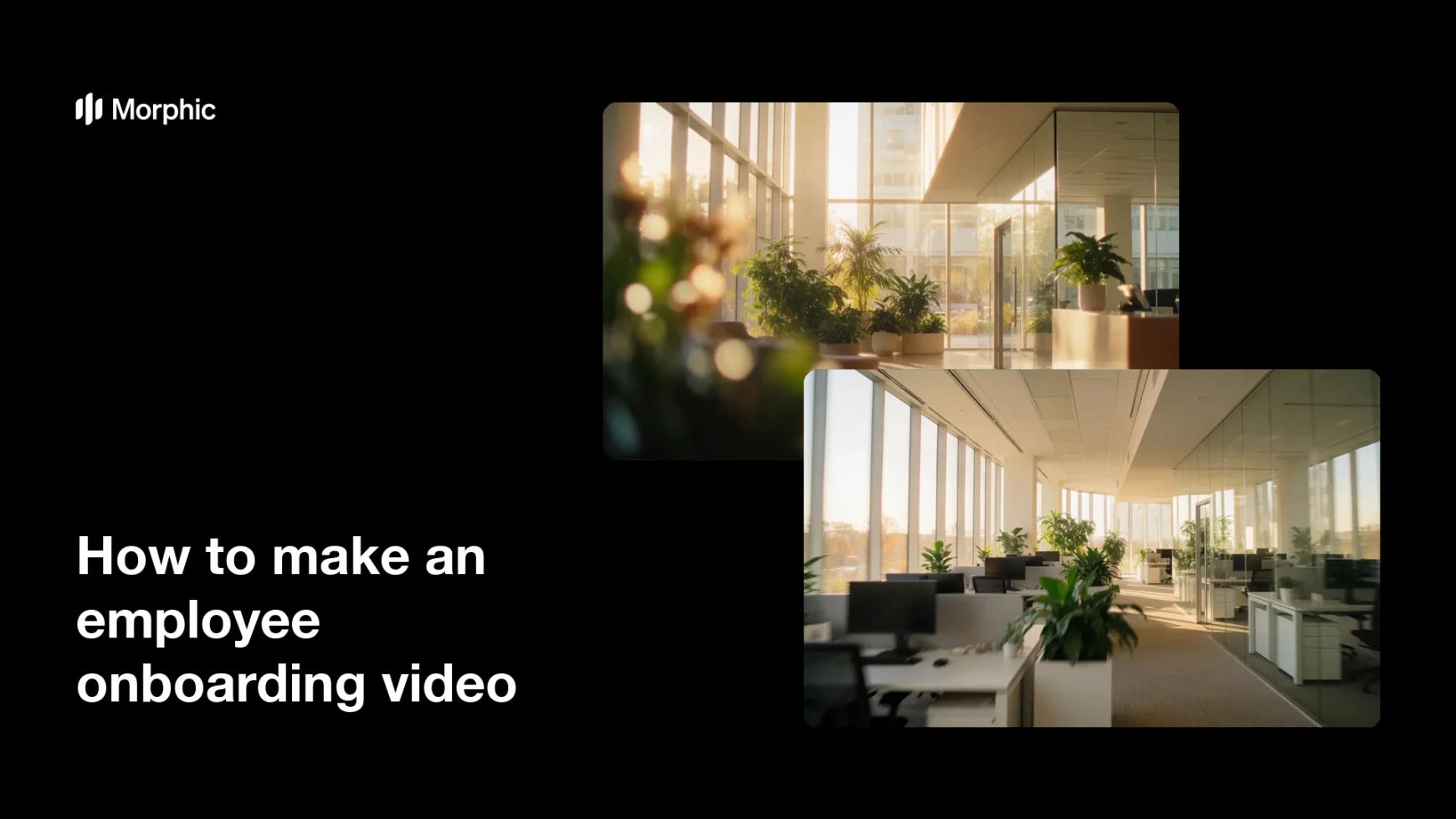
Two frames from one onboarding video: the welcome title, then the workplace walkthrough.
What makes a good onboarding video
| Quality | What it means | Why it matters |
|---|---|---|
| Warm welcome | An opening that feels personal | New hires feel expected and at ease |
| Clear structure | Scenes follow a logical order | The video is easy to follow on day one |
| Consistent look | One style across every scene | The film feels considered, not pieced together |
| On-brand tone | Colors and mood match the company | It reflects the culture new hires are joining |
Morphic vs the traditional way
| Morphic | A film crew and editor | |
|---|---|---|
| Cost | Available on Morphic | Crew, location, and edit fees |
| Time | Finished scenes in minutes | Days of shooting and editing |
| Skill needed | Describe it in plain language | Filming and editing skills |
| Consistency | One steady look across scenes | Reshoots to keep footage matching |
FAQs
Yes. Describe your brand colors, tone, and visual style, and apply them across every scene so the video reflects your culture consistently.
Short enough to hold attention, usually a couple of minutes. Cover the welcome and a brief walkthrough, and leave detailed policy for written guides.
Yes. Ask for the same lighting and style across the welcome and walkthrough, so the frames feel like one video rather than separate clips.
Yes. Describe the new scene or detail and regenerate, so keeping the onboarding current does not mean a full reshoot.
A warm title and a bright, on-brand setting that reflects your workplace. The goal is to make a new hire feel expected and at ease.
Yes. Videos you generate with Morphic are cleared for commercial use across your onboarding and internal channels.