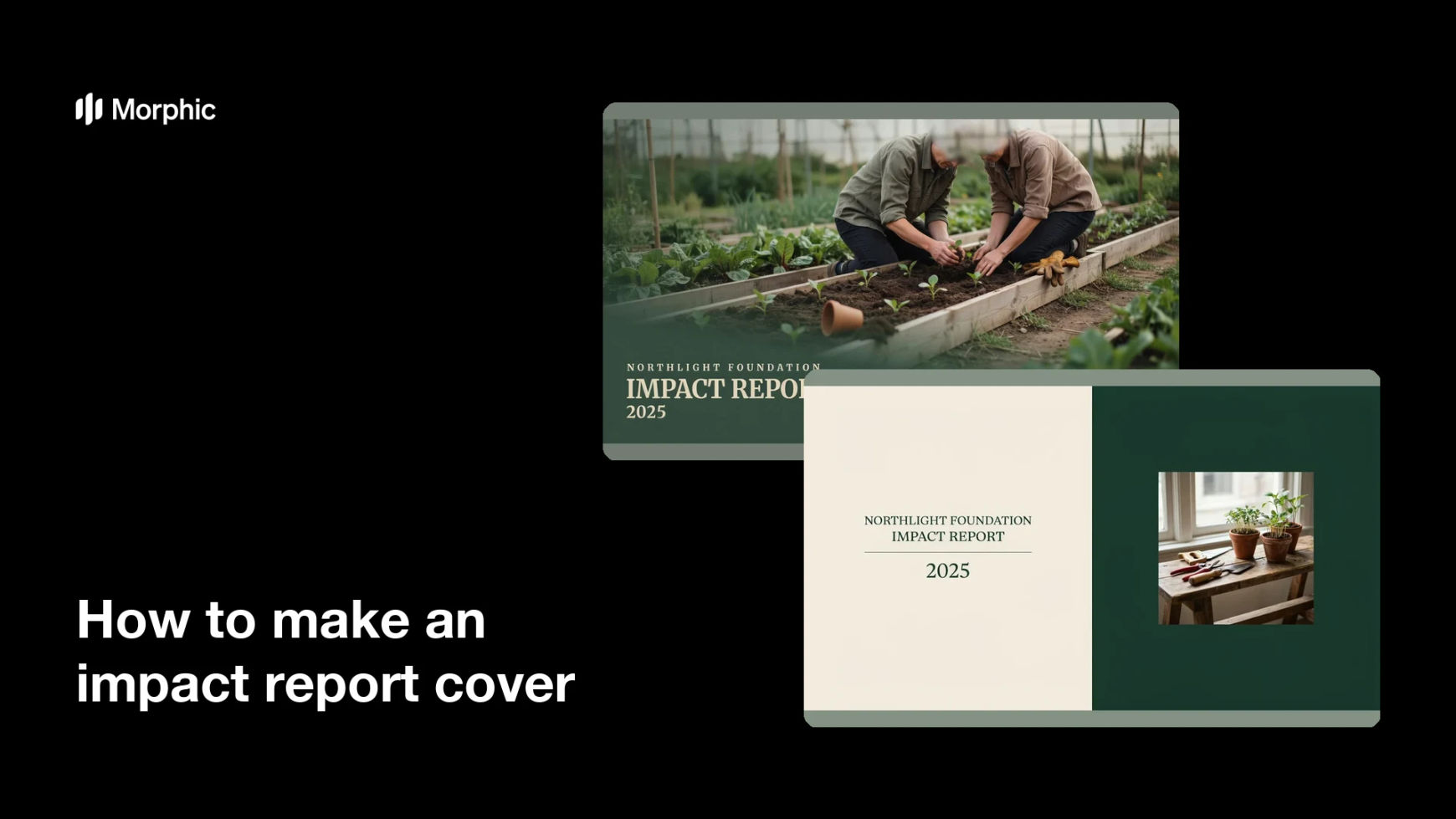
What is an impact report cover?
An impact report cover is the front page of the annual document a charity or social enterprise publishes to show what its work changed over the year. It normally carries the organisation name, the year or reporting period, a title such as Impact Report, and one image that sets the tone for everything inside. Fundraising and communications teams care about it because funders, trustees, and major donors often judge the whole report by whether the cover looks credible.
With Morphic you make this cover from a text prompt in your browser. Describe the theme, the palette, the type feel, and the exact words you want on the front, then refine the layout and download in HD. You get a print-ready cover without design software and without waiting on an external studio.
Choose the theme the year should stand for
Pick the one story that best represents your year, such as a new service, a place you expanded into, or the people who now have something they did not before. A cover built around one theme reads far more confidently than a collage of everything you did.
Fix the words that appear on the front
Write out your organisation name, the reporting period, and the report title exactly as they should render. These few strings are the only text on the cover, so getting them right before you generate saves every later round of edits.
Describe the image and how people appear
Describe the scene, the light, and the crop you want, and ask for people shown as active participants in their own lives rather than as recipients being helped. Avoid depicting identifiable real people on a public document, and keep any faces you show generic rather than tied to a named individual.
Apply your brand and page format
Give your palette, type feel, and the trim size you print at, such as A4 portrait with room for a spine if the report is bound. Ask for clear space at the top or bottom so the title and year sit calmly rather than fighting the image.
Proof it and export
Read the rendered name, year, and title back against your own copy, and confirm any number that appears is a figure your team has verified. Download in HD, then hand it to your printer or drop it into the front of your digital edition.
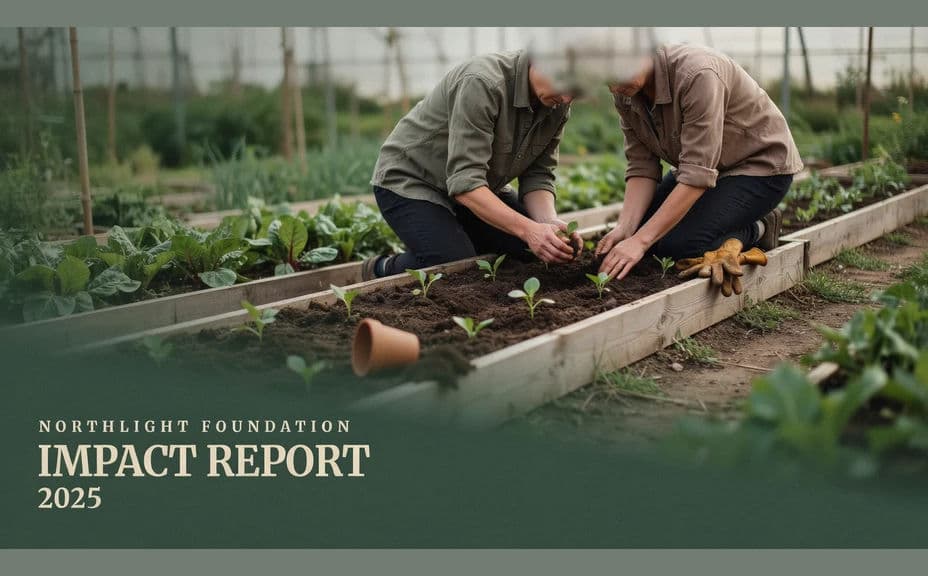
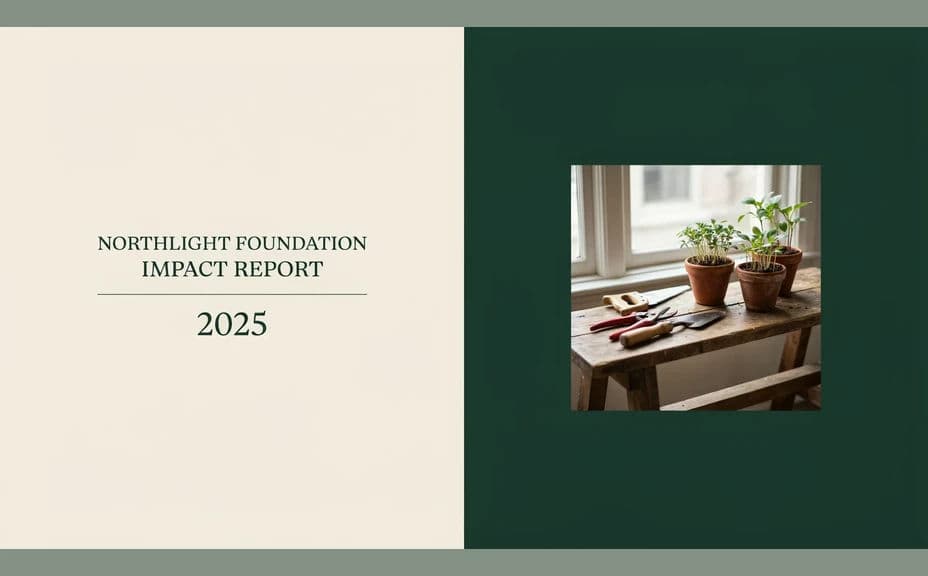
Two cover designs for the same invented organisation's annual report, each using the same name, year, and title in a different treatment.
What makes a good impact report cover
| Quality | What it means | Why it matters |
|---|---|---|
| Clear identification | Name, period, and title read instantly | Funders file and cite the report correctly |
| A single theme | One story rather than a collage | The cover sets up the narrative inside |
| Honest representation | People shown with dignity and agency | It reflects the values the report is arguing for |
| Print-ready layout | Correct trim size and quiet space for type | The cover survives binding and folding intact |
Morphic vs the traditional way
| Morphic | A design studio | |
|---|---|---|
| Cost | Available on Morphic | Studio fee plus photography or stock licences |
| Time | A finished cover in minutes | Weeks of concepts and revision rounds |
| Skill needed | Describe it in plain language | Layout, typography, and print production skills |
| Consistency | Regenerate next year on the same brief | A fresh brief and cost every reporting cycle |
FAQs
Yes. Give those exact strings in your prompt and the cover renders around them. Regenerate with a new year or title when the next reporting cycle comes round.
You can, but any number in a generated example is an illustrative placeholder. Swap in your own verified figures, with the methodology you can defend, before the report goes out.
Describe them as participants with agency rather than as passive beneficiaries, and say what framing you want to avoid. Do not depict identifiable real people, and get written consent before using any photograph of your own community.
Yes. Describe your palette, type feel, and any logo clear space you need, and the cover renders to match. Keep contrast high so the title holds against the image.
Whatever you print at. Specify the trim size and orientation, such as A4 portrait, and ask for margin around the title so nothing is lost at the cut.
Yes. Covers you generate with Morphic are cleared for commercial use, including printed runs, donor mailings, and your published digital edition.