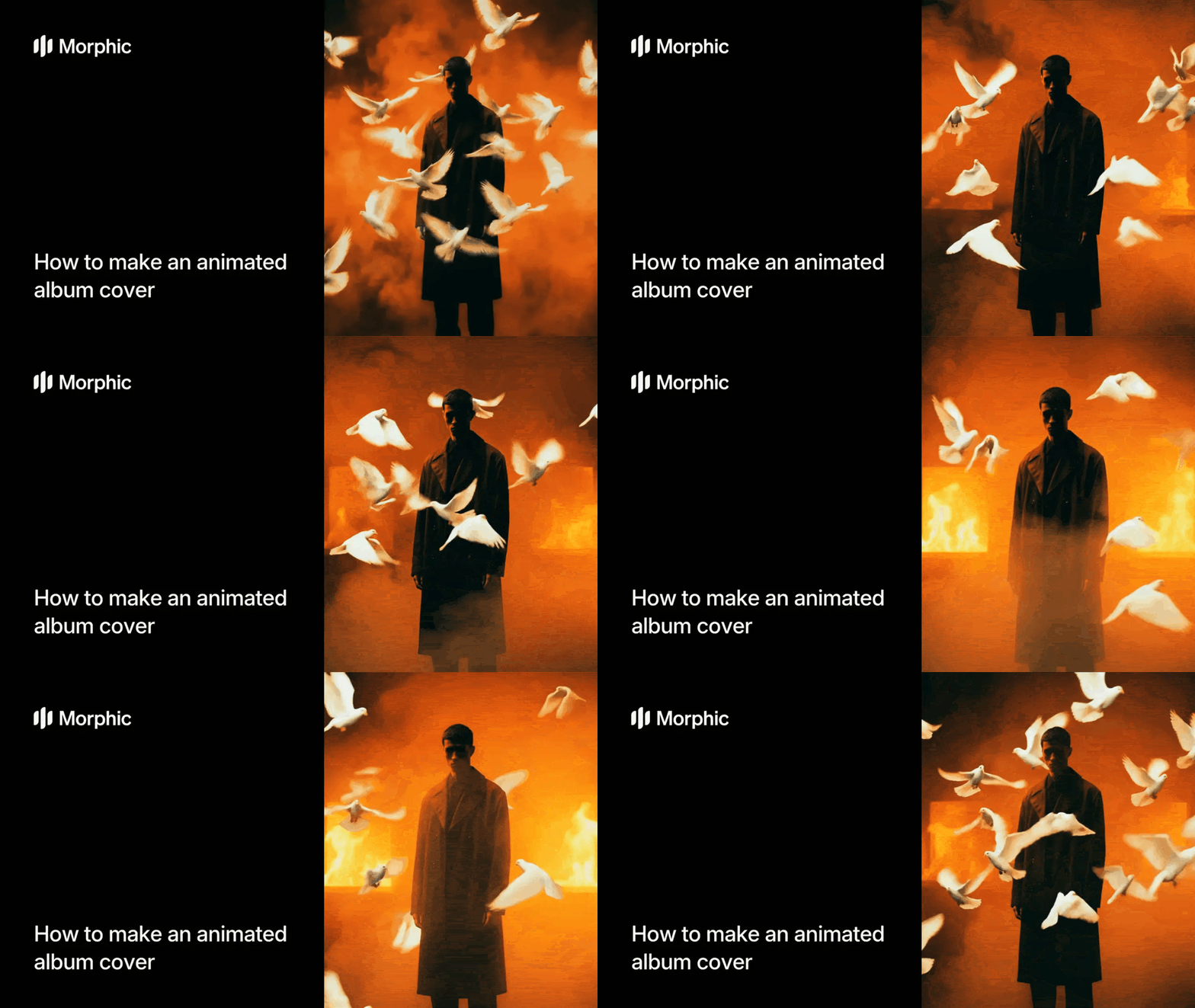
What is an animated album cover maker?
An animated album cover is a short video version of an album's artwork, typically 5-30 seconds, that loops continuously. Animation can be as subtle as gentle movement and color shifts or as complex as multi-layered compositions with camera pans and transitions. Animated covers appear on streaming platforms like Spotify and Apple Music, on artist social media, and as visual accompaniment during online releases or listening parties.
The template analyzes your artwork's color palette, composition, and implied mood. It then creates camera movements, lighting shifts, or particle effects that feel organic to the image. Finally, Morphic pairs the animation with mood-matched background music so your cover feels complete.
Upload your album cover and generate
Open the "Animated album cover" workflow. In the "Album cover" step, browse the gallery or upload your final album cover image. Click "Run workflow" to generate. Morphic analyzes the artwork's composition and mood, then creates a cinematic animation with motion design and mood-matched background music.
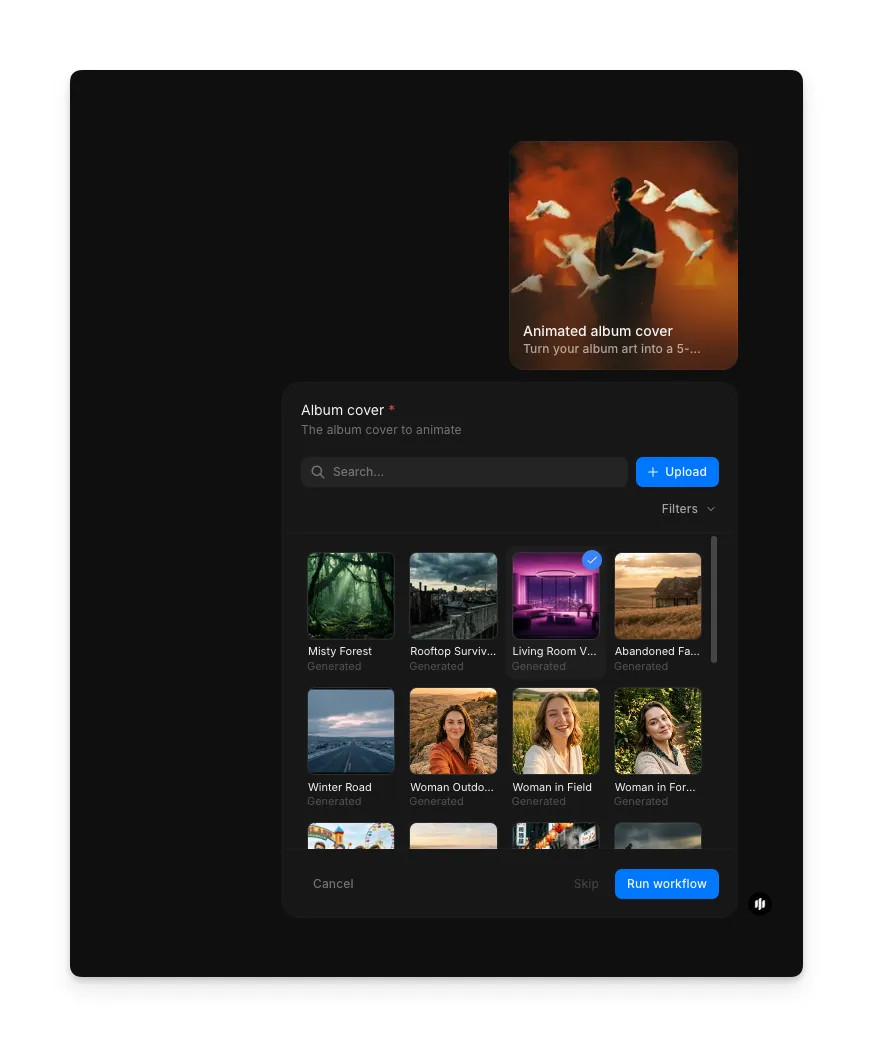
The workflow generates a 5-second seamless loop with cinematic motion and ambient audio:
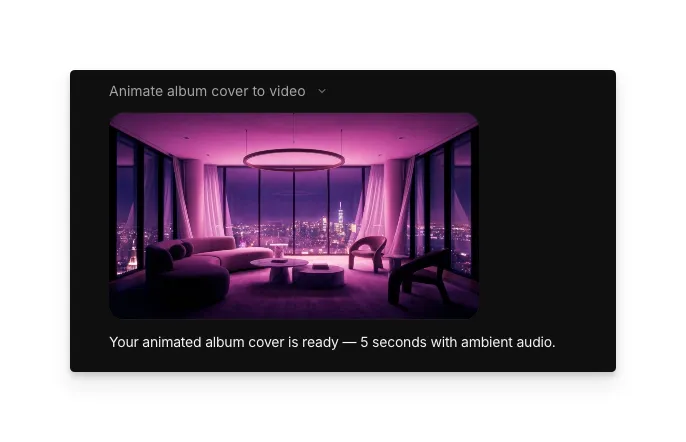
The animated album cover playing as a seamless looping video with mood-matched audio
What makes a great animated album cover
| Quality | What it means | Why it matters |
|---|---|---|
| Motion quality | Smooth, purposeful movement that enhances the art | Jerky or distracting motion creates a poor first impression |
| Audio pairing | Music perfectly matched to the artwork's mood | Audio that feels disconnected or jarring undermines the whole piece |
| Pacing | Animation timing flows naturally over 5 seconds | Movement too fast or too slow breaks the immersive loop effect |
| Composition | Original artwork remains hero, animation supports it | Animation that overwhelms the album art defeats the purpose |
The workflow handles motion design, audio sourcing, and technical rendering automatically, so you focus only on your creative direction.
Animated album cover vs. hiring a motion designer
| Animated album cover template | Hiring a motion designer | |
|---|---|---|
| Time to delivery | 10-15 minutes | 2-4 weeks plus revisions |
| Cost | Available on Morphic | Professional rates per cover |
| Iteration | Regenerate styles instantly | Revision rounds and additional fees |
| Audio sourcing | Mood-matched music included | Licensing music separately required |
| Technical knowledge | None required | Designer handles all software |
| Creative control | Choose from preset styles | Full custom design possible |
FAQs
Yes. Most streaming platforms accept animated album covers as video files. Check your distributor or Spotify for their latest animated cover specifications, but Morphic exports in formats compatible with all major platforms.
Regenerate the animation and Morphic will pair different music to your artwork. You can iterate on the music selection without regenerating the animation itself. You can also mute the audio and add your own soundtrack.
The standard template generates 5-second loops, which is ideal for most streaming platforms. Morphic can extend to 10-15 seconds if you request it during generation.
The music included with the animated album cover template is fully licensed for your use. No additional royalties or licensing fees apply. The music is non-exclusive, meaning other artists may use the same track.
You can run the workflow multiple times as needed. Create animated covers for every release, remix, or single in your discography.