What is a display ad banner set?
A display ad banner set is one creative rebuilt across the standard placement sizes: leaderboard, medium rectangle, wide skyscraper, mobile banner, and more. Media buyers and agencies need the full set because ad networks serve different sizes on different pages, and a campaign only performs when every slot is covered with the same message.
Morphic lets you describe the ad once and generate every size from that single idea in your browser. Keep the headline, product, and colors consistent across the set, adjust any single size, and download the whole batch in HD ready for the ad platform.
Lock your core message and offer
Decide the headline, the offer, and the call to action before you generate. A banner set works only when every size carries the same short message, so nail the wording and the single focal product or promise first.
Describe the creative and your brand
Open Morphic and describe the ad: the headline, the product or hero element, brand colors, and the button text. Note the mood you want, such as bold and high contrast, so the design reads at small sizes.
Generate the standard sizes
Ask for the full placement set: leaderboard (728x90), medium rectangle (300x250), large rectangle (336x280), wide skyscraper (160x600), and mobile banner (320x50). Generating them together keeps the layout logic consistent across every size.
Check readability at small sizes
Review the tight formats like the mobile banner and leaderboard, where text gets cramped. Ask for larger type or a simpler layout on any size that feels busy, so the headline and button stay legible in the feed.
Export the full set
Download every size in HD as a set. Because they share one look, the campaign feels unified no matter which slot the network fills, and each file is ready to upload for commercial use.
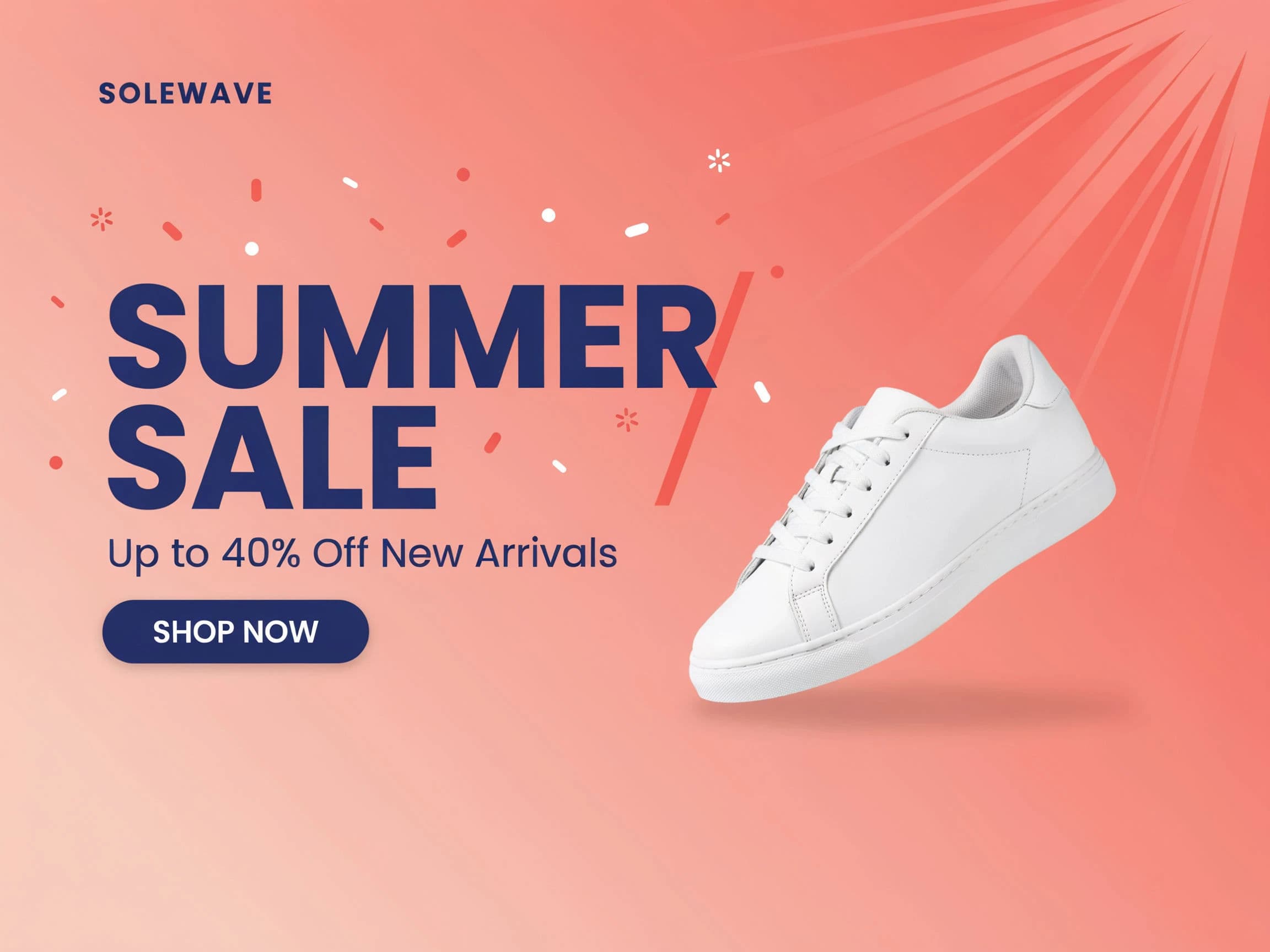
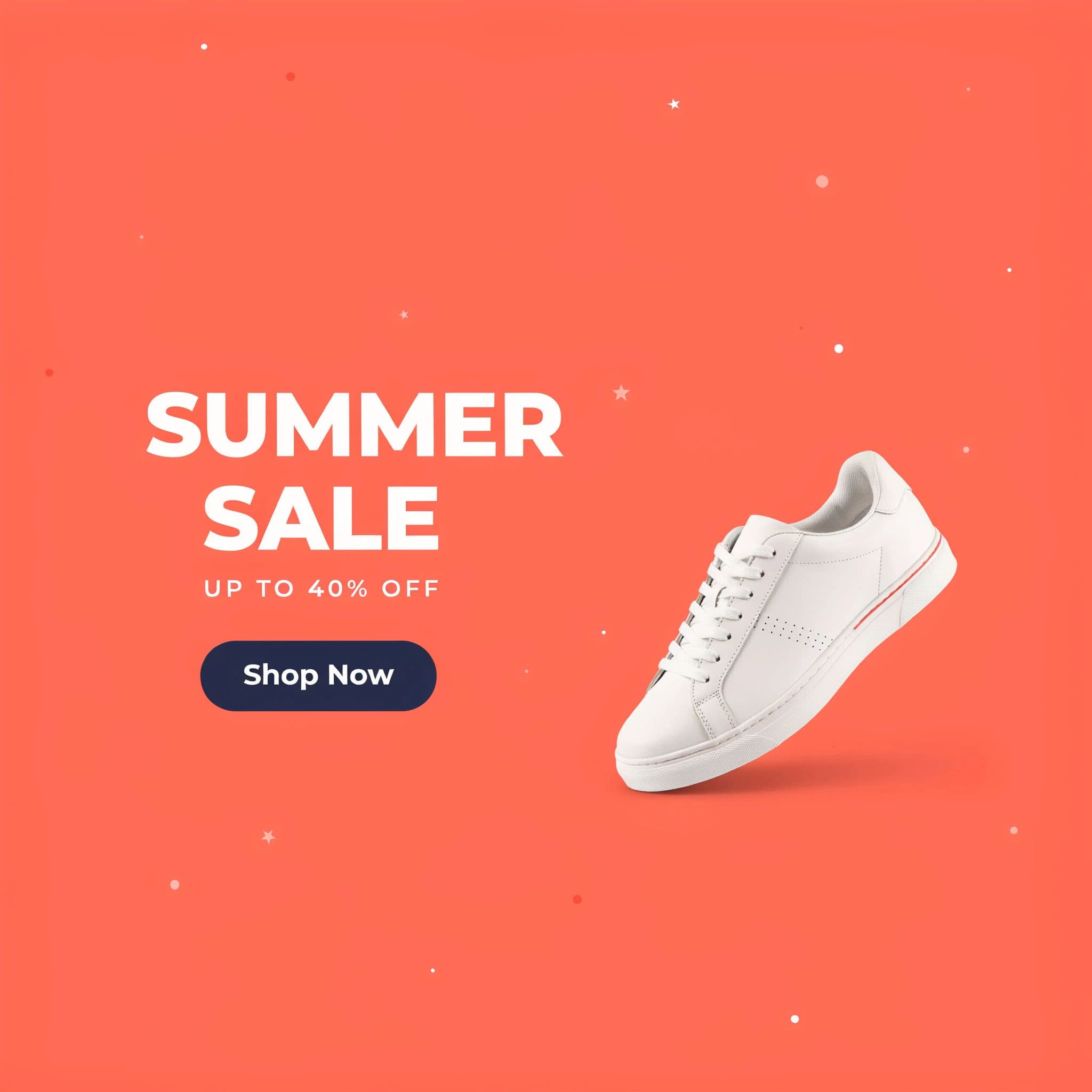
Two sizes from the same display banner set.
Standard display sizes to cover
| Size | Name | Where it runs |
|---|---|---|
| 728x90 | Leaderboard | Top of desktop pages, high visibility |
| 300x250 | Medium rectangle | In-content, the most widely served slot |
| 336x280 | Large rectangle | In-content, higher impact than 300x250 |
| 160x600 | Wide skyscraper | Sidebars on desktop layouts |
| 320x50 | Mobile banner | Anchored to mobile screens |
Morphic vs the traditional way
| Morphic | Design software or an agency | |
|---|---|---|
| Cost | Available on Morphic | Software subscription or per-size agency fees |
| Time | The full set in seconds | Hours resizing each banner by hand |
| Skill needed | Describe it in plain language | Layout tools and export presets |
| Consistency | One look across every size | Manual matching for each format |
FAQs
Cover the most-served slots: leaderboard 728x90, medium rectangle 300x250, large rectangle 336x280, wide skyscraper 160x600, and mobile banner 320x50. You can add more sizes to the same run.
Yes. Generating the set from one description keeps the headline, colors, and layout logic aligned across sizes, so the campaign reads as one creative wherever it serves.
Ask for larger type and a simpler layout on tight formats like the mobile banner. Keeping the message short helps the headline and button stay legible at any size.
Yes. Adjust any single banner with a plain-language tweak, such as bigger type or a different background, while the rest of the set stays as is.
Yes. Banners you generate are cleared for commercial use and download without a watermark, so they are ready to upload to your ad platform.
It helps to name the sizes you need, but you can describe them by placement too. Morphic produces the standard formats so your set matches the ad network requirements.