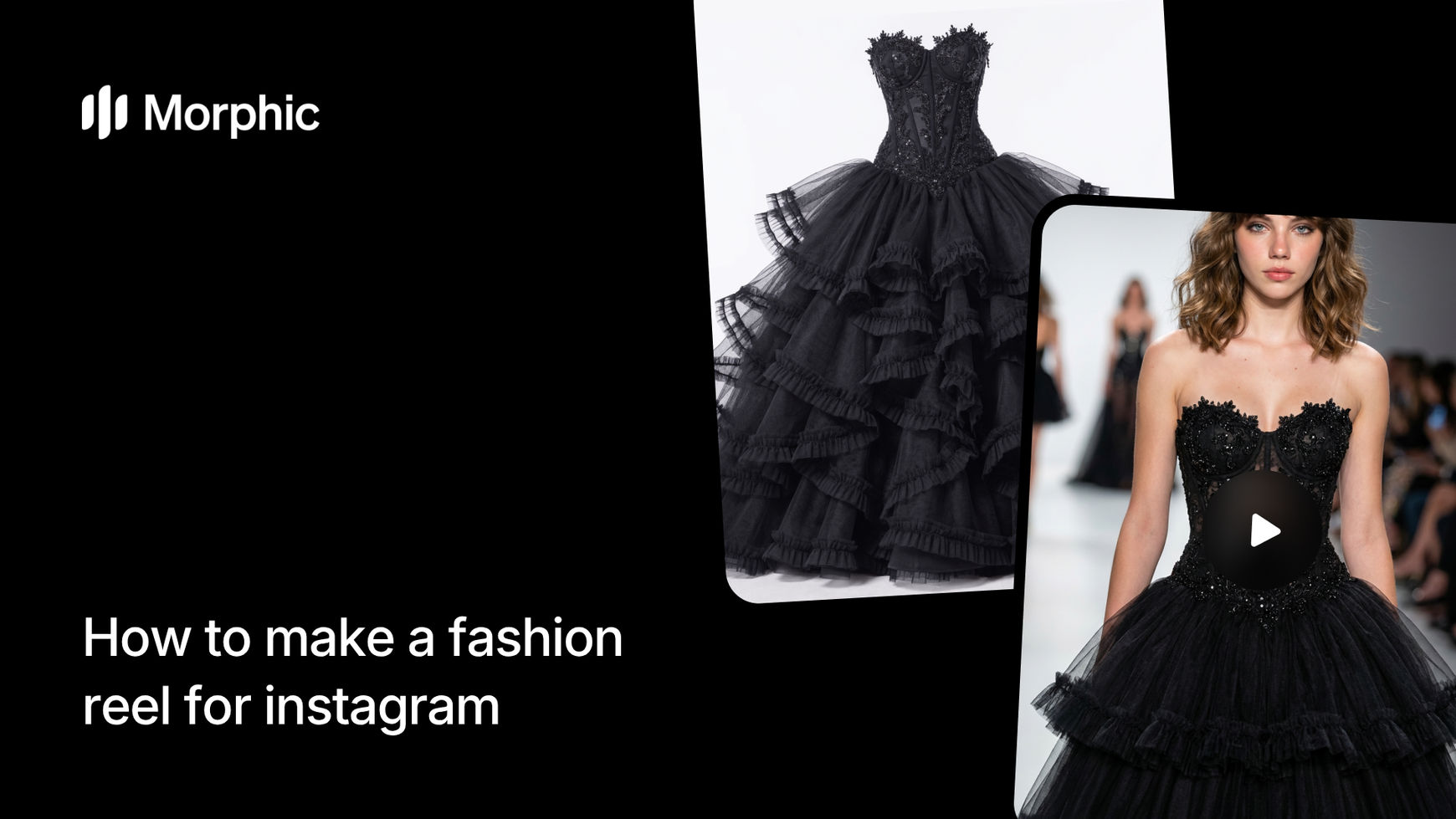
What is an AI fashion reel workflow?
A fashion reel workflow takes one image of a garment and produces a short-form video showcasing that piece across multiple styled looks and settings. Instead of filming each shot individually, the workflow analyzes the garment's silhouette, fabric, and color, then renders it in different styling contexts with cinematic transitions between scenes. The result is a polished, ready-to-post Instagram reel that looks like it came from a professional production.
Morphic's template produces a 27-second reel with 9 distinct styled shots, each showing the garment in a different aesthetic context with varied model poses and backgrounds.
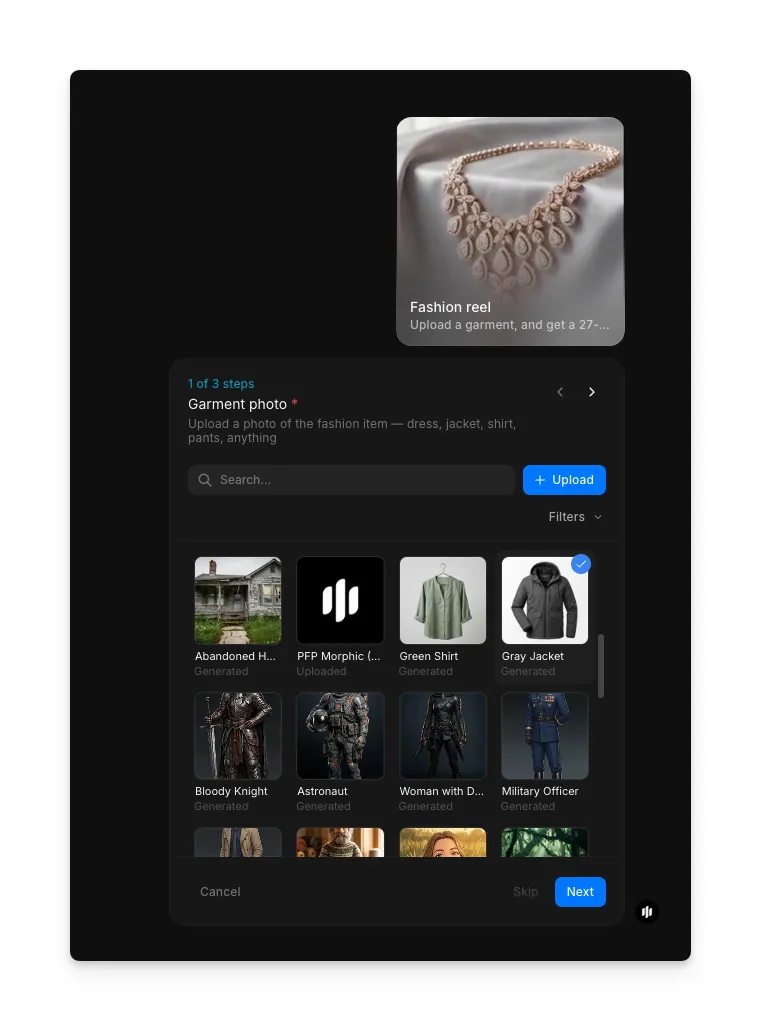
Upload your garment photo
Open the "Fashion reel" workflow. In the "Garment photo" step, browse the gallery or upload a clear photo of your garment, ideally a flat-lay or hanger shot against a plain background.
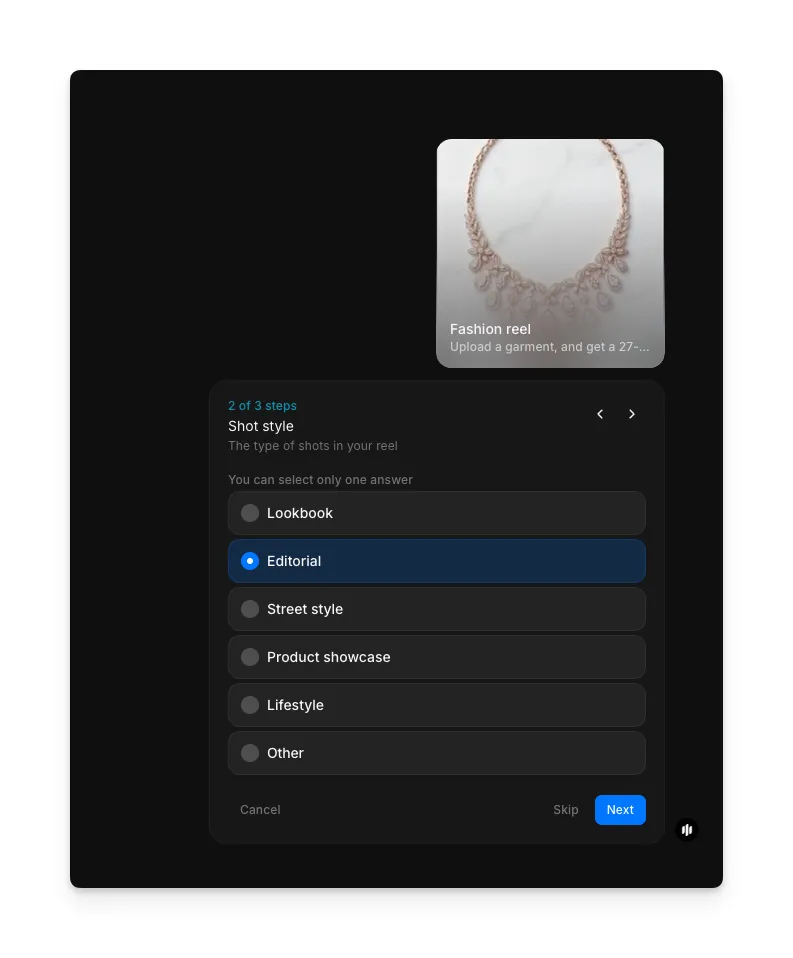
Choose your shot style
In the "Shot style" step, select the type of shots for your reel. Options include Lookbook, Editorial, Street style, Product showcase, Lifestyle, and Other. The style determines the backgrounds, model styling, and overall mood of the shots.
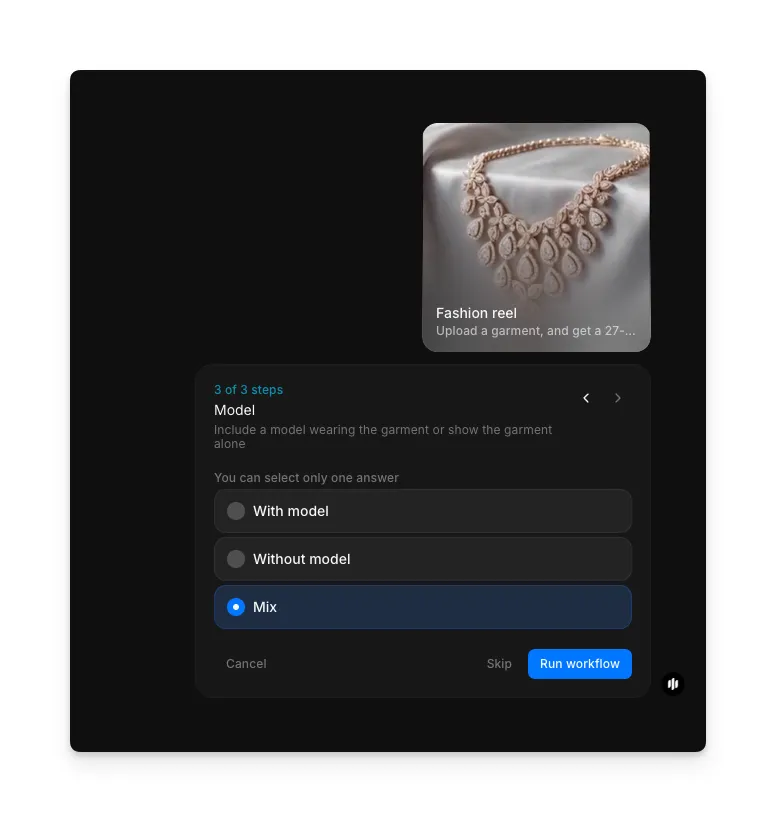
Choose model preference and generate
In the "Model" step, select whether to include a model wearing the garment. Options are With model, Without model, or Mix (a combination of both). Click "Run workflow" to generate your fashion reel.
Morphic generates 9 styled shots and assembles them into a reel with smooth transitions:
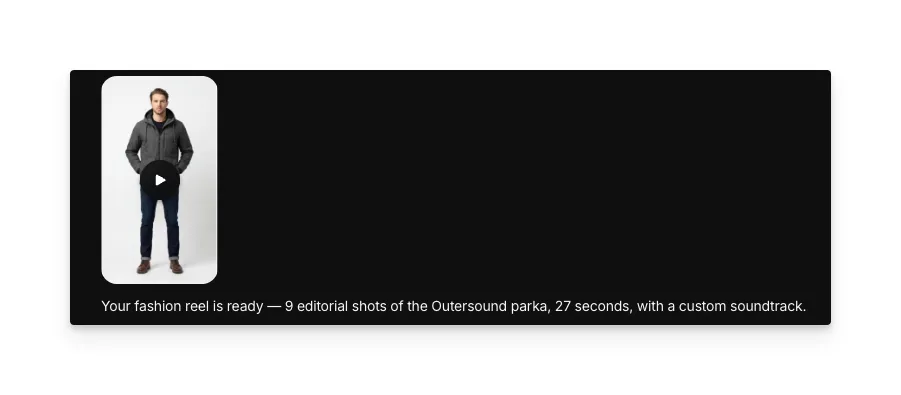
Final fashion reel with styled shots and smooth transitions
What makes a great fashion reel
| Quality | What it means | Why it matters |
|---|---|---|
| Styling variety | Each shot presents the garment in a distinct look and setting | Keeps viewers watching through the full reel instead of scrolling past |
| Fabric clarity | The texture, drape, and material of the garment are clearly visible | Viewers need to see what the fabric actually looks like before they buy |
| Color accuracy | Colors in the video match the real garment precisely | Inaccurate colors lead to returns and erode trust in your brand |
| Motion quality | Smooth transitions and natural movement between shots | Choppy or awkward motion makes the reel look amateur and reduces engagement |
The workflow handles styling, transitions, pacing, and color grading automatically, so the reel looks professionally produced from the moment you download it.
Morphic vs hiring a videographer and models
| Morphic fashion reel | Hiring a videographer and models | |
|---|---|---|
| Time to delivery | Under 5 minutes | 1-3 weeks including coordination and editing |
| Cost | Available on Morphic | Professional rates per reel |
| Styled shots per reel | 9 unique looks from one garment | Limited by shoot time and wardrobe budget |
| Consistency | Identical quality across every reel | Varies by crew, location, and conditions |
| Scalability | Generate reels for your entire collection in a day | One reel per shoot session |
| Technical knowledge | None required | Requires directing, filming, and editing skills |
FAQs
The reel is generated in 9:16 vertical format at a resolution optimized for Instagram Reels and TikTok. You can post it directly without any cropping or resizing.
Yes. The output video works on TikTok, YouTube Shorts, Pinterest Idea Pins, Facebook Reels, and any other platform that supports vertical short-form video. The format and pacing are designed for maximum engagement across all social platforms.
The workflow preserves the garment's silhouette, color, fabric texture, and design details across all 9 shots. The more detailed your input photo and description, the more accurate the rendering. A well-lit photo against a plain background gives the best results.
Yes. Run the workflow again with a different styling aesthetic selected and you get a completely new reel with different backgrounds, styling, and mood. This is useful for A/B testing which aesthetic resonates best with your audience.
The fashion reel workflow is available on Morphic. You can run the workflow multiple times as needed for your collection.