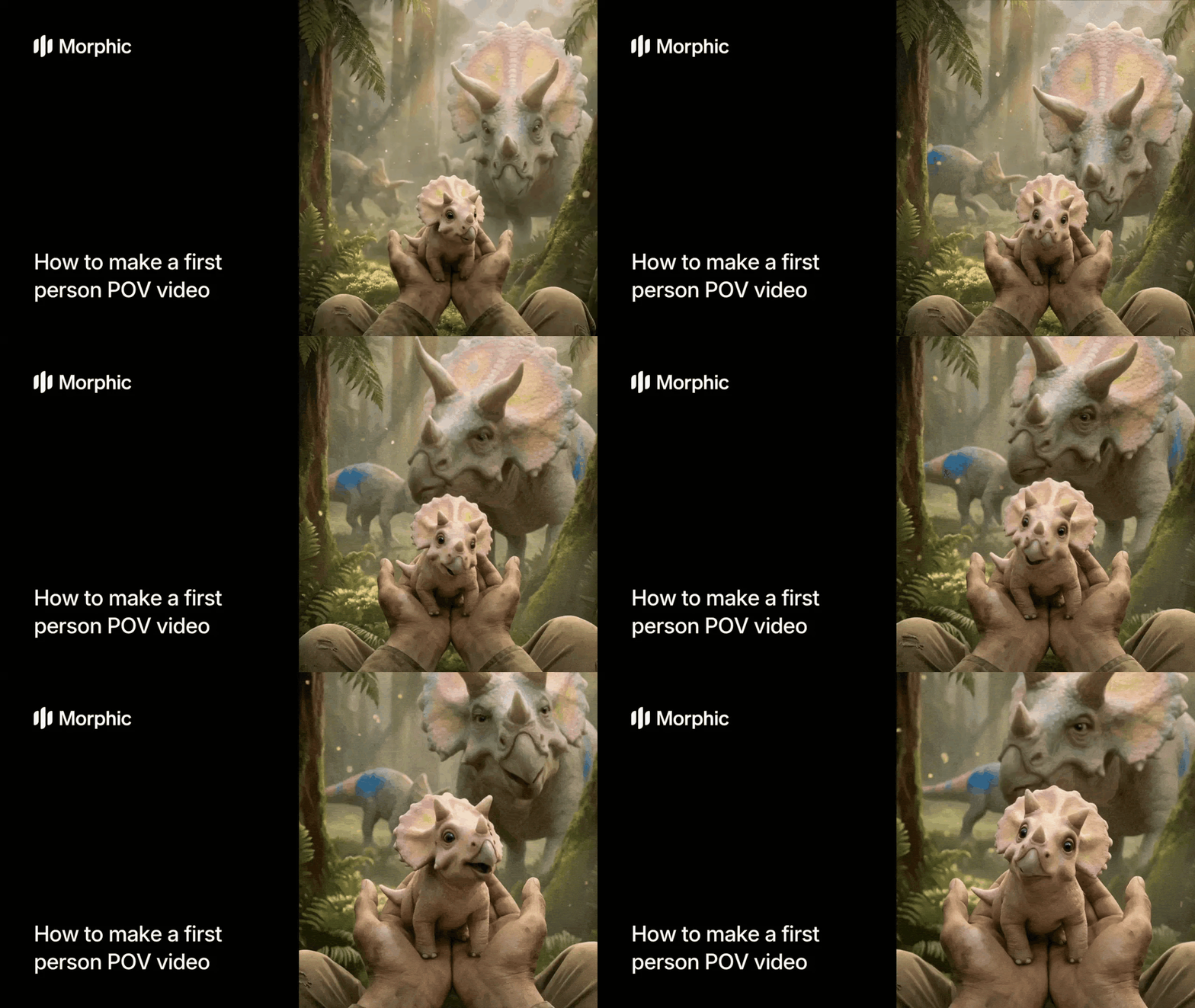
What is a POV video maker?
A POV video maker is a tool that generates first-person perspective video content where the viewer experiences a scene through the eyes of the subject. The camera acts as the viewer's gaze, moving through environments with natural head movement, depth perception, and spatial audio that responds to the surroundings.
Describe your scenario, select a tone, choose your aspect ratio, and Morphic generates sequential POV frames, animates them with realistic first-person movement, and layers spatial audio to create a complete immersive video.
Describe your POV scenario
Open the "POV scene" workflow. In the "POV scenario description" step, write a detailed description of the first-person scene you want to create. Include the environment, what the viewer is experiencing, and any key visual elements.
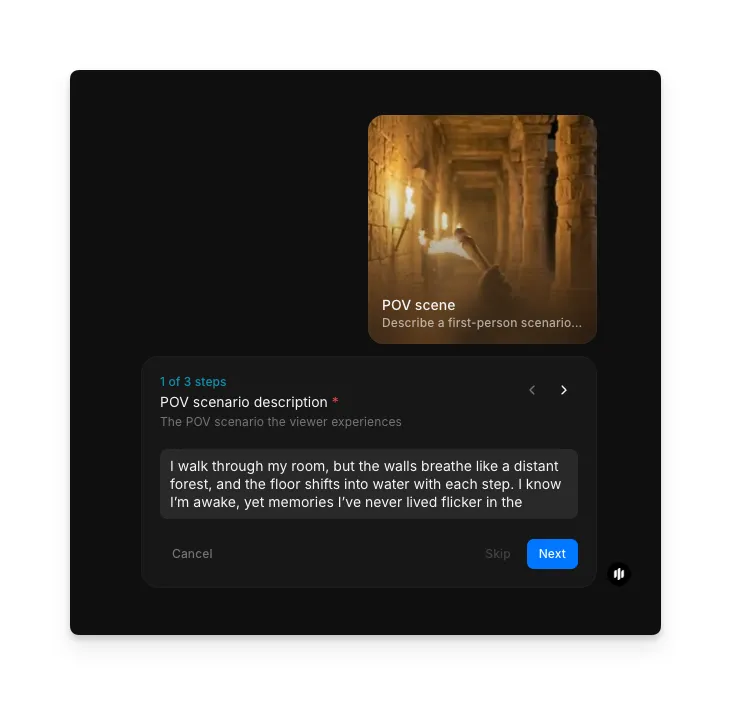
Select the emotional tone
Choose the mood that defines how the scene feels. The tone influences lighting, color grading, camera movement speed, and audio design:
| Tone | Visual treatment | Best for |
|---|---|---|
| Epic | Sweeping camera movement, warm golden lighting, grand scale compositions | Adventure sequences, discovery moments, heroic scenarios |
| Eerie | Slow deliberate movement, desaturated colors, fog and shadow emphasis | Horror content, abandoned locations, suspense builds |
| Whimsical | Playful camera bob, bright saturated colors, soft focus edges | Fantasy worlds, dreamlike sequences, lighthearted content |
| Intense | Fast sharp movement, high contrast, close environmental interaction | Action sequences, chase scenes, high-stakes moments |
| Mysterious | Measured pacing, cool blue tones, selective focus with shallow depth | Exploration content, puzzle reveals, atmospheric walkthroughs |
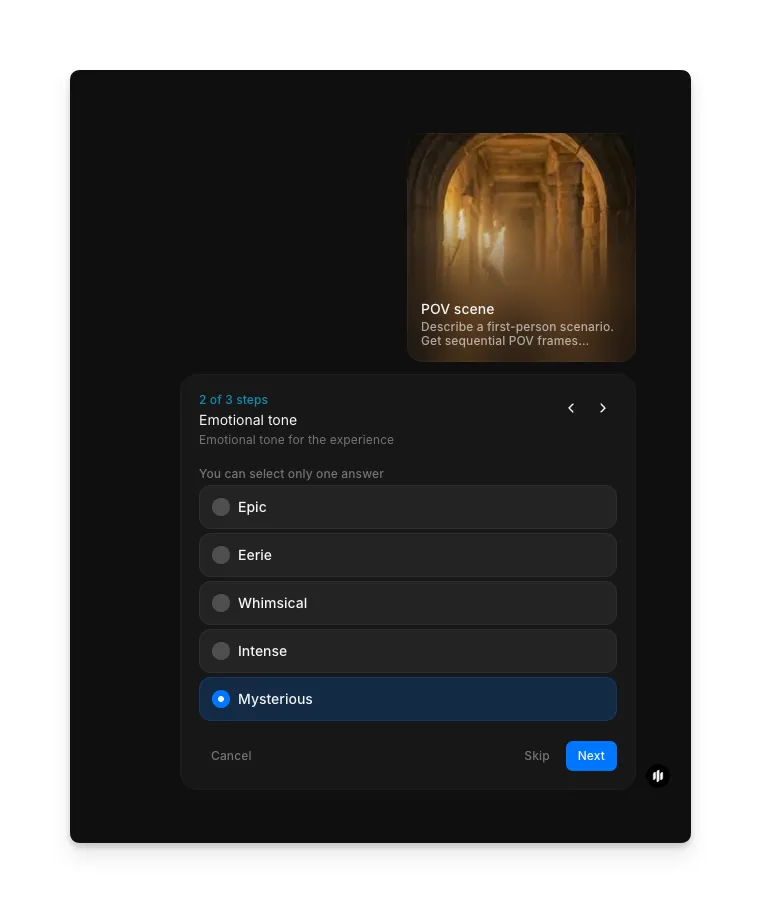
Set output aspect ratio and generate
In the "Output aspect ratio" step, enter the aspect ratio for your video (e.g., "9:16" for vertical). Click "Run workflow" to generate.
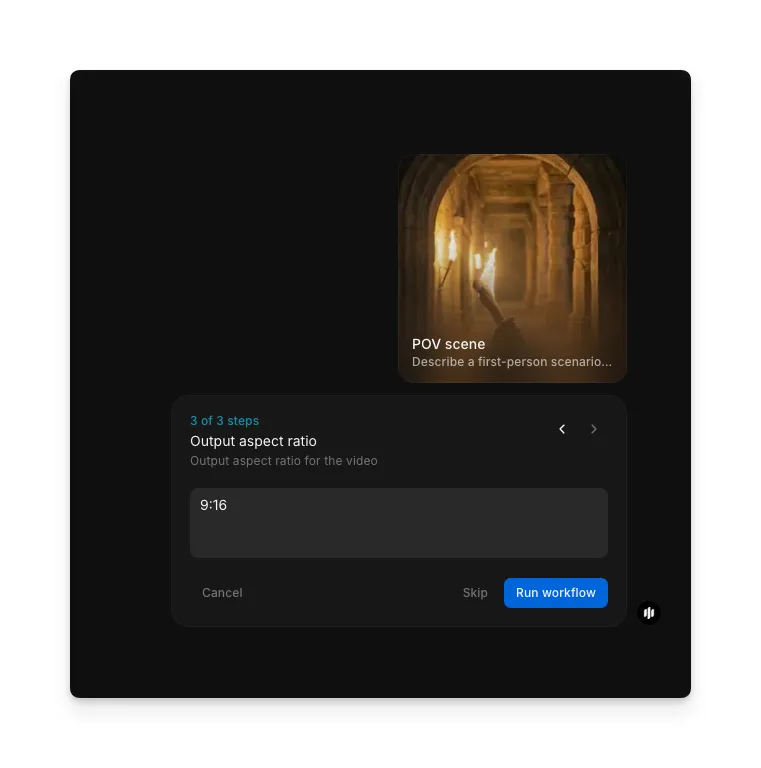
Hit "Run workflow," and Morphic generates your complete first-person POV video with animation, spatial audio, and natural movement:
The workflow generates a complete POV video with animation, spatial audio, and first-person movement
What makes a great POV video
| Quality | What it means | Why it matters |
|---|---|---|
| Immersion depth | The viewer feels physically present in the scene through natural perspective and movement | Shallow immersion makes the video feel like watching a screen rather than experiencing a moment |
| Environmental detail | Surfaces, objects, and atmospheric elements are rendered with realistic texture and depth | Sparse environments break the illusion of being in a real or believable space |
| Motion realism | Camera movement mimics natural head and body motion with appropriate speed and weight | Robotic or floaty movement instantly signals artificial generation |
| Spatial continuity | The environment remains consistent as the viewer moves through the scene | Inconsistent geometry or disappearing elements destroy the sense of place |
The AI handles frame generation, animation sequencing, spatial audio design, and movement simulation automatically, so you only need to provide a scene description and select your preferences.
POV video workflow vs. physical location shooting
| Morphic's POV scene workflow | Physical location shooting | |
|---|---|---|
| Cost | Available on Morphic | Professional rates for equipment, locations, and crew |
| Time to delivery | Minutes | Days to weeks including setup, filming, and post-production |
| Location access | Any environment real or imaginary | Limited to accessible physical locations with permits |
| Equipment required | None | Specialized camera rigs, stabilizers, microphones, and lighting |
| Creative iteration | Adjust the description and regenerate instantly | Reshoots require returning to the location with full equipment |
| Fantasy environments | Describe any world and generate it immediately | Requires full VFX production pipeline costing thousands |
FAQs
The workflow excels at environmental exploration, walking through spaces, discovery moments, and atmospheric sequences. Scenarios with clear spatial environments like forests, cities, interiors, and fantasy landscapes produce the most immersive results.
Yes. The workflow generates spatial audio that matches the environment and movement in the scene. Footsteps, ambient sounds, and environmental audio are layered to enhance the first-person immersion.
Yes. The workflow is well suited for previewing game environments, level walkthroughs, and atmosphere tests before committing to full 3D production. Generate multiple variations quickly to explore different environmental directions.
More detail produces better results. Include the environment type, time of day, weather, key objects or landmarks, and what the viewer is doing. A description like "walking through a foggy autumn forest at dawn with sunlight filtering through the canopy" produces stronger results than "walking in a forest."
Physical POV filming requires specialized equipment, location access, and post-production. Morphic's POV scene workflow is available on Morphic and delivers complete videos with audio significantly faster.