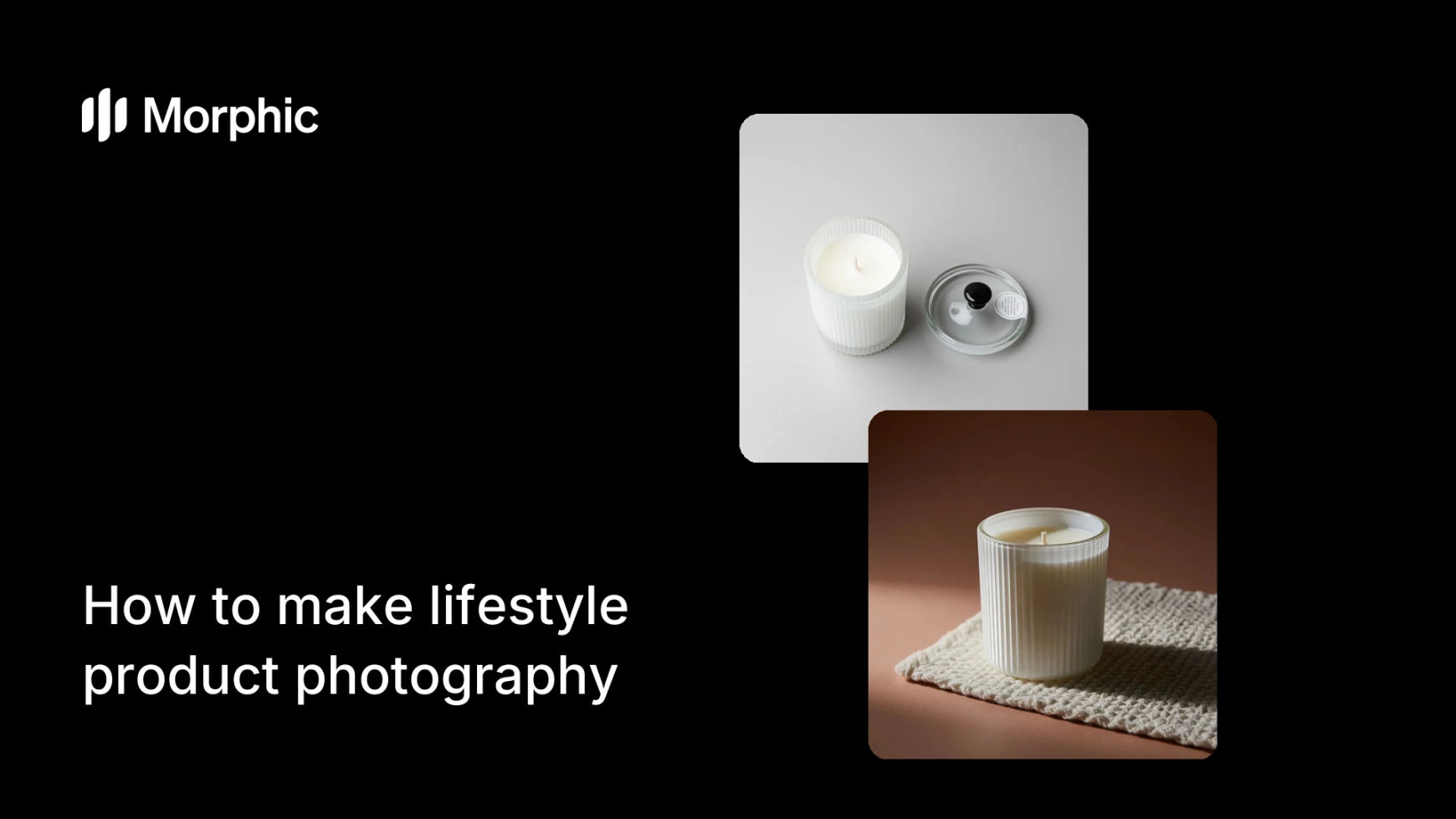
What is lifestyle product photography?
Lifestyle product photography shows a product in a real-world setting instead of on a plain studio backdrop. A candle glowing on a styled coffee table, a backpack slung over a shoulder on a mountain trail, a skincare bottle beside a sunlit sink. It helps shoppers picture the product in their own lives, which lifts conversion far more than an isolated cutout.
Traditionally this means booking a location, a model, and a photographer. With Morphic you describe the scene in plain language, drop in your product, and generate the shot in your browser. You can adjust the setting, lighting, and mood, then download the result in HD for your store, ads, or social feed.
Start with a clean product reference
Open Morphic and upload a clear photo of your product, ideally on a plain background. This gives the tool an accurate reference for shape, color, and branding so the generated scene keeps the item true to life.
Describe the lifestyle scene
Write a prompt for the setting you want: the location, surface, props, time of day, and mood. Be specific. "Ceramic mug on a rustic wooden kitchen table, morning light through a window, soft steam rising" gives a far better result than "mug in a kitchen."
Set the framing and lighting
Call out the camera angle and light quality in your prompt. Warm, soft daylight suits homeware and food, while crisp directional light suits tech and tools. Mention whether you want a close hero shot or a wider environmental frame.
Generate variations and refine
Produce several versions at once, then keep the ones where the product reads clearly and the scene feels natural. Refine any prompt details that drifted, such as props that distract from the product or lighting that flattens it. Running the same scene prompt on two models in the AI photo generator is a quick way to find the more natural result.
Download in HD for every channel
Once a shot works, download it in high resolution. Generate matching aspect ratios for your product page, ads, and social so one styled concept stretches across every placement without a reshoot.
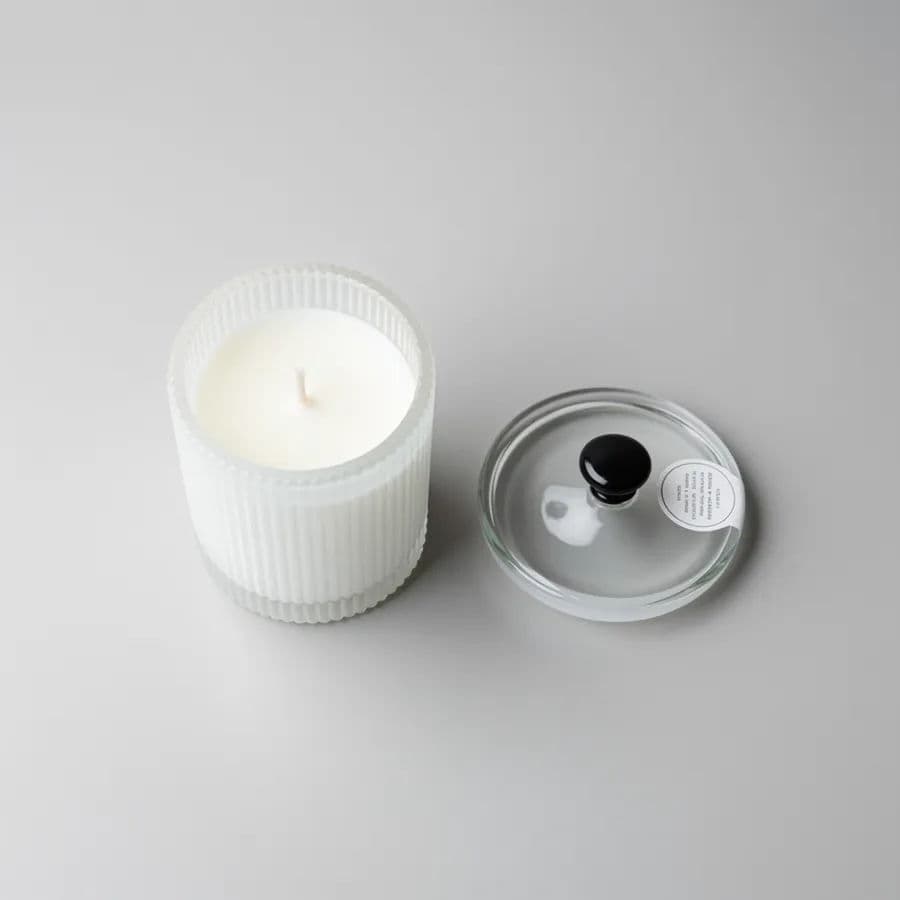
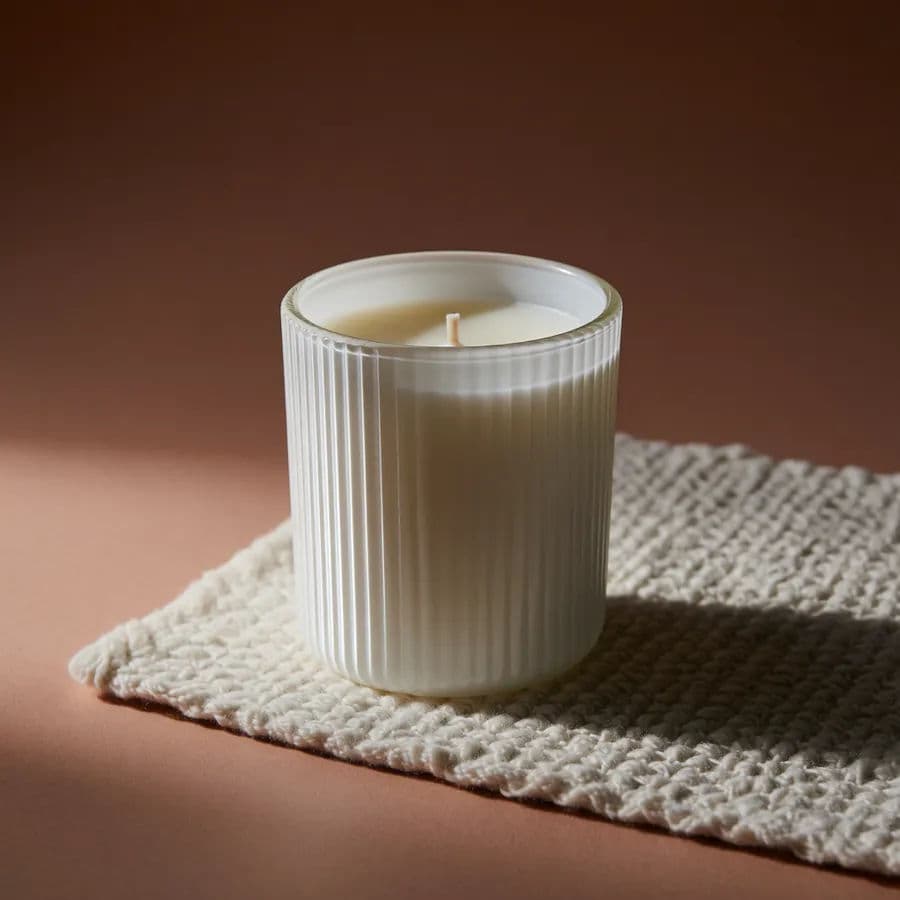
The same candle before and after: a plain studio cutout versus a styled lifestyle scene.
What makes a great lifestyle product shot
| Quality | What it means | Why it matters |
|---|---|---|
| Product accuracy | Shape, color, and branding stay true to the real item | Shoppers trust what they see and return fewer orders |
| Believable scene | The setting feels like a real moment, not a staged cutout | Context helps buyers imagine owning the product |
| Natural lighting | Light matches the mood and reveals texture | The product looks premium instead of flat or pasted in |
| Clear focal point | The product stays the obvious hero of the frame | Attention lands on what you are selling, not the props |
Morphic vs a traditional lifestyle shoot
| Morphic | Traditional shoot | |
|---|---|---|
| Cost | Generate scenes in your browser | Location, model, and photographer fees |
| Time | Shots ready in seconds | Days to plan, shoot, and edit |
| Skill needed | A written description | Styling, lighting, and camera expertise |
| Consistency | Repeat the look across a full range | Each session varies with conditions and crew |
FAQs
Yes. Upload a clean shot of your product and Morphic uses it as a reference so the generated lifestyle scene keeps your item accurate in shape, color, and branding.
Start from a clear reference photo and describe the product plainly in your prompt. Generate a few variations and keep the ones where the branding and proportions read correctly.
Yes. Reuse the same product reference and change only the scene description to place it in a kitchen, outdoors, or a styled desk, keeping the item consistent across every setting.
Warm, soft daylight flatters homeware, food, and skincare, while crisp directional light suits tech and tools. Match the surface and props to where the product would realistically be used.
Yes. Generate the same styled concept in different aspect ratios for your product page, ads, and social feeds so one idea covers every placement without a reshoot.
Yes. Images you create in Morphic can be used for your store, marketing, and ad campaigns. Download them in HD when a shot is ready.