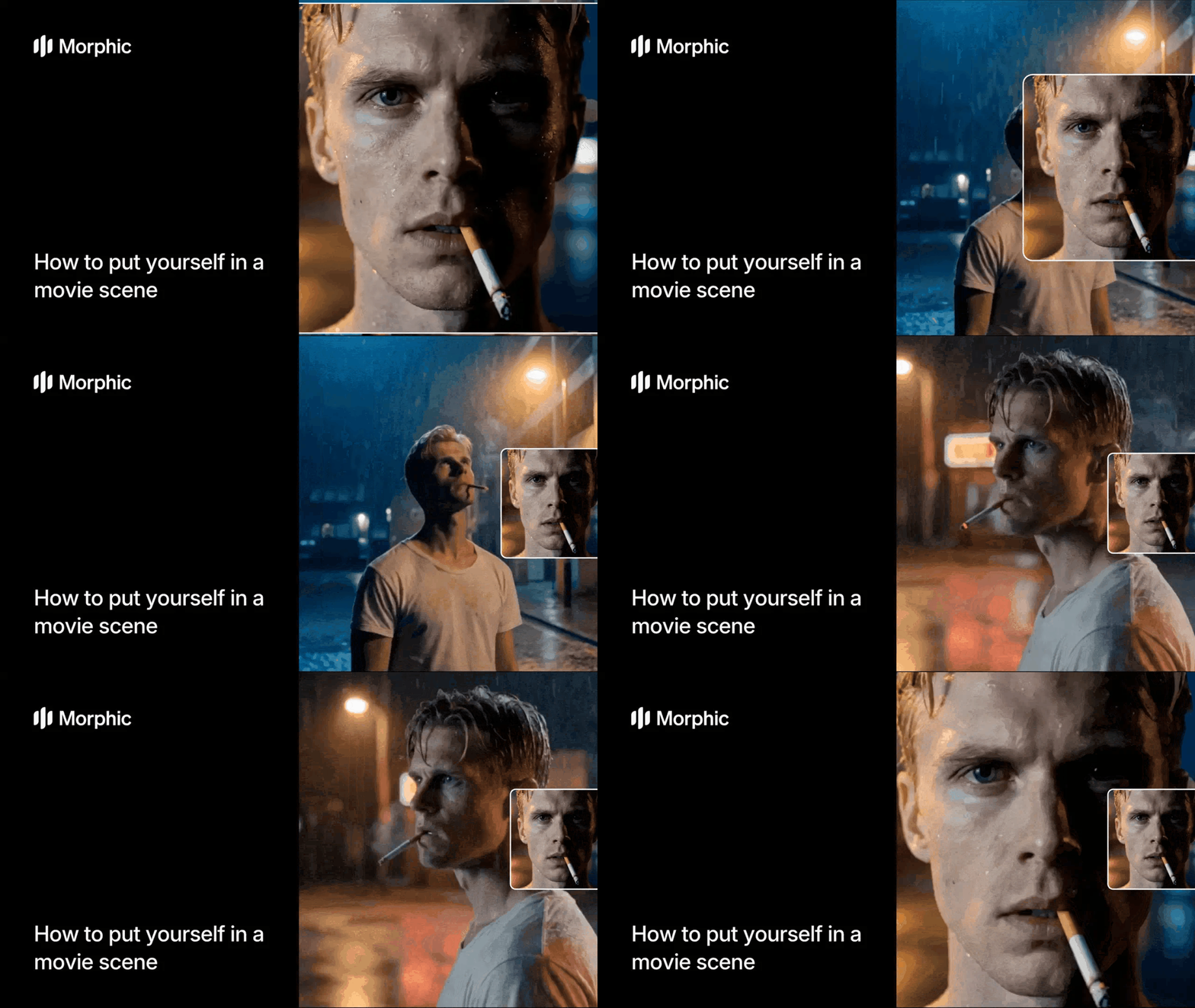
What is a photo to movie maker?
A photo to movie maker transforms a still photograph into a cinematic video sequence. The technology composites your face into a movie scene, adds realistic animation and camera movement, applies cinematic color grading, and pairs the visuals with a soundtrack that matches the genre and mood. The result is a short film clip that looks like it was pulled from an actual movie production.
Upload your photo, select a scene type, and Morphic handles face compositing, animation, cinematic grading, and audio matching automatically.
Upload your photo
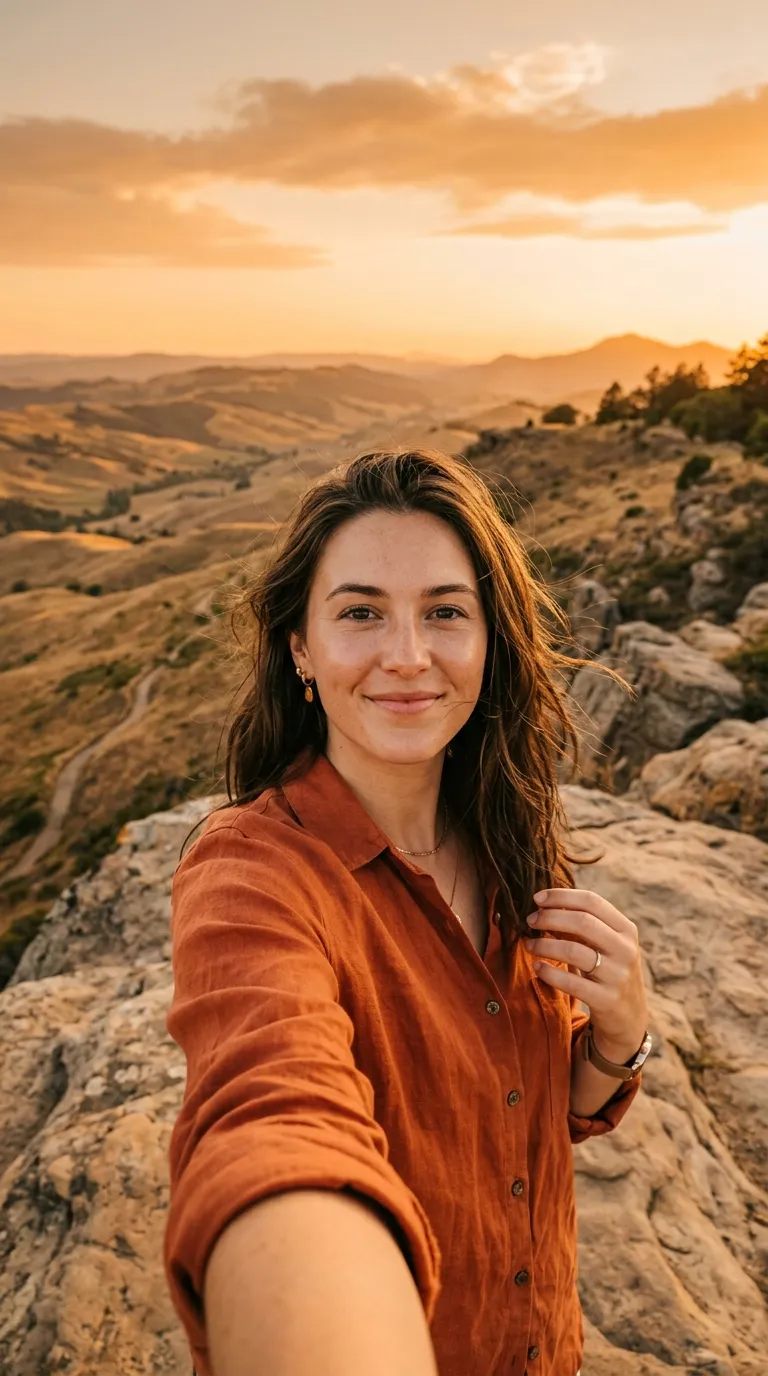
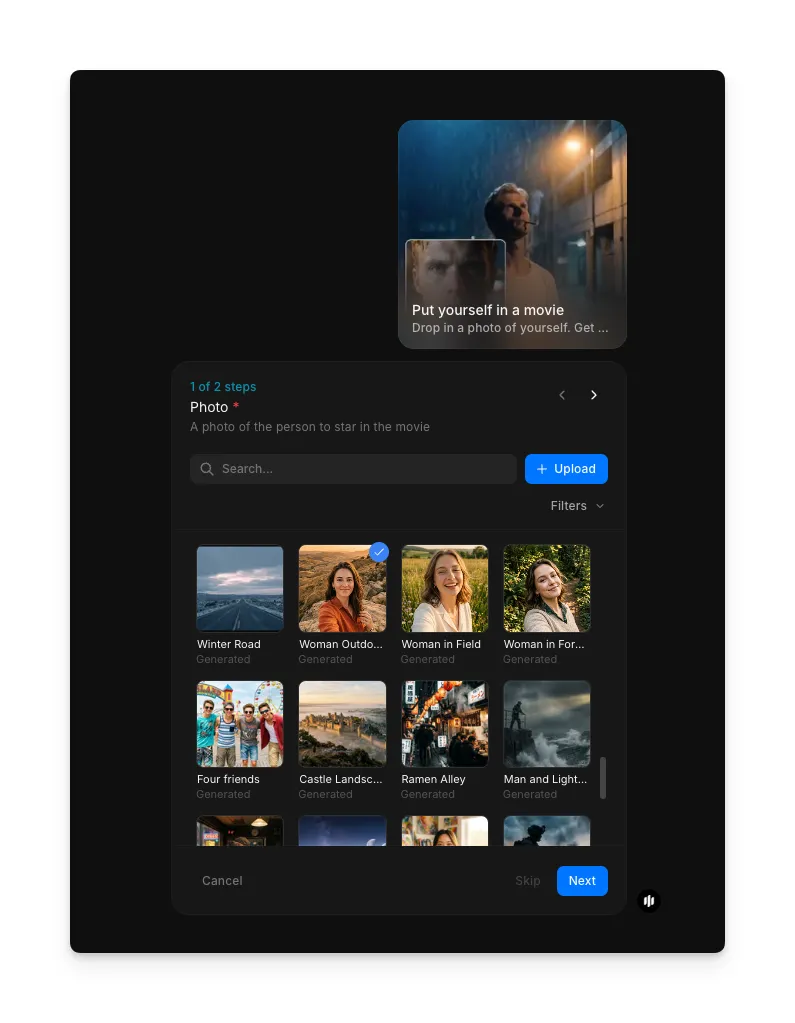
Open the "Put yourself in a movie" workflow. In the "Photo" step, browse the gallery or upload a clear portrait or selfie.
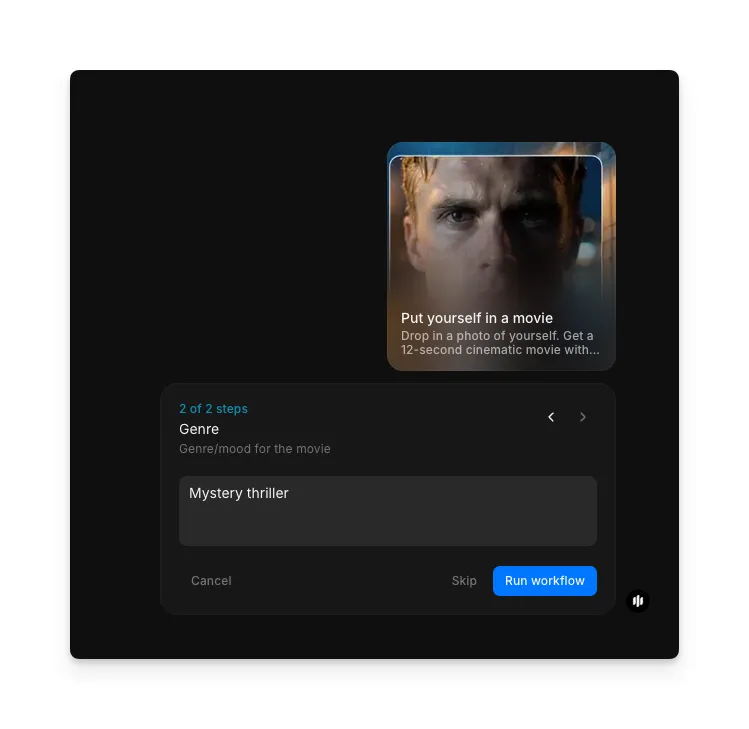
Describe the genre and run the workflow
In the "Genre" step, describe the movie genre and mood (e.g. "Mystery thriller"). Click "Run workflow" to generate.
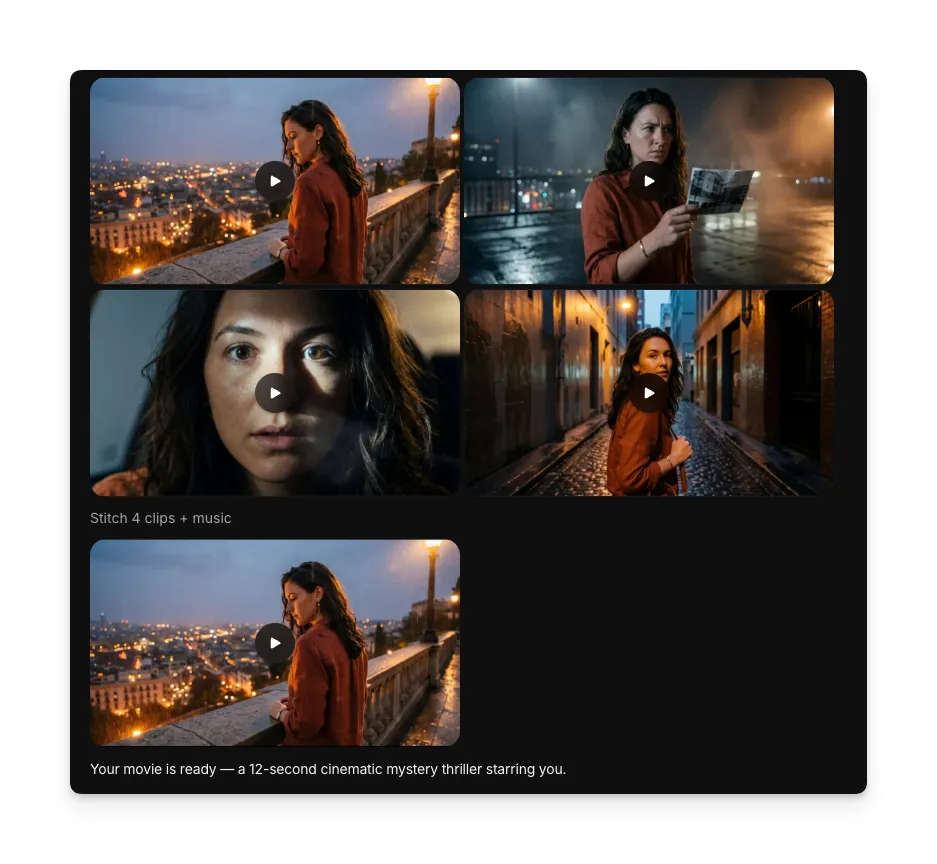
Your 12-second cinematic movie with animation and matched soundtrack
What makes a great photo-to-movie experience
| Quality | What it means | Why it matters |
|---|---|---|
| Face compositing | Your face is seamlessly integrated into the scene with correct lighting and perspective | Obvious compositing breaks immersion and makes the result look artificial |
| Cinematic quality | Color grading, framing, and visual effects match professional film production | Low-quality visuals undermine the movie scene illusion |
| Motion naturalism | Animation and camera movement feel organic and intentional | Stiff or robotic motion immediately looks generated rather than filmed |
| Audio matching | The soundtrack matches the genre, mood, and pacing of the visual scene | Mismatched audio disconnects the viewer from the cinematic experience |
The workflow handles face compositing, cinematic grading, animation, and soundtrack matching automatically, so your movie scene looks and sounds like professional film production.
Photo to movie workflow vs. traditional video compositing
| Morphic's photo to movie workflow | Traditional video compositing | |
|---|---|---|
| Cost | Available on Morphic | Professional rates |
| Time to delivery | Under a minute | Hours to days depending on complexity and revisions |
| Equipment needed | A phone photo or selfie | Green screen, studio lighting, camera, editing workstation |
| Skill required | None, upload a photo and select a genre | Professional compositing, color grading, and audio editing skills |
| Soundtrack | Genre-matched audio generated automatically | Requires licensing music or composing original audio |
| Iterations | Regenerate with different genres instantly | Each change requires re-editing and re-rendering |
FAQs
A clear, well-lit portrait or selfie with your face fully visible produces the best results. Avoid photos with heavy shadows across the face, extreme angles, or obstructions covering facial features. Standard smartphone selfies in good lighting work well.
Yes. The workflow offers multiple genre options including mystery thriller, action, sci-fi, drama, and more. Each genre applies a distinct visual style, camera movement pattern, color grading, and soundtrack to create an authentic cinematic experience.
Yes. The output video is formatted and optimized for sharing on all major social media platforms including Instagram, TikTok, Twitter, and Facebook. The 12-second length is ideal for short-form content that performs well in feeds and stories.
The workflow processes any clear portrait photo. You can use photos of friends or family members with their permission to create fun personalized movie scenes. Ensure the photo is well-lit with the face clearly visible for the best compositing results.
Professional video compositing and editing for a cinematic scene can be expensive depending on complexity, plus additional costs for equipment, studio time, and music licensing. Morphic's photo to movie workflow is available on Morphic and generates cinematic movie scenes significantly faster.