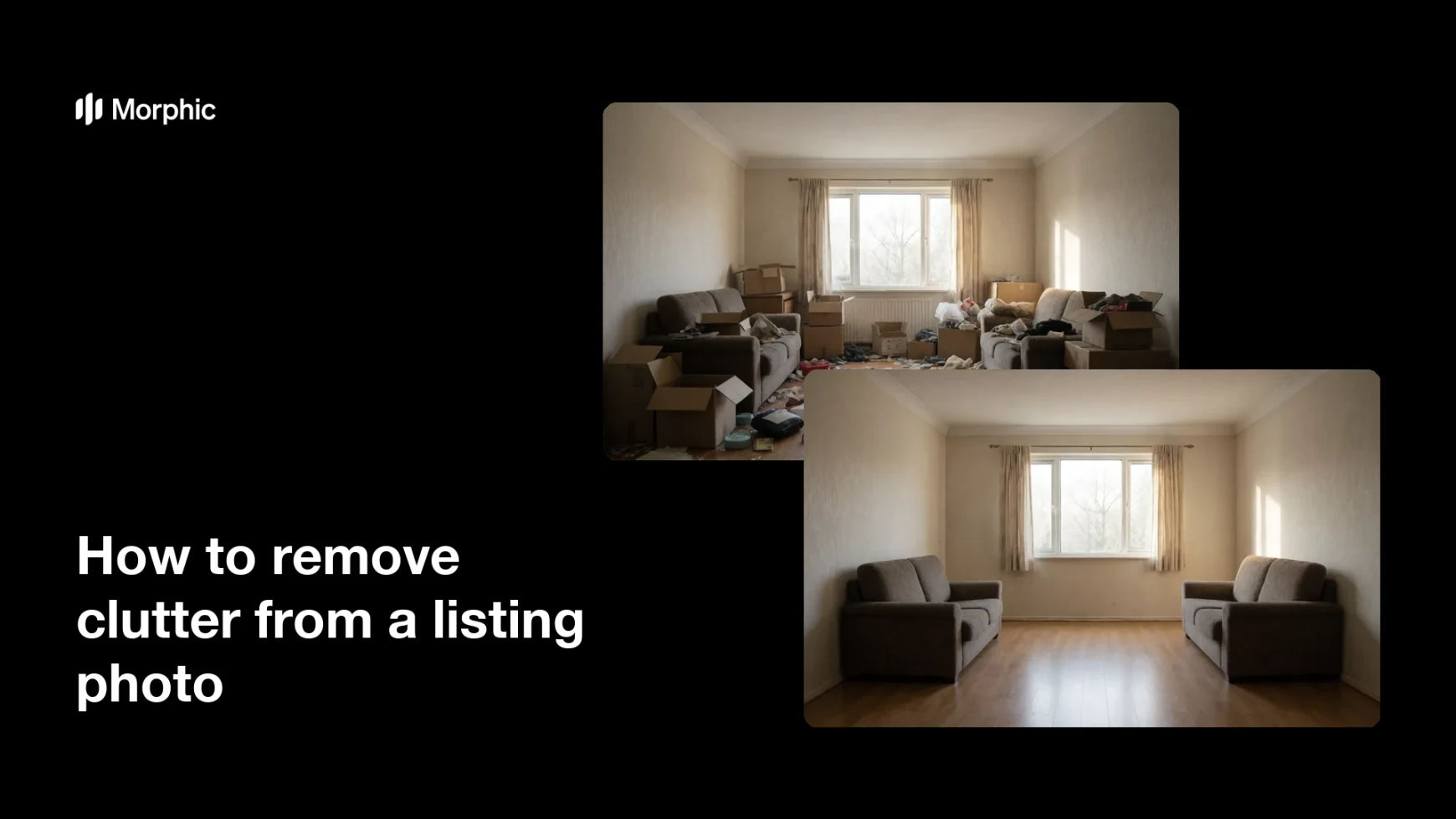
What is clutter removal?
Clutter removal is the process of clearing distracting objects from a photo so a room looks clean and spacious. Real estate agents use it to tidy listing shots when a home is still occupied, removing stray items, cables, and personal belongings that pull a buyer's eye away from the space. A clutter-free photo helps buyers focus on the room itself rather than the mess in it.
Morphic does this in your browser. You upload the photo, point out what you want gone in plain language, and it removes the clutter while keeping the floor, walls, and furniture intact. When the room looks clean, you download the result in high resolution.
Upload the cluttered photo
Start with the original room photo, even if it is full of everyday items. A sharp, well-lit shot gives Morphic the surrounding detail it needs to fill in cleared areas naturally.
Point out what to remove
Describe the clutter in plain words, such as the boxes on the floor or the items on the counter. Being specific keeps the pieces you want to keep untouched.
Generate the clean room
Morphic removes the clutter and rebuilds the surfaces underneath so the space looks tidy. Review the result and check that floors and walls stay seamless where objects were removed.
Refine the result
If a stray item remains or an edge looks off, adjust your description and generate again. You can clear one area at a time until the whole room is buyer-ready.
Download and publish
Export the clean photo in high resolution and add it to your listing or brochure. A tidy, distraction-free room helps the space read larger and more inviting.
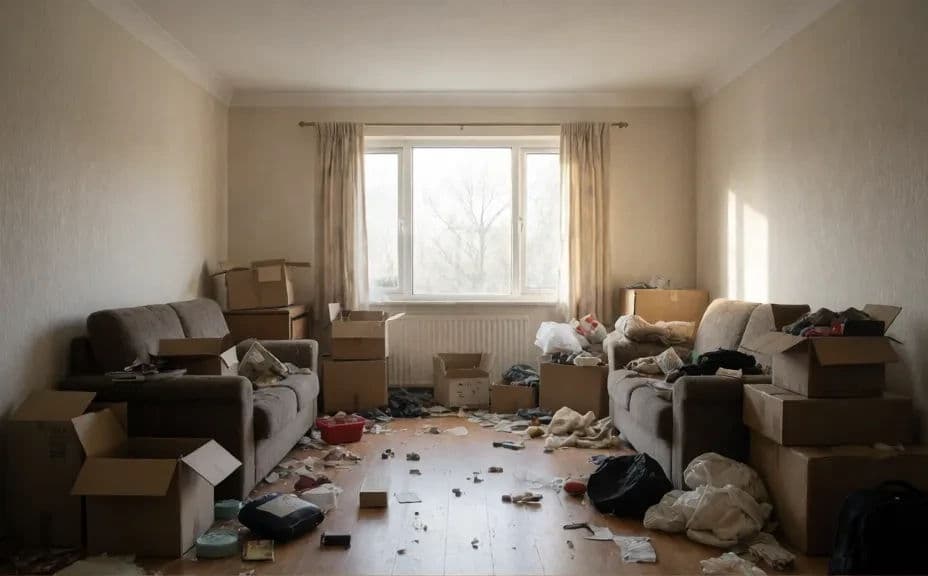
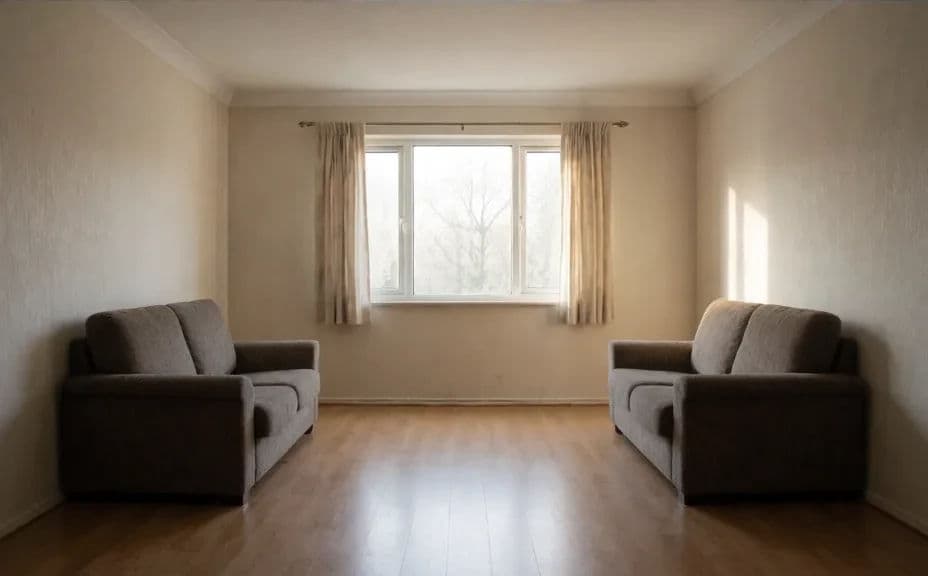
Below is the same room cluttered and after Morphic cleared the clutter away.
What makes a good clutter removal
| Quality | What it means | Why it matters |
|---|---|---|
| Seamless fill | Cleared areas match the surrounding surface | Visible patches make an edit obvious and cheap |
| Preserved structure | Floors, walls, and windows stay intact | The room must still read as the real space |
| Consistent lighting | Filled areas match the room's light and shade | Even lighting keeps the cleanup invisible |
| Right restraint | Only the clutter goes, not the fixtures | Removing too much makes a room feel empty |
Morphic vs the traditional way
| Morphic | Manual photo retouching | |
|---|---|---|
| Cost | Available on Morphic | A retoucher fee per image |
| Time | Minutes per photo | Hours of careful masking and cloning |
| Skill needed | Describe it in plain language | An editor skilled in photo software |
| Consistency | Clean results across a full photo set | Varies with the editor and the deadline |