What is jewellery product photography?
Jewellery product photography captures small, reflective, high-value items in a way that shows their sparkle, detail, and craftsmanship. It is one of the hardest categories to shoot: tiny surfaces catch every reflection, gemstones need light to come alive, and metal has to look clean rather than smudged. Poor images make fine pieces look cheap.
Morphic gives you macro-level control without a lightbox or a macro lens. Upload a reference of the piece, describe the background and lighting you want, and generate crisp catalog and styled shots in your browser. You can add on-model views, adjust the mood, and download every image in HD.
Upload a sharp reference of the piece
Add a clear, in-focus photo of the jewellery so Morphic captures the exact stones, metal, and setting. Fine detail matters here, so the sharper your reference, the more accurate the generated shots.
Create the clean catalog shot
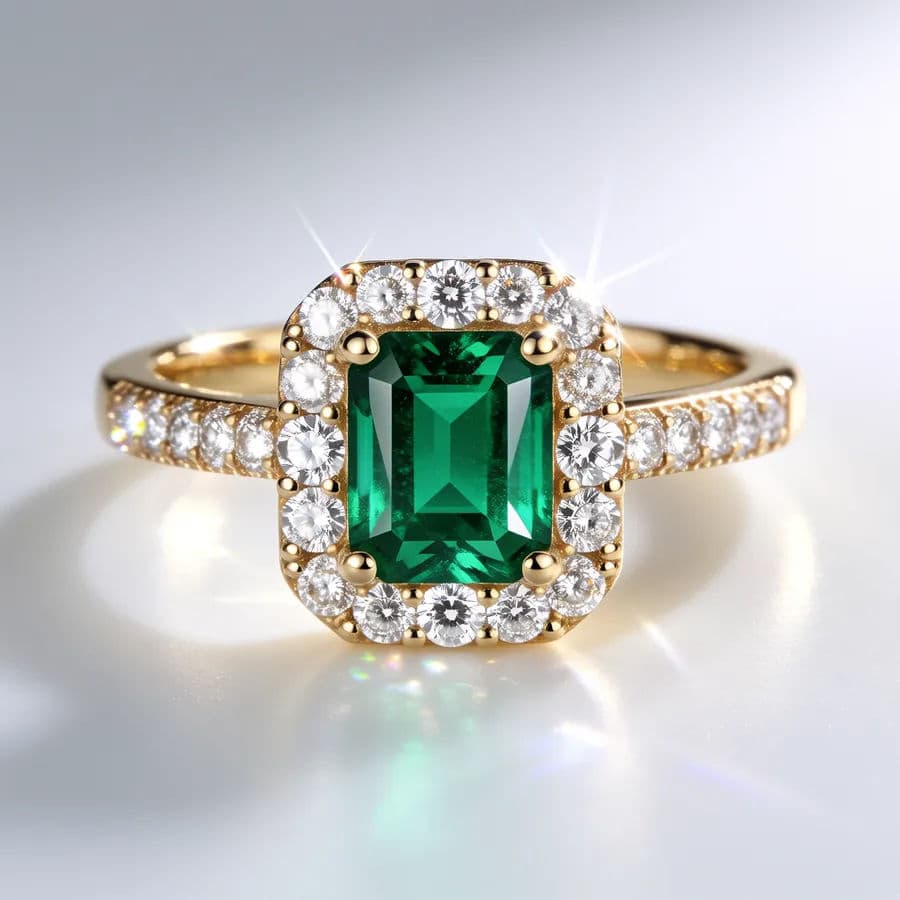
Describe a simple, elegant setup: a white or soft gradient background, gentle reflections, and light that makes the metal and stones catch the eye. This clean view becomes your main listing image.
Add macro detail shots
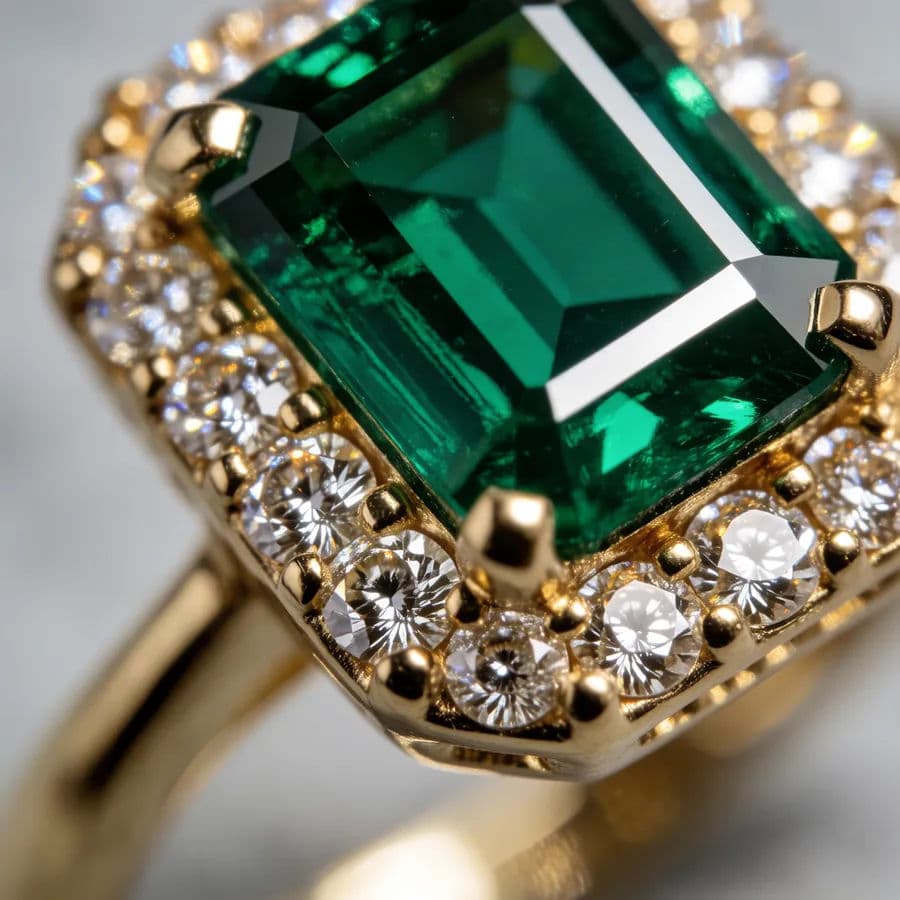
Generate close crops that reveal the cut of a gemstone, the texture of a setting, or an engraving. These detail views build trust and justify the price of a piece buyers cannot hold.
Style it on a model or surface
Place the piece on a hand, neck, or ear, or arrange it on a styled surface like linen or marble. Context shots help shoppers judge size and picture how the piece wears in real life.
Download a matching set in HD
Export the catalog, detail, and styled shots in high resolution. Keep the background and lighting consistent so your whole collection looks like a single, polished shoot.
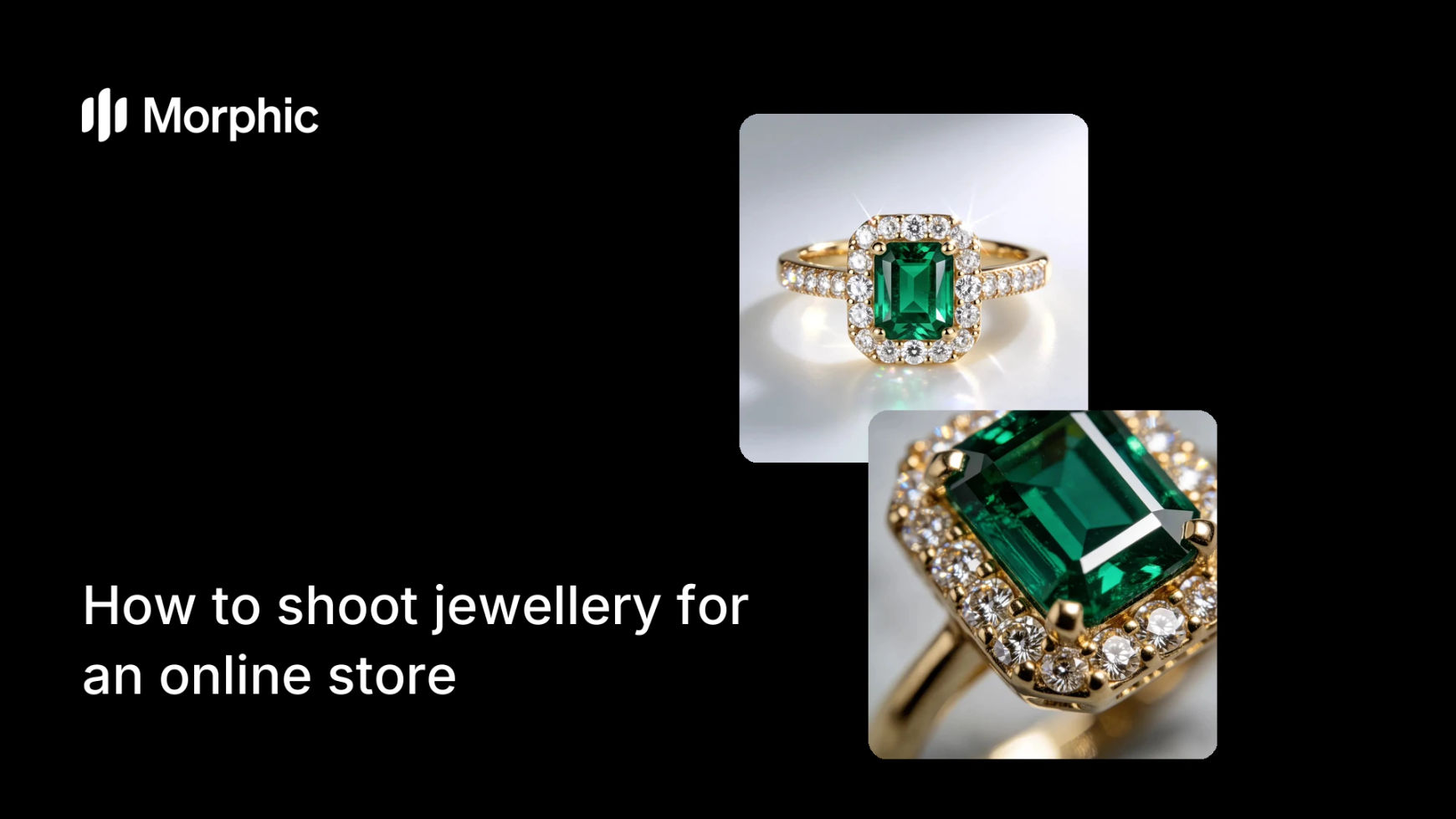
The same ring as a clean catalog shot and as a macro detail crop.
What makes a great jewellery shot
| Quality | What it means | Why it matters |
|---|---|---|
| Sharp detail | Stones, settings, and engraving stay crisp | Shoppers see the craftsmanship that justifies the price |
| Clean reflections | Metal looks bright, not smudged or muddy | The piece reads as premium and well made |
| True color | Gold, silver, and gemstone tones stay accurate | Buyers receive exactly what the image promised |
| Sense of scale | Styled or on-model shots show real size | Small items are easy to picture wearing |
Morphic vs a traditional jewellery shoot
| Morphic | Traditional shoot | |
|---|---|---|
| Cost | Generate in your browser | Macro lens, lightbox, and photographer |
| Time | Shots ready in seconds | Hours of careful lighting and retouching |
| Skill needed | A written description | Macro and reflection control expertise |
| Consistency | One look across the whole range | Each piece re-lit and re-styled by hand |
FAQs
Start from a sharp, in-focus reference photo and generate close macro crops. These reveal the cut, setting, and engraving that show off a piece's craftsmanship.
Describe soft, even lighting with controlled reflections in your prompt. Generate a few variations and keep the one where the metal reads bright and premium rather than muddy.
Yes. Place the item on a hand, neck, or ear, or on a styled surface, so shoppers can judge its real size and picture how it wears.
Use a clear reference photo and describe the metal and stone tones plainly. Generating several versions lets you pick the one where the color matches the real piece.
Yes. Keep the same background and lighting across every piece so the whole range looks like one cohesive, professional shoot.
Yes. Images you create in Morphic can be used for listings, ads, and campaigns. Download each one in HD when it is ready.