
What is white-background product photography?
White-background product photography places an item on a pure, seamless white field so the product is the only thing a shopper sees. It is the standard for marketplaces like Amazon and for clean catalog grids, because it keeps the focus on the product and makes every listing look consistent.
Getting a truly clean white is harder than it looks: uneven lighting leaves gray shadows, and cutting products out by hand is tedious. Morphic lets you generate or convert a product image with a flawless white background in your browser, keeping color accurate and edges clean, then download it in HD.
Upload your product image
Open Morphic and upload a photo of your product. Any background works, since the tool can place the item on a clean white field while keeping its shape, color, and detail intact.
Set a pure white background
Describe a seamless pure white background with soft, even lighting. Even light removes harsh shadows and keeps the white consistent across every product in your catalog.
Keep edges and color accurate
Check that the product's edges stay crisp and its true color is preserved against the white. This accuracy is what keeps listings looking professional and prevents returns from mismatched expectations.
Add a soft shadow if you want depth
Decide whether you want the product to float on pure white or sit on a subtle contact shadow. A soft shadow grounds the item, while a shadowless cutout suits strict marketplace requirements.
Download HD and batch your catalog
Export the image in high resolution. Repeat the same clean setup for every product so your entire store shares one consistent, marketplace-ready look.
The same sneakers on a clean white background from two angles, ready for any marketplace.
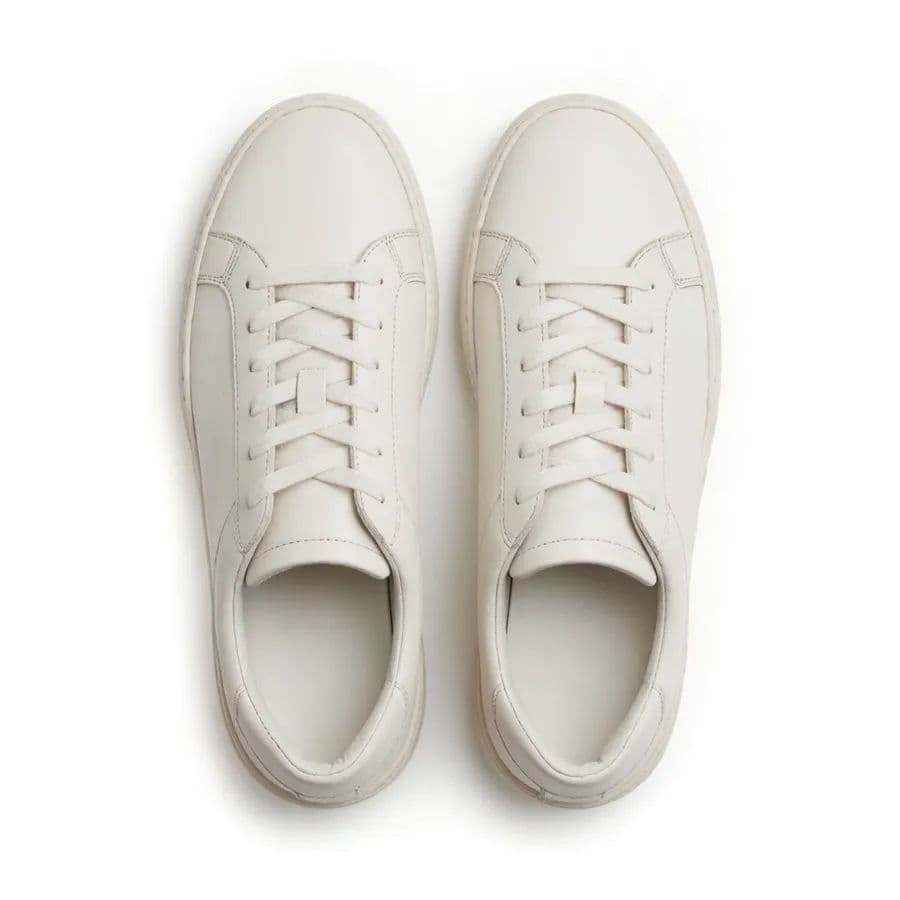
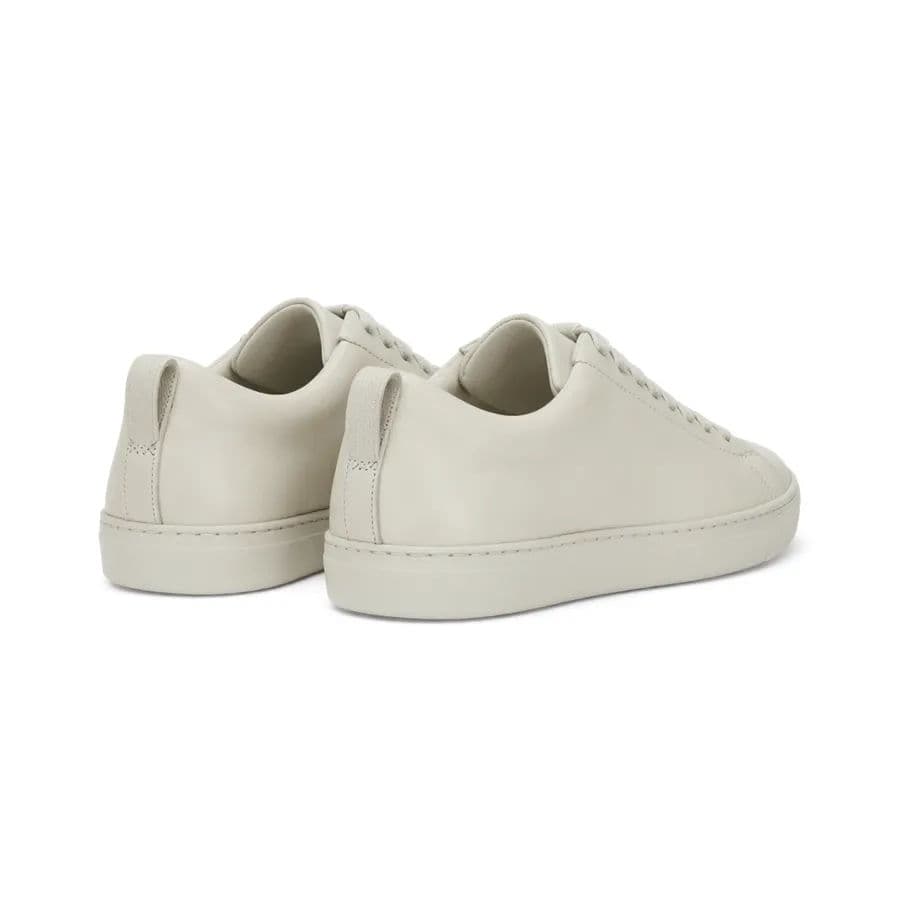
What makes a great white-background shot
| Quality | What it means | Why it matters |
|---|---|---|
| Pure white field | The background is a clean, even white with no gray | Listings meet marketplace standards and look crisp |
| Crisp edges | The product outline stays sharp against the white | No haloing or rough cutouts that look amateur |
| True color | The product keeps its real color on white | Shoppers get exactly what the image showed |
| Consistent lighting | Every shot uses the same even light | The whole catalog looks like one cohesive set |
Morphic vs manual studio and cutout work
| Morphic | Studio plus manual editing | |
|---|---|---|
| Cost | Generate in your browser | Lightbox, backdrop, and editing software |
| Time | Clean shots in seconds | Careful lighting plus manual cutouts per item |
| Skill needed | A written description | Lighting setup and masking expertise |
| Consistency | Identical white across the catalog | Each shot lit and cut slightly differently |
FAQs
Yes. Upload your product photo and Morphic can place the item on a clean white field while preserving its shape, color, and detail.
Describe a seamless pure white background with soft, even lighting. This removes the gray shadows that appear when a real studio is lit unevenly.
Yes. The tool keeps your product's true color against the white background, which is what keeps listings honest and reduces returns.
Yes. You can choose a subtle contact shadow to ground the product, or keep a pure shadowless cutout for strict marketplace requirements.
Yes. Repeat the same clean white setup for every product so your entire store shares one consistent, marketplace-ready look.
Yes. Download them in HD, and use aspect ratios that fit marketplace requirements so your listings are ready to publish.