What is staging an outdoor patio?
Staging an outdoor patio means adding furniture, greenery, and styling to a bare backyard so buyers can picture living in the space. It turns an empty slab or deck into a warm, usable scene with seating, plants, and inviting touches. Agents and stagers rely on it because a furnished patio helps people imagine entertaining and relaxing outside.
With Morphic you stage this space from a text prompt in your browser. Upload the empty patio photo, describe the furniture and styling you want, then adjust and download in HD. You get a polished, inviting scene without renting props or hauling furniture on site.
Upload the bare patio
Open Morphic and upload a clear photo of the empty patio or backyard. Choose a well-framed shot that shows the space you want to furnish.
Describe the furniture
Ask for the pieces you have in mind, such as a seating set, a dining table, or lounge chairs. Name a style, like modern or cozy, so the staging matches the home.
Add warmth and greenery
Ask for plants, cushions, and soft lighting to make the space feel lived in and inviting. These touches turn a plain patio into a scene buyers want to spend time in.
Keep the space realistic
Ask to keep the existing patio, walls, and proportions so the result reads as the same yard staged. This keeps the scene believable rather than a different location.
Export and publish
Confirm the patio looks inviting, natural, and true to the space. Download in HD, then add it to your listing and marketing.
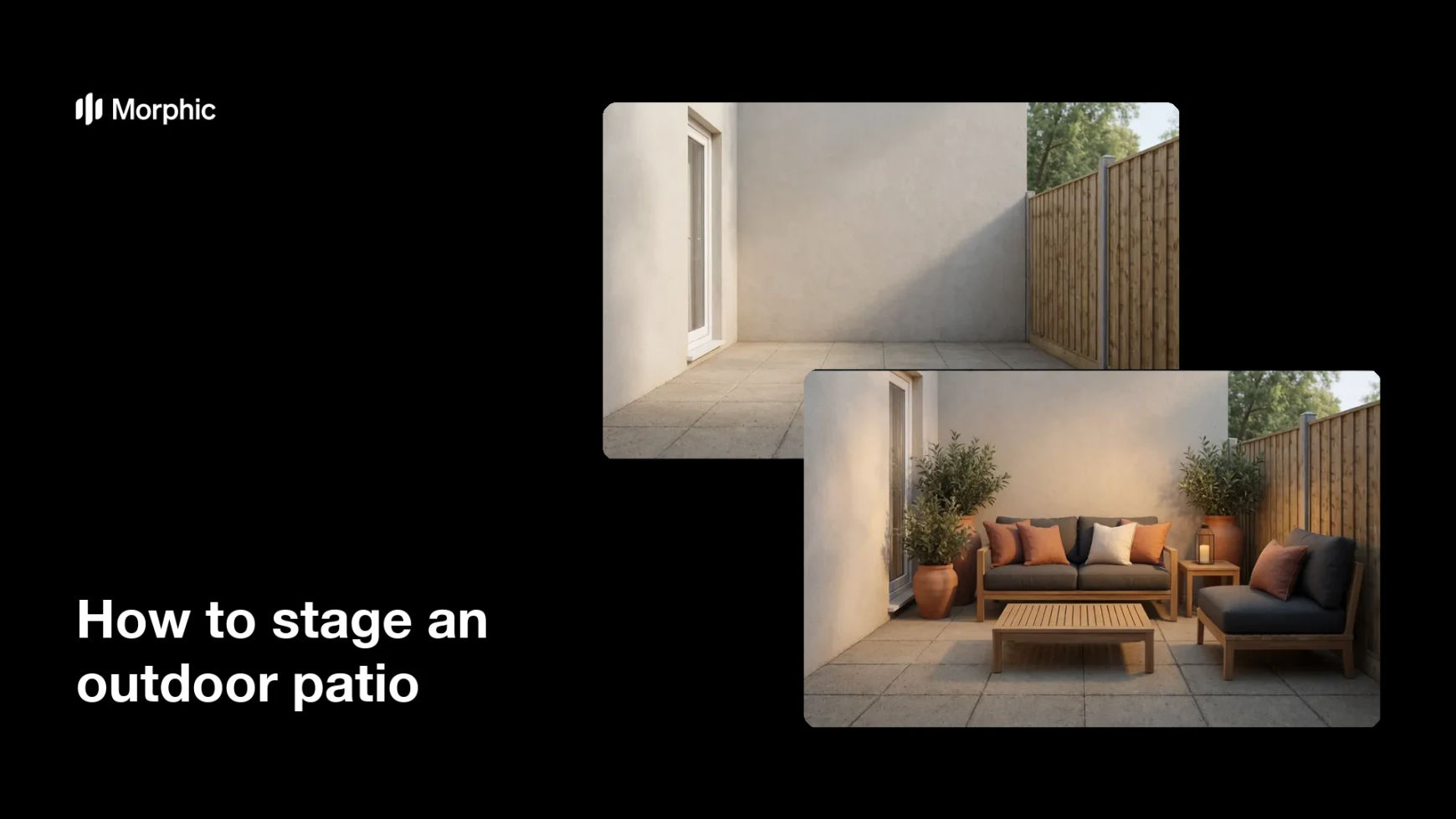
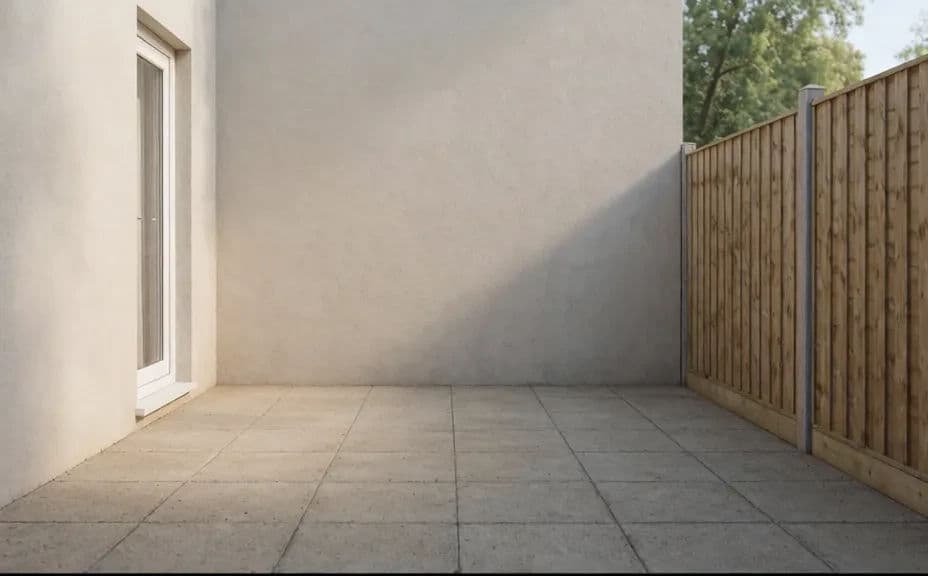
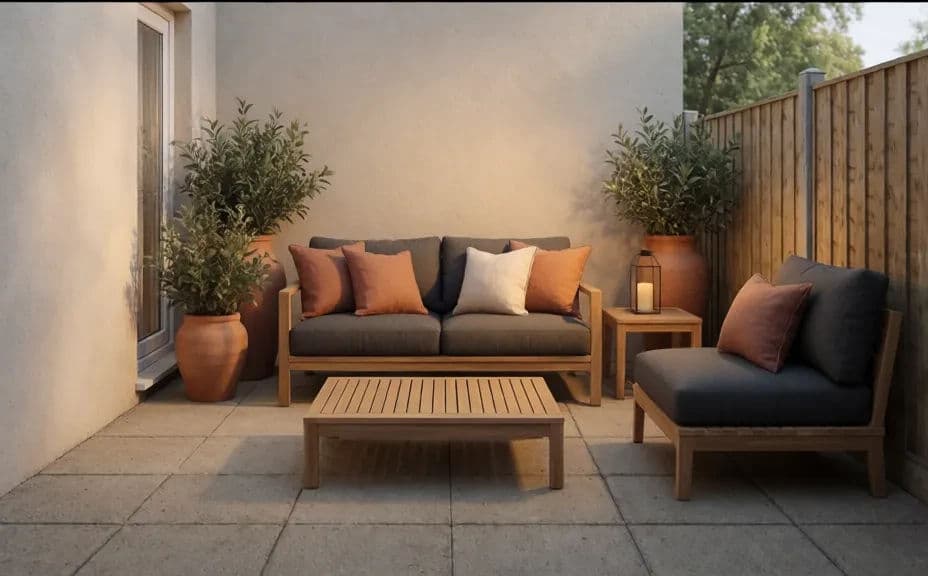
The same patio, bare and empty, then staged with outdoor furniture and greenery.
What makes a good staged outdoor patio
| Quality | What it means | Why it matters |
|---|---|---|
| Same space | The patio keeps its real proportions | The scene reads as this yard staged |
| Realistic furniture | Pieces sit naturally in the space | Buyers trust what they are seeing |
| Warm styling | Plants and soft touches add life | The patio feels inviting and lived in |
| Consistent light | Shadows match the original photo | The staging blends into the real yard |
Morphic vs the traditional way
| Morphic | Physical staging or a photo shoot | |
|---|---|---|
| Cost | Available on Morphic | Furniture rental and staging fees |
| Time | A staged scene in minutes | Delivery, setup, and a shoot day |
| Skill needed | Describe it in plain language | Staging and styling experience |
| Consistency | Regenerate styles on the same patio | Rearranging props for every option |
FAQs
Yes. Name the pieces and a style, such as modern or cozy, and the staging matches your direction. Refine the look until it fits the home.
Yes, if you ask to keep the existing space and proportions. This keeps the result reading as the same yard staged rather than a different location.
Yes. Regenerate with different furniture and styling to compare options before you publish.
No. Morphic stages the photo you already have, so you can furnish the patio without hauling or renting anything on site.
Yes, if you keep the light and proportions consistent. Preview at full size and refine before you download so the scene blends into the real yard.
Yes. Images you create with Morphic are cleared for commercial use across your listings and marketing.