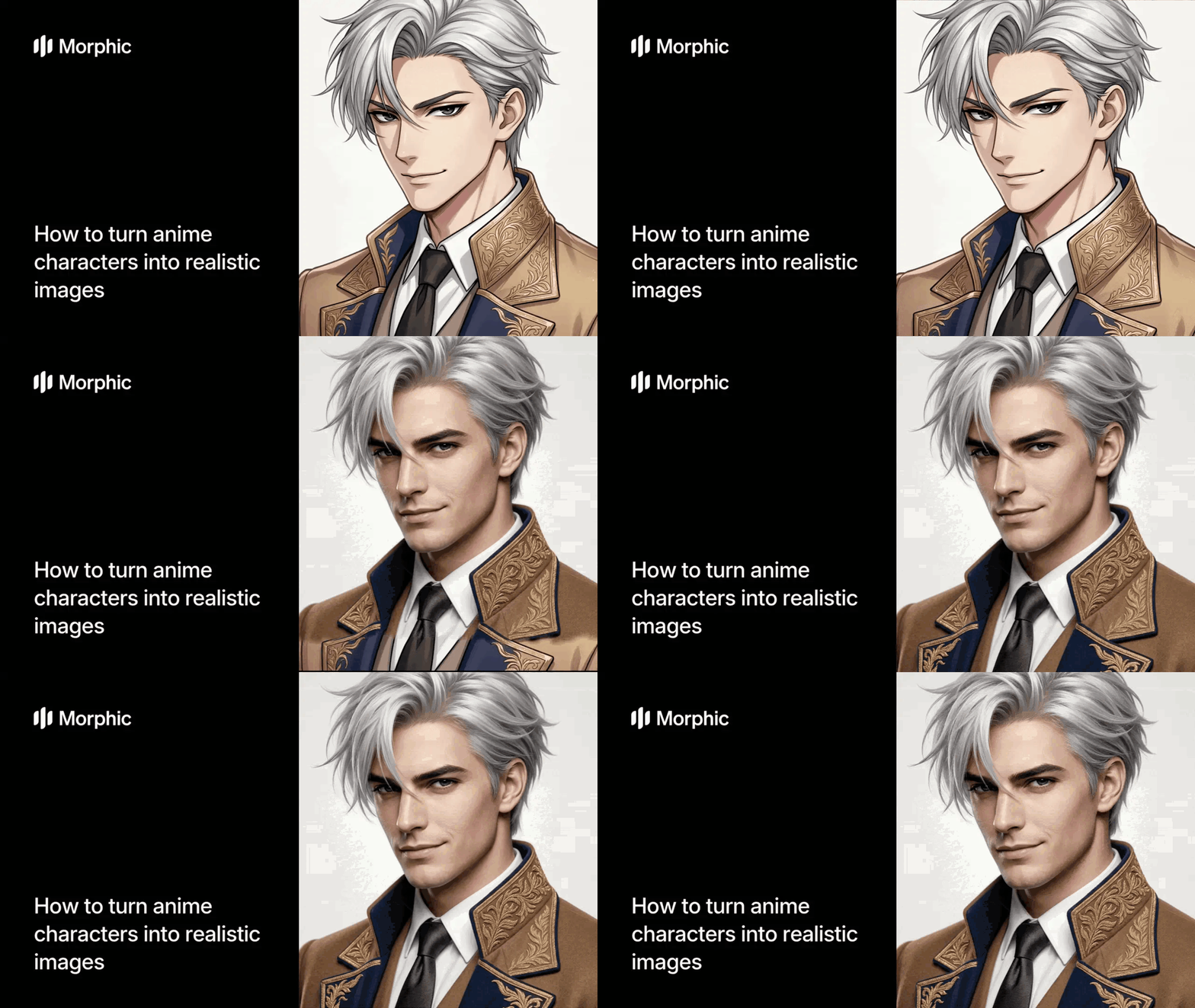
What is anime to photorealism?
Anime to photorealism is the process of transforming stylized anime or manga artwork into photorealistic images that appear as live-action portraits. This involves reimagining the character's features, proportions, and styling in a realistic format while maintaining recognizable elements from the original.
Morphic's AI-powered workflow makes this conversion instant. Upload your anime reference image, and the workflow generates photorealistic variations automatically. Rather than spending weeks drawing or commissioning a portrait artist for hundreds of dollars, you get production-ready results in seconds.
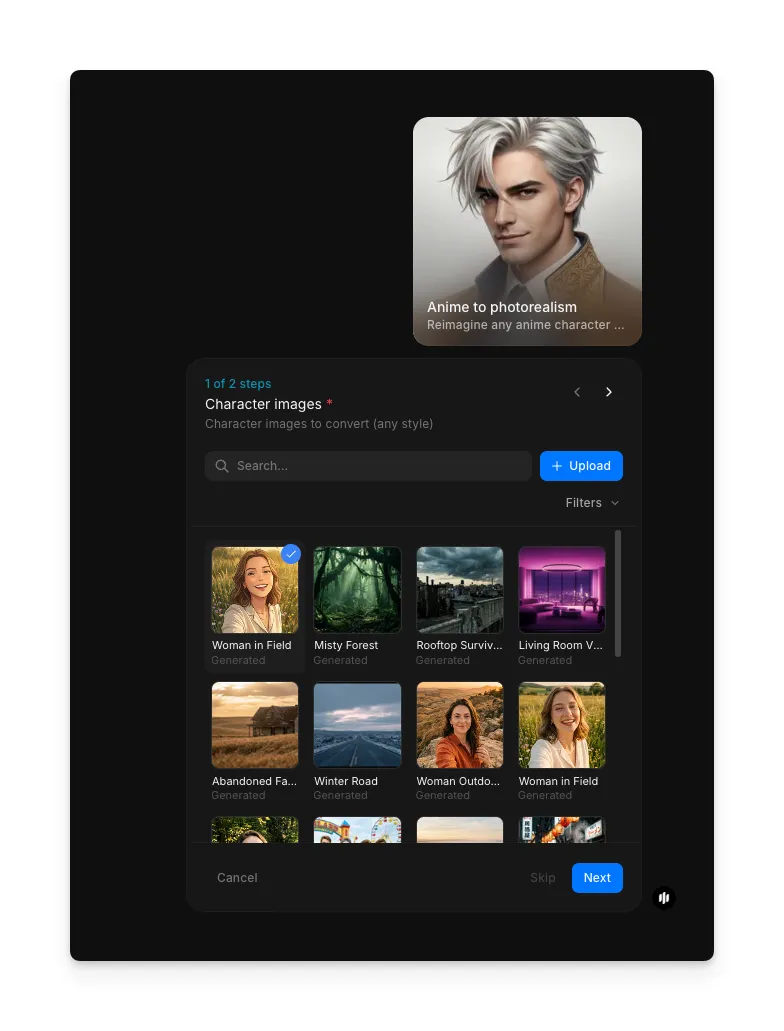
Upload your anime character image
Open the Morphic workflow library and select the "Anime to photorealism" workflow. In the "Character images" step (1 of 2), upload a clear, well-detailed anime artwork of your character. Full-body shots, busts, and close-ups all work well. A reference with good line definition and visible character details gives the AI more information to work with.
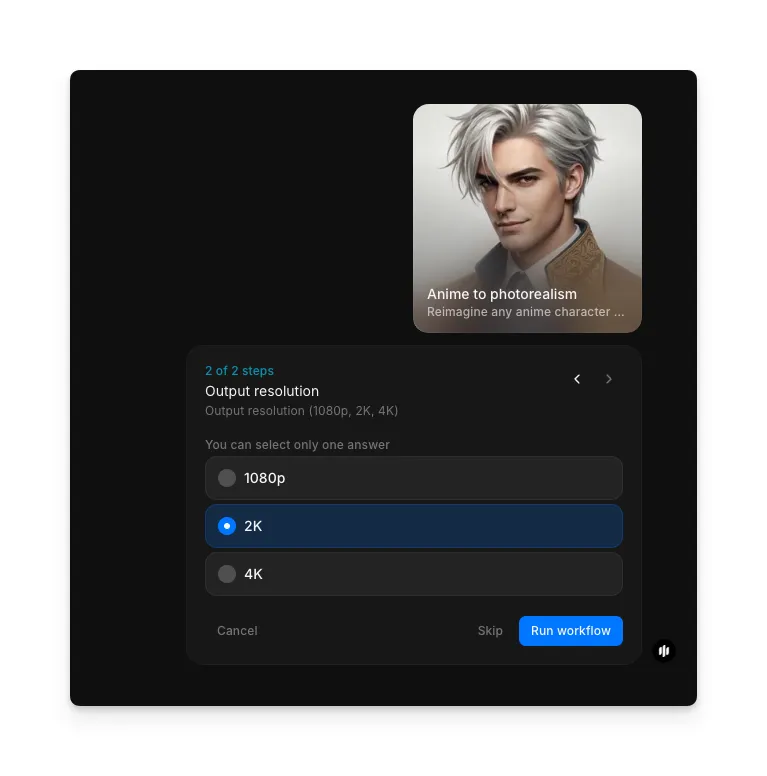
Choose your output resolution and generate
Select the output resolution for your photorealistic portrait. Options include 1080p, 2K, and 4K. Higher resolutions produce more detail and are better suited for print or large-format use. Once you've made your selection, click "Run workflow" to generate the photorealistic character image.
The workflow transforms your anime character into a photorealistic portrait with natural lighting, realistic skin texture, and professional-grade detail.
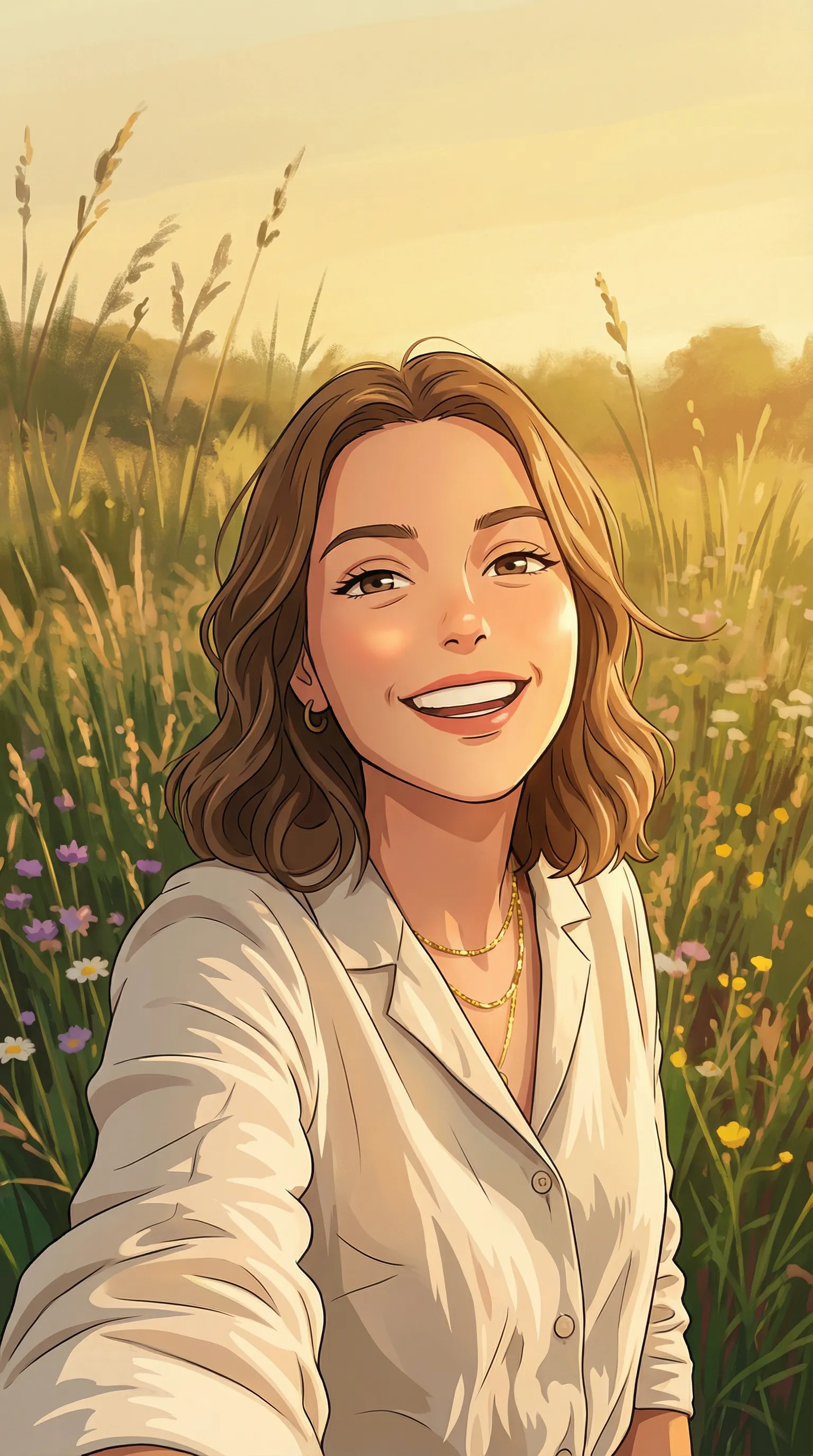
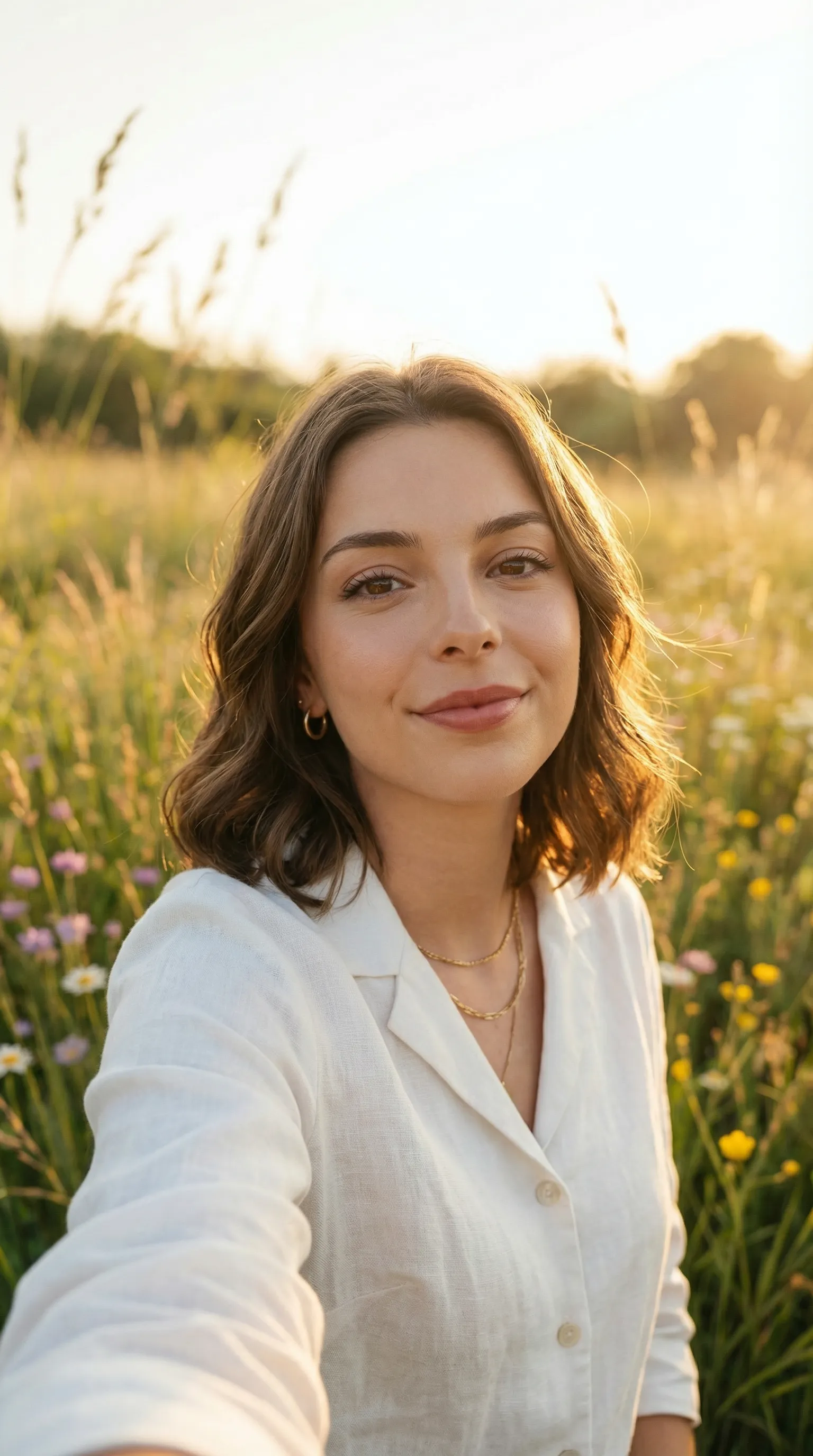
What makes a great photorealistic character portrait
| Quality | What it means | Why it matters |
|---|---|---|
| Facial proportion accuracy | Features are anatomically correct with natural symmetry | Makes the character recognizable and believable |
| Consistent lighting | Even, directional lighting without harsh shadows | Creates depth and professional polish |
| Texture and detail | Hair, fabric, and skin have realistic material properties | Elevates the image from generic to gallery-quality |
| Color grading | Warm highlights, cool shadows, unified color palette | Ties the entire image together visually |
The AI handles proportion, lighting, and texture automatically, so the only thing you need to bring is a clear anime reference image.
Anime to photorealism vs. commissioning a portrait artist
| Morphic's anime to photorealism workflow | Commissioning a portrait artist | |
|---|---|---|
| Cost | Available on Morphic | Professional rates |
| Time to get results | Seconds | 4 to 12 weeks |
| Setup required | None, just an anime image | Concept briefs, revision feedback, multiple rounds |
| Style options | Multiple styles, switch instantly | Limited to artist's specialty |
| Retakes | Run the workflow again | Each revision costs extra or uses your revision allotment |
| Quality | Professional high-fashion level | Hand-crafted custom work |
FAQs
Yes. Any anime, manga, or stylized character artwork can be converted. The clearer and more detailed your original reference, the better the AI can process it. A well-composed anime bust or portrait works best.
It depends on your goal. High-fashion portrait works best for character showcases and portfolio pieces. Cinematic is ideal for game assets or film-like visuals. Morphic offers multiple styles so you can experiment and find the look that matches your vision.
Yes. Images created through Morphic are yours to use for personal projects, portfolio work, commissions, and commercial applications. Many creators use AI photorealism for game assets, book covers, and character design.
Use a clear, well-lit anime artwork with good detail visibility. Full-body shots, busts, and close-ups all work. Avoid heavily filtered or low-resolution source images. The more detail in your original reference, the more the AI has to work with.
Traditional portrait commissions typically take 4 to 12 weeks. Morphic's anime to photorealism workflow is available on Morphic and delivers results in seconds.