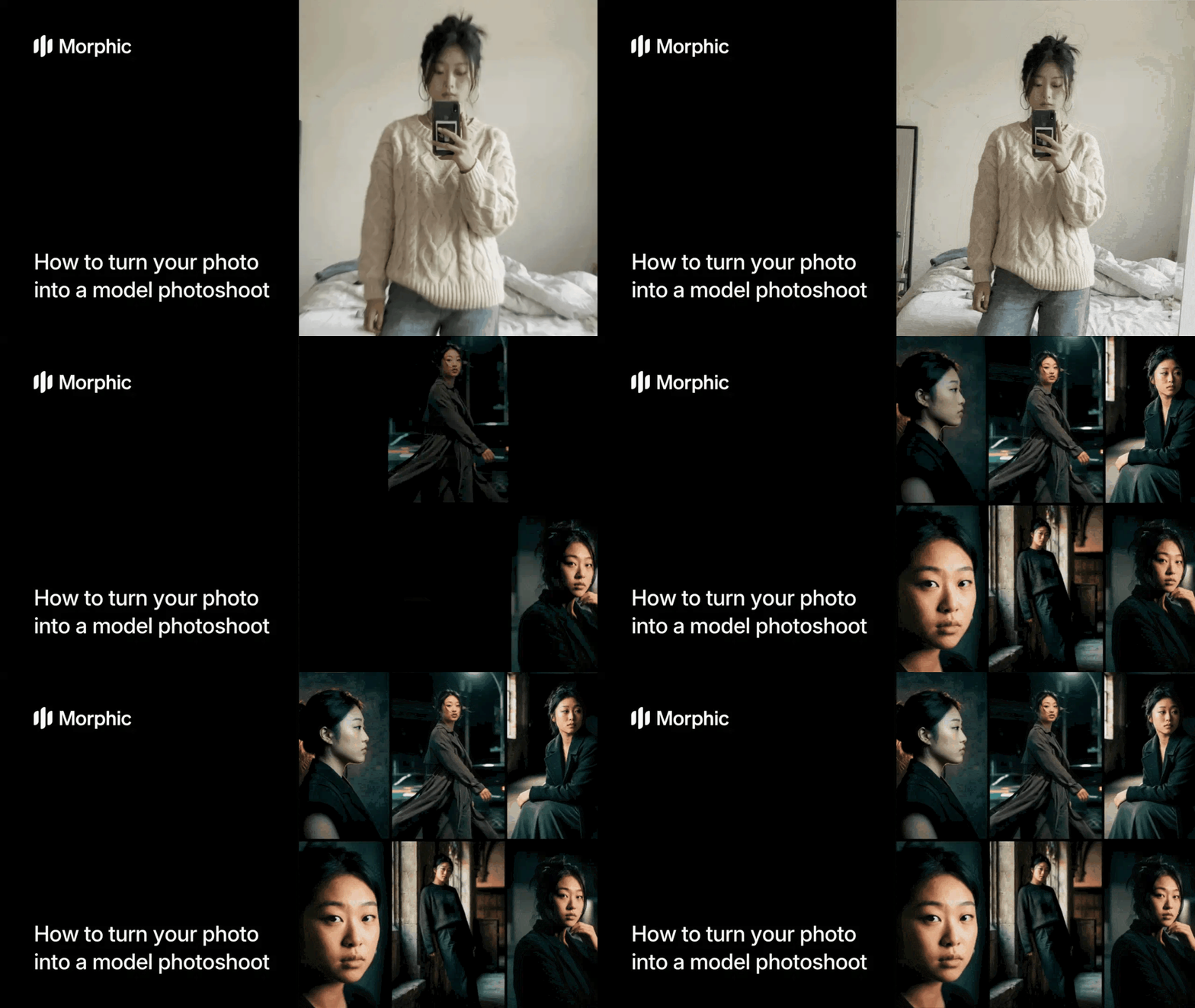
What is an AI model photoshoot?
An AI model photoshoot is a workflow that takes a single photo of a person and generates professional-quality editorial images with studio lighting, fashion poses, and curated settings. Instead of booking a photographer, renting a studio, and coordinating wardrobe, you upload one photo and select your preferred aesthetic. The output looks like it came from a professional fashion shoot with controlled lighting, intentional composition, and editorial styling.
Upload your photo, select a fashion aesthetic and output format, and Morphic generates your model photoshoot.
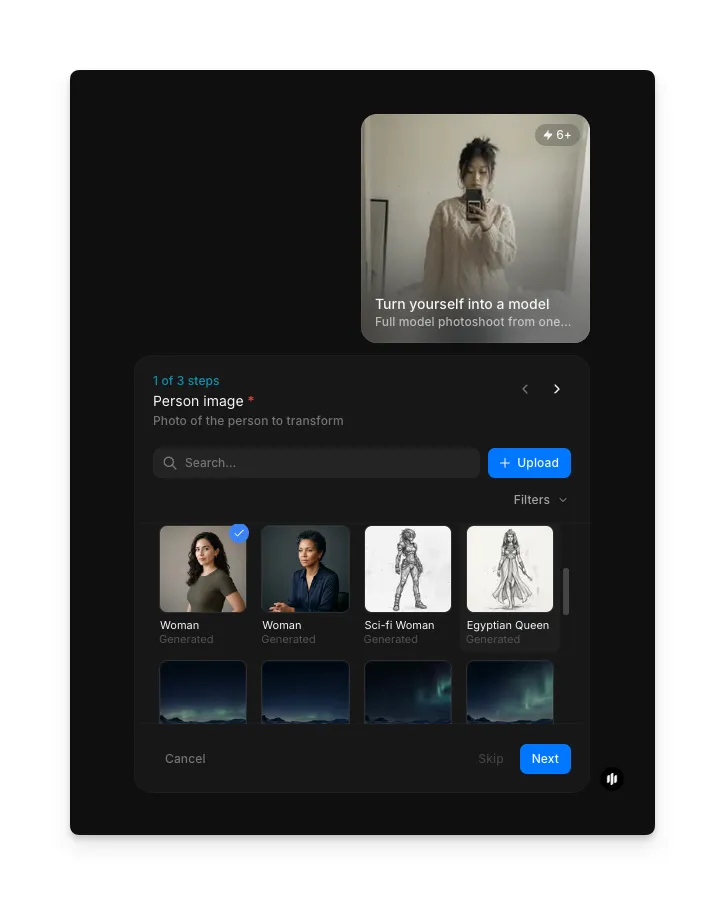
Upload your photo
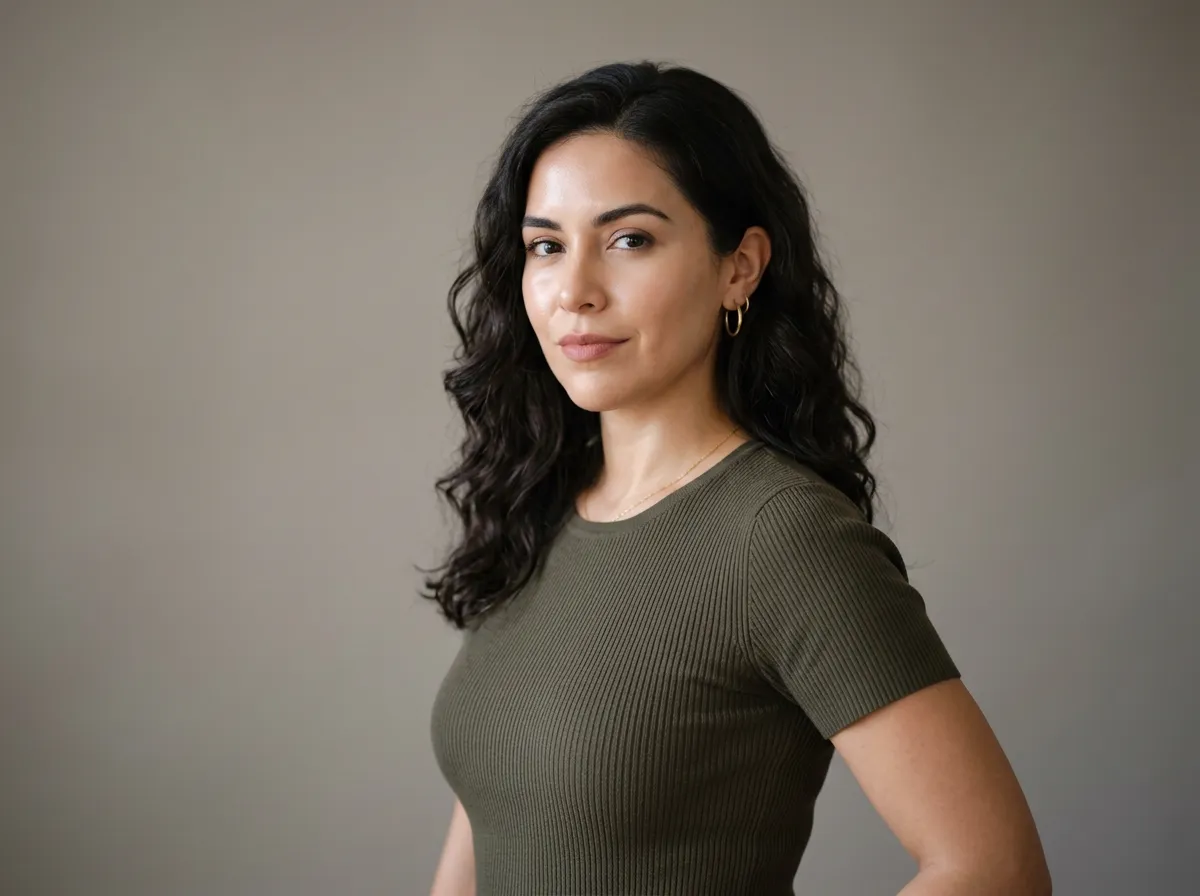
Open the Turn yourself into a model workflow and start with the Person image step (1 of 3). Upload a clear photo of yourself. A front-facing photo with good lighting works best. Pick from your files, search samples, or drag and drop.
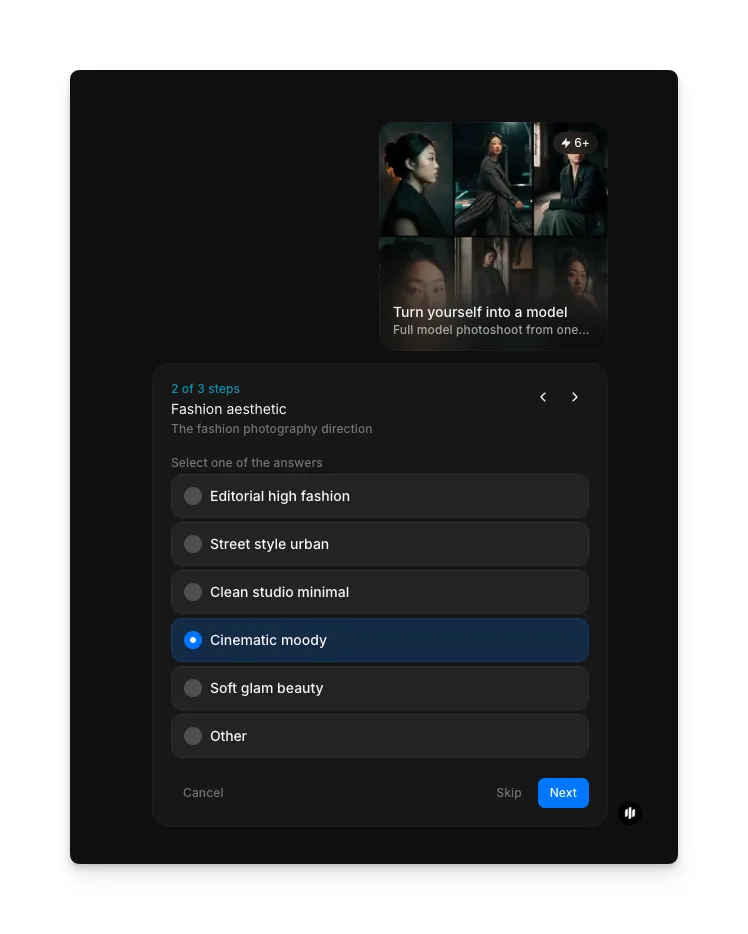
Select a fashion aesthetic
Choose the visual style that defines the look of your photoshoot:
| Aesthetic | Visual characteristics | Best for |
|---|---|---|
| Editorial High Fashion | Dramatic lighting, bold poses, high-contrast styling, and editorial composition | Portfolio shoots, fashion content, and high-end personal branding |
| Street Style Urban | Natural city backdrops, casual poses, layered outfits, and candid energy | Social media content, lifestyle branding, and streetwear looks |
| Clean Studio Minimal | White or neutral backgrounds, simple poses, soft even lighting, and minimal styling | Headshots, professional profiles, and clean product-style portraits |
| Cinematic Moody | Deep shadows, warm or cool color grading, dramatic poses, and atmospheric lighting | Creative portfolios, dramatic content, and cinematic personal branding |
| Soft Glam Beauty | Soft diffused lighting, beauty-focused framing, glowing skin, and glamorous styling | Beauty content, influencer profiles, and glam-focused personal branding |
| Other | Custom aesthetic you describe in your own words | Any look that does not fit the predefined options above |
Choose your aspect ratio
Select the aspect ratio (3 of 3) that fits your target platform:
| Option | Ratio | Best for |
|---|---|---|
| 4:5 Instagram portrait | 4:5 | Instagram feed posts, portrait-oriented content, and vertical editorial layouts |
| 9:16 TikTok / reels / stories | 9:16 | TikTok, Instagram Reels, Instagram Stories, and full-screen vertical mobile content |
| 1:1 square | 1:1 | Instagram grid, Facebook feed, and cross-platform social content |
| 16:9 YouTube / landscape | 16:9 | YouTube thumbnails, website banners, and landscape-oriented editorial content |
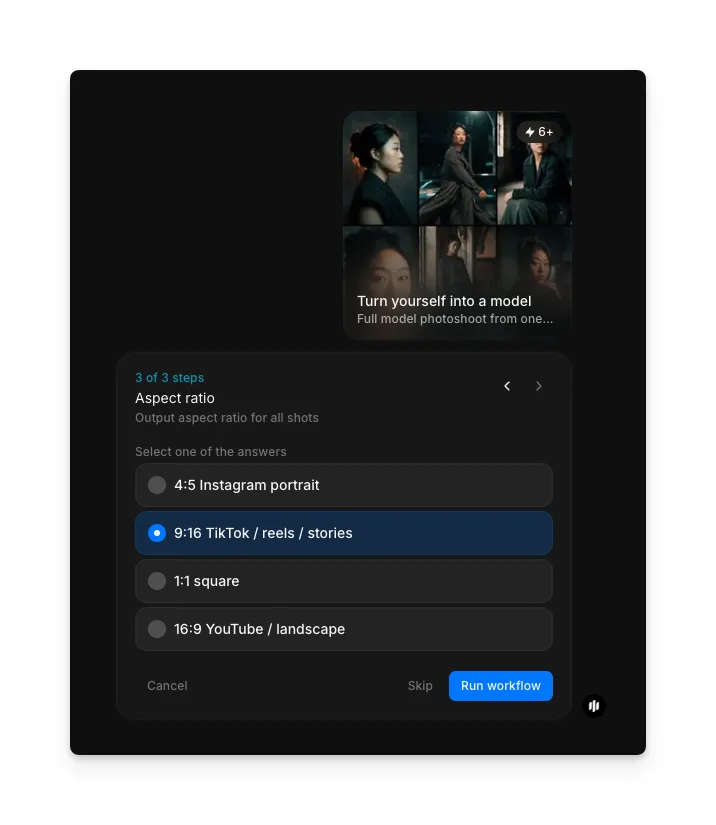
Hit "Run workflow," and Morphic generates your model photoshoot:
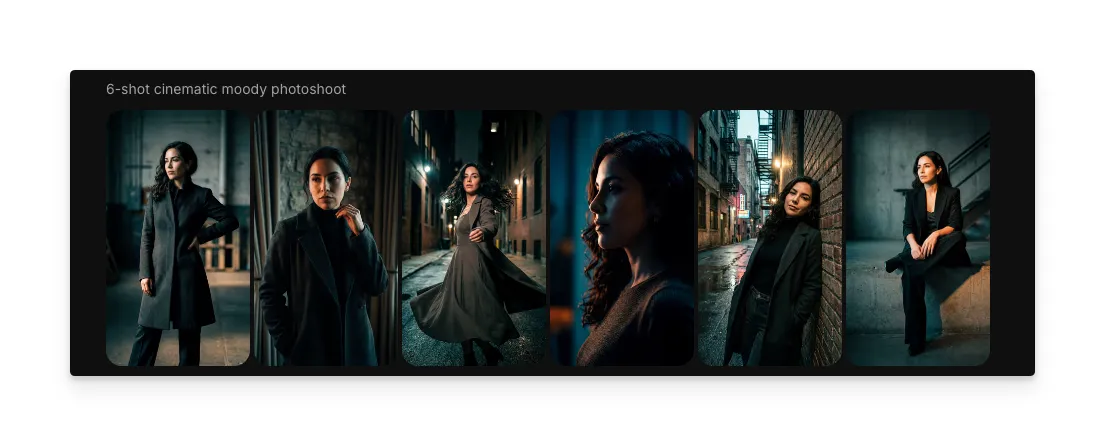
What makes a great AI model photoshoot
| Quality | What it means | Why it matters |
|---|---|---|
| Likeness accuracy | The output clearly looks like the person in the input photo with consistent facial features | If the output does not resemble the original person, the photoshoot loses its personal value and authenticity |
| Pose naturalism | The generated pose looks like a real person in a natural or intentional editorial position | Stiff or anatomically awkward poses immediately signal that the image is artificially generated |
| Lighting quality | The lighting is consistent, directional, and matches the chosen aesthetic | Flat or inconsistent lighting makes the image look like a snapshot rather than a professional shoot |
| Editorial authenticity | The overall image feels like it belongs in a fashion magazine or professional portfolio | If the result looks obviously AI-generated, it cannot be used for professional or branding purposes |
The AI handles pose generation, lighting simulation, background composition, and styling automatically, so you only need to upload a photo and select your preferences.
AI model photoshoot vs. professional studio shoot
| Morphic's model photoshoot workflow | Professional studio shoot | |
|---|---|---|
| Cost | Available on Morphic | Professional rates for photographer, studio, styling, and retouching |
| Time to delivery | Seconds | 2 to 4 hours for the shoot, plus days for editing and retouching |
| Input required | One photo | In-person attendance at a studio with full hair, makeup, and wardrobe preparation |
| Wardrobe | Generated automatically based on the selected aesthetic | Must be sourced, purchased, or rented in advance |
| Poses | Multiple editorial poses generated from a single input | Limited to poses captured during the session by the photographer |
| Retouching | Included automatically in the output | Requires additional time and cost for post-production editing |
FAQs
Yes. The workflow preserves your facial features, skin tone, and overall likeness while applying the editorial styling of the chosen aesthetic. The output is designed to look like a professional photo of you, not a generic model.
A clear, front-facing photo with even lighting works best. Avoid heavily filtered images, photos with sunglasses or face obstructions, and low-resolution images. A standard selfie or portrait photo in good lighting is ideal.
Yes. The output images are suitable for LinkedIn profiles, personal websites, portfolio pages, social media branding, and other professional contexts. The editorial quality matches what you would get from a studio shoot.
You can run the workflow as many times as you want with different aesthetic selections. Each run produces a new editorial look with different styling, lighting, and composition based on the aesthetic you choose.
A professional studio photoshoot requires significant investment when you factor in the photographer, studio rental, styling, and retouching. Morphic's model photoshoot workflow is available on Morphic and delivers editorial-quality results in seconds.