What is virtual staging?
Virtual staging is the process of adding realistic furniture and decor to a photo of an empty room. Real estate agents, landlords, and home stagers use it to help buyers picture how a space could be lived in, without renting or moving a single piece of furniture. A well-staged photo makes a bare room feel warm, functional, and move-in ready.
Morphic does this in your browser. You upload a photo of the empty room, describe the look you want in plain language, and it fills the space with furniture that matches the room's angle, lighting, and proportions. When it looks right, you download the staged image in high resolution.
Upload the empty room photo
Start with a clear, well-lit shot of the empty room taken straight on. A sharp original gives Morphic the detail it needs to place furniture that sits naturally in the space.
Describe the style you want
Tell Morphic the mood in plain words, such as a bright modern living room or a cozy Scandinavian bedroom. The more specific you are about furniture and tone, the closer the result matches your listing.
Generate the staged room
Morphic adds furniture that follows the room's perspective, floor, and window light. Review the layout and check that pieces sit flat and in scale with the walls.
Refine the details
If a sofa feels too large or the palette is off, adjust your description and generate again. You can try several furniture layouts for the same room until one fits the listing.
Download and publish
Export the staged photo in high resolution and add it to your listing or brochure. Keep the original empty shot on hand so buyers can see the true, unfurnished space too.
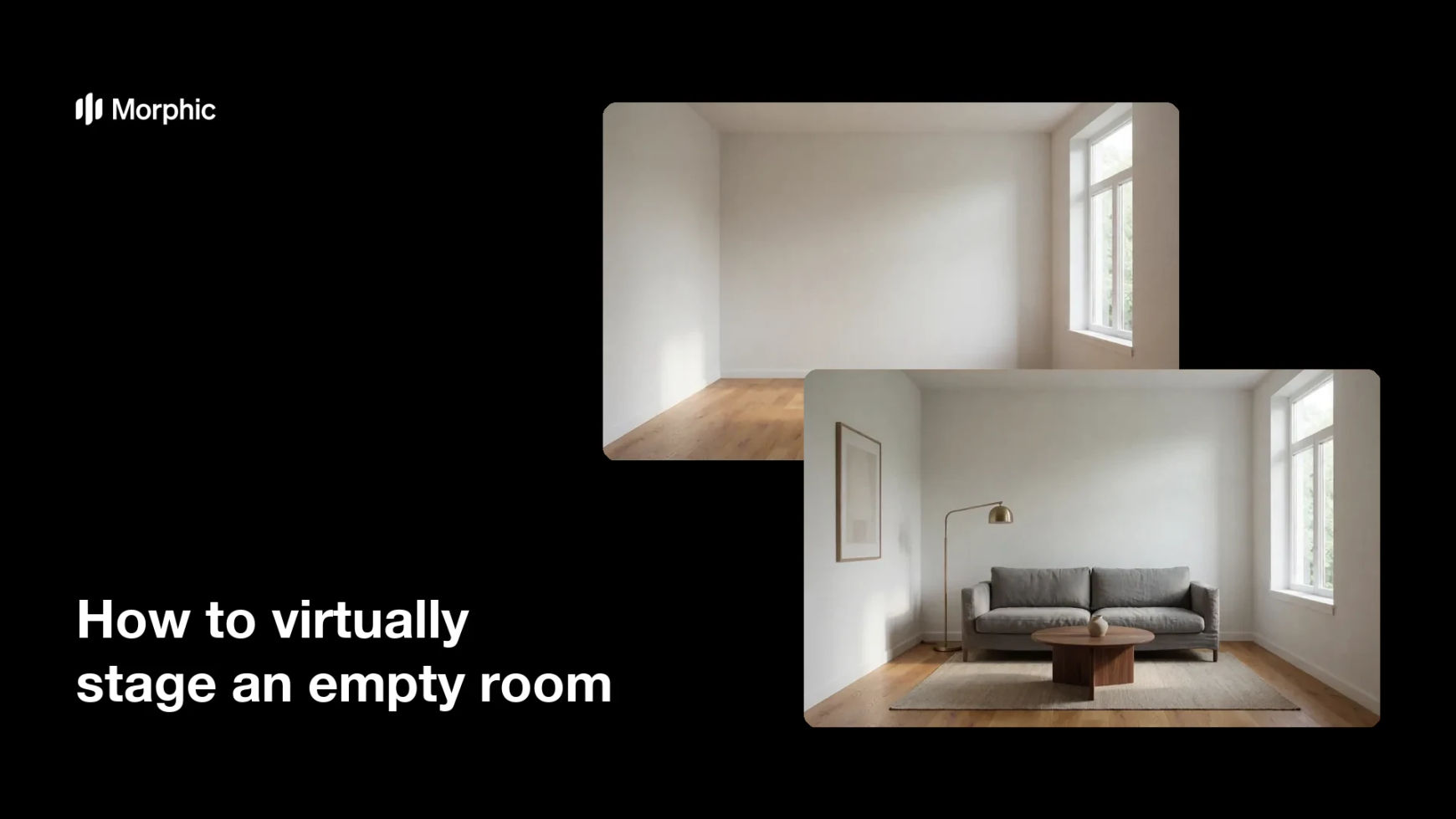
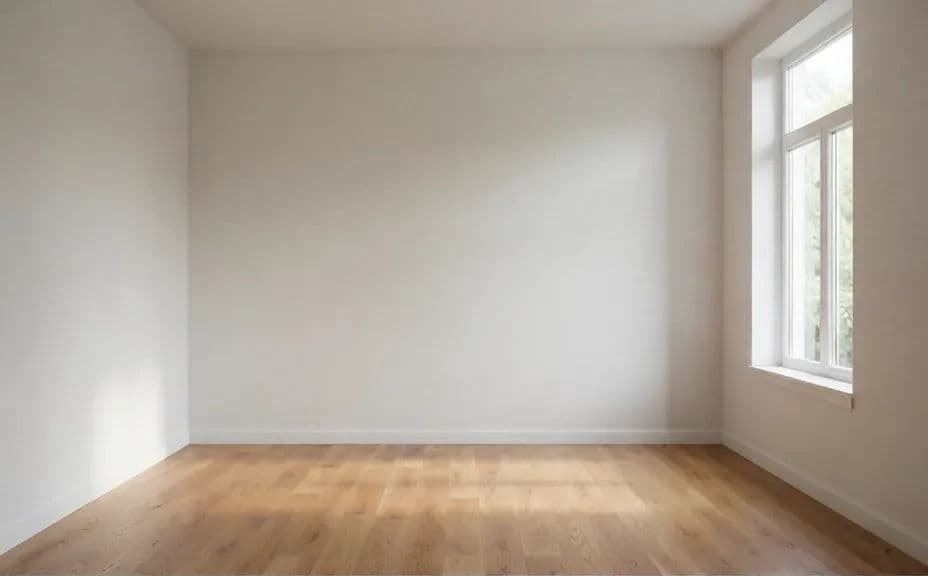
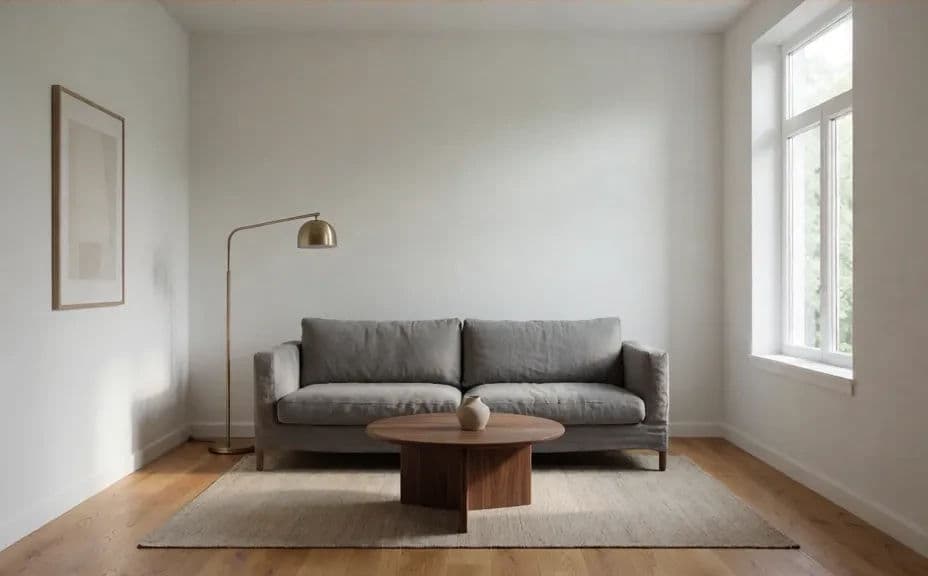
Below is the same empty room before staging and after Morphic added furniture.
What makes a good virtual staging
| Quality | What it means | Why it matters |
|---|---|---|
| Correct scale | Furniture matches the room's real proportions | Oversized pieces make a space read as fake |
| Consistent perspective | Items follow the photo's angle and floor line | Keeps the staged room believable to buyers |
| Natural lighting | Furniture shadows match the window light | Shadows are what sell the illusion of real furniture |
| Tasteful styling | Decor fits the home and target buyer | The right style helps a listing feel move-in ready |
Morphic vs the traditional way
| Morphic | Physical staging | |
|---|---|---|
| Cost | Available on Morphic | Hundreds to thousands per month in furniture rental |
| Time | Minutes per room | Days to schedule movers and set up |
| Skill needed | Describe it in plain language | A professional stager and rented inventory |
| Consistency | Restage any room the same way on demand | Depends on available furniture and crew |