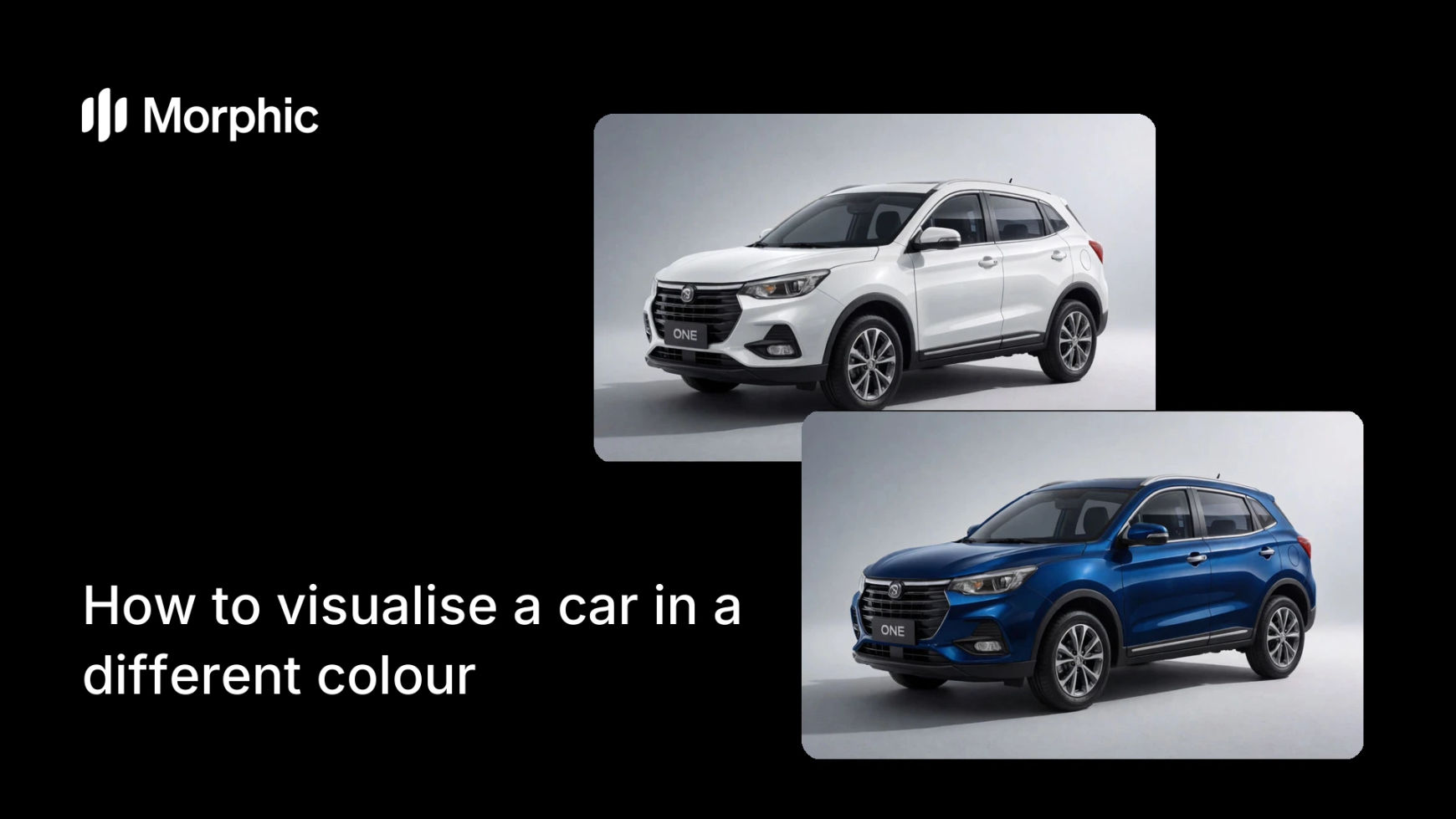
What is car colour visualisation?
Car colour visualisation shows a vehicle repainted in a new shade, so a buyer, wrapper, or designer can see the result before committing. Dealers, wrap shops, and shoppers use it because seeing a car in the actual colour beats imagining it, and it turns a maybe into a decision.
With Morphic you upload a photo, name the colour you want, and generate the repainted result in your browser. The bodywork changes while the trim, glass, and reflections stay believable, and you can compare several colours and download each in HD.
Start with a clear car photo
Use a well-lit shot where the bodywork is fully visible, ideally a three-quarter view. The more of the paint surface that reads clearly, the more convincing the recolour, since the new shade follows the light already in the photo.
Name the target colour
Open Morphic, upload the photo, and describe the colour precisely: a deep metallic blue, a matte grey, a classic racing red, or a pearlescent white. Naming the finish, gloss, matte, or metallic, matters as much as the hue itself.
Keep trim and glass intact
Ask for only the bodywork to change, leaving windows, tires, badges, and trim as they are. A clean recolour touches the painted panels and nothing else, which is what keeps the result believable.
Compare several colours
Generate the car in a few shades at once so you can weigh the options side by side. Seeing three or four colours on the same vehicle makes the choice obvious in a way a swatch never can.
Download the options in HD
Export your favourite colours in HD, ready to share with a customer or use in a listing. Each option keeps the car accurate apart from the paint and is cleared for commercial use.
The same car visualised in two colours.
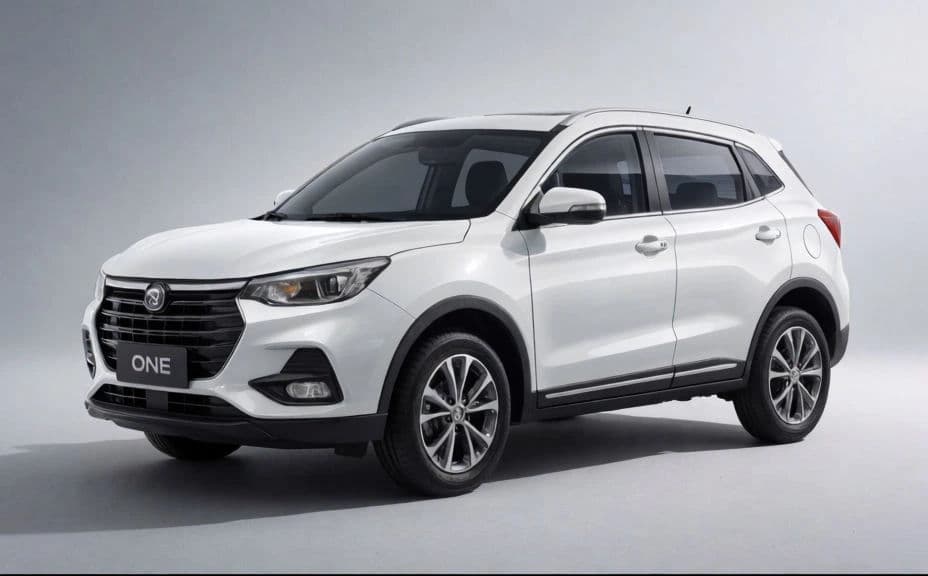
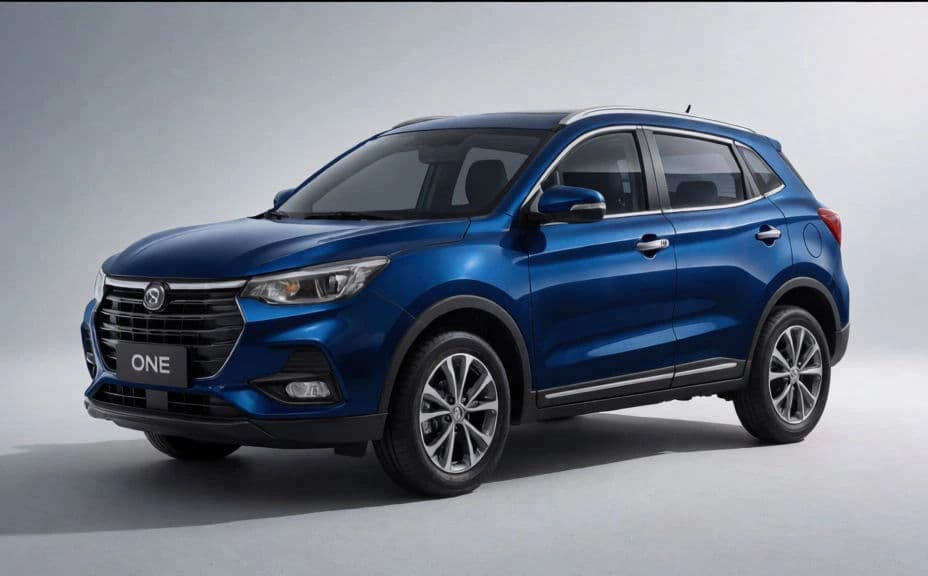
What makes a believable recolour
| Quality | What it means | Why it matters |
|---|---|---|
| Accurate finish | Gloss, matte, or metallic reads correctly | A metallic looks metallic, not like flat paint |
| Preserved trim | Glass, tires, and badges are untouched | Only the paint changes, so the car stays real |
| Natural reflections | Highlights follow the new colour | The surface looks painted, not colour-filled |
| Consistent shape | The bodywork keeps its exact form | The vehicle is unmistakably the same car |
Morphic vs the traditional way
| Morphic | Test wraps or manual editing | |
|---|---|---|
| Cost | Available on Morphic | Trial wrap materials or an editor |
| Time | A recoloured car in seconds | Physical test panels or hours of masking |
| Skill needed | Describe it in plain language | Masking and relighting skills |
| Consistency | Same treatment across colours | Each edit varies by hand |
FAQs
Yes, when the finish is described well. The new colour follows the light and reflections already in the photo, so a metallic reads as metallic and a matte reads as matte rather than flat fill.
Yes. Ask for only the bodywork to change so windows, tires, badges, and trim stay untouched. Limiting the change to the painted panels is what keeps the result believable.
Yes. Generate the car in a few shades in one run and weigh them side by side. Seeing multiple colours on the same vehicle makes the decision far easier than a swatch.
Yes. Name the finish along with the hue, such as matte grey or metallic blue. The finish is described separately from the colour, so you can preview both.
Yes. Showing a customer their car in a proposed wrap colour before applying material helps them commit with confidence and reduces second-guessing.
Yes. Each recoloured image downloads in HD without a watermark and is cleared for commercial use, so it is ready for listings, proposals, and marketing.