An aboleth coiled around a drowned temple
A colossal aboleth wound around the pillars of a sunken temple, tentacles drifting between broken statues, pale shafts of light knifing down through green murk to its glowing eyes.
Edit prompt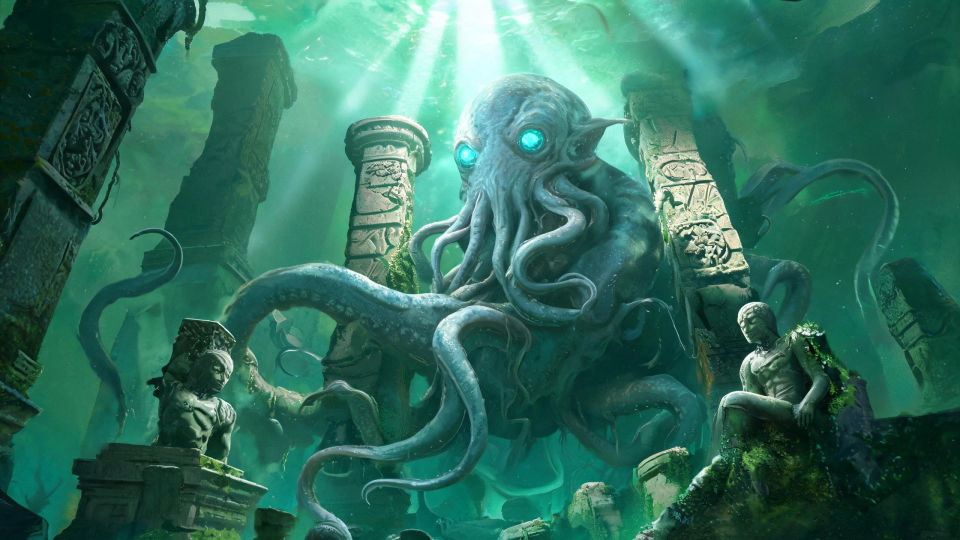
Design ancient aquatic aboleths in your browser with Morphic's aboleth AI image generator. Generate an eel-bodied horror with three stacked slit eyes, four tentacles curling through the murk, or an aboleth coiled around a drowned ruin. Hold the look with Style Transfer, then animate.
A colossal aboleth wound around the pillars of a sunken temple, tentacles drifting between broken statues, pale shafts of light knifing down through green murk to its glowing eyes.
Edit promptAn aboleth facing the camera in black water, three eyes flaring and ribbons of luminous light spilling from its skin, tiny fish scattering as the glow washes the dark.
Edit prompt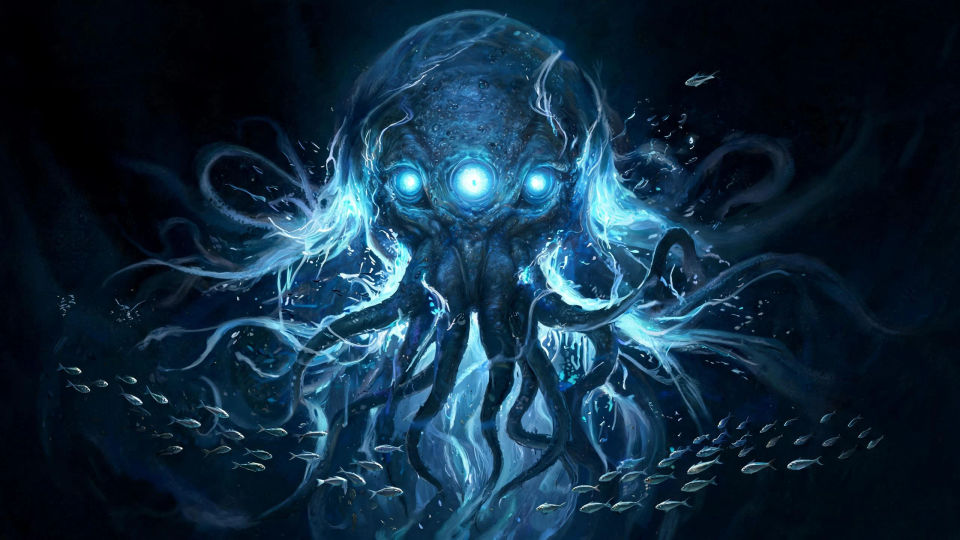
A vast flooded cavern hung with dripping slime curtains, the aboleth resting at the center on a mound of bones and coins, faint bioluminescence rippling across the walls.
Edit prompt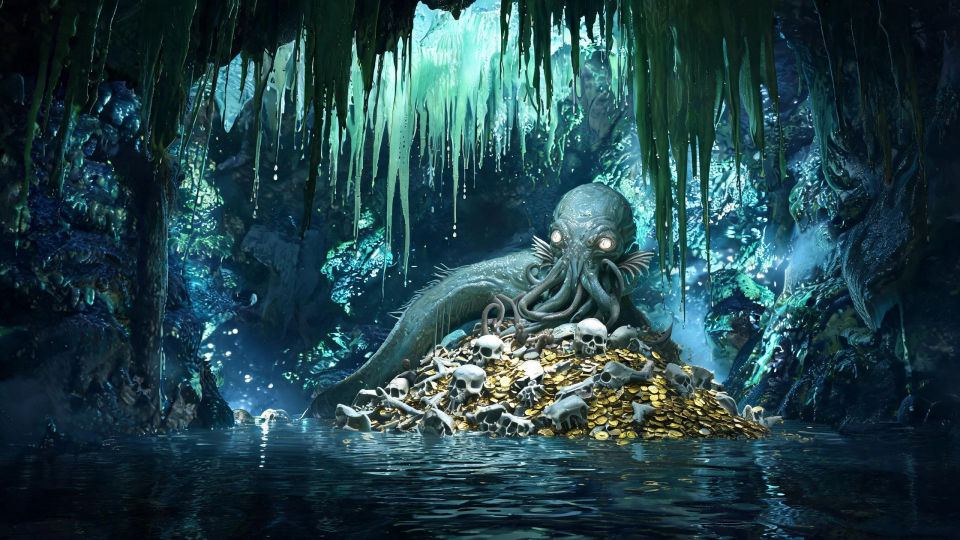
An aboleth surging up out of a black trench toward a distant surface glow, silt streaming off its hide, tentacles unfurling as cold light rakes down its immense flank.
Edit prompt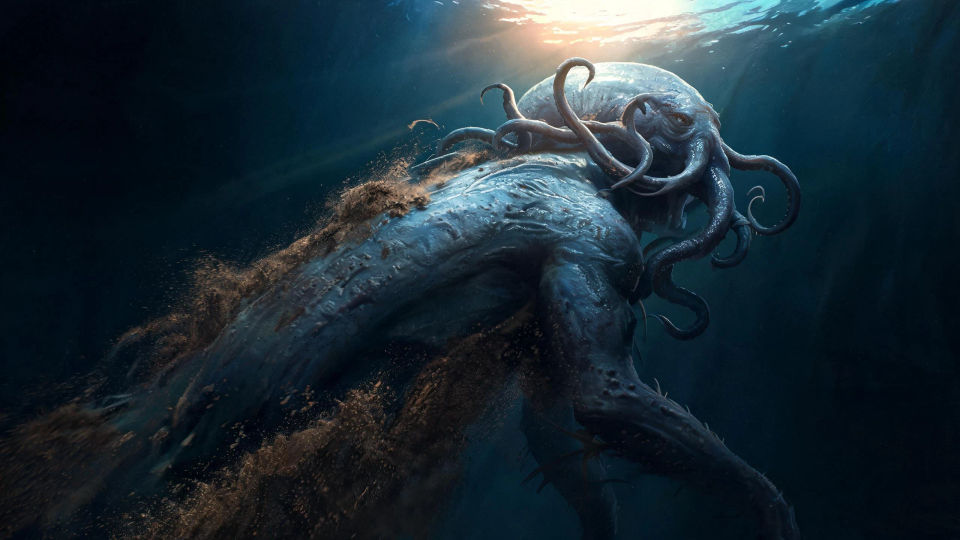
Describe the Aboleth you want, in plain words.
Morphic generates a clean, ready-to-publish image on your canvas in seconds.
Tweak the prompt, regenerate variations, then download or share the frame.

Take any character image and generate 6 distinct facial expressions on a single reference sheet.

Share a scene description with character references. Get a full storyboard with shot angles and mood.

Turn any photo or description into an animated chibi sprite. Dance, jump, wave, attack, and more.

All your characters on a single lineup image, side by side with height comparison.

Professional 7-panel location reference sheet from a single photo.
Restyle any video in a completely new visual style. Every frame transforms, all motion stays intact.
Beholder AI Images
Create AI beholder images on Morphic. Floating many-eyed orbs, eyestalk rings, and lair scenes from plain-language prompts, consistent across a full set.
Mind Flayer AI Images
Create AI mind flayer images on Morphic. Tentacle-faced psychic portraits, overlords, and anatomy studies from plain-language prompts.
Illithid AI Images
Create AI illithid images on Morphic. Tentacle-faced colonies, throne caverns, brine pools, and spawning vaults from plain-language prompts.
Dragon AI Images
Create AI dragon images on Morphic. Fire wyrms, frost dragons, storm wyverns, and hoard scenes from plain-language prompts, with consistent scales across a set.
Get started for free today, with the option to upgrade or cancel anytime.
Basic
1100 monthly credits
1 user only
All models
Workflows
Standard
3625 monthly credits
1 user only
All models
Workflows
Pro
6350 shared monthly credits
1 user
All models
Workflows
Pro Max
24650 shared monthly credits
1 user
All models
Workflows
Enterprise
For higher limits
Custom
pricing and billing terms
Free
For playing around
$0
forever free