A beholder above a treasure hoard
A beholder hovering over a heaped hoard of gold and gems in a domed cavern, eyestalks fanned outward, its great eye reflecting the glitter below in warm firelight.
Edit prompt
Design floating many-eyed beholders in your browser with Morphic's beholder AI image generator. Generate a bloated orb with a great central eye, a ring of eyestalks over a gaping maw, or a beholder above a hoard. Hold one look with Style Transfer, then curl the eyestalks with Image to Video.
A beholder hovering over a heaped hoard of gold and gems in a domed cavern, eyestalks fanned outward, its great eye reflecting the glitter below in warm firelight.
Edit promptA stone chamber whose walls are carved with hundreds of staring eyes, a beholder drifting at the center casting thin beams of colored light across the pocked stone.
Edit prompt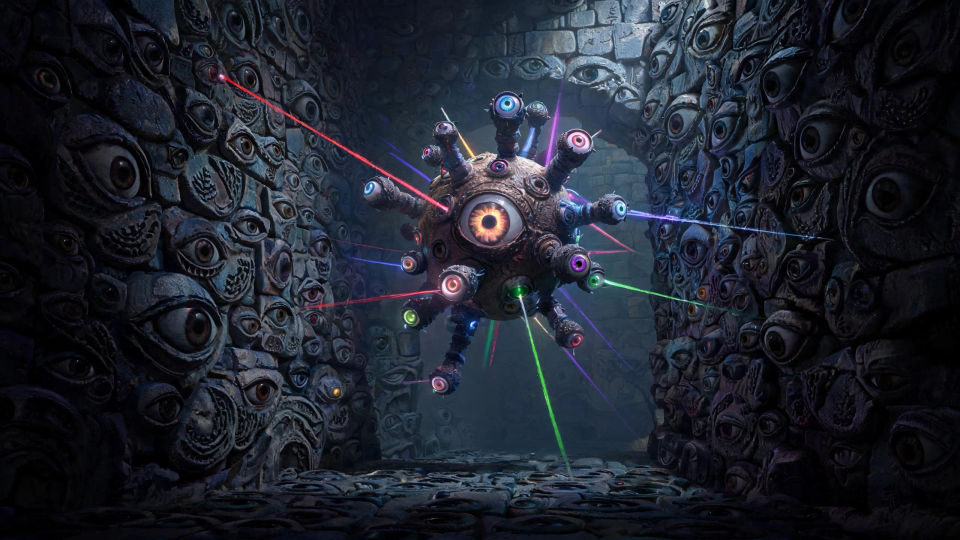
A beholder filling a narrow torchlit corridor, eyestalks trained forward and beams crackling from several eyes, dust and shadow swirling in the tight cold space.
Edit prompt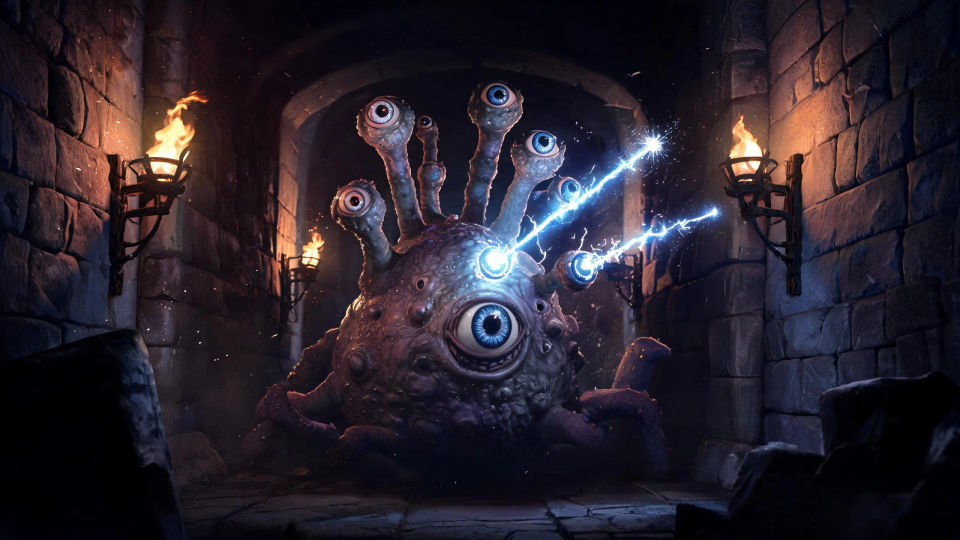
A beholder floating through a flooded ruined hall, broken pillars half-submerged, its reflection rippling below as pale light lances from its crown of eyes.
Edit prompt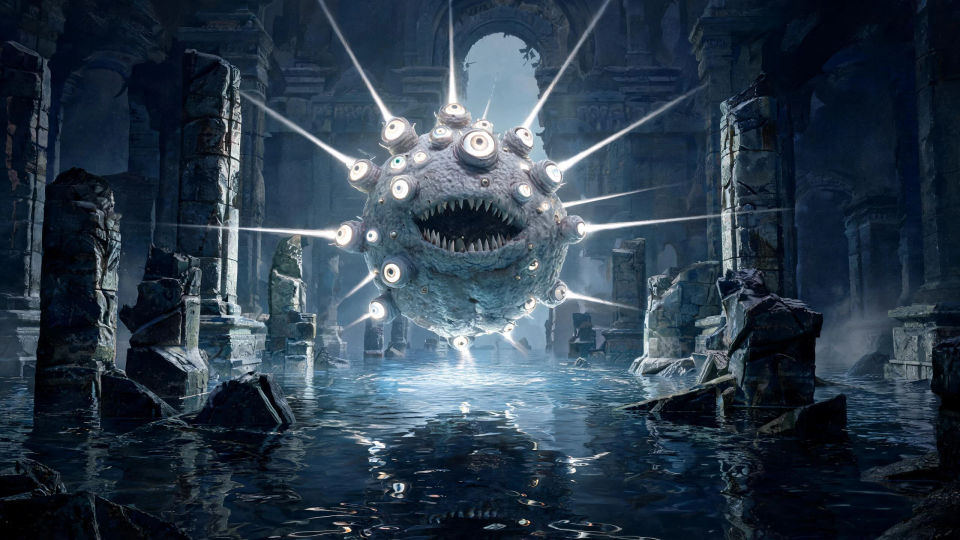
Describe the Beholder you want, in plain words.
Morphic generates a clean, ready-to-publish image on your canvas in seconds.
Tweak the prompt, regenerate variations, then download or share the frame.

Take any character image and generate 6 distinct facial expressions on a single reference sheet.

Share a scene description with character references. Get a full storyboard with shot angles and mood.

Turn any photo or description into an animated chibi sprite. Dance, jump, wave, attack, and more.

All your characters on a single lineup image, side by side with height comparison.

Professional 7-panel location reference sheet from a single photo.
Restyle any video in a completely new visual style. Every frame transforms, all motion stays intact.
Aboleth AI Images
Create AI aboleth images on Morphic. Ancient eel-bodied horrors, tentacled deep-water aberrations, and sunken ruins from plain-language prompts.
Mind Flayer AI Images
Create AI mind flayer images on Morphic. Tentacle-faced psychic portraits, overlords, and anatomy studies from plain-language prompts.
Illithid AI Images
Create AI illithid images on Morphic. Tentacle-faced colonies, throne caverns, brine pools, and spawning vaults from plain-language prompts.
Dragon AI Images
Create AI dragon images on Morphic. Fire wyrms, frost dragons, storm wyverns, and hoard scenes from plain-language prompts, with consistent scales across a set.
Get started for free today, with the option to upgrade or cancel anytime.
Basic
1100 monthly credits
1 user only
All models
Workflows
Standard
3625 monthly credits
1 user only
All models
Workflows
Pro
6350 shared monthly credits
1 user
All models
Workflows
Pro Max
24650 shared monthly credits
1 user
All models
Workflows
Enterprise
For higher limits
Custom
pricing and billing terms
Free
For playing around
$0
forever free