Aerial Drone Photography AI Images

Shoot aerial drone photography in your browser with Morphic's aerial drone photography AI image generator. Generate high-angle frames like a lone swimmer in a turquoise bay seen straight down, a winding road cutting through autumn forest, or a fishing boat trailing a wake across deep blue, and pair every frame with the Style Transfer workflow to lock the top-down bird's-eye palette across the set. Animate any still with the Image to Video tool.

Aerial drone photography subjects you can capture

Aerial drone photography compositions you can frame

Winding road through autumn forest

A road snaking in S-curves through a dense autumn forest seen from high above, reds and golds carpeting the canopy, a tiny car for scale, high-angle framing, warm saturated palette, sweeping aerial vista.

Edit prompt
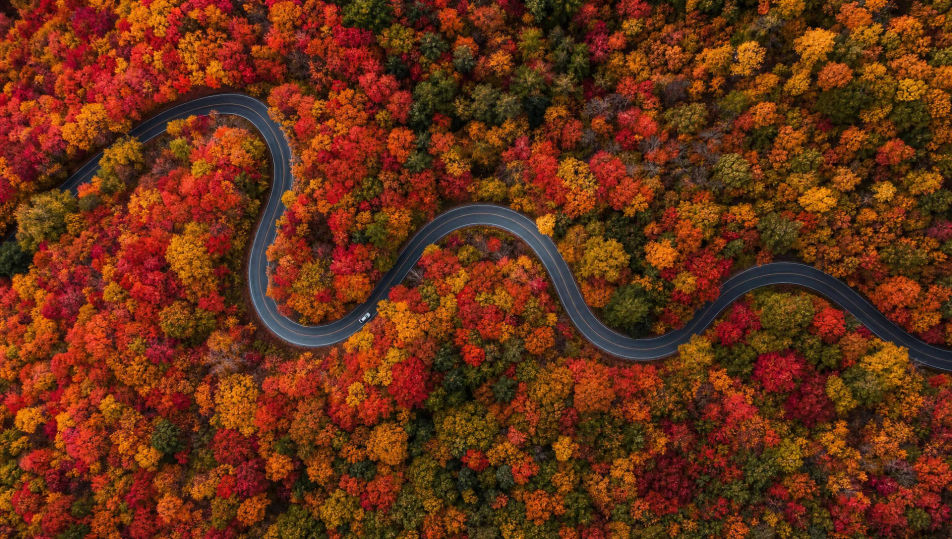
Winding road through autumn forest

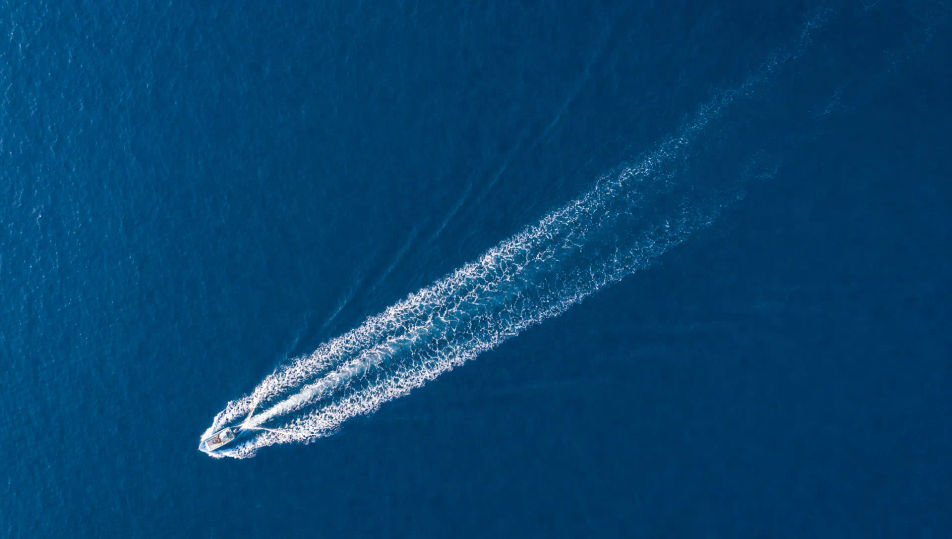
Fishing boat trailing a wake on deep blue

A lone fishing boat trailing a long white wake across deep blue open water seen from high above, nothing else in frame, top-down framing, cool minimal palette, graphic aerial composition.

Edit prompt
Fishing boat trailing a wake on deep blue

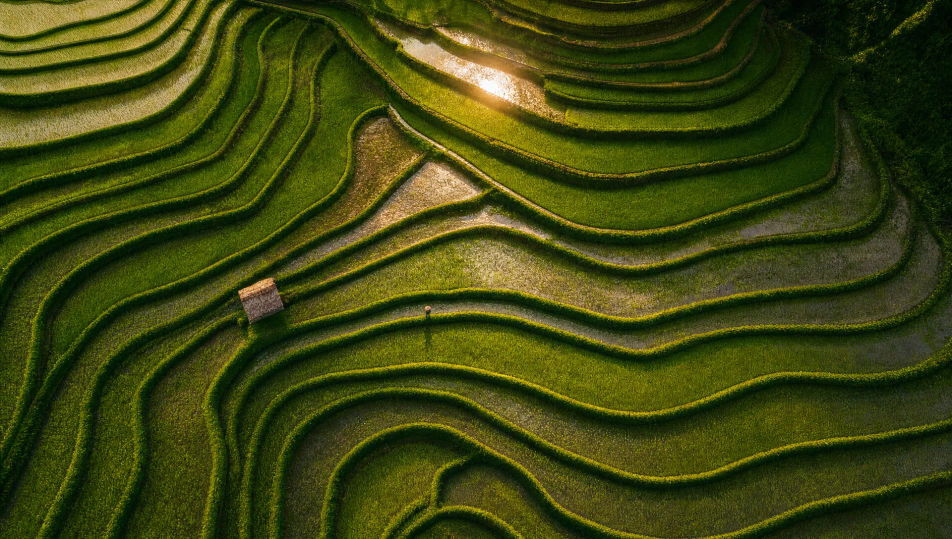
Terraced rice fields from above

Stepped emerald rice terraces curving across a hillside seen from high above, water catching low sun between the ridges, geometric stacked lines, high-angle framing, warm green palette, patterned aerial vista.

Edit prompt
Terraced rice fields from above

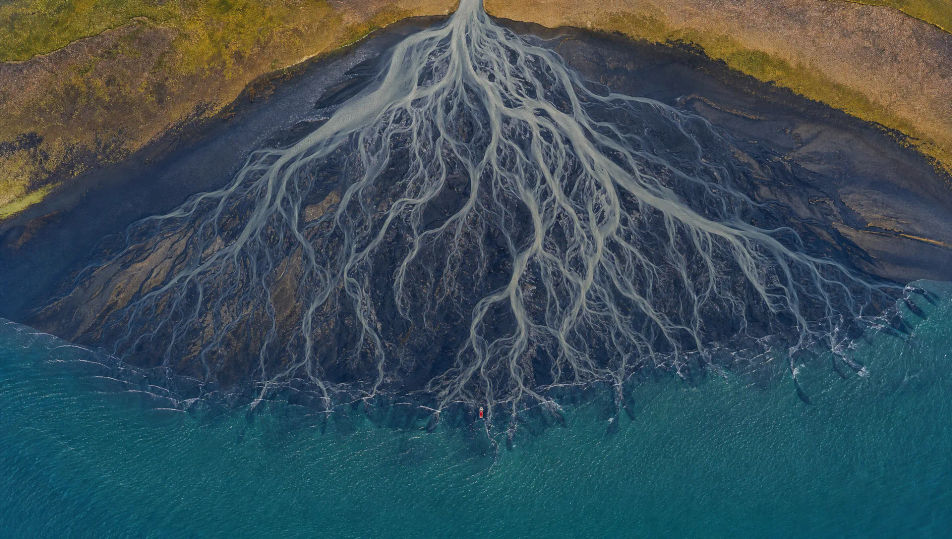
River delta branching to the sea

A braided river delta fanning into countless branching channels across dark tidal flats toward the sea, seen straight down, tree-like silver patterns, top-down framing, muted palette, abstract aerial frame.

Edit prompt
River delta branching to the sea

Make Aerial drone photography in three steps

  1. 01

    Describe your Aerial drone photography

    Describe the Aerial drone photography you want, including the subject, setting, and lighting.

  2. 02

    Generate the image

    Morphic generates a clean, ready-to-publish image on your canvas in seconds, no editing software required.

  3. 03

    Refine your Aerial drone photography

    Tweak the prompt, regenerate variations, then download or share the moment the frame lands.

Related workflows

You might also like

FAQs

Where can I make aerial drone photography with AI?
You can create aerial drone photography images directly in your browser on Morphic. Open the Image tool, describe the subject, the high-angle viewpoint, and the landscape, and Morphic produces the frame. No installs and no specialist software needed.
What defines aerial drone photography at the prompt level?
Three locked-in choices: a top-down or high-angle viewpoint, a scale relationship that makes a subject tiny against a vast expanse, and the graphic patterning that emerges from above. Name the viewpoint and the pattern so the frame reads as a true bird's-eye shot.
How do I get a top-down bird's-eye look in AI images?
Name the viewpoint directly: "seen straight down from directly above" for top-down, or "high-angle framing" for oblique. Add a small subject for scale ("a tiny car", "a lone swimmer") and a patterned landscape. Reuse those words across every prompt so Morphic carries the same look through the set.
How do I keep an aerial drone photography series consistent?
Use the Style Transfer workflow to lock the top-down viewpoint, the scale-for-impact framing, and the saturated landscape palette, then reference that style card in every prompt. The series reads as one flight across images, from coastlines to forests.
Do I need a drone or a pilot licence to make these?
No. Morphic runs in your browser and you direct it with plain-language prompts. Anyone who can describe a viewpoint, a subject, and the landscape can produce an aerial drone photography frame. No drone, no licence, and no no-fly-zone checks required.