Character reference sheet with multiple poses
A clean anime reference sheet showing one original boy character in three poses and two expressions on a plain studio background, the design consistent throughout.
Edit prompt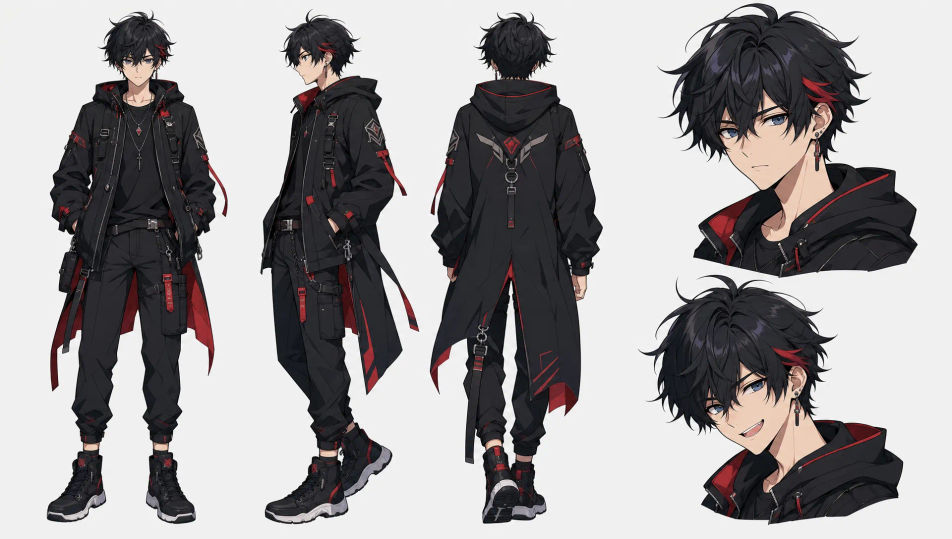
Design original Anime boy characters in your browser with Morphic's Anime boy AI image generator. Generate a hot-blooded shounen hero or a brooding swordsman in a long coat, lock one design with Character Lineup, then bring him to life with Image to Video.
A clean anime reference sheet showing one original boy character in three poses and two expressions on a plain studio background, the design consistent throughout.
Edit promptAn anime boy launching into a dynamic action pose with motion lines and a burst of energy, bold cel shading and a dramatic low-angle camera.
Edit prompt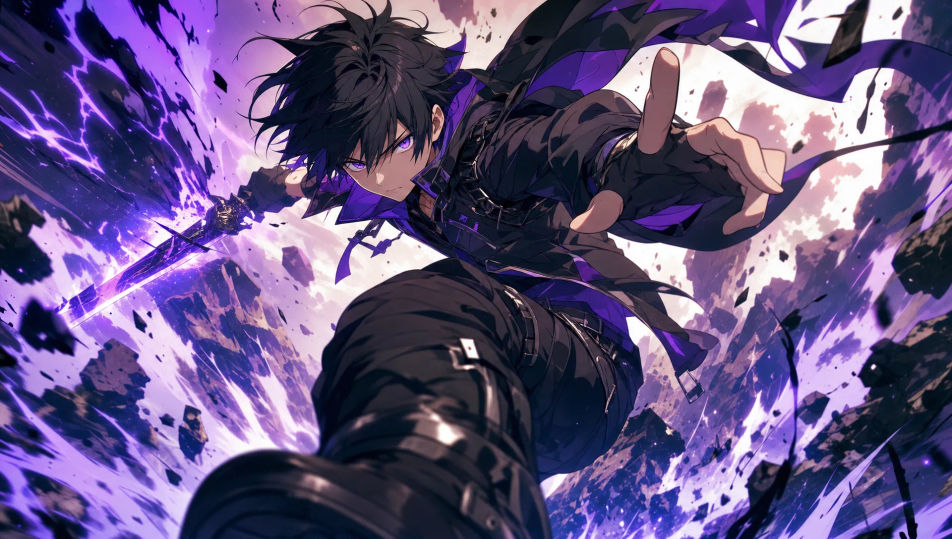
An anime boy walking a riverside path home from school at sunset, bag slung over one shoulder, warm orange light and a soft hazy skyline behind him.
Edit prompt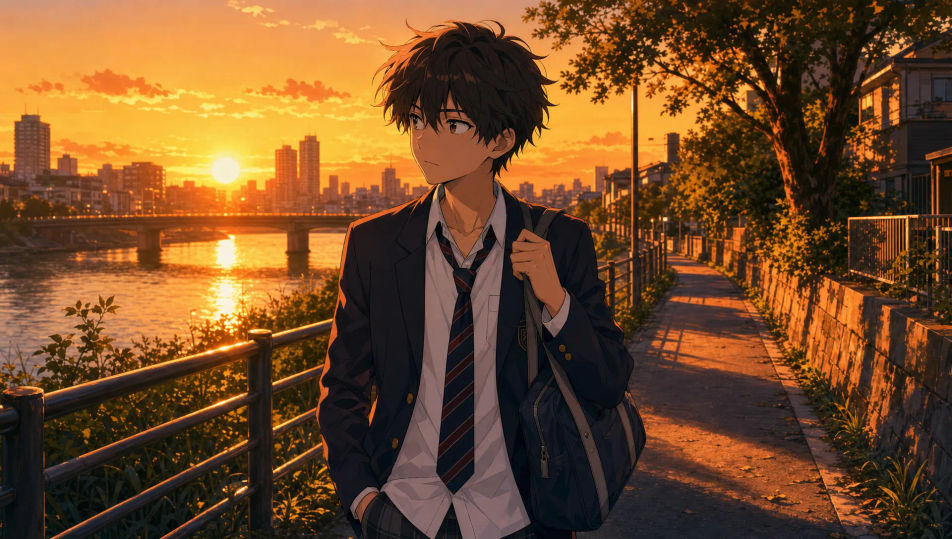
A close anime boy portrait on a rain-slick neon street at night, cool blue and magenta light catching wet hair, clean line art and soft bokeh signage behind.
Edit prompt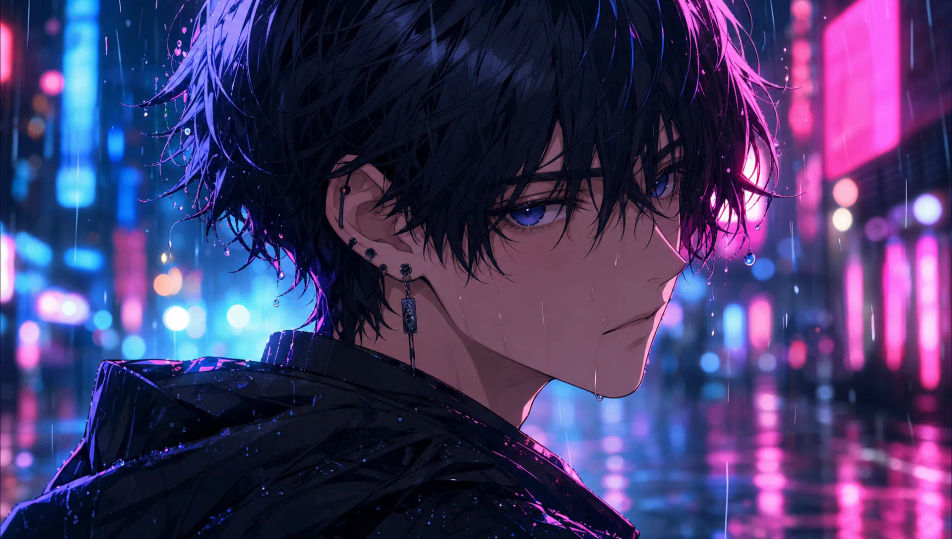
Describe the Anime boy you want, in plain words.
Morphic generates a clean, ready-to-publish image on your canvas in seconds.
Tweak the prompt, regenerate variations, then download or share the frame.

Pick any anime illustration as your style guide. Apply its look to any image.

Turn any sketch or drawing into a finished render.

Take any character image and generate 6 distinct facial expressions on a single reference sheet.

All your characters on a single lineup image, side by side with height comparison.

Turn any photo or description into an animated chibi sprite. Dance, jump, wave, attack, and more.
Reimagine any anime character as a photorealistic, high-fashion live-action portrait.
Anime Girl AI Images
Create AI Anime girl images on Morphic. Design original female characters, keep one design consistent across poses and outfits, and animate them, all from prompts.
Anime Character AI Images
Design original anime characters with AI. Keep one design consistent across poses, then animate it. Free to start, HD downloads.
Cyberpunk Anime art AI generator
Create cyberpunk Anime art with Morphic. Neon netrunners, holo-idols, rain-slick megacity panels, and augmented character art from a single prompt.
Anime AI Videos
Create Anime videos with Morphic. Slice-of-life scenes, Mecha shots, magical-girl transformations, and full Anime episodes generated from a single prompt.
Get started for free today, with the option to upgrade or cancel anytime.
Basic
2400 monthly credits
1 user only
All models
Workflows
Standard
3625 monthly credits
1 user only
All models
Workflows
Pro
6350 shared monthly credits
1 user
All models
Workflows
Max
24650 shared monthly credits
1 user
All models
Workflows
Enterprise
For higher limits
Custom
pricing and billing terms

Free
For playing around
$0
forever free