Home screen mockup
The icon shown on a phone home screen among other apps, so you can judge how it stands out at real size.
Edit prompt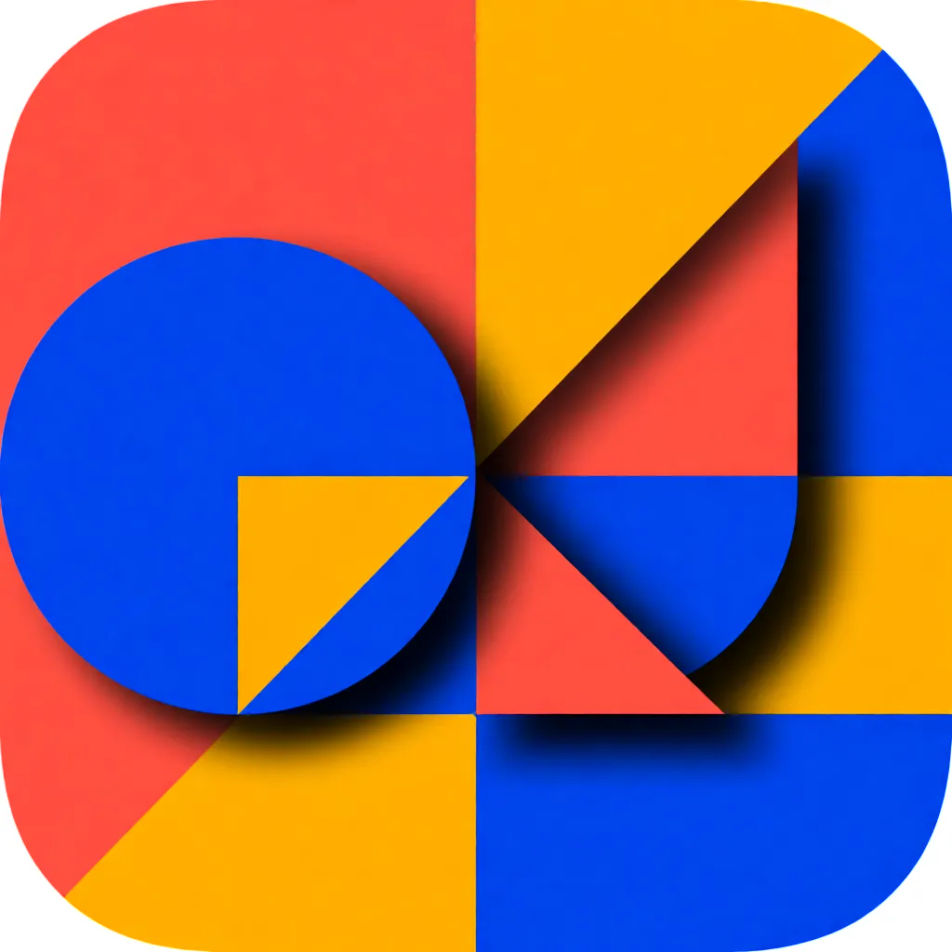
Design app icons in your browser with Morphic's AI image generator. Try a clean flat glyph, a glossy gradient badge, or a playful 3D mascot, all built around your app's concept and colors. Refine the shape and palette on the Canvas, then download in HD.
The icon shown on a phone home screen among other apps, so you can judge how it stands out at real size.
Edit promptA crisp, high-resolution square tile framed for a store listing, with a clear focal shape and clean margins.
Edit prompt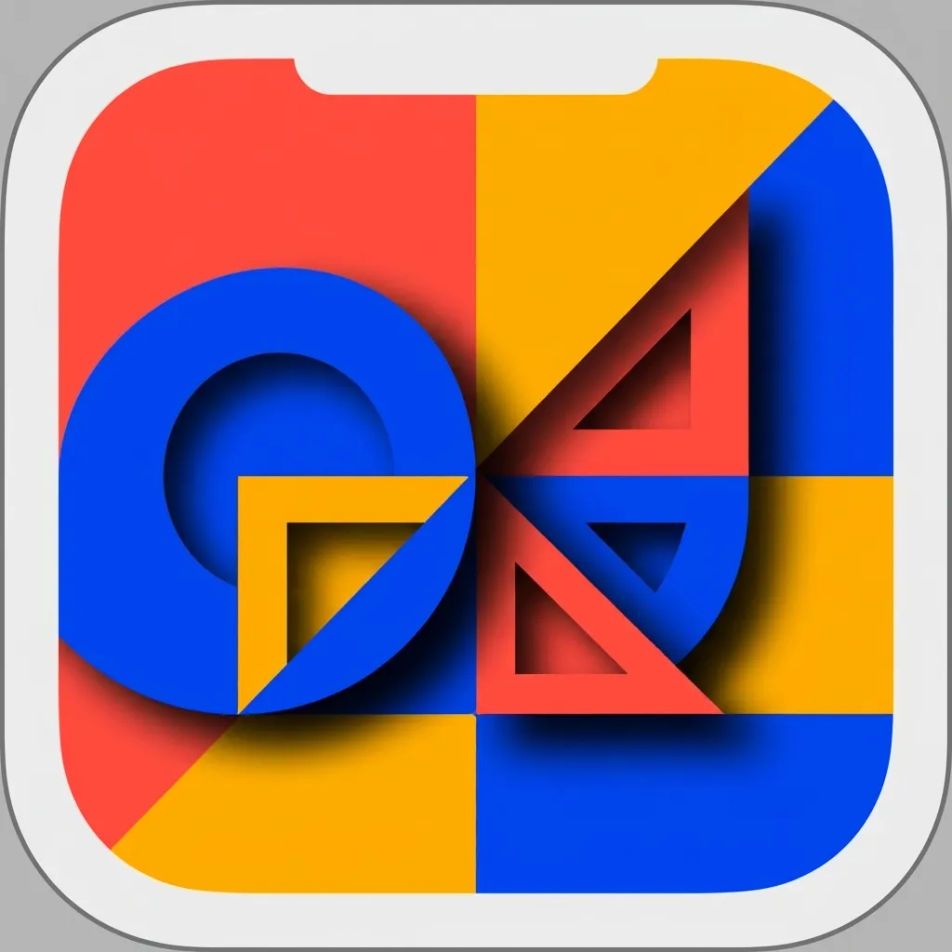
The icon enlarged as a hero graphic on a clean backdrop, detailed enough for a landing page or press kit.
Edit prompt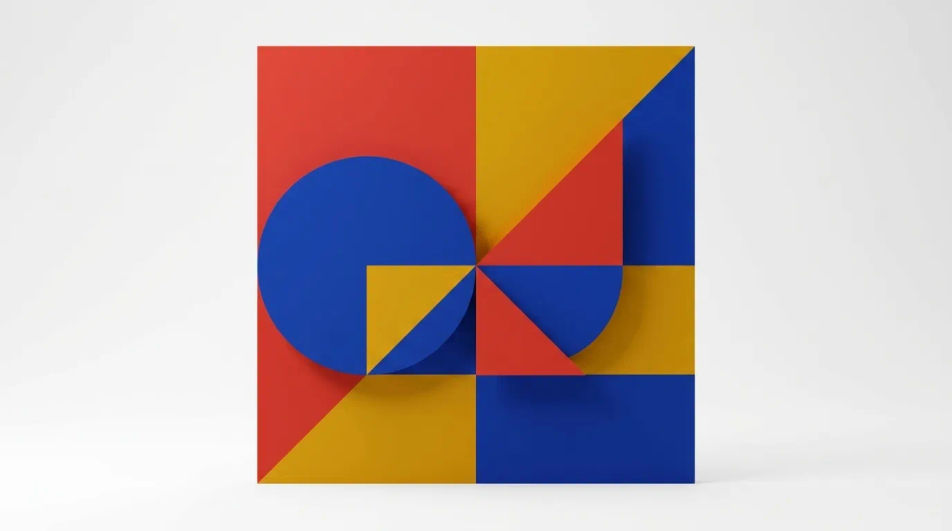
A simplified, high-contrast version of the mark that stays legible at very small favicon and tab sizes.
Edit prompt
Describe the app icon design you want, in plain words.
Morphic generates a clean, ready-to-publish image on your canvas in seconds.
Tweak the prompt, regenerate variations, then download or share the frame.

Turn any sketch or drawing into a finished render.
Pick a reference image, apply its visual style to your own photo or artwork.
Convert any image to a new aspect ratio. Smart crop or extend the edges to fit.

Take any character image and generate 6 distinct facial expressions on a single reference sheet.

Get a detailed prompt extracted from a reference image, and then a fresh recreation.

Share a scene description with character references. Get a full storyboard with shot angles and mood.
Banner AI designs
Create AI banner designs with Morphic's banner design generator, custom, eye-catching graphics in seconds, right in your browser. No design skills needed: describe the look, then download HD banners for websites, ads, and socials.
Green checkmark emoji generator
Generate green checkmark emoji images in Morphic. Describe the expression, colour and style you want, generate options.
Greeting card design AI images
Make greeting card design AI images in your browser: folded card fronts, watercolour thank-you cards, foil accents. Build a card line. Start creating.
Hacker AI images
Create AI hacker images with our hacker image generator. Find professional hacker images in seconds. Generate realistic photographic cybersecurity images with cinematic lighting and authentic tech environments for content and marketing.
Get started for free today, with the option to upgrade or cancel anytime.
Basic
2400 monthly credits
1 user only
All models
Workflows
Standard
3625 monthly credits
1 user only
All models
Workflows
Pro
6350 shared monthly credits
1 user
All models
Workflows
Max
24650 shared monthly credits
1 user
All models
Workflows
Enterprise
For higher limits
Custom
pricing and billing terms

Free
For playing around
$0
forever free