Email header loop
A wide banner-shaped loop with the motion kept to one edge, so the headline text can sit still and legible beside it.
Edit prompt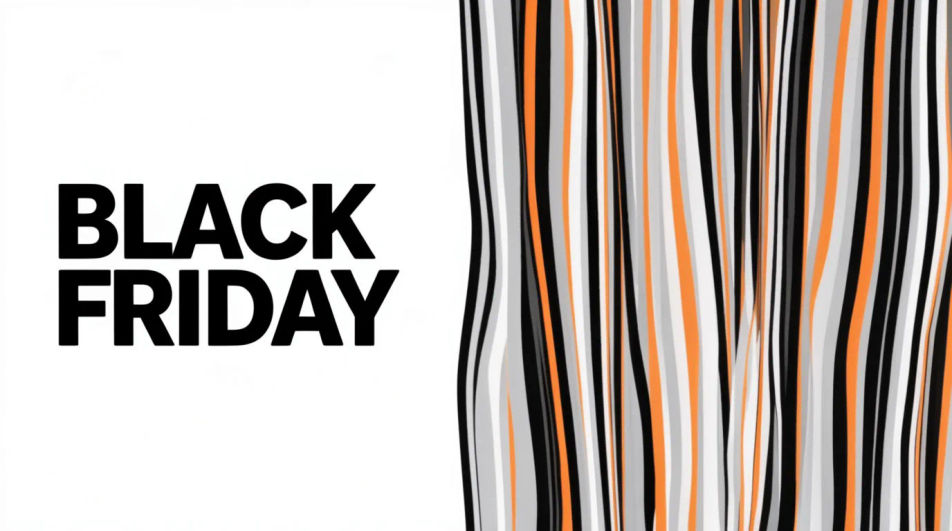
Make a Black Friday GIF in Morphic by describing a short animated moment, a price tag flipping, a bag filling with confetti, or bold type sliding into frame. Morphic generates a short clip from your prompt, which you then export as a looping GIF. Set the palette and pace to match your brand, generate a few options to compare, and drop the loop into an email header, a story, or an ad.
A wide banner-shaped loop with the motion kept to one edge, so the headline text can sit still and legible beside it.
Edit promptA tall full-bleed loop built for a phone screen, with the main motion centered and a few seconds of clean breathing room.
Edit prompt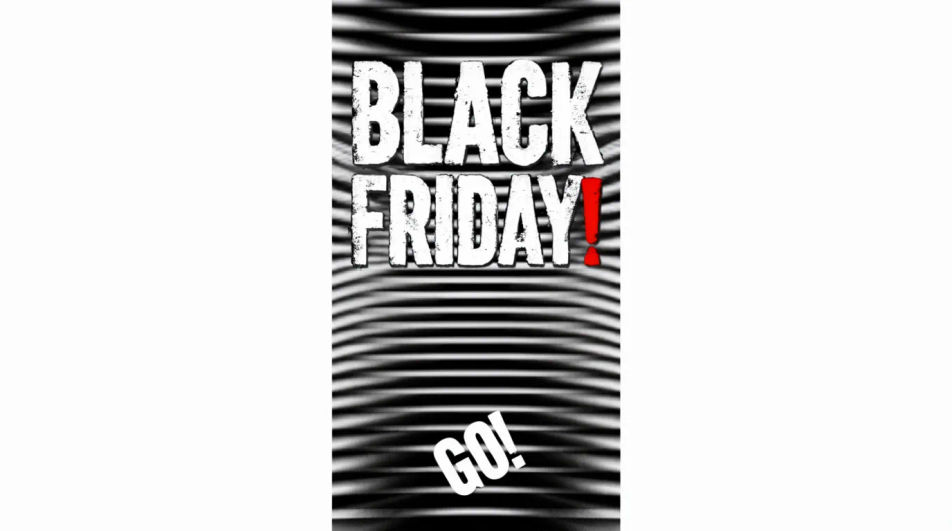
A square loop with the animated element offset to one side, leaving a flat quadrant for a logo or price to sit on top.
Edit prompt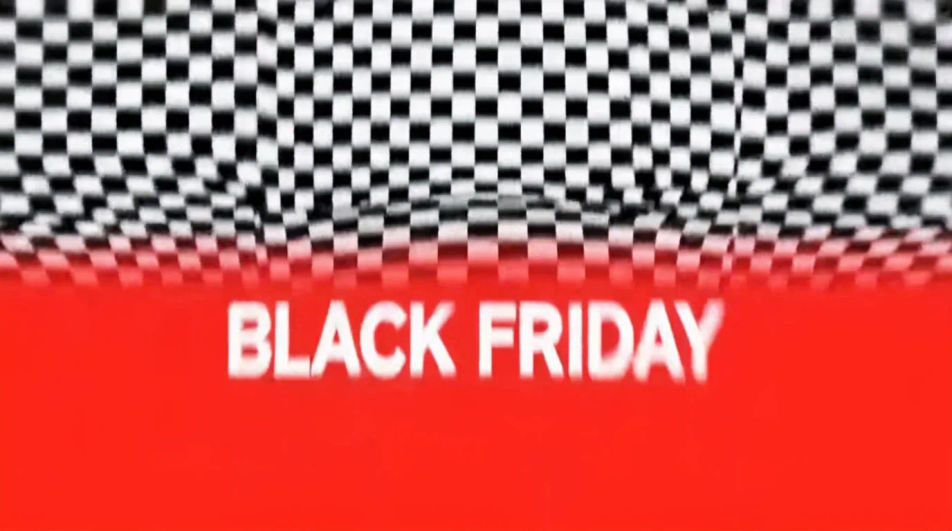
A restrained loop on a near-black ground with one small bright element moving, built to feel premium rather than loud.
Edit prompt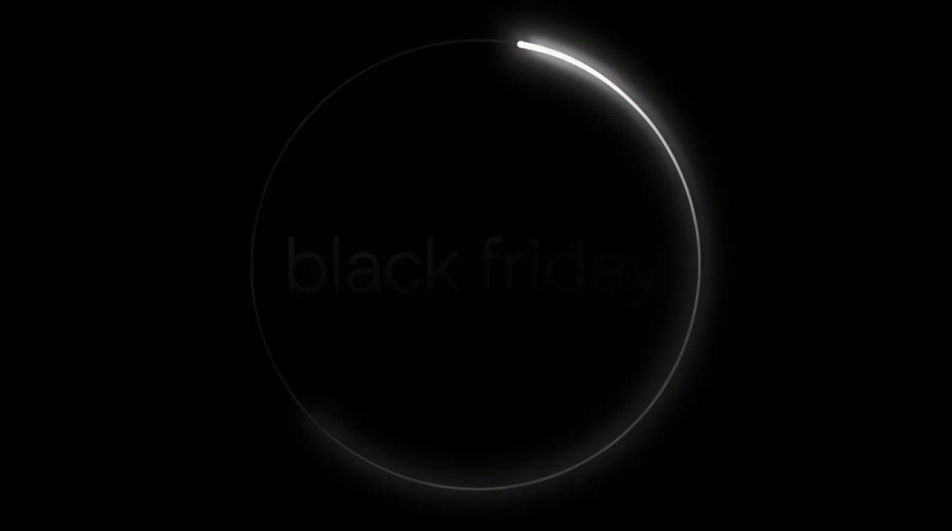
Describe the Black Friday GIF you want, in plain words.
Morphic generates a clean, ready-to-publish image on your canvas in seconds.
Tweak the prompt, regenerate variations, then download or share the frame.
Convert any image to a new aspect ratio. Smart crop or extend the edges to fit.
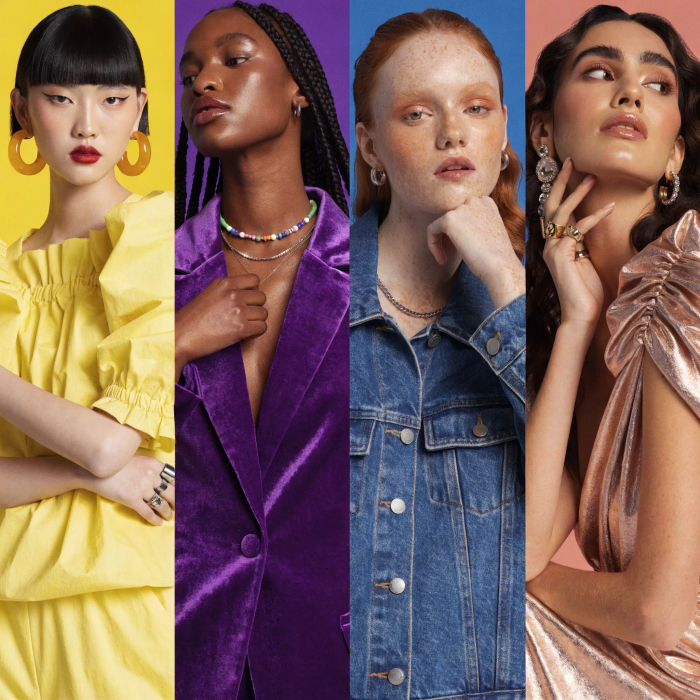
Generate a female AI influencer. Vertical output, ready for socials.

Dramatize any text conversation into a cinematic multi-shot video.
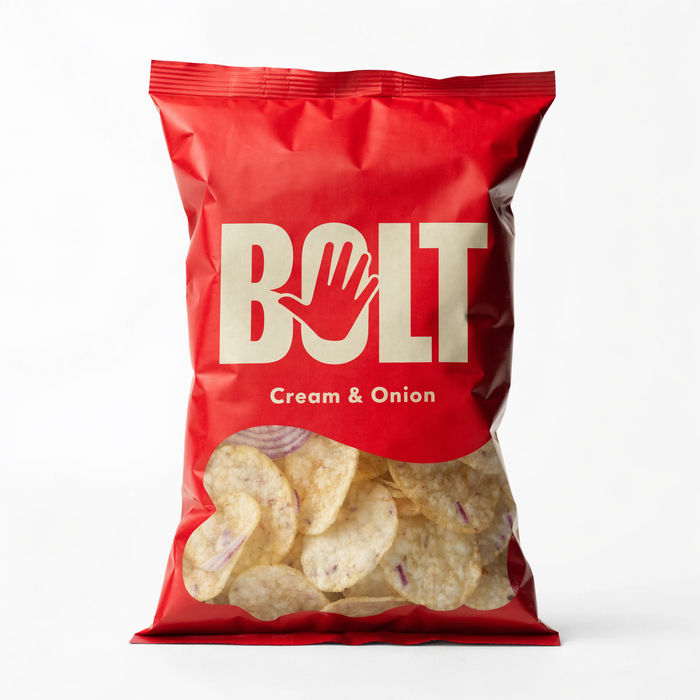
Dramatic 5-second product reveal video with audio.
Cinematic time-freeze short film for any scene
Pair a character image with a reference video. Your character picks up that exact motion.
Black Friday Banner AI Images
Create black friday banner without a photoshoot. Adjust style, colour and composition until it fits the brief. No stock licence needed.
AI GIF Generator: Make Looping GIFs From Text
Loop a GIF from text or a photo. Clean loops, ready to share.
Cyber Monday AI Designs
Create AI cyber monday designs with our cyber monday design generator. Find unique cyber monday designs for any project in seconds.
Memorial Day AI images
Create AI memorial day images with our memorial day image generator. Find high-quality memorial day images for any project in seconds.
Get started for free today, with the option to upgrade or cancel anytime.
Basic
2400 monthly credits
1 user only
All models
Workflows
Standard
3625 monthly credits
1 user only
All models
Workflows
Pro
6350 shared monthly credits
1 user
All models
Workflows
Max
24650 shared monthly credits
1 user
All models
Workflows
Enterprise
For higher limits
Custom
pricing and billing terms

Free
For playing around
$0
forever free