Every video model
One workspaceClean loops from a prompt
Make a GIF in three steps
- 01
Open Morphic
Sign up and start creating on a free-flowing, infinite visual canvas.
- 02
Prompt it or upload a photo
Describe the loop you want, or drop in a still to animate into motion.
- 03
Export as a GIF
Preview the loop, adjust the motion, and export a clean GIF ready to share.
Use cases
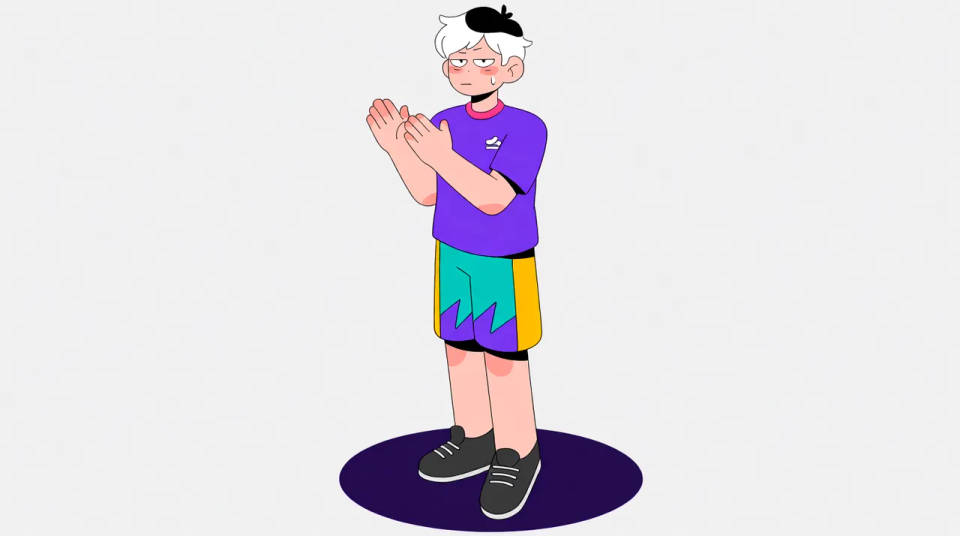
Reaction GIFs of your own
Chat and social run on reactions, and a GIF nobody else has stands out. Describe the beat you want, a shrug, a facepalm, a slow clap, and generate a clean loop. It gives a community or a brand its own set of reactions instead of the same stock ones everyone shares.
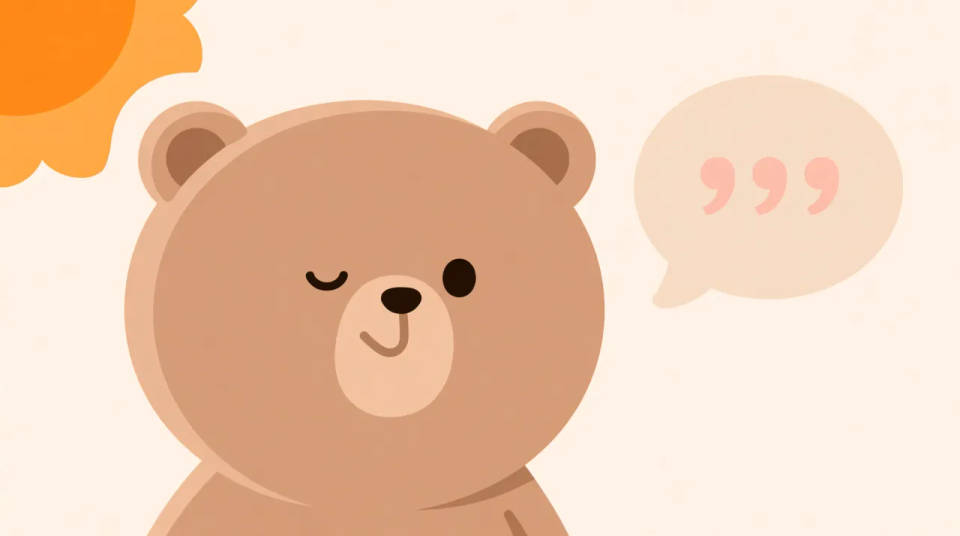
Animate a logo or mascot
Upload a logo or a character and describe a subtle loop, a bounce, a sway, a wink. The still becomes a short animation you can drop on a site, in a signature, or across a feed, adding motion to a brand mark without redrawing it frame by frame.
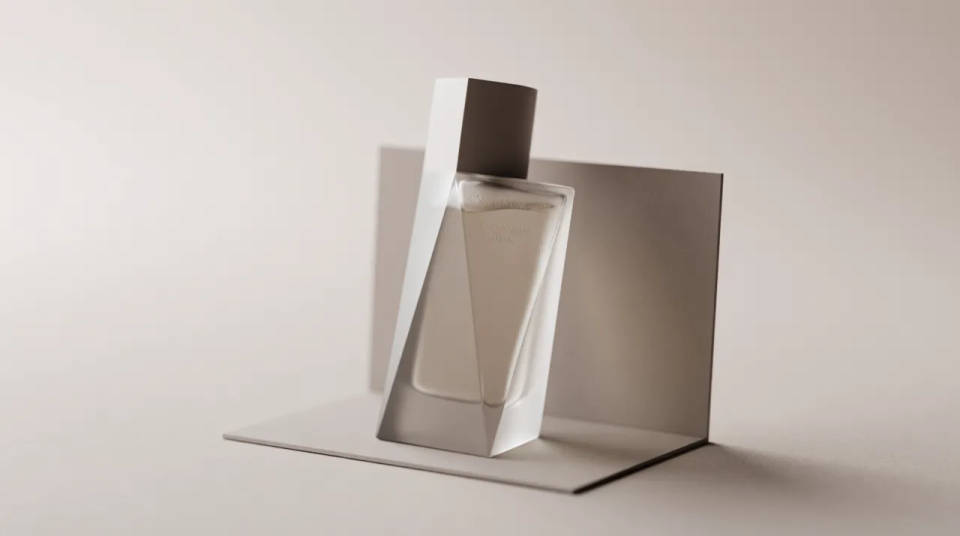
Product highlights that loop
A repeating clip of a product turning or a feature in action pulls the eye on a page or in an email. Generate a clean loop from a prompt or a product photo, and it draws attention where a static image would be scrolled past.
Newsletter and page animations
A small looping GIF wakes up a newsletter or a landing page without the weight of a full video. It autoplays, needs no sound, and loops on its own, so it adds life to a layout while staying light enough to load fast everywhere.

Dance your character
Upload a character image and make it dance in any style.
Time-freeze effect
Cinematic time-freeze short film for any scene
Renovation timelapse
Photo of any real-estate becomes a cinematic renovation timelapse video with construction SFX and music.
Cinematic scene
One image to a 9-scene cinematic video.
Put yourself in a movie
Drop in a photo of yourself. Get a 12-second cinematic movie with animation and a matched soundtrack.
Motion transfer
Pair a character image with a reference video. Your character picks up that exact motion.
All on Morphic
From prompt to shareable loopModels
Kling 3.0, Seedance 2.0, Veo 3.1, and more, generating the motion behind every loop.
AI animation generator
Want more than a loop? Generate a longer animated clip from a prompt or a still.
AI shorts generator
Turn the idea into a full vertical short with sound, ready for a feed.
Text to video
Generate any clip from a written prompt, then export the moment you want as a GIF.
