Funny reaction loop
An exaggerated, slightly comic moment, a bauble wobbling and nearly falling, built to read as a lighthearted reaction.
Edit prompt
Make a Christmas GIF in Morphic by describing a short festive moment, falling snow, a twinkling tree, or a figure in a red wool coat waving. Morphic generates a short clip from your prompt, which you then export as a looping GIF. Pick a tone, funny, cosy, or work-appropriate, generate a few options to compare, and send the loop in a chat or post it to social.
An exaggerated, slightly comic moment, a bauble wobbling and nearly falling, built to read as a lighthearted reaction.
Edit promptA soft, slow-moving scene like a candle flickering by a window, meant to read as warm rather than attention-grabbing.
Edit prompt
A simple, tasteful scene with festive type sliding in once and settling, suitable for a professional holiday message.
Edit prompt
A tall, full-bleed festive scene with one bold motion, bright lights pulsing once, built to stop a thumb mid-scroll.
Edit prompt
Describe the Christmas GIF you want, in plain words.
Morphic generates a clean, ready-to-publish image on your canvas in seconds.
Tweak the prompt, regenerate variations, then download or share the frame.
Convert any image to a new aspect ratio. Smart crop or extend the edges to fit.
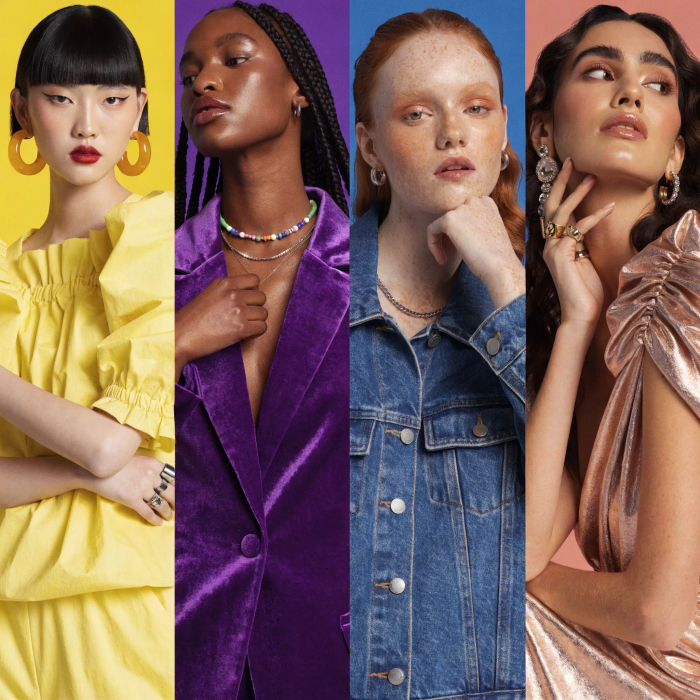
Generate a female AI influencer. Vertical output, ready for socials.

Dramatize any text conversation into a cinematic multi-shot video.
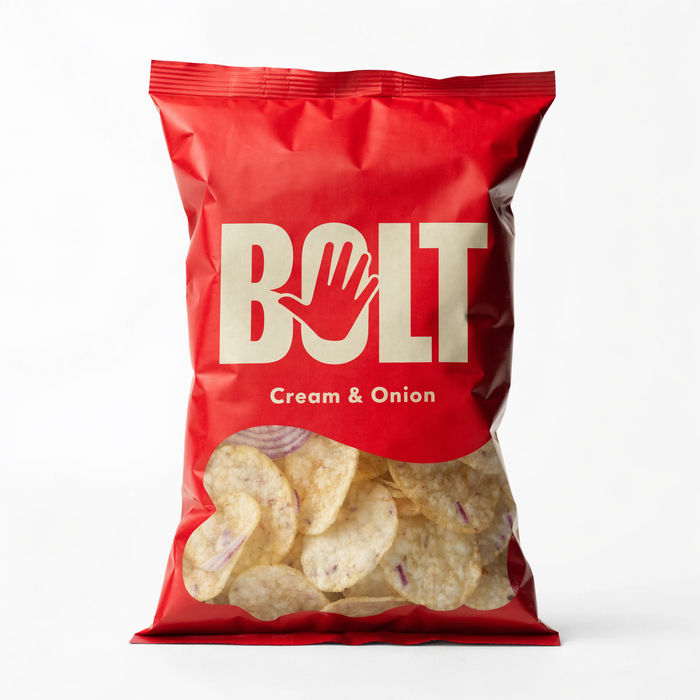
Dramatic 5-second product reveal video with audio.
Cinematic time-freeze short film for any scene
Pair a character image with a reference video. Your character picks up that exact motion.
Merry Christmas AI Images
Create AI Merry Christmas images in your browser with Morphic's Christmas image generator. Design festive greeting cards, snowy scenes, and cozy holiday artwork for cards or social, no design skills needed, and download them in seconds.
AI GIF Generator: Make Looping GIFs From Text
Loop a GIF from text or a photo. Clean loops, ready to share.
Christmas PFP generator
Make a Christmas PFP image in Morphic. Describe the look you want on your profile, generate options to compare.
Attitude AI Quote Images
Create AI attitude quote images with our attitude quote image generator. Find vibrant attitude quote images for any project in seconds.
Get started for free today, with the option to upgrade or cancel anytime.
Basic
2400 monthly credits
1 user only
All models
Workflows
Standard
3625 monthly credits
1 user only
All models
Workflows
Pro
6350 shared monthly credits
1 user
All models
Workflows
Max
24650 shared monthly credits
1 user
All models
Workflows
Enterprise
For higher limits
Custom
pricing and billing terms

Free
For playing around
$0
forever free