Living room in perspective
A full living room drawn in ink line with the couch as the anchor, rug and coffee table set on the same floor grid so the room design reads clearly.
Edit prompt
Describe the couch you want in Morphic's Image tool, from a flat side elevation to a velvet three-seater in a living room, and get a finished drawing back. Set the frame, the upholstery, the line weight and the paper, refine it on the Canvas, then download it in HD.
A full living room drawn in ink line with the couch as the anchor, rug and coffee table set on the same floor grid so the room design reads clearly.
Edit promptA couch placed under a tall window in pencil, hard light falling across the seat cushions and the far arm left almost entirely in shadow.
Edit prompt
An interior corner with a couch, a floor lamp and a shelf, drawn in loose contour with a single grey wash laid behind to push the wall back.
Edit prompt
A top-down plan of the seating area, couch, rug and side tables drawn as flat outlined shapes the way a home decor layout is planned.
Edit prompt
Describe the Couch drawing you want, in plain words.
Morphic generates a clean, ready-to-publish image on your canvas in seconds.
Tweak the prompt, regenerate variations, then download or share the frame.
Choose your viewing angles and get precise perspective shifts of any image with full camera control.

Describe your fabric type, pattern, color, and use. Get a photorealistic 2K textile swatch to spec.
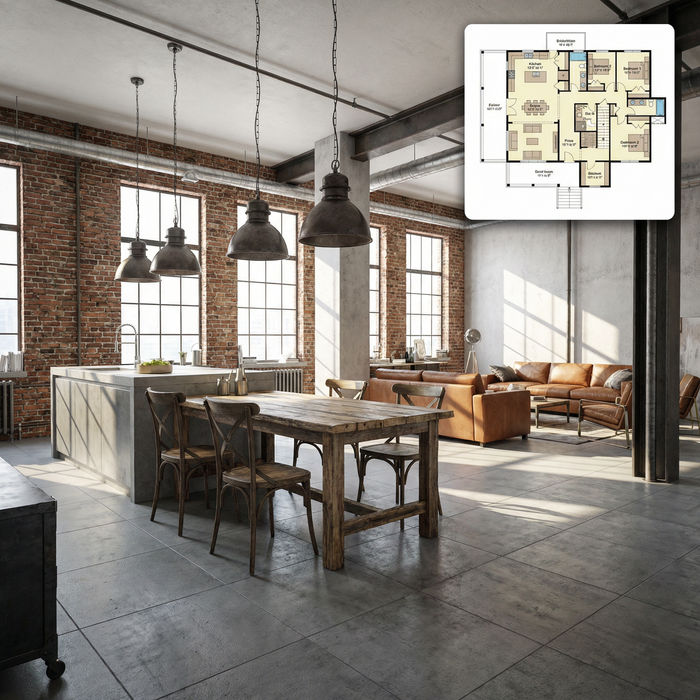
Get photorealistic interior renders with furnished rooms, lighting, and materials.

Turn any sketch or drawing into a finished render.
Photo of any real-estate becomes a cinematic renovation timelapse video with construction SFX and music.
Cinematic before/after reveal videos with smooth transitions. Perfect for makeovers and redesigns.
Bed drawing generator
Turn a bed drawing idea into a finished image in Morphic. Describe the line work and style, generate variations, then refine it on the canvas.
Home drawing generator
Turn a home drawing idea into a finished image in Morphic. Describe the line work and style, generate variations, then refine it on the canvas.
House drawing generator
Turn a house drawing idea into a finished image in Morphic. Describe the line work and style, generate variations, then refine it on the canvas.
Library drawing maker
Turn a library drawing idea into a finished image in Morphic. Describe the line work and style, generate variations, then refine it on the canvas.
Get started for free today, with the option to upgrade or cancel anytime.
Basic
2400 monthly credits
1 user only
All models
Workflows
Standard
3625 monthly credits
1 user only
All models
Workflows
Pro
6350 shared monthly credits
1 user
All models
Workflows
Max
24650 shared monthly credits
1 user
All models
Workflows
Enterprise
For higher limits
Custom
pricing and billing terms

Free
For playing around
$0
forever free