White-bg listing set
A wide white-background listing set with an unbranded product centred, even shadowless light from large diffusers, 70mm lens, crisp clean edges, true colour, classic marketplace main-image staging.
Edit prompt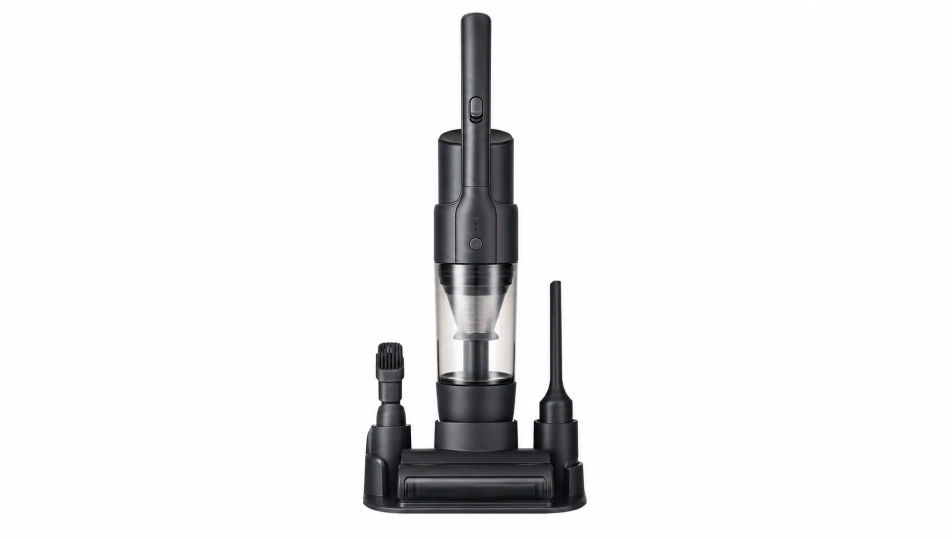
Shoot e-commerce product photos in your browser with Morphic's e-commerce product photo AI image generator. Generate a white-background main image or an in-hand scale shot, lock the look with Style Transfer, and set products in lifestyle rooms with Background.
A wide white-background listing set with an unbranded product centred, even shadowless light from large diffusers, 70mm lens, crisp clean edges, true colour, classic marketplace main-image staging.
Edit promptAn unbranded product placed in a bright styled room with soft window daylight and tasteful props around it, 35mm lens, warm lived-in palette, the product reading clearly as the subject.
Edit prompt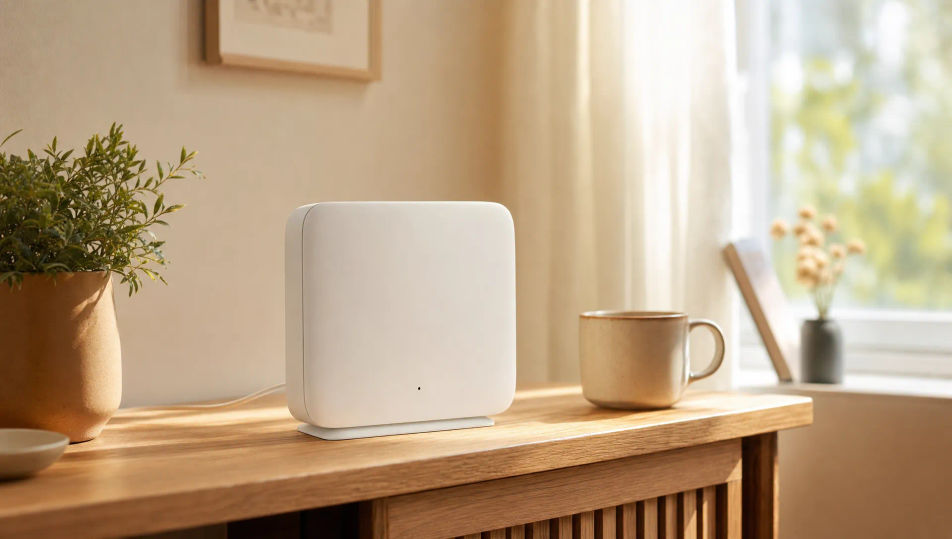
An unbranded product held in a generic hand against a soft neutral background, soft daylight, 50mm lens, the hand giving clear size reference, true colour, gentle shadow, honest listing framing.
Edit prompt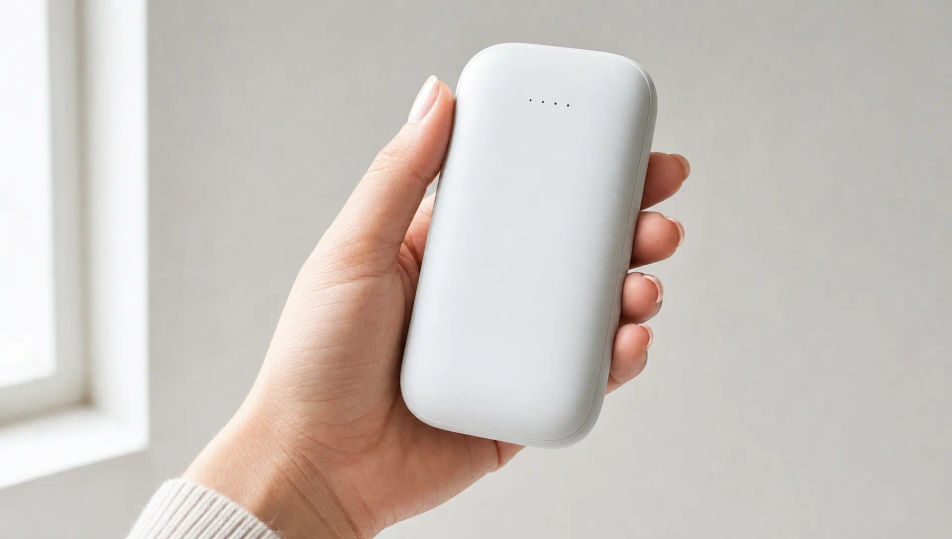
An overhead flat layout of an unbranded product with all its accessories arranged on white, even soft light, 35mm lens straight down, neat even spacing, true colour, clear inventory framing.
Edit prompt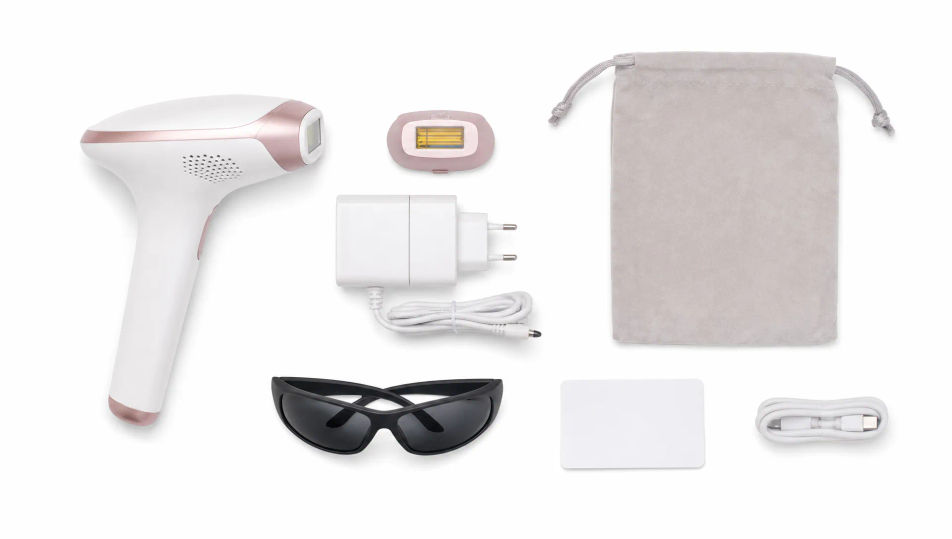
Describe the E-commerce product photo you want, in plain words.
Morphic generates a clean, ready-to-publish image on your canvas in seconds.
Tweak the prompt, regenerate variations, then download or share the frame.
Fix plastic-looking AI skin. Adds natural texture, pores, and imperfections for realism.
One selfie becomes a set of professional headshots. Studio-quality, multiple styles.
Set the look with one reference image. Apply that exact grade to any scene or batch.
Choose your viewing angles and get precise perspective shifts of any image with full camera control.
Bring back any damaged, blurry, or low-res image. Get a sharp, detailed 4K version with natural clarity restored.
Pick a reference image, apply its visual style to your own photo or artwork.
Packshot Photography AI Images
Create AI Packshot Photography images with Morphic. Generate Packshot Photography shots, portraits, and visuals for any project in seconds.
Product Photography AI Images
Create AI Product Photography images with Morphic. Generate Product Photography shots, portraits, and visuals for any project in seconds.
Flat Lay Photography AI Images
Create AI Flat Lay Photography images with Morphic. Generate Flat Lay Photography shots, portraits, and visuals for any project in seconds.
Lookbook Photography AI Images
Create AI Lookbook Photography images with Morphic. Generate Lookbook Photography shots, portraits, and visuals for any project in seconds.
Get started for free today, with the option to upgrade or cancel anytime.
Basic
2400 monthly credits
1 user only
All models
Workflows
Standard
3625 monthly credits
1 user only
All models
Workflows
Pro
6350 shared monthly credits
1 user
All models
Workflows
Max
24650 shared monthly credits
1 user
All models
Workflows
Enterprise
For higher limits
Custom
pricing and billing terms

Free
For playing around
$0
forever free