Full emoji pack sheet
A wide overview of a complete emoji pack laid out in a grid, matched shading and outline across every face, bright even light on a soft background.
Edit prompt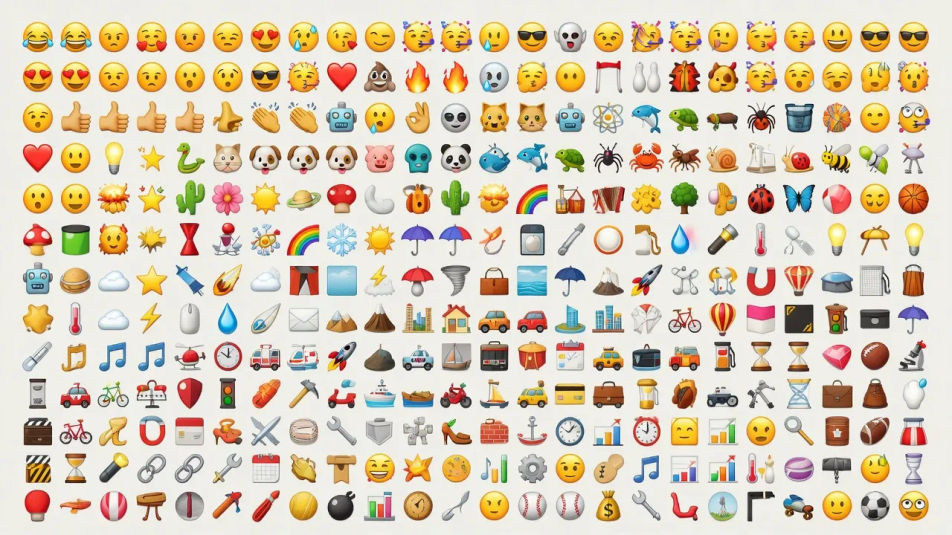
Design emoji images in your browser with Morphic's AI image generator. Generate a glossy round face set, a sheet of custom reaction emoji, or a bold outlined sticker-style emoji. Pair every piece with Style Transfer to lock the palette, then animate any still with Image to Video.
A wide overview of a complete emoji pack laid out in a grid, matched shading and outline across every face, bright even light on a soft background.
Edit promptA wide mockup of a chat thread with custom emoji dropped into speech bubbles, glossy faces catching soft screen glow, shallow focus behind the phone.
Edit prompt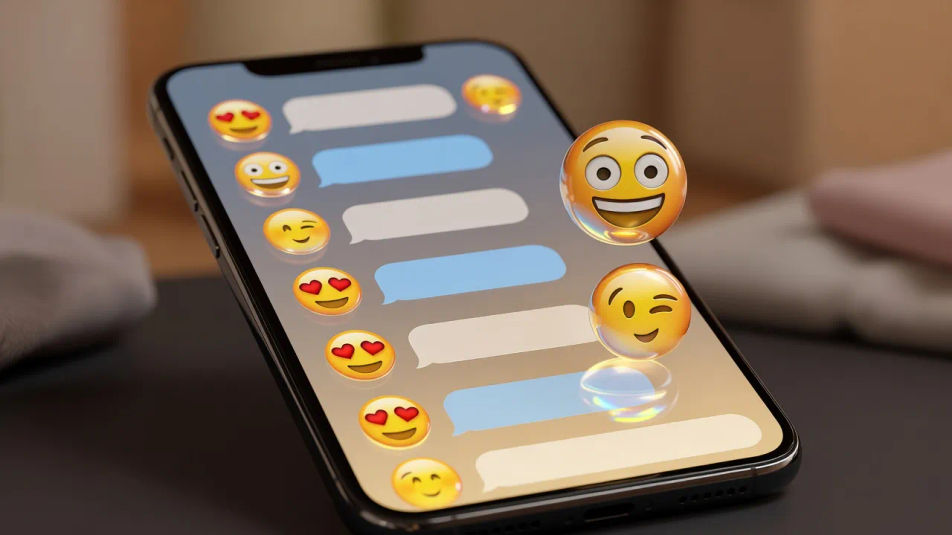
A wide shot of an on-screen emoji picker panel filled with a custom pack, categories in rows, cool interface light across the glossy grid.
Edit prompt
A wide desk scene with a printed emoji sticker sheet peeled at one corner, a tablet showing the digital set, warm daylight raking across the paper.
Edit prompt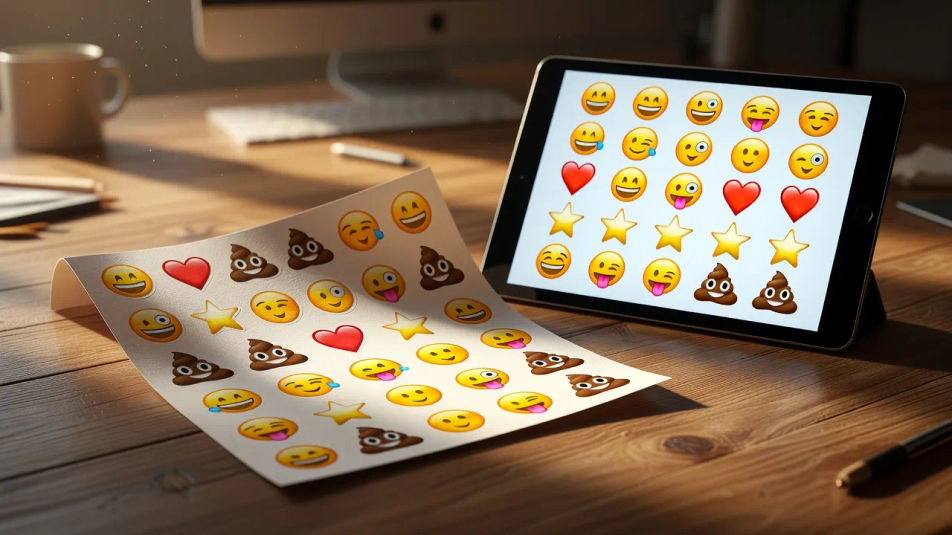
Describe the Emoji design you want, in plain words.
Morphic generates a clean, ready-to-publish image on your canvas in seconds.
Tweak the prompt, regenerate variations, then download or share the frame.

Turn any sketch or drawing into a finished render.
Pick a reference image, apply its visual style to your own photo or artwork.
Convert any image to a new aspect ratio. Smart crop or extend the edges to fit.

Take any character image and generate 6 distinct facial expressions on a single reference sheet.

Get a detailed prompt extracted from a reference image, and then a fresh recreation.

Share a scene description with character references. Get a full storyboard with shot angles and mood.
Icon design AI images
Make icon design AI images in your browser: line-icon grids, glossy app tiles, duotone glyph sheets. Build a matched icon family fast. Start creating.
Sticker pack design AI images
Make sticker pack design AI images: die-cut sheets, kiss-cut characters, holographic vinyl. Build a matched sticker pack from one prompt. Start creating.
Pin design AI images
Make pin design AI images in your browser: hard enamel pins, glitter soft enamel, die-struck gold badges. Build a matched pin collection. Start creating.
Patch design AI images
Make patch design AI images in your browser: embroidered iron-on patches, woven crests, morale badges. Build a matched set from one prompt. Start creating.
Get started for free today, with the option to upgrade or cancel anytime.
Basic
2400 monthly credits
1 user only
All models
Workflows
Standard
3625 monthly credits
1 user only
All models
Workflows
Pro
6350 shared monthly credits
1 user
All models
Workflows
Max
24650 shared monthly credits
1 user
All models
Workflows
Enterprise
For higher limits
Custom
pricing and billing terms

Free
For playing around
$0
forever free