Centred bloom crop
A single flower centred and filling most of the square, soft blurred backdrop, the design readable down to a tiny avatar size.
Edit prompt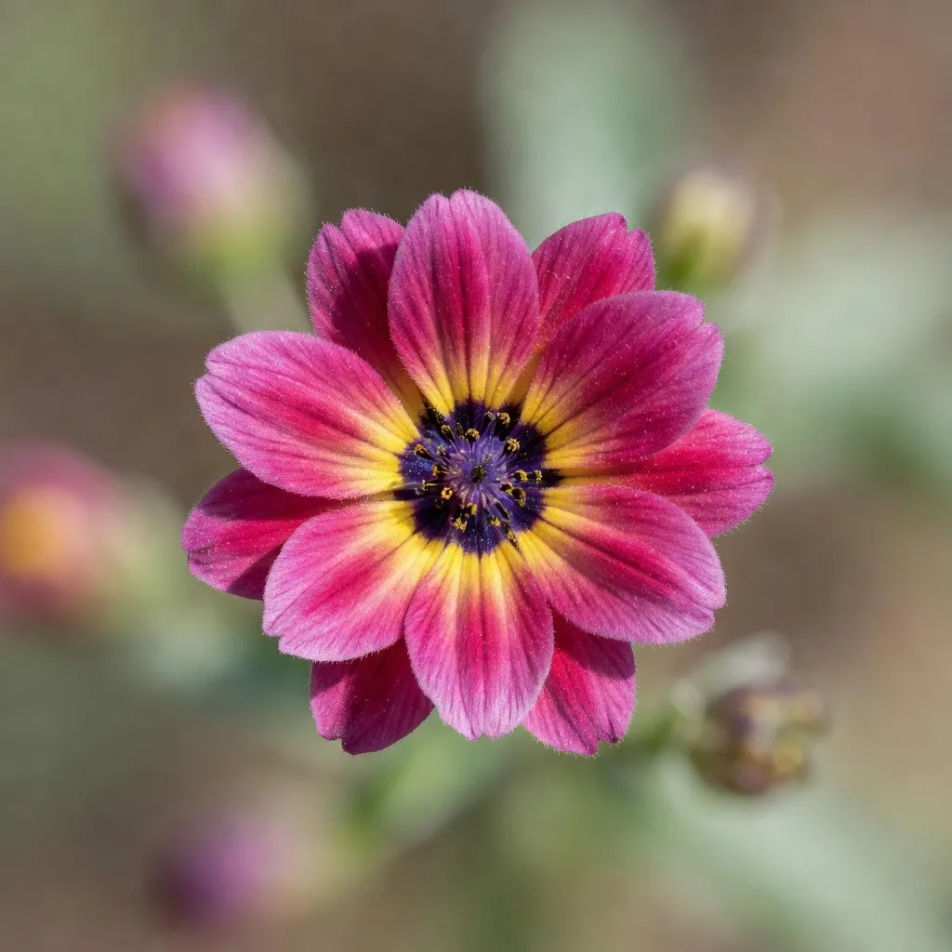
Design a Flower DP in your browser with Morphic's Flower DP AI image generator. Create a Flower DP like a single rose macro, a soft pastel lotus, or a wildflower silhouette, and pair every piece with Style Transfer to keep one palette consistent across a matching set. Crop and refine each Flower DP on the Canvas.
A single flower centred and filling most of the square, soft blurred backdrop, the design readable down to a tiny avatar size.
Edit promptA close macro of overlapping petals filling the entire square edge to edge with no visible background, richly textured and intimate.
Edit prompt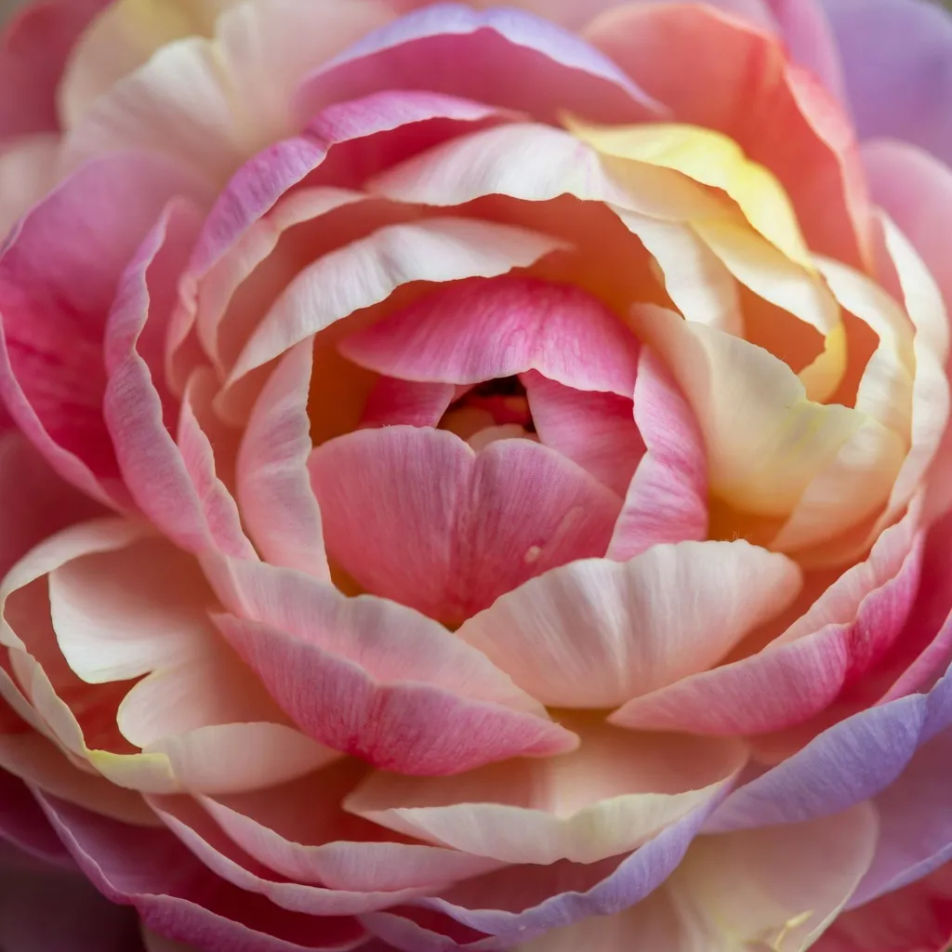
A flower silhouette placed low in the square against a warm gradient sky, plenty of open space above, calm and simple.
Edit prompt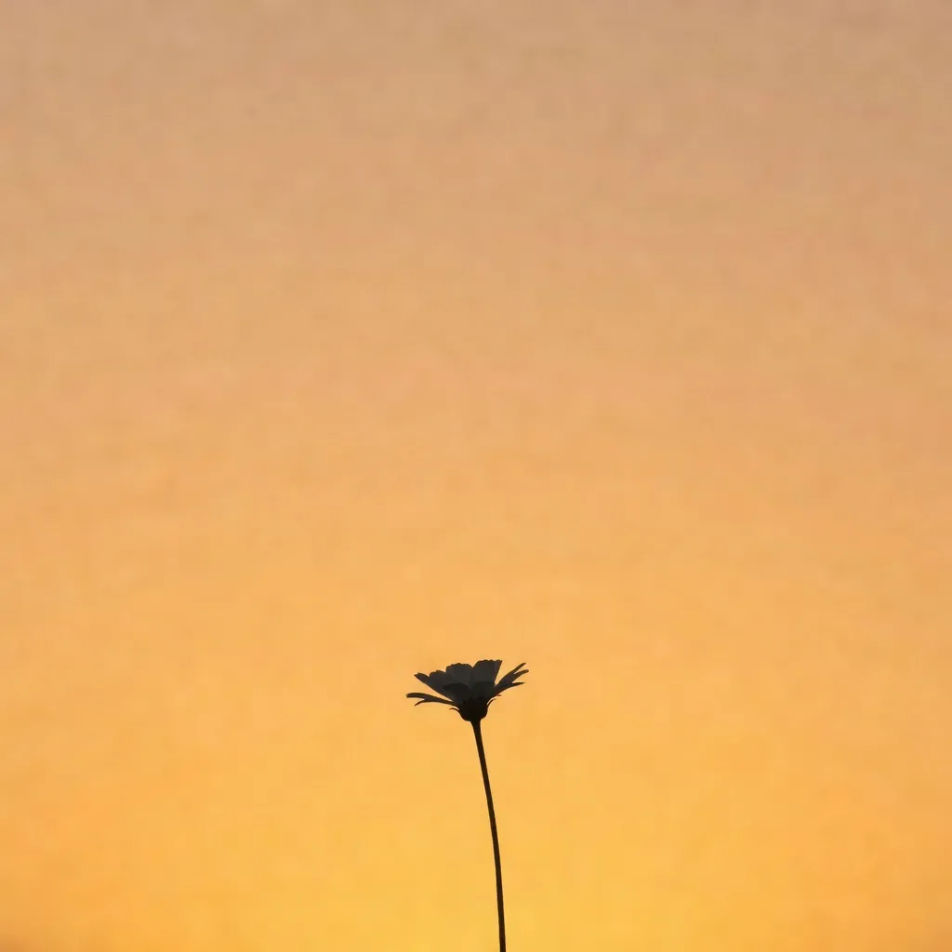
A single bloom lit by warm ambient light against a softly blurred gradient backdrop, gentle and dreamy.
Edit prompt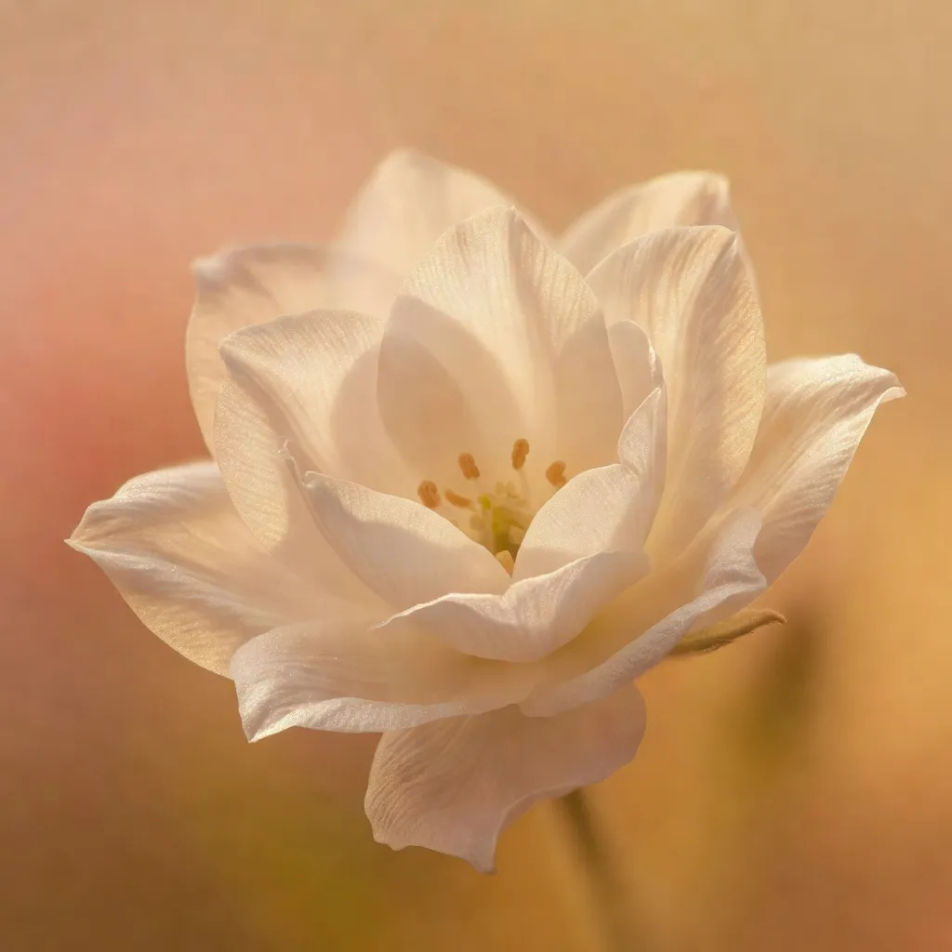
Describe the Flower DP you want, in plain words.
Morphic generates a clean, ready-to-publish image on your canvas in seconds.
Tweak the prompt, regenerate variations, then download or share the frame.
Convert any image to a new aspect ratio. Smart crop or extend the edges to fit.
One selfie becomes a set of professional headshots. Studio-quality, multiple styles.

Generate a female AI influencer. Vertical output, ready for socials.
Bring back any damaged, blurry, or low-res image. Get a sharp, detailed 4K version with natural clarity restored.
Full model photoshoot from one photo of you
Fix plastic-looking AI skin. Adds natural texture, pores, and imperfections for realism.
Nature DP AI generator
nature dp to download in HD. Browse unique AI-generated profile pictures for WhatsApp, Instagram, and Discord, or make your own with Morphic.
Aesthetic PFP AI generator
aesthetic pfp to download in HD. Browse unique AI-generated profile pictures for WhatsApp, Instagram, and Discord, or make your own with Morphic.
Cute PFP AI generator
cute pfp to download in HD. Browse unique AI-generated profile pictures for WhatsApp, Instagram, and Discord, or make your own with Morphic.
DP for WhatsApp AI generator
dp for whatsapp images to download in HD. Browse unique AI-generated profile pictures for WhatsApp, Instagram, and Discord, or make your own with Morphic.
Get started for free today, with the option to upgrade or cancel anytime.
Basic
2400 monthly credits
1 user only
All models
Workflows
Standard
3625 monthly credits
1 user only
All models
Workflows
Pro
6350 shared monthly credits
1 user
All models
Workflows
Max
24650 shared monthly credits
1 user
All models
Workflows
Enterprise
For higher limits
Custom
pricing and billing terms

Free
For playing around
$0
forever free