Six flower sticker sheet
Flat sticker sheet filling the frame: six flower stickers in two rows, a pink peony, white daisy, yellow tulip, purple pansy, red poppy and blue cornflower, white borders, soft pink ground.
Edit prompt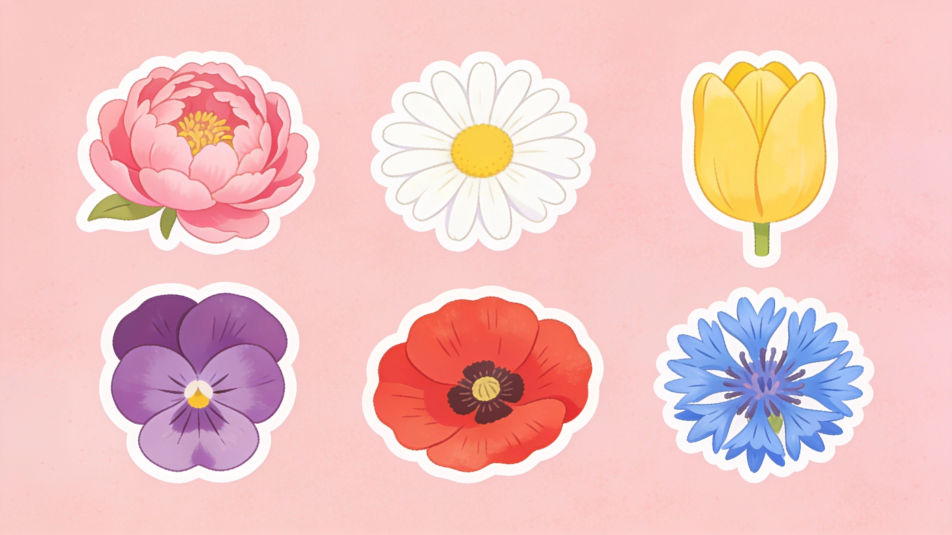
Design flower stickers in Morphic's Image tool for journals, planners, laptops and handmade cards. Name the bloom, the art style and the palette, from vintage botanical plates to bold groovy daisies, add a white die-cut border, then download original sticker art in HD.
Flat sticker sheet filling the frame: six flower stickers in two rows, a pink peony, white daisy, yellow tulip, purple pansy, red poppy and blue cornflower, white borders, soft pink ground.
Edit promptAn open bullet journal decorated with watercolor flower stickers along the margins, one plain wooden pencil with no markings, soft daylight, no pens, no logos.
Edit prompt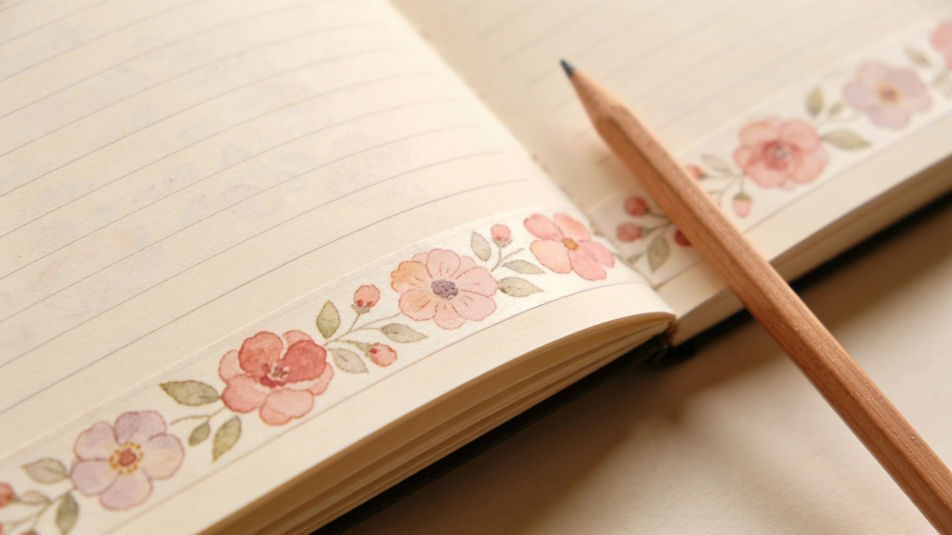
Flower stickers clustered on a plain laptop lid like a small bouquet, overlapping edges, crisp white borders.
Edit prompt
One flower sticker of a blush peony filling the frame at large scale, thick white border, soft drop shadow.
Edit prompt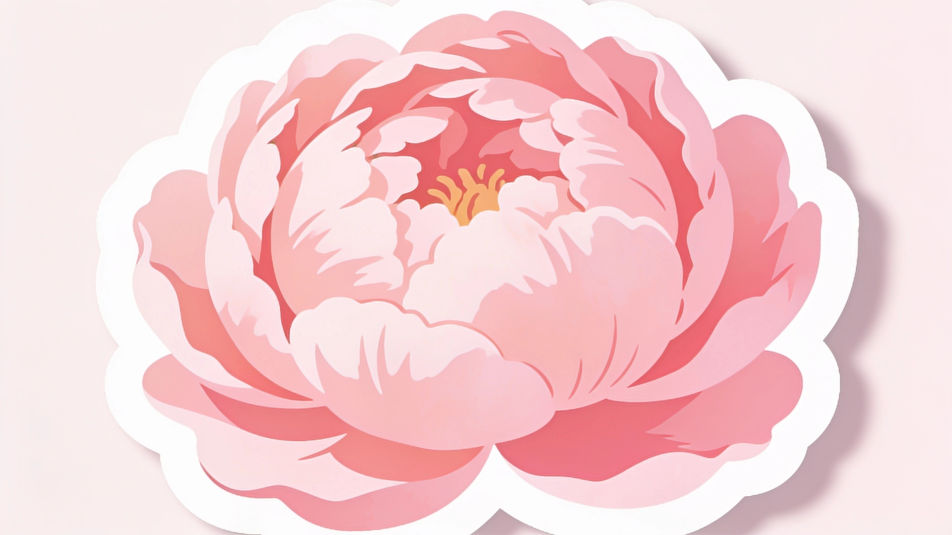
Describe the Flower stickers you want, in plain words.
Morphic generates a clean, ready-to-publish image on your canvas in seconds.
Tweak the prompt, regenerate variations, then download or share the frame.
Choose your viewing angles and get precise perspective shifts of any image with full camera control.
Pick a reference image, apply its visual style to your own photo or artwork.
Convert any image to a new aspect ratio. Smart crop or extend the edges to fit.
Pair a garment photo with a person photo. See them wearing it, identity stays intact.
Set the look with one reference image. Apply that exact grade to any scene or batch.
Fix plastic-looking AI skin. Adds natural texture, pores, and imperfections for realism.
Flower AI clipart
Create AI flower clipart with Morphic's flower clipart generator, custom, original botanical art in seconds, right in your browser. No design skills needed: describe the blooms you want, then download HD clipart for cards, invites, and crafts.
Journal sticker generator
Generate journal stickers in Morphic. Describe the character, colours and style you want, generate options to compare, then refine the prompt and save it.
Scrapbook sticker generator
Generate scrapbook stickers in Morphic. Describe the character, colours and style you want, generate options to compare, then refine the prompt and save it.
Plants drawings from single stem to full arrangement
Turn a plants drawing idea into a finished image in Morphic. Describe the line work and style, generate variations, then refine it on the canvas.
Get started for free today, with the option to upgrade or cancel anytime.
Basic
2400 monthly credits
1 user only
All models
Workflows
Standard
3625 monthly credits
1 user only
All models
Workflows
Pro
6350 shared monthly credits
1 user
All models
Workflows
Max
24650 shared monthly credits
1 user
All models
Workflows
Enterprise
For higher limits
Custom
pricing and billing terms

Free
For playing around
$0
forever free