Truck on a street corner
A food truck parked on a corner drawn in ink and wash, kerb and a lamp post anchoring it, buildings behind reduced to light contour only.
Edit prompt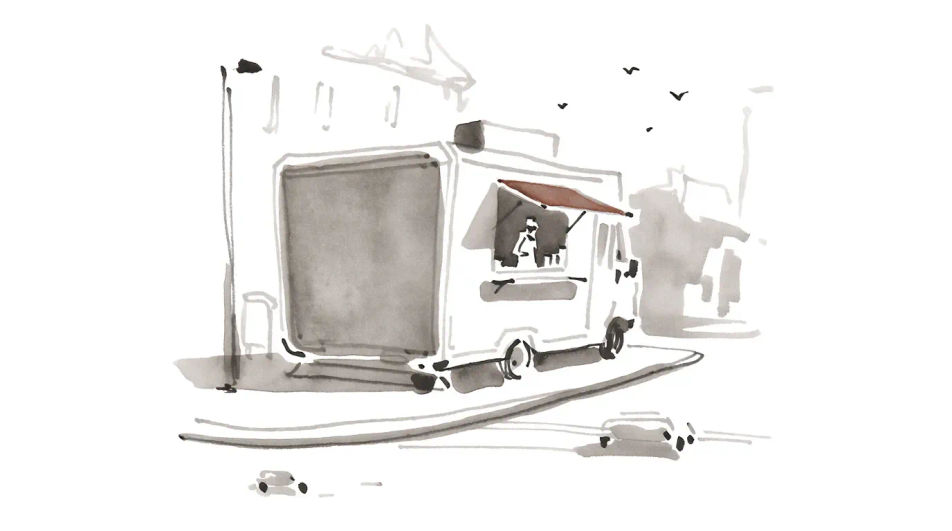
Describe the food truck you want in Morphic's Image tool, from a flat side elevation for a logo to a busy night stall in ink and wash. Set the body shape, the awning, the medium and the palette, refine it on the Canvas, then download the drawing in HD.
A food truck parked on a corner drawn in ink and wash, kerb and a lamp post anchoring it, buildings behind reduced to light contour only.
Edit promptA short queue waiting at the serving hatch, figures drawn as loose gestures so the truck stays the focus, warm light falling across the pavement.
Edit prompt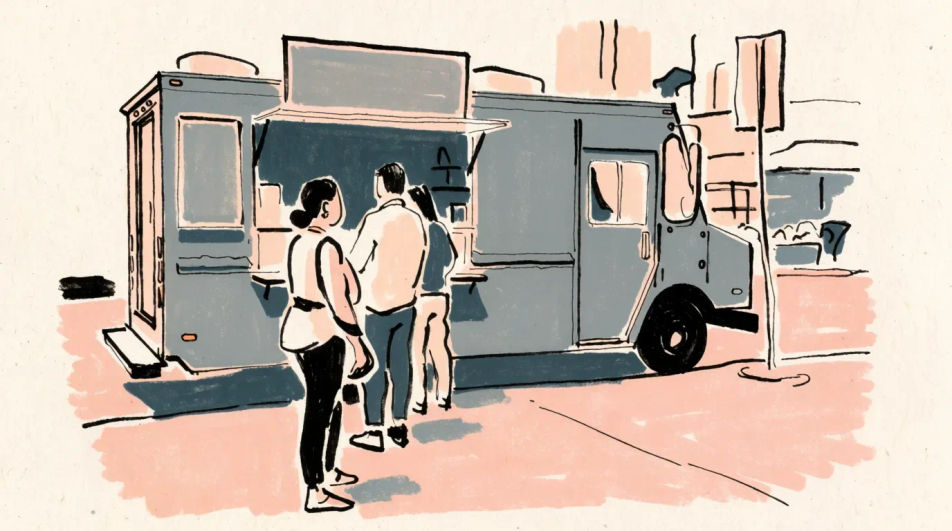
Three food trucks in a row at a night market in pen and watercolour, string lights overhead, awnings overlapping, the far truck dropped to soft wash.
Edit prompt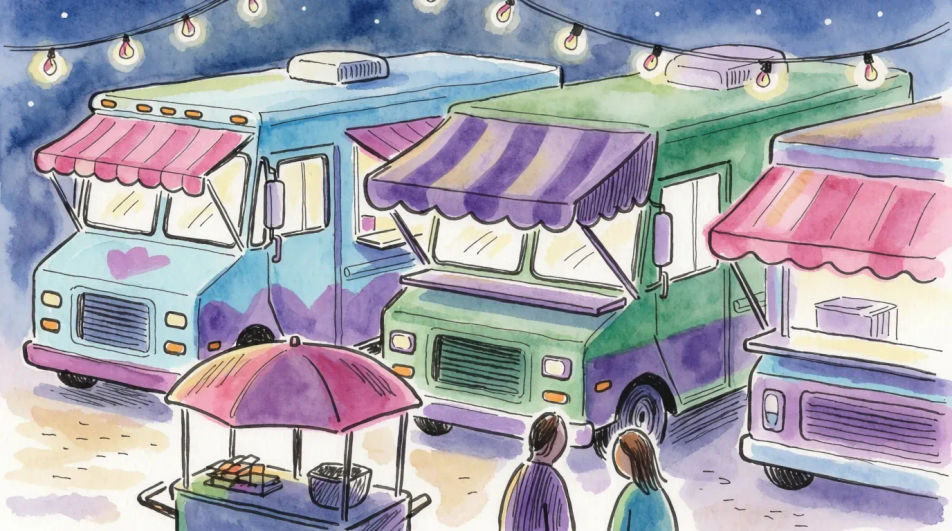
One food truck drawn four times in simple outline with different awnings and window layouts, arranged in two rows with clear space between them.
Edit prompt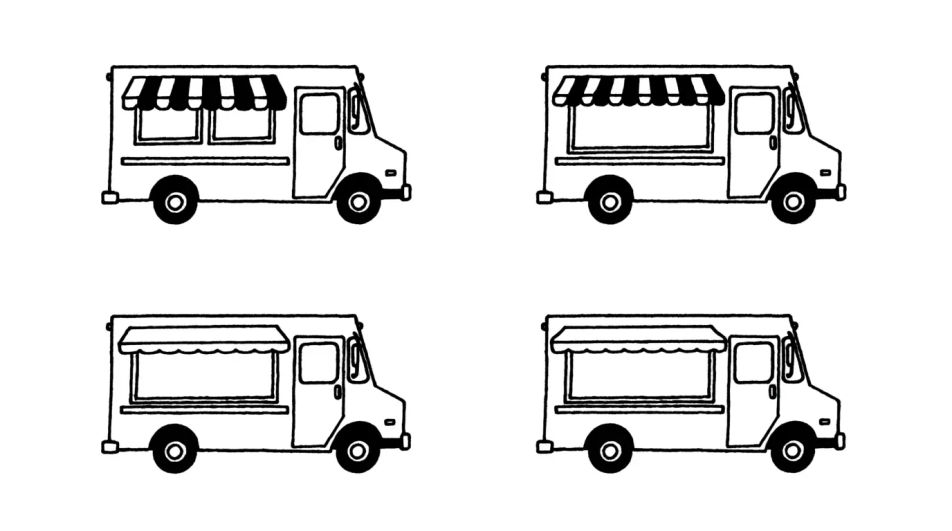
Describe the Food truck drawing you want, in plain words.
Morphic generates a clean, ready-to-publish image on your canvas in seconds.
Tweak the prompt, regenerate variations, then download or share the frame.
Pair a garment photo with a person photo. See them wearing it, identity stays intact.
Choose your viewing angles and get precise perspective shifts of any image with full camera control.
Multi-shot product pitch video from a still, a person, and a script.

Dramatic 5-second product reveal video with audio.

One product shot becomes a full campaign pack with hero shots, angles, and format variations.
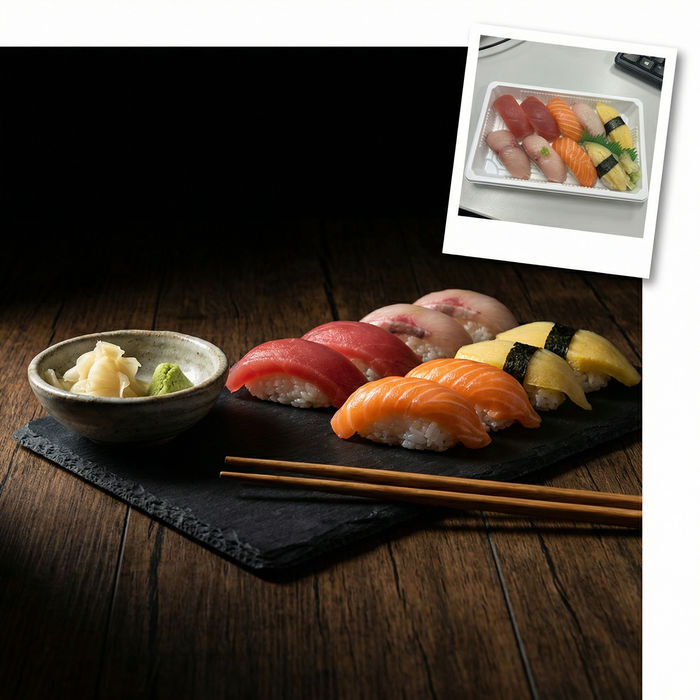
Turn any dish photo or description into a styled, editorial-quality food photograph.
Food drawing generator
Turn a food drawing idea into a finished image in Morphic. Describe the line work and style, generate variations, then refine it on the canvas.
Fire truck drawing generator
Turn a fire truck drawing idea into a finished image in Morphic. Describe the line work and style, generate variations, then refine it on the canvas.
Restaurant drawings from storefront to interior sketch
Turn a restaurant drawing idea into a finished image in Morphic. Describe the line work and style, generate variations, then refine it on the canvas.
Dessert AI images
Create AI dessert images with our dessert image generator. Find vibrant dessert images for any project in seconds.
Get started for free today, with the option to upgrade or cancel anytime.
Basic
2400 monthly credits
1 user only
All models
Workflows
Standard
3625 monthly credits
1 user only
All models
Workflows
Pro
6350 shared monthly credits
1 user
All models
Workflows
Max
24650 shared monthly credits
1 user
All models
Workflows
Enterprise
For higher limits
Custom
pricing and billing terms

Free
For playing around
$0
forever free